

Instagram carousel template photography to edit online
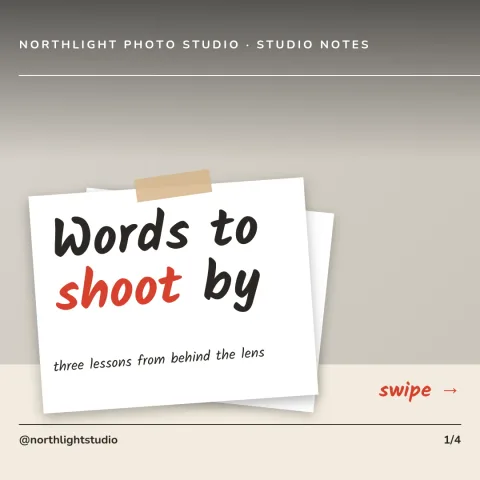
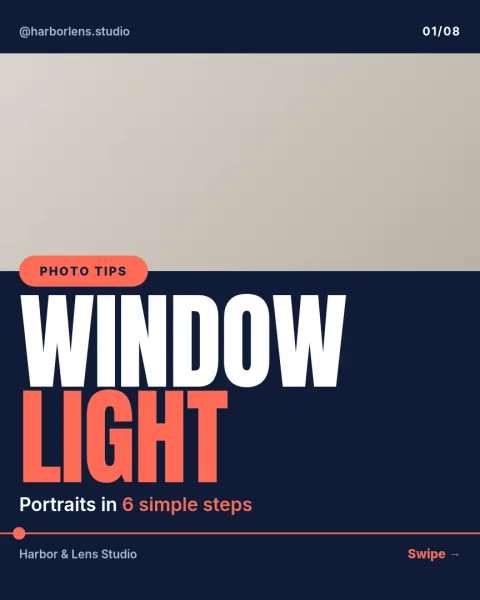
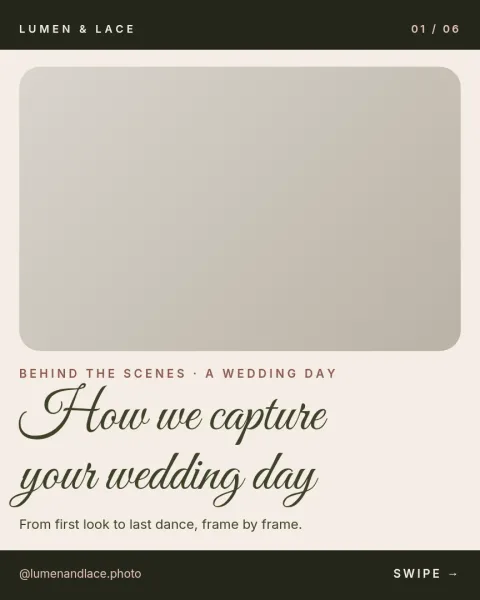
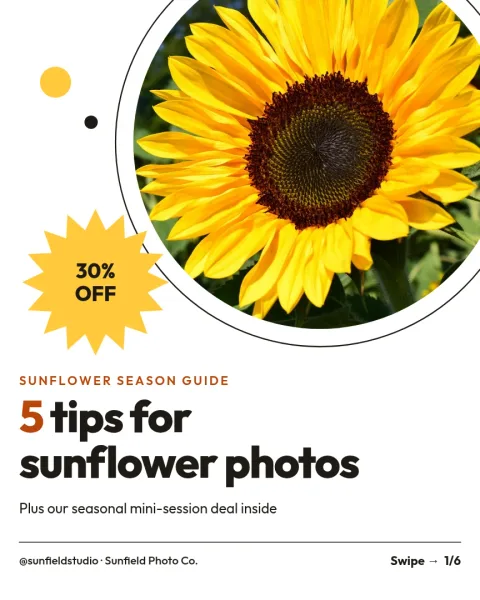
Show your photos in a swipe-through post that looks planned. These eight carousel templates cover portfolios, pricing guides, behind-the-scenes stories and tips. Drop in your own photos, change the text, fonts and colours, then download the slides or send them to a Nimply post for approval and scheduling.
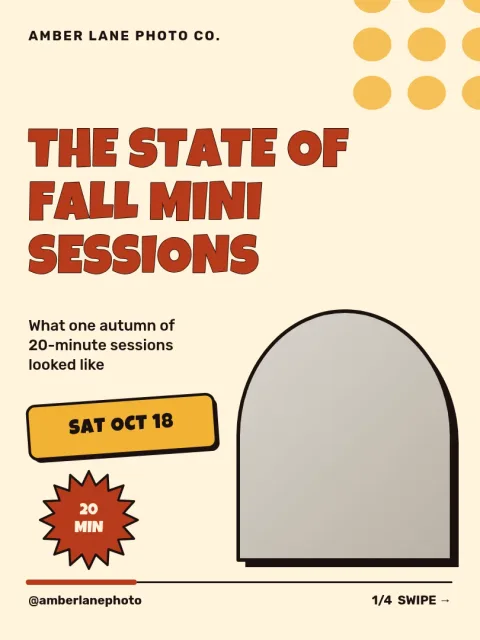
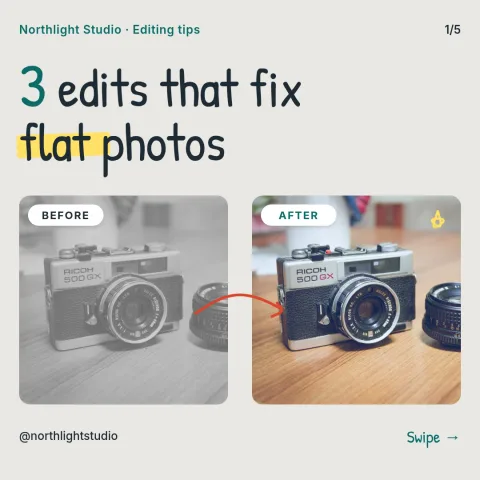
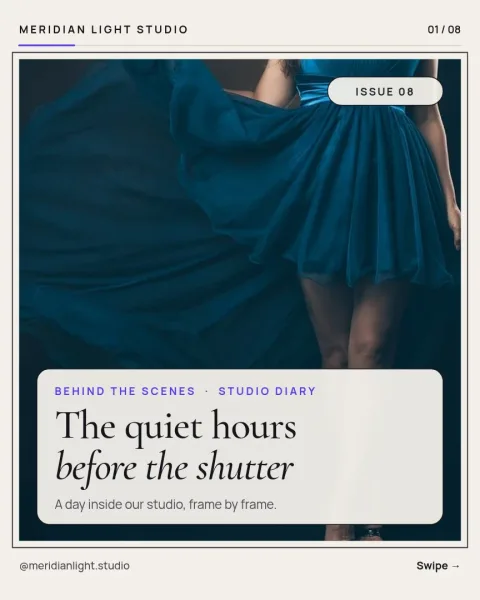
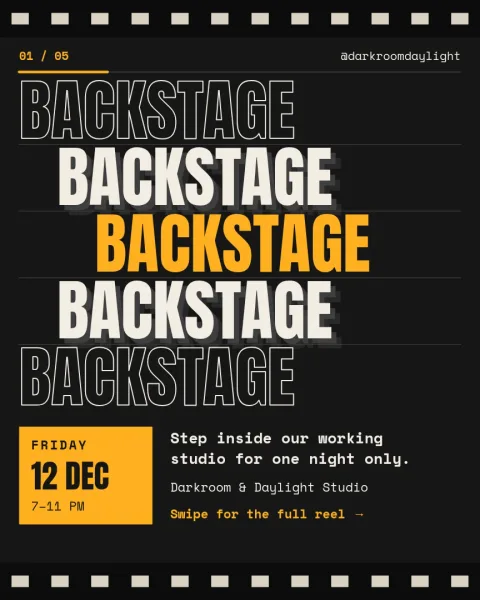
What a photography carousel does well
A carousel lets a photo series play out slide by slide. The first slide earns the swipe, the middle slides show the work, and the last slide tells people what to do next, such as book a session or send an enquiry. Each template here follows that order, with the photos given most of the space and the text kept short.
Make the template match your style
Every template is editable. Replace the placeholder photos with yours, change the wording, and adjust fonts, colours and layout until it fits your look. If you use a brand kit, it keeps your colours, fonts and logo ready so each carousel looks like it comes from the same studio.
Download or schedule
When the slides are ready, download them as PNG, JPG, WebP, PDF or SVG. You can also send the design straight into a Nimply post for approval and scheduling. Downloading a template does not use AI credits. Only AI photo tools, such as the background remover, do.
Choosing a size
Portrait slides take up more of the feed, so they suit most photography. Square slides work well for grids that mix with older posts. Several templates use the 4:5 portrait size, one uses square, one uses 3:4, and one is built for LinkedIn carousels, so pick the size that matches where you post.
Frequently asked questions
Can I use my own photos in these templates?
Yes. Each template uses photo placeholders. Replace them with your own images and adjust the crop and position. Nimply does not supply stock photo licences, so use pictures you own or have permission to use.
Which size is best for photography carousels?
Portrait 4:5 is a common choice because it fills more of the feed and shows photos larger. Square 1:1 and 3:4 are also available, and there is a LinkedIn carousel size for professional audiences.
How do I get the slides out of Nimply Design?
Download them as PNG, JPG, WebP, PDF or SVG, or send the design into a Nimply post for approval and scheduling. Downloading a template does not use AI credits.
Can I keep the same look across all my carousels?
Yes. Set up a brand kit with your colours, fonts and logo, then apply them to any template. That keeps every carousel consistent without redoing the styling each time.
Make it yours in minutes
Open any template in Nimply Design, add your brand in one click, and send it straight into a post for approval and scheduling.