

Scheduling & publishing
The social media scheduling tool your AI team runs on
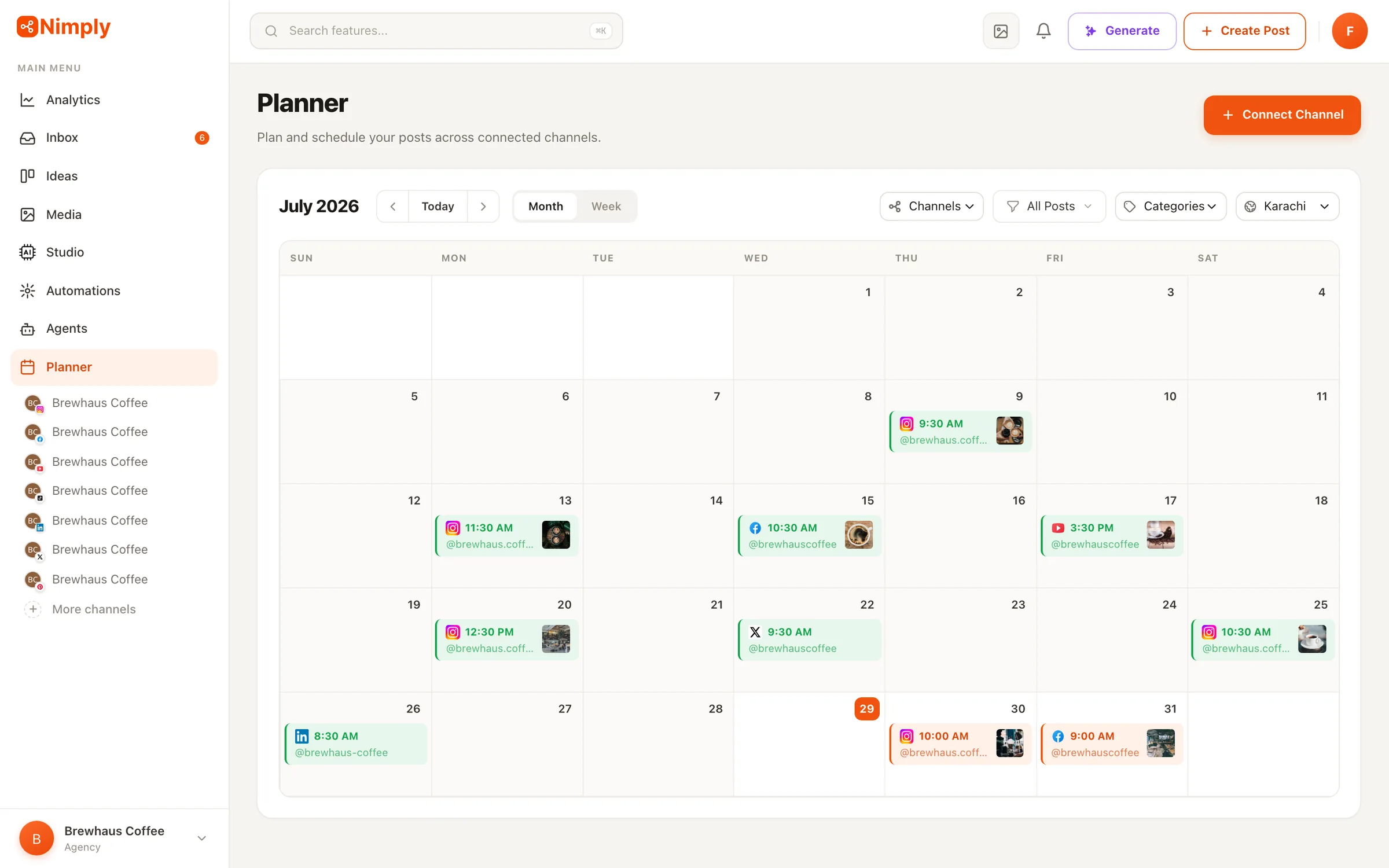
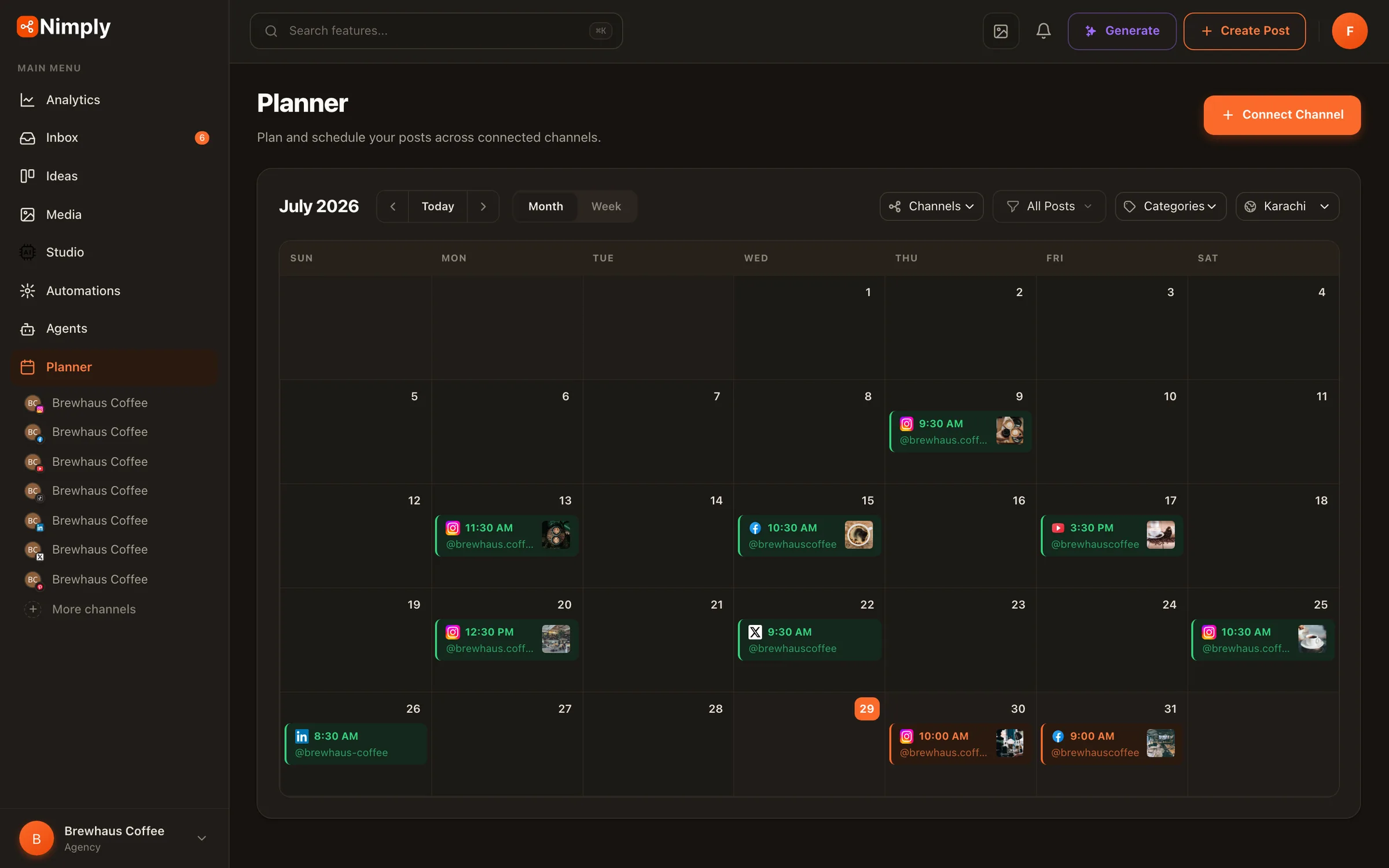
Plan on a visual calendar, tailor each post per network, and let Nimply auto-publish to Instagram, Facebook, X, LinkedIn, TikTok, YouTube, Pinterest, Threads, and Telegram at exactly the right time. And because it’s the same calendar your AI agents deliver drafts into, one schedule holds everything — human and agent work alike.
Every network, one composer
Schedule posts to all platforms — in their native formats
Nine networks, and the formats each one actually uses — not just a text box pointed at nine APIs. Connect multiple accounts per platform to cover every brand you run.
Instagram
Feed, Stories & Reels

Facebook
Pages

X (Twitter)
Posts

LinkedIn
Profiles & pages

TikTok
Videos

YouTube
Videos & Shorts

Pinterest
Pins

Threads
Posts

Telegram
Text, photos, video, albums, polls · buttons · edit after publishing
How it works
Write once. Publish everywhere. Stay offline.
- 01
Connect your channels
Securely link your social accounts via each platform's official OAuth — no passwords stored. Connect more than one account per platform to run several brands or clients from a single workspace.
- 02
Compose once, tailor per network
Write the post one time, then adjust the copy or media for each network you're publishing to — the caption that fits LinkedIn rarely fits X unchanged.
- 03
Schedule and walk away
Drop it on the calendar at the date and time you choose. Nimply auto-publishes when the moment arrives — no reminders, no being online at 7am.
Batch a week — or a month — of content in one sitting, and the calendar keeps your brand on a steady cadence even on the days you never open the app.
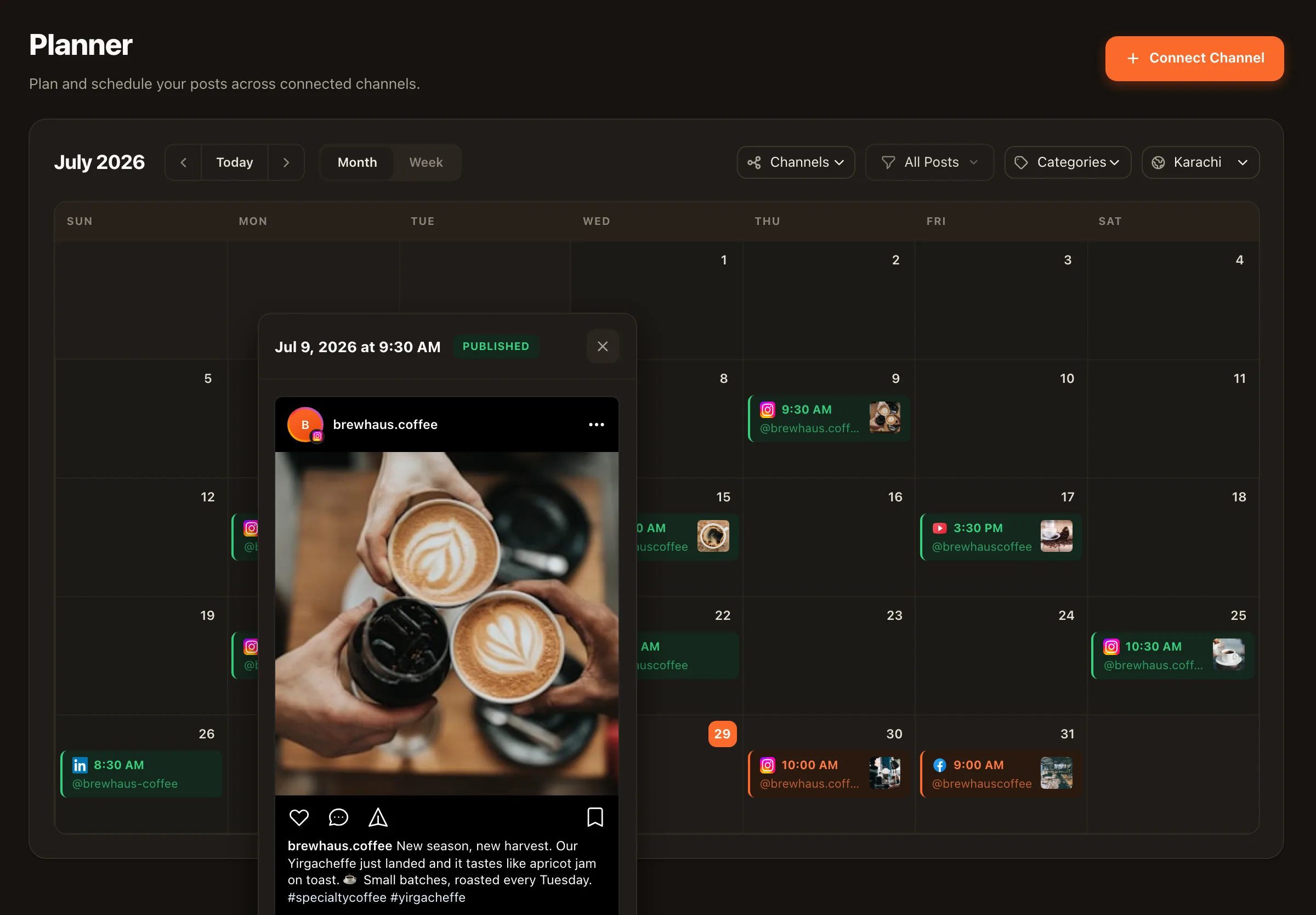
The detail view
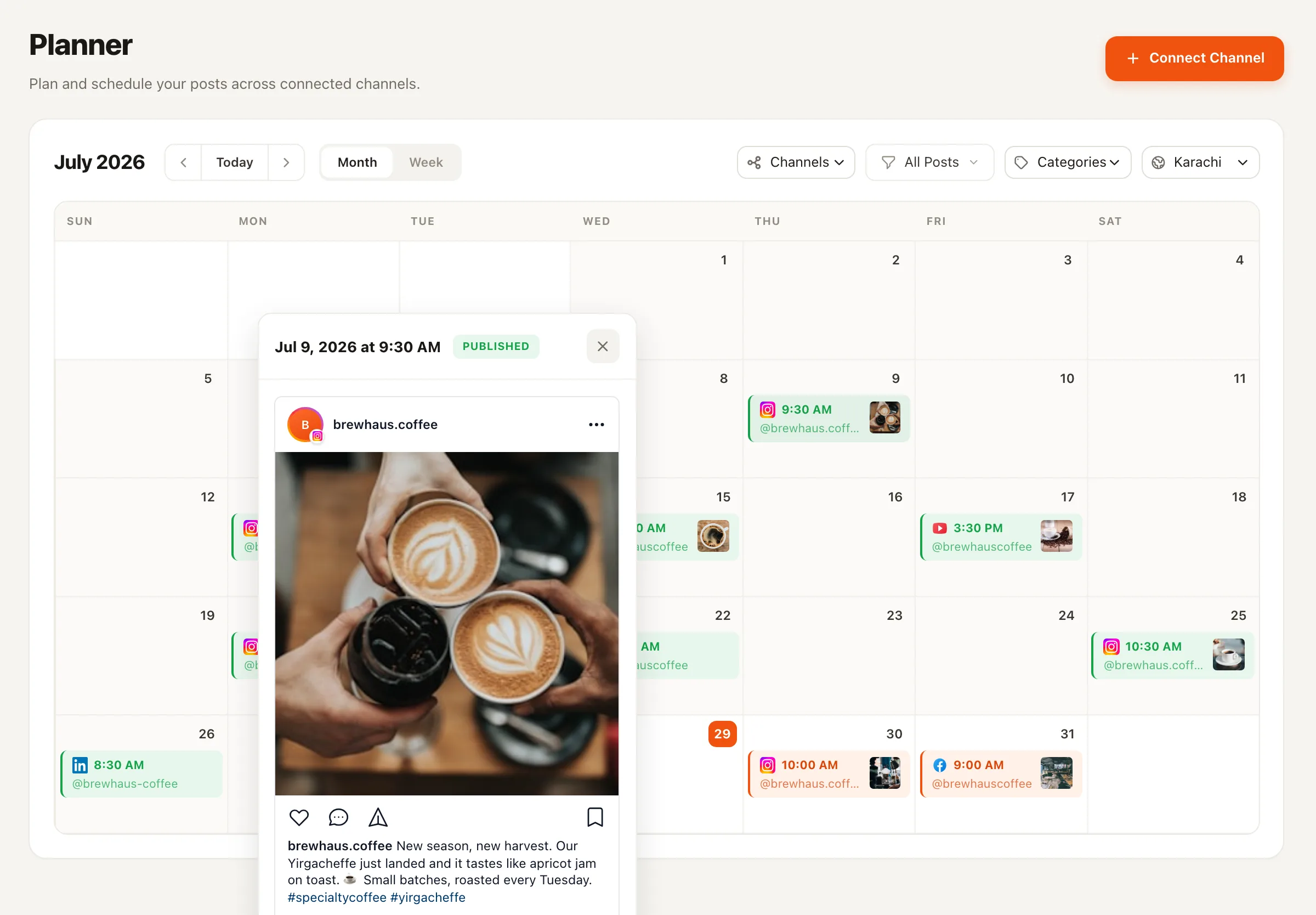
Every post on the calendar opens into a real preview
Click a post and it opens the way the platform will render it — media, caption, and its current status — with the post’s actions right there. No guessing what “Tue 14:00, Instagram” actually contains.
Timezones, handled per channel
Every channel schedules in its own timezone, and the calendar has a timezone switcher — so you pick the timezone you plan in, and publish times respect each channel’s setting.
Per-channel publish times
Each connected channel keeps its own timezone, and scheduled posts go live at the right local moment for that channel.
Plan in your audience's local time
Switch the timezone the calendar displays in — plan a US audience's week from Europe without doing the math in your head.
The rail your AI team runs on
One review queue for human and agent work
Nimply’s AI agents and automations never publish directly. Everything they produce lands here — as drafts in the same calendar and approval pipeline your own posts move through. You review one queue, approve what’s good, and the scheduler publishes it on time.
That’s the point of building agents on top of a real scheduling tool instead of bolting a scheduler onto a chatbot: the trusted rail — drafts, states, approvals, exact-time publishing — was already there.
Review queue
- Awaiting approval
Draft: what shipping weekly taught us about scope
AgentLinkedIn Ghostwriter agent
- Awaiting approval
Reel: behind the scenes of the studio move
You
- Draft
Thread rewrite of last week's top LinkedIn post
AgentContent Repurposer agent
- Scheduled — Fri 09:00
Pinterest Pin: summer lookbook
You
Illustrative queue — agent and human drafts share one approval pipeline before anything is scheduled.
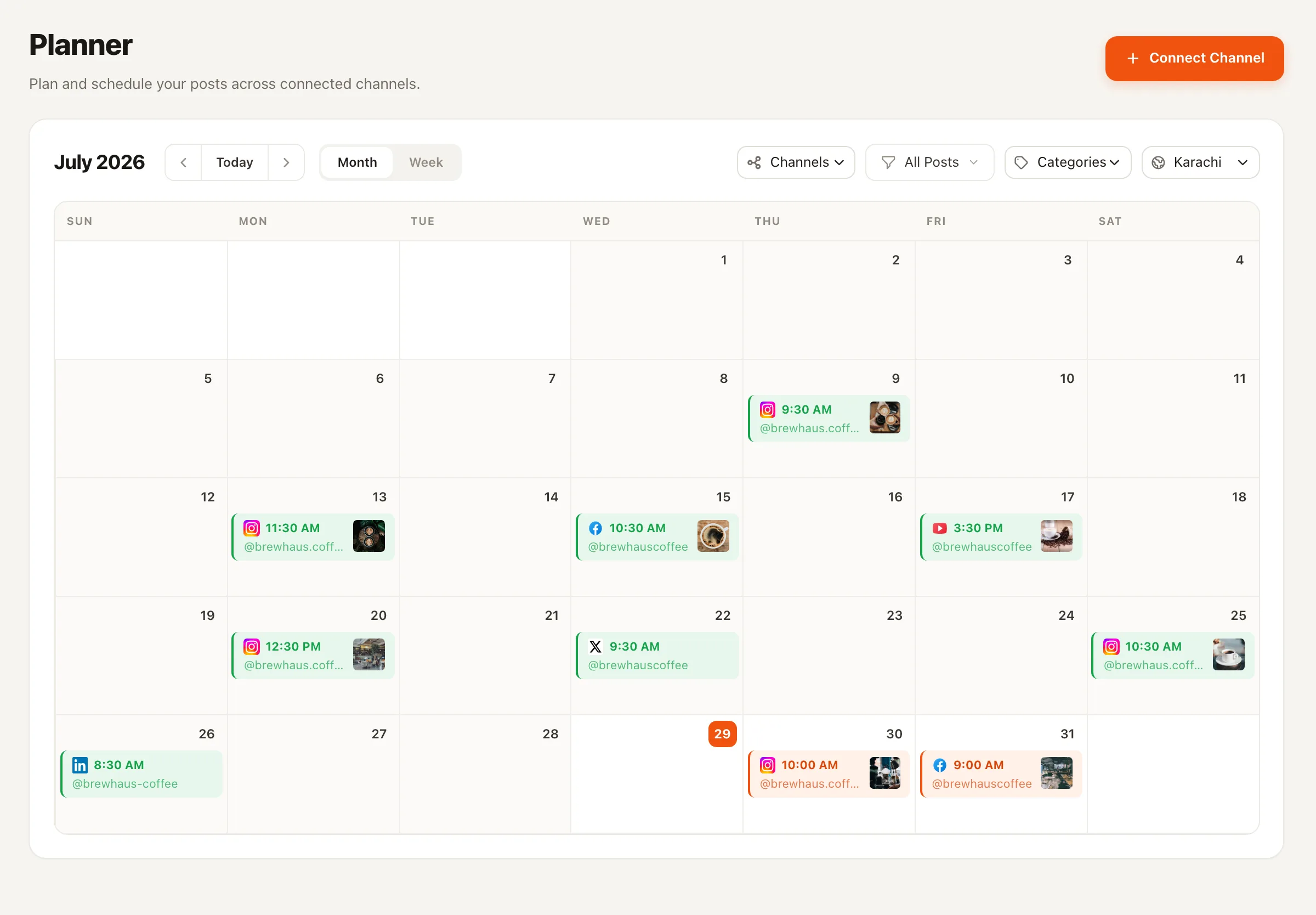
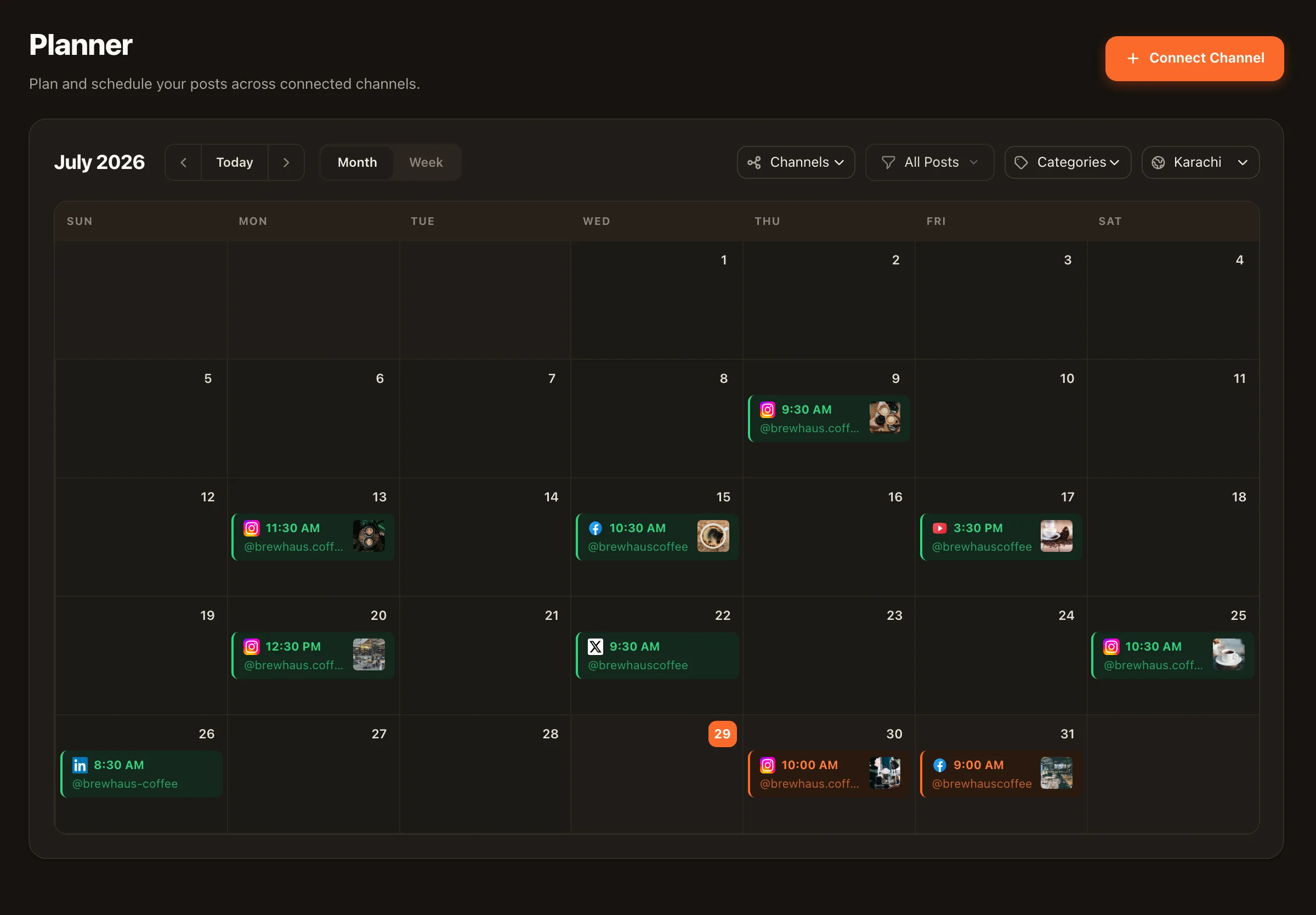
Everything at a glance
Know what’s going out before it goes out
Drafts and scheduling states
Save work as a draft, queue it for later, and track every post as it moves from draft to scheduled to published — no mystery about what's live and what's waiting.
Automatic publishing, exact timing
Pick the moment and Nimply pushes the post live for you. No manual posting, no reminders, no missed slots.
Built for multiple brands
Multiple accounts per platform in one workspace — agencies and multi-brand teams schedule everything from one calendar instead of nine logins.
Replies live next door
When published posts start conversations, the unified inbox picks them up — so scheduling and responding happen in the same tool.
Social media scheduling — frequently asked questions
Which platforms can I schedule posts to?
Instagram, Facebook, X (Twitter), LinkedIn, TikTok, YouTube, Pinterest, Threads, and Telegram — including the formats each platform supports, like Instagram feed posts, Stories, and Reels, YouTube videos and Shorts, Pinterest Pins, and Telegram albums and polls. You can connect multiple accounts per platform.
Does Nimply publish automatically, or do I get a reminder?
Nimply publishes automatically. Once a post is scheduled, it goes live at the time you set — you don't need to be online, confirm anything, or take any action. No push-notification-and-post-it-yourself workarounds.
Can I tailor one post for each network?
Yes. You write the post once, then adjust the copy or media per network before scheduling, so the Instagram version, the LinkedIn version, and the X version each fit their platform instead of being one caption copy-pasted everywhere.
How do AI agents fit into scheduling?
Nimply's AI agents — a LinkedIn ghostwriter, a content repurposer, and others — deliver their work as drafts into this same calendar and approval pipeline. Agent drafts wait for your sign-off exactly like a teammate's drafts do; nothing an agent writes is published without going through your review queue.
Can I manage multiple brands or clients?
Yes. You can connect more than one account on each platform, so a single workspace can schedule for several brands or clients — and the calendar shows everything planned, scheduled, and published across all of them in one place.
Is there a free plan?
Yes — Nimply has a free forever plan with no credit card required, and it includes the content calendar and scheduling.
Put your next month of posts on the calendar
Start free — connect your channels, batch your content, and let Nimply publish on time while your AI agents keep the drafts coming.