

🏢 For agencies
Social media management for agencies, built around the pipeline
Social media management for agencies lives or dies on one thing: how content moves from a producer’s draft to a client’s yes to a scheduled slot — across twenty accounts at once. Nimply makes that pipeline the product: workspace-per-client architecture, role-based approvals, and an AI agent bench that adds drafting capacity without adding desks.
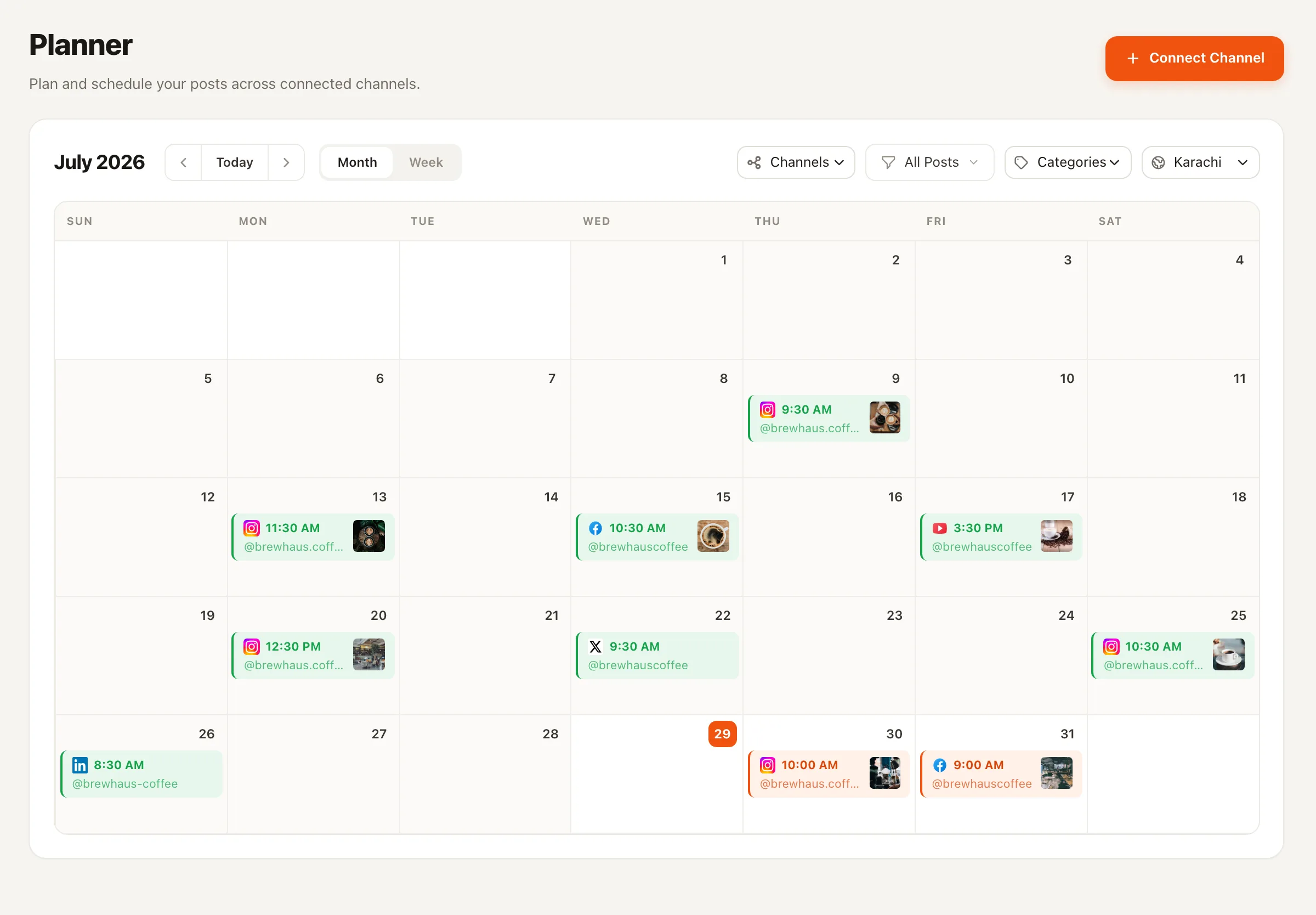
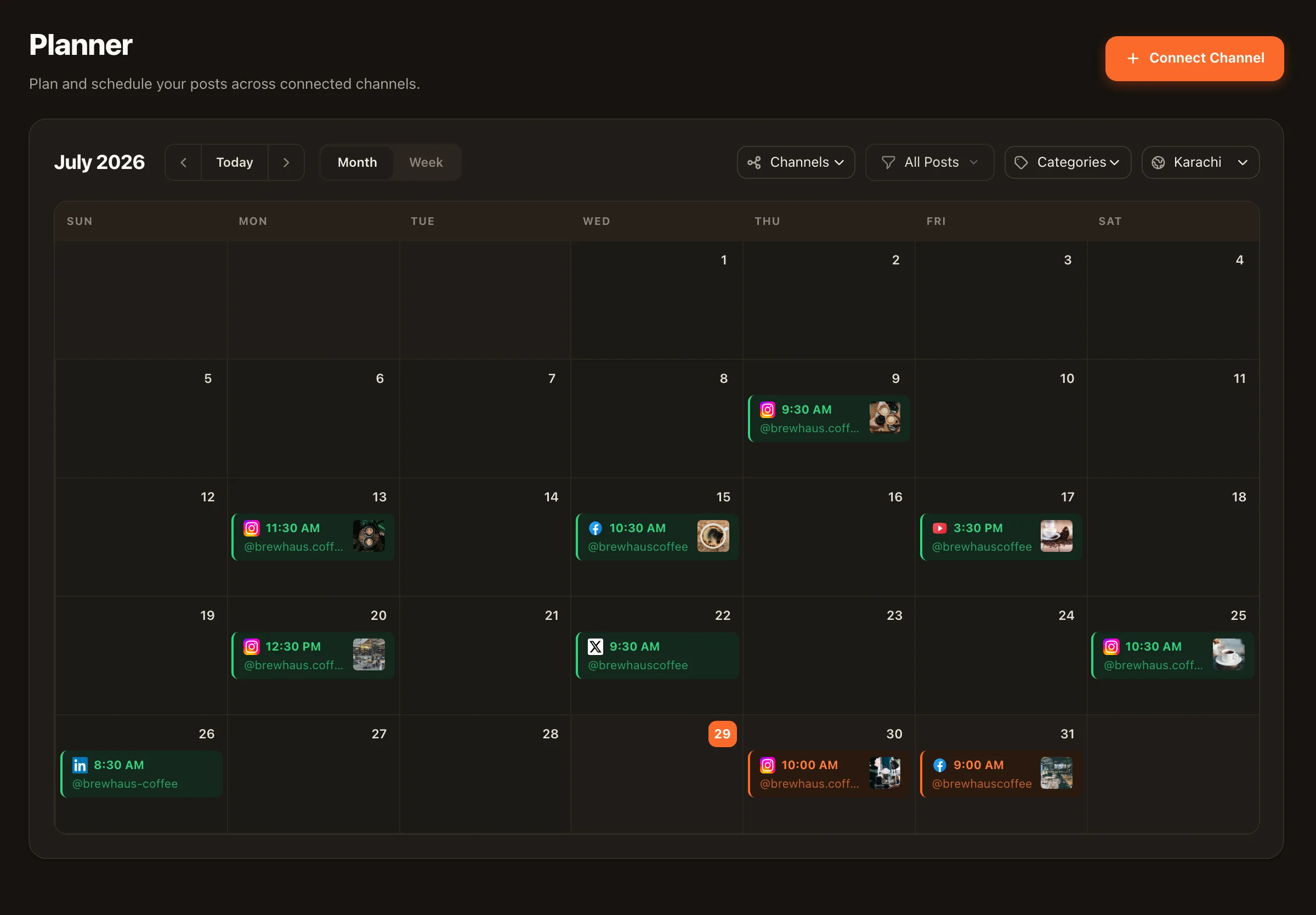
The pipeline
Draft → internal review → client approval → scheduled
One rail for everything — human drafts and agent drafts alike. The approval workflow is enforced by post status, not by process documents.
1 · Draft
Team or agent
An editor writes it, or an agent drafts it — a repurposed post, a carousel, a reply. Either way it starts as a draft in the client's workspace.
2 · Internal review
Your account lead
The draft moves to pending approval. Your lead checks voice, claims, and brand fit before the client ever sees it.
3 · Client approval
Client, limited role
The client reviews the same queue inside their workspace — approve or reject with feedback. No screenshot decks, no email chains.
4 · Scheduled
The planner
Approved posts land on the calendar and publish on schedule. Nothing skips the pipeline — including agents, which can never publish directly.
Clients only ever touch stage 3 — see the client approval workflow in detail.
The architecture
A workspace per client, a role per person
Multi-client chaos usually comes from shared surfaces: one calendar with everyone’s posts, one inbox with three brands’ DMs, one AI budget nobody can attribute. Nimply cuts the problem at the root — every client is a separate workspace, and every teammate carries a specific role in each workspace they join.
Hard separation by default
Channels, calendars, inbox threads, agents, automations, and AI credits all live per workspace. Cross-posting to the wrong client is structurally impossible.
OWNER / ADMIN / EDITOR / VIEWER
Producers draft as editors, account leads approve as admins, clients review with limited access. Access maps to the org chart per account, not globally.
Credits attribute themselves
Agent runs cost credits per workspace, with the cost shown per run — so AI usage per client is visible, not a blended mystery line.
The bench
Delivery capacity that doesn’t scale with headcount
Every new retainer used to mean a hiring conversation. With an agent bench per workspace, the production layer — first drafts, replies, repackaging, moderation — scales as workflow capacity, while your team’s time concentrates on the review and strategy layers clients actually notice.
🎠 Carousel Designer
Branded Instagram carousels and LinkedIn PDF drafts from a brief — production-ready for internal review.
✍️ LinkedIn Ghostwriter
Learns a client founder's voice from real samples and drafts posts your lead polishes and routes for sign-off.
🛡️ Community Moderator
Watches client comment sections, flags what matters, and drafts responses — your team stays the sender.
Reporting, honestly
What we’ll tell you about analytics
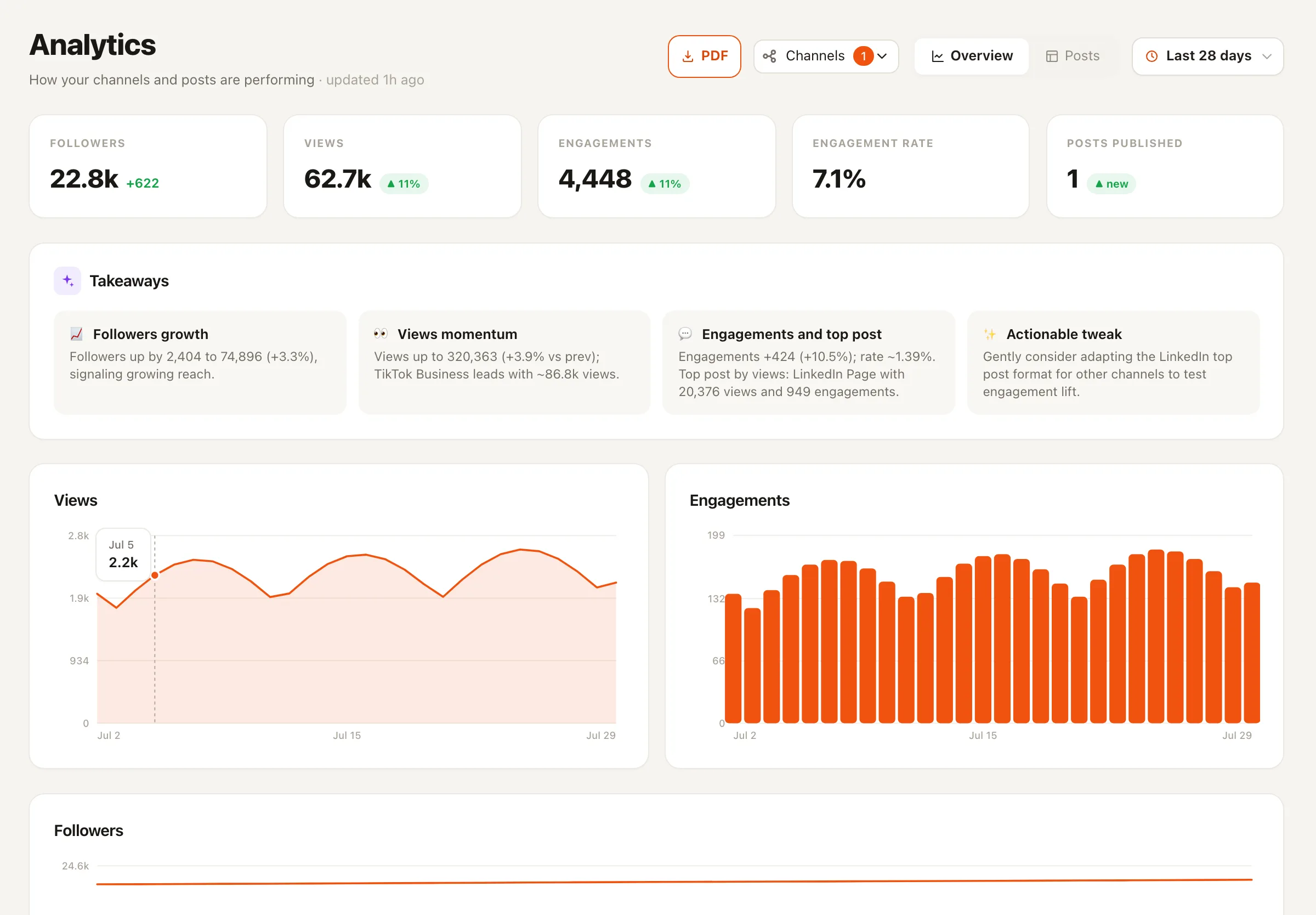
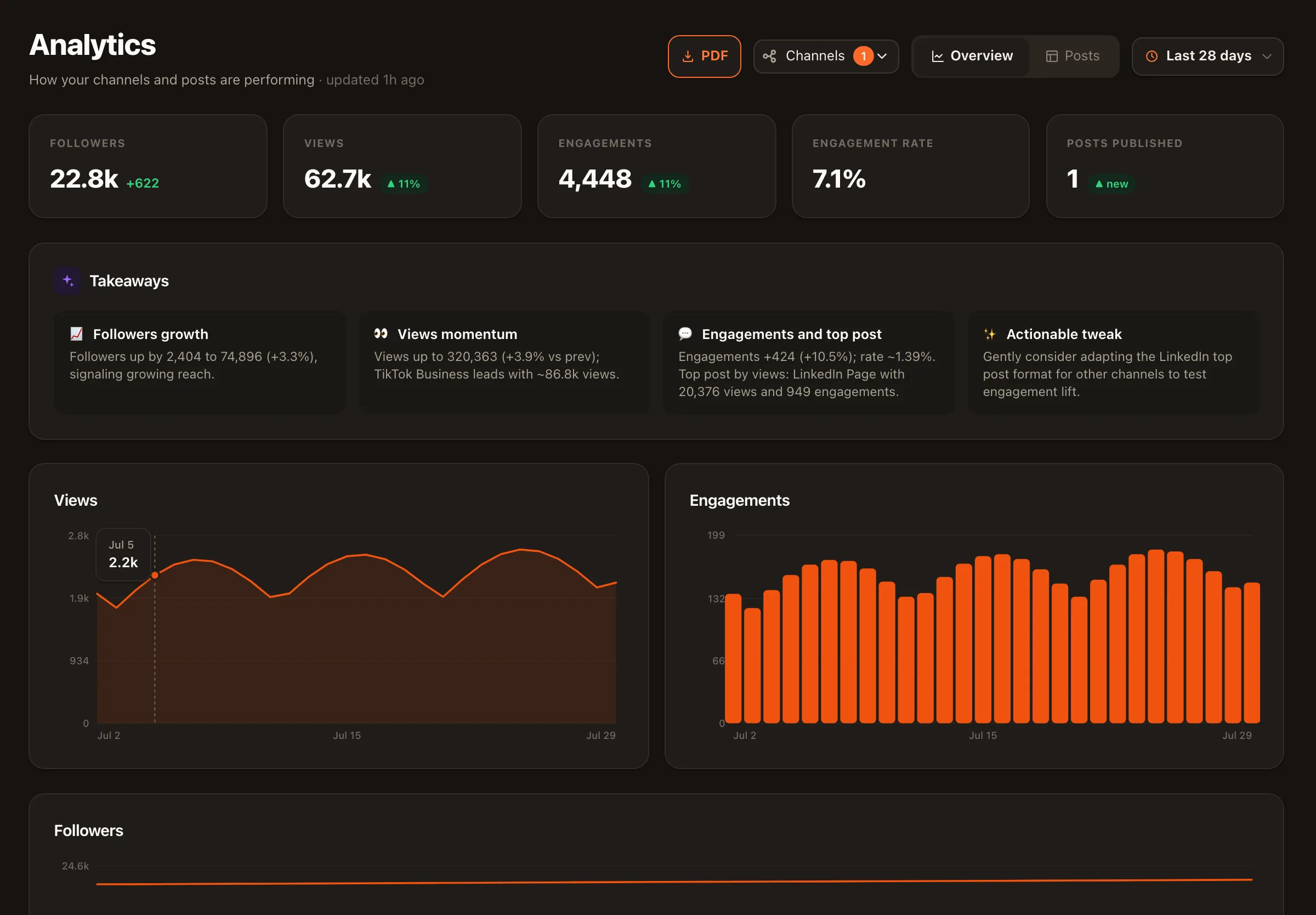
Built-in analytics are YouTube-first today; more platforms arrive as API approvals land. We’d rather say that plainly than sell you a dashboard of estimates. For client decks, our analytics report templates structure the story around the real numbers you have.
For your engineers
A developer platform, not just an app
Public API with webhooks, an MCP server, and Zapier, n8n, and Make apps. You can wire client intake into post creation, push approval events into Slack, and sync deliverables into your PM tool of record — the workflows that make twenty clients feel like five.
Reselling social media management as a productized service under your own banner? That model has its own playbook — read white-label & resellers.
Social media management for agencies — FAQ
How do we structure multiple clients in Nimply?
One workspace per client. Each workspace has its own connected channels, calendar, agents, automations, credit usage, and approval flow. Your team members join the workspaces they work on, with a role per workspace — so a junior can be an editor on two accounts and have no access to the rest.
What roles and permissions exist?
OWNER, ADMIN, EDITOR, and VIEWER per workspace. The practical agency mapping: account leads as admins, producers as editors whose posts route through approval, and clients as reviewers on their own workspace.
Can clients approve content without a training session?
That's the design goal. A client's job in Nimply is one screen: the pending-approval queue in their workspace. They read, approve, or reject with a comment. Everything else — drafting, scheduling, inbox — stays your side of the glass.
Do AI agents create work the client could see unreviewed?
No. Agents are draft-only by design: whatever they produce enters the same draft → internal review → client approval pipeline as human work, and every agent run shows its credit cost. You can also pause any agent per conversation thread in the inbox.
What does reporting look like today, honestly?
Nimply's built-in analytics are YouTube-first today, with more platforms as API approvals land. For client-facing reports, you can pair platform-native numbers with our analytics report templates, which structure the narrative without inventing metrics.
Can we integrate Nimply with our internal tooling?
Yes — there's a public API with webhooks, an MCP server, and Zapier, n8n, and Make apps. You can use these to wire Nimply into the intake forms, project management, and reporting pipelines you already run.
Run every client on the same pipeline
Workspaces per client, approvals that enforce themselves, and an AI bench on every account. Start with one client workspace today.