

Empty Instagram Post Template Layouts to Make Your Own
Pick an empty Instagram post template and fill it with your own words, photos and colours. Each layout is a clean starting point with space already planned, so you skip the blank canvas. Edit it in your browser, then download it or send it to a Nimply post for approval and scheduling.
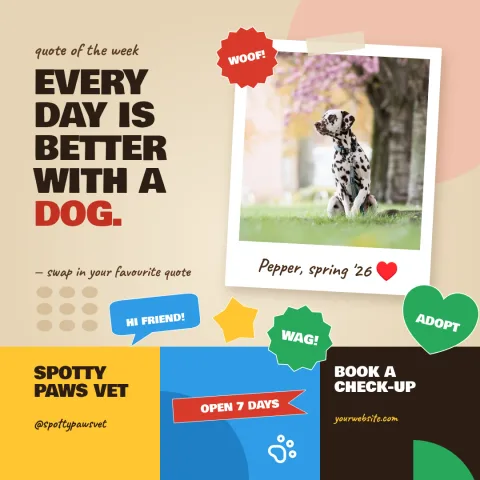
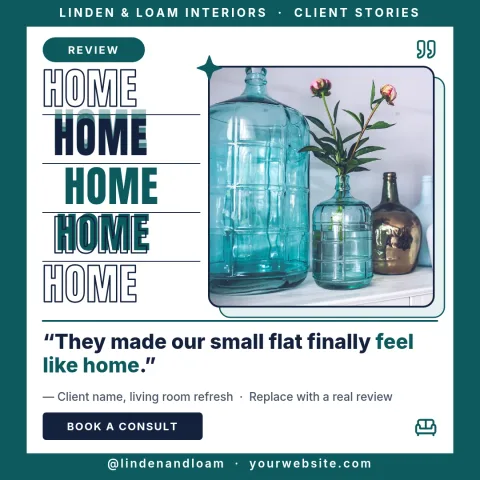
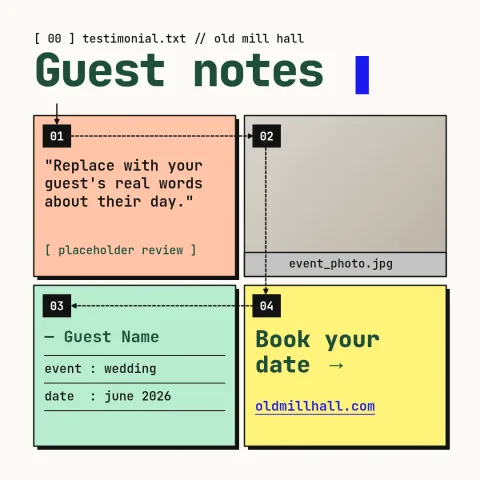
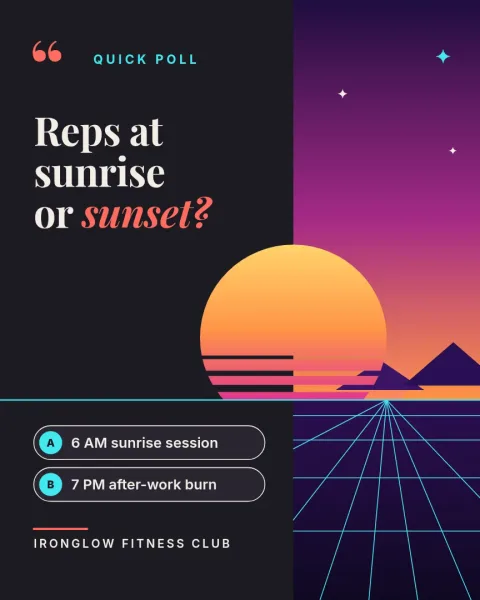
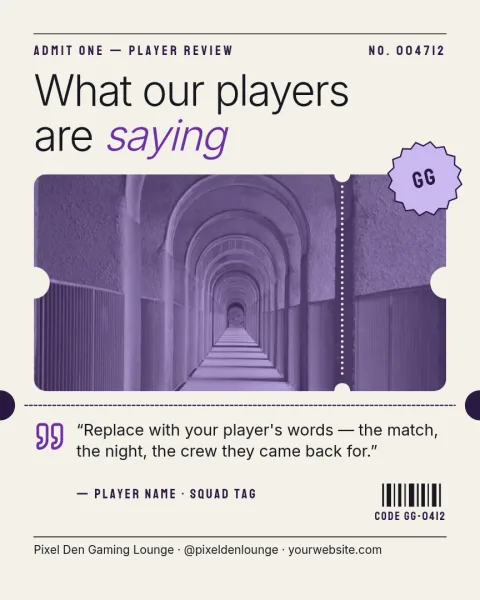
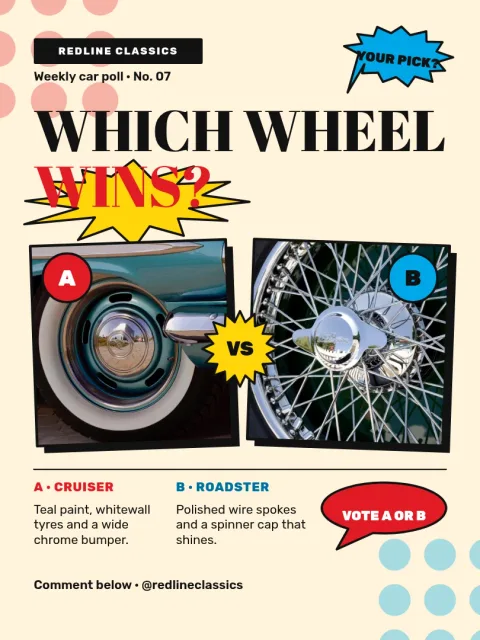
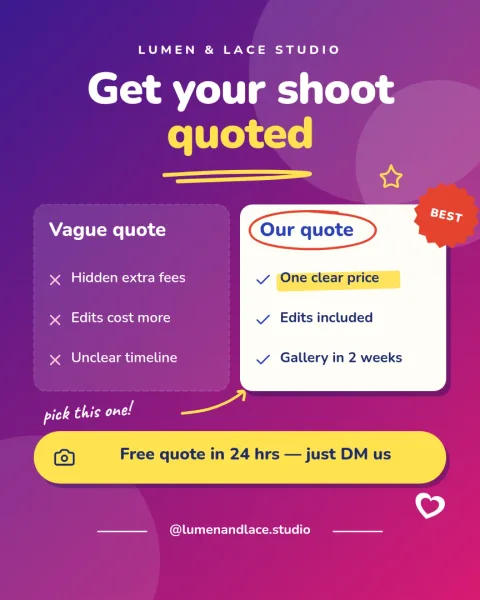
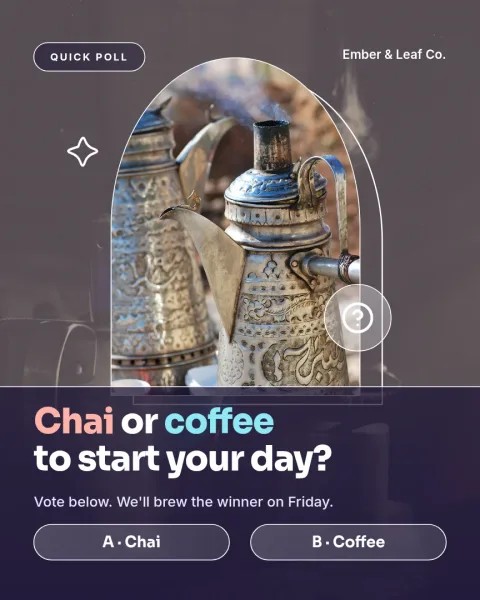
What an empty post template gives you
An empty template is a layout with the structure in place and the content left open. You get margins, text areas, shapes and photo spots, but no message. That makes it quicker than starting from nothing, and more flexible than a finished design you have to strip back. Choose the one that matches how you like to post.
Edit everything to fit your brand
Change the text, fonts, colours, photos and layout of any template. If you have a brand kit, it keeps your colours, fonts and logo ready, so each post looks like it belongs with the rest of your feed. Nimply Design runs in the browser and is part of every Nimply plan, including Free.
Choose the right Instagram size
These templates come in the Instagram post sizes: 4:5 portrait, which takes up more room in the feed, 1:1 square, and 3:4 portrait. If you are not sure, start with 4:5. You can change the layout afterwards if you want to try another shape.
Download or schedule when you are done
Download your design as PNG, JPG, WebP, PDF or SVG. Or send it straight into a Nimply post, where it can go through approval and be scheduled. Downloading a template does not use AI credits. Only the AI photo tools, like the background remover, do.
Frequently asked questions
What is an empty Instagram post template?
It is a ready-made layout with the structure set up and the content left open. You add your own text, photos and colours. It saves you from starting on a blank canvas while still letting you decide what the post says.
Can I change the colours and fonts?
Yes. You can edit the text, fonts, colours, photos and layout of every template. With a brand kit, your colours, fonts and logo are saved so you can apply them quickly to each new post.
What size should an Instagram post be?
These templates use the Instagram post sizes: 4:5 portrait, 1:1 square and 3:4 portrait. The 4:5 portrait size is a good default because it fills more of the feed. Pick the one that suits your photo.
How do I get the finished design?
Download it as PNG, JPG, WebP, PDF or SVG. You can also send it into a Nimply post for approval and scheduling. Downloading a template does not use AI credits.
Do I need a paid plan to use these?
Nimply Design is part of every Nimply plan, including Free. AI photo tools such as the background remover and Magic Layers use AI credits, but the templates themselves do not.
Make it yours in minutes
Open any template in Nimply Design, add your brand in one click, and send it straight into a post for approval and scheduling.