

Caption generation
Turn a rough idea or a few keywords into polished, on-brand captions ready to schedule — no blank-page stare.
AI Assistant
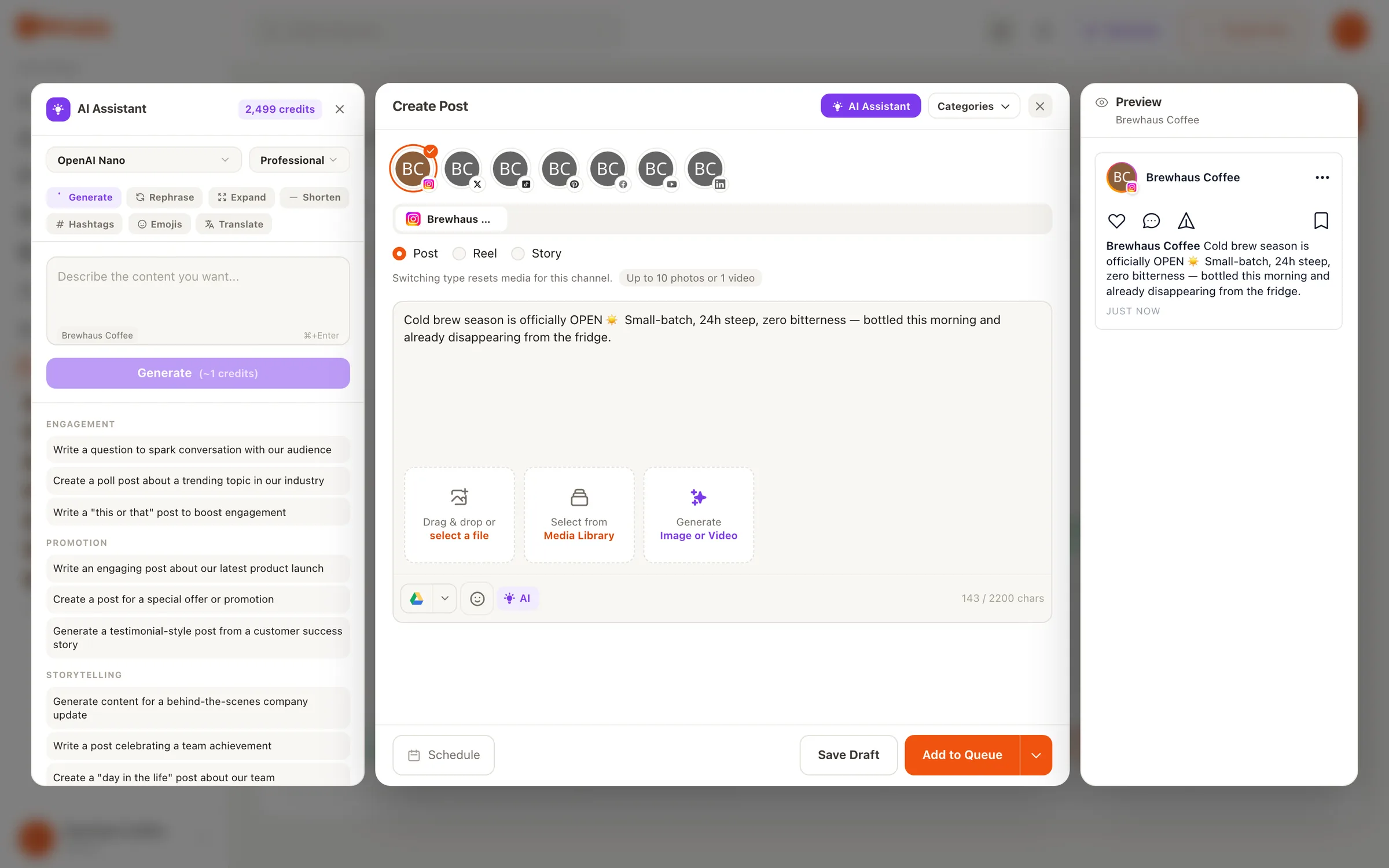
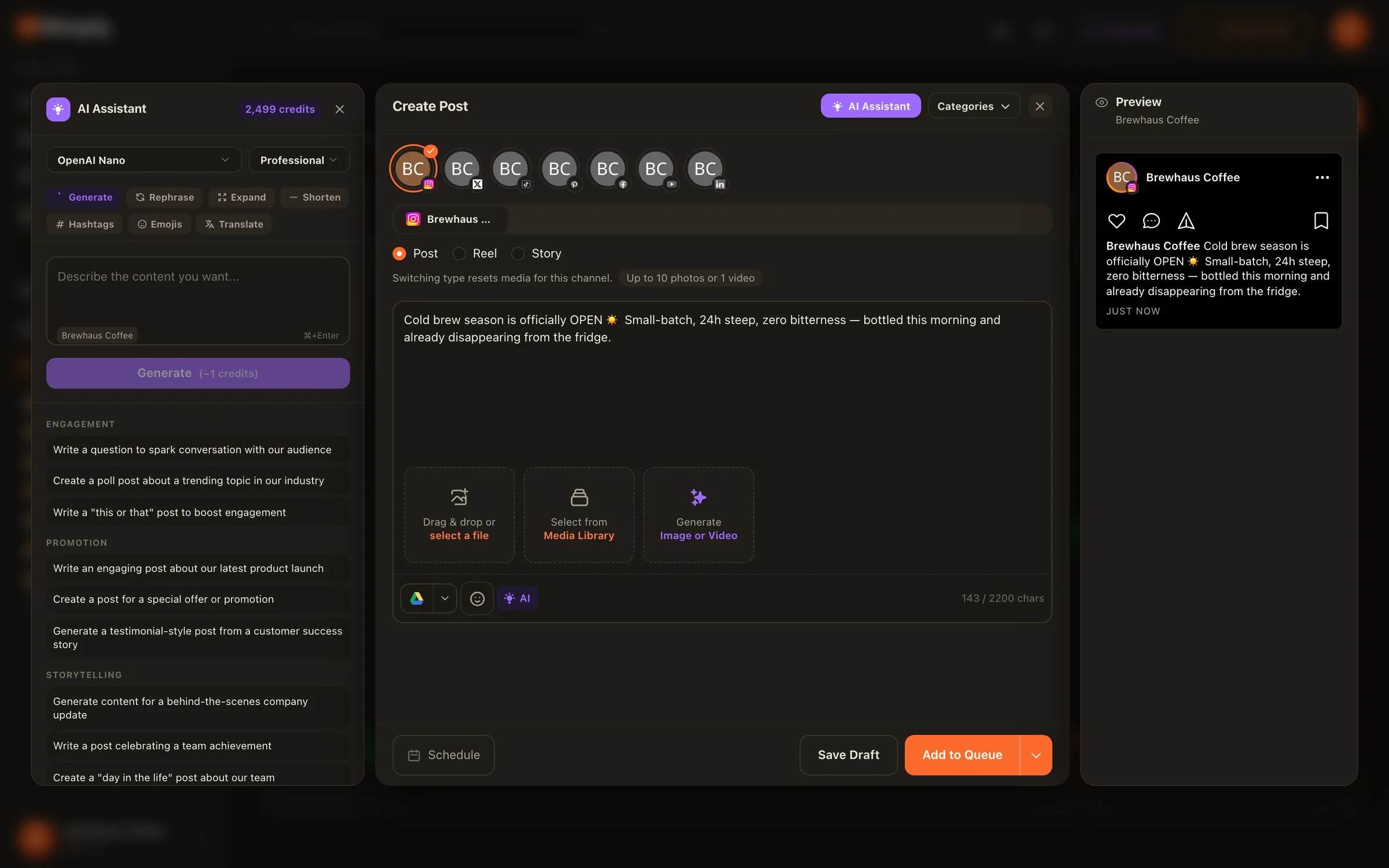
Describe what you want to say and get captions, hooks, and hashtags in seconds — then rewrite the same idea for LinkedIn, Instagram, and X without starting over. It all happens inside the composer where you schedule, and a caption costs only a few AI credits.
Want an assistant you can simply ask, by chat or voice, about your whole schedule? Meet Visor →
Per-platform rewriting
The same message rarely works verbatim on LinkedIn, Instagram, and X. The assistant rewrites your copy to match each network’s tone and length, so your voice stays consistent while the delivery goes native.
You type
“Announce our new spring menu — warm and casual, mention the lemon tart we spent three months on.”
A topic, a few keywords, or a rough draft — anything is enough to start. Then tweak tone and length until it sounds like you.
Our spring menu is live — and the team spent three months getting the lemon tart right. Here's what changed, and why we think it was worth it.
Spring menu day 🍋 The lemon tart alone took three months of testing — come tell us it was worth it. #springmenu #lemontart #newmenu
New spring menu. Three months of lemon-tart R&D. Zero regrets.
Illustrative example of the rewriting behavior — your copy, your brand voice.
What it writes
Not just a paragraph generator: each part of a post that usually eats your time has its own tool.
Turn a rough idea or a few keywords into polished, on-brand captions ready to schedule — no blank-page stare.
Generate strong first lines designed to grab attention and pull readers into the rest of your post.
Get relevant hashtags for every post to extend its reach — without keeping a spreadsheet of tag sets.
Pricing, plainly
No per-word meters, no “AI add-on” upsell. Every plan includes AI credits that refill each month, and a caption costs about 1–3 of them — so even the Creator plan covers hundreds of captions. Paid plans use premium AI models. Need more in a heavy month? Buy a credit pack any time; pack credits never expire.
The same credit pool also powers AI image generation in the Content Studio and runs of your AI agents, so one allowance covers all of it.
Monthly AI credits by plan
1 credit = $0.002, the same for every customer. Plan credits refill monthly; credits you buy never expire. Full details on the pricing page.
Zero copy-paste
Standalone AI writers leave you shuttling text between four tabs. Nimply’s assistant is part of the composer, so the distance from idea to scheduled post is zero.
Draft captions, hooks, and hashtags in the same panel where you build the post — no switching apps, no pasting.
Tweak tone or length, regenerate, or rewrite for another platform until the copy sounds like your brand.
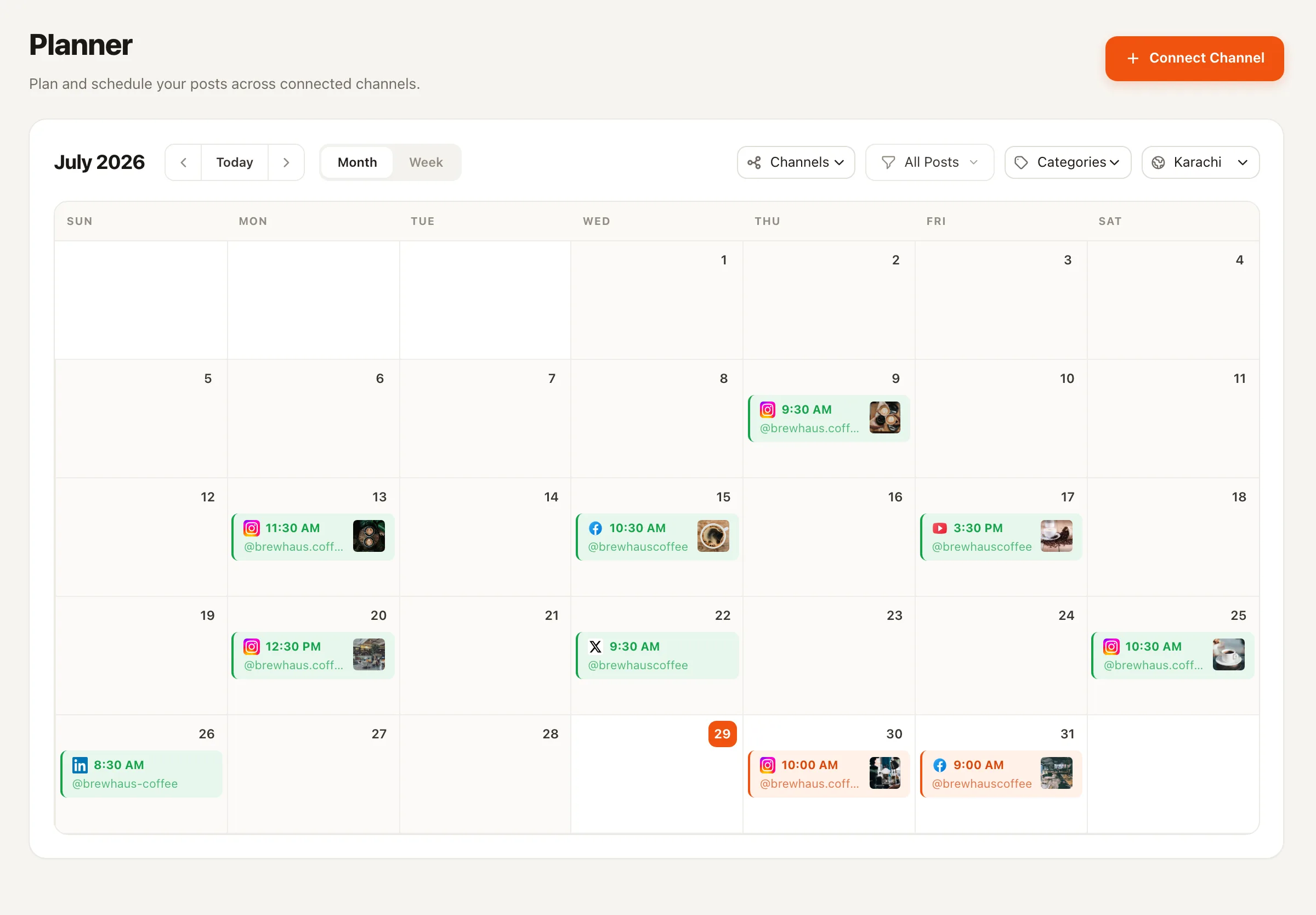
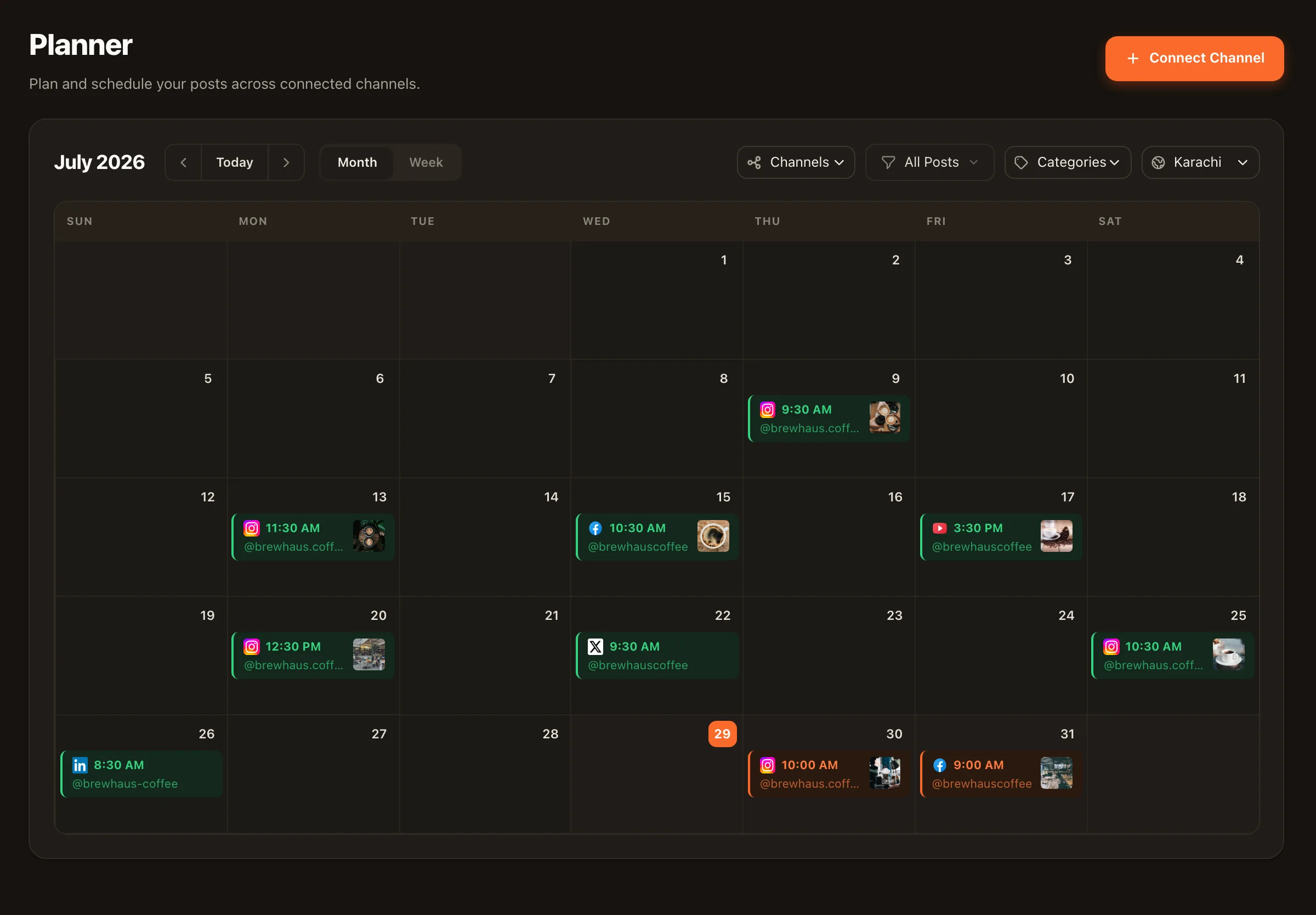
Drop finished copy onto the content calendar and publish across your connected channels automatically.
Writing costs only a few credits a post, so consistency stops depending on your best writing days.
More on the publishing side: social media scheduling · planning & approvals
Captions, hooks, and hashtags — and it can rewrite your copy to match each platform's tone and length. Give it a topic, a few keywords, or a rough draft; it returns post-ready text you can refine and schedule in the same screen.
A lot. Writing is the cheapest thing AI does in Nimply — a caption costs about 1–3 credits, so even the Creator plan's 2,000 monthly credits cover hundreds of captions. The exact cost is shown in the app before anything runs. Need more? Buy a one-time credit pack from $2.99, or on a paid plan add 1,000 extra credits every month for $2 a month ($24 a year). Pack and add-on credits never expire.
Credits are how AI usage is counted in Nimply. Every plan includes credits that refill each month — 100 on Free, 2,000 on Creator, 10,000 on Growth and 20,000 on Agency. 1 credit = $0.002, and every customer pays the same number of credits for the same action. Paid plans also use premium AI models.
Yes. Per-platform rewriting takes the same message and adapts it to each network's tone and length — professional for LinkedIn, punchy for X, warmer for Instagram — so you write the idea once instead of three times.
No — that's the point. The assistant lives inside the Nimply composer, so you generate, refine, and drop the copy straight onto your content calendar in one place, then publish across your connected channels.
Text lives here; visuals live in the AI Content Studio, where you can generate on-brand images — plus agent-powered carousels and YouTube thumbnails — without leaving Nimply. The two pair naturally: AI-written caption, AI-generated visual, one scheduled post.
Start free with 100 AI credits a month, connect your channels, and let the assistant beat the blank page for you.