

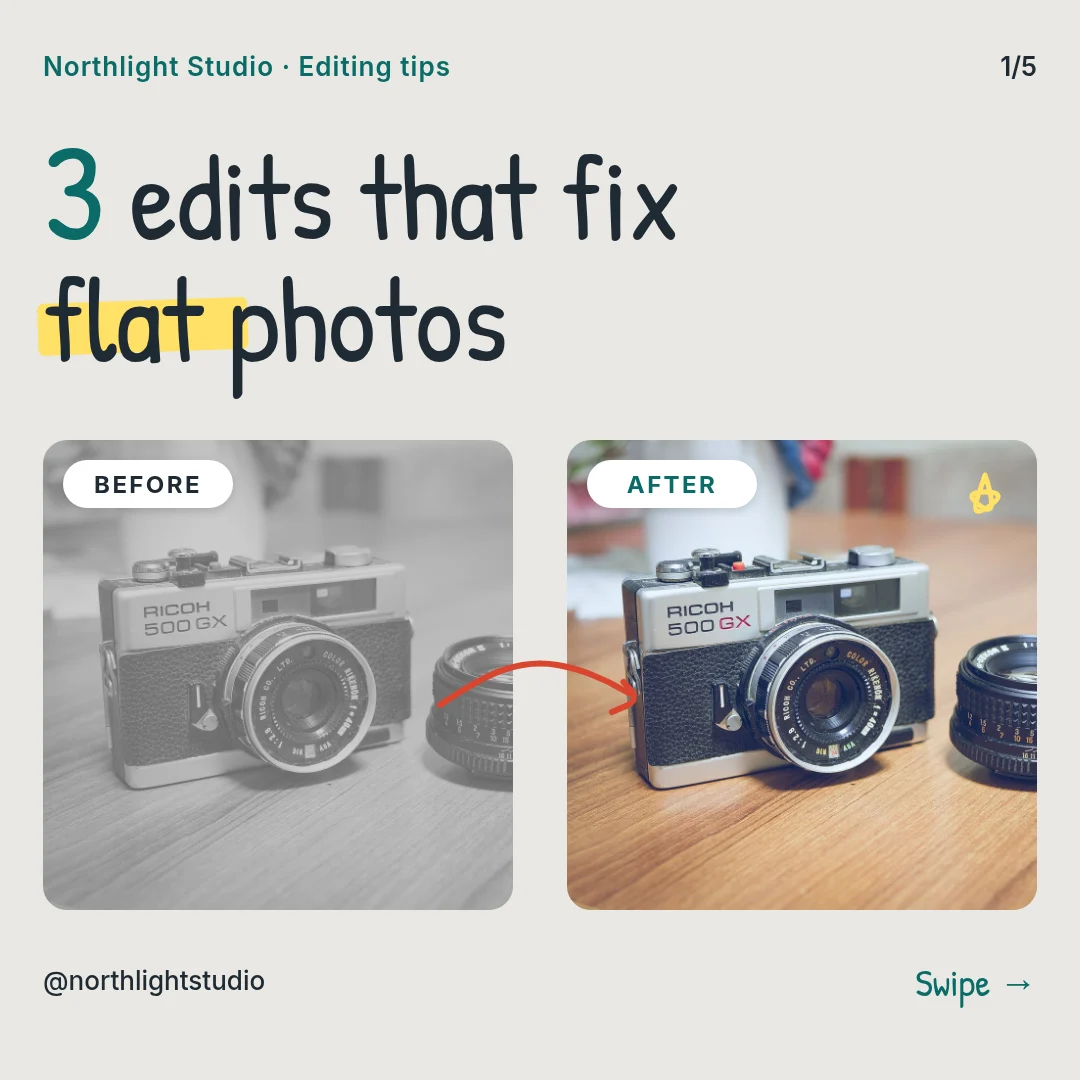
All 5 pages
 Page 1
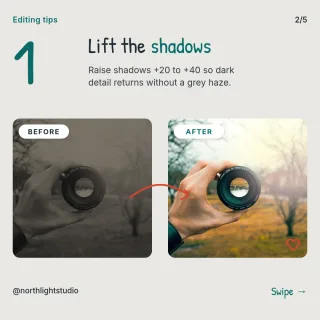 Page 2
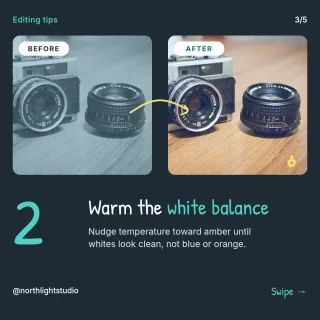 Page 3
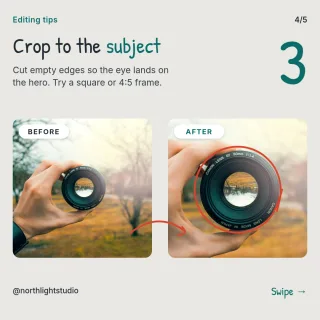 Page 4
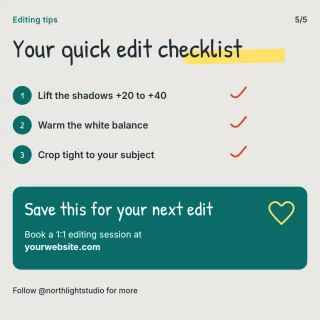 Page 5
Instagram carousel template
Before and After Editing Carousel
Instagram post (square) · 1,080 × 1,080 px · 5 pages
Each slide pairs an unedited photo with the finished version, so clients can see your retouching and colour style. Includes an intro slide and a closing slide about your editing services.
Free to edit in your browser. Sign in and it opens in the Nimply editor as your own copy.

By Nimply Studio
The Nimply design team. Templates are made by the team
- Size
- Instagram post (square), 1,080 × 1,080 px
- Pages
- 5 pages
- You can edit
- 46 text boxes, 8 photos, colours and fonts
- Fonts
- Inter, Patrick Hand
- Colours
- #1f2a33#2f3b45#ffffff#0a6b67#e6ebee#e9e8e4
- Text on it
- “3 edits that fix flat photos” · “Swipe →” · “Lift the shadows”
Make it on brand
Apply your brand kit's colours and fonts to every page in one click, and swap in your own photos and logo.
Resize it
Copy & resize makes versions for other platforms, like a story or a LinkedIn post, from the same design.
Post it
Download PNG, JPG, WebP, PDF or SVG, or send it straight into a post for approval and scheduling.
Similar Instagram carousel templates
 1/8LinkedIn photographer case study
 1/6Data Stencil Sharp Photo Habits
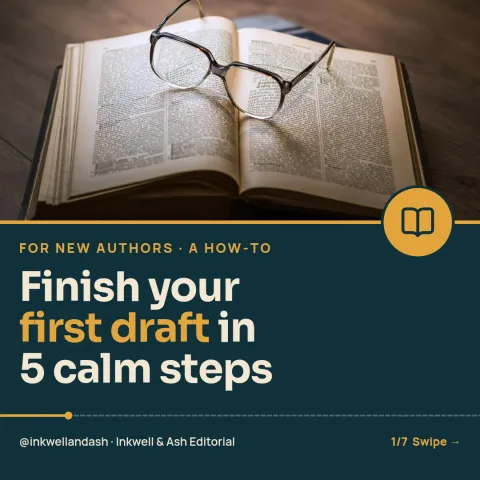 1/7Seam Draft Writing Steps
 1/7Interview Day Playbook
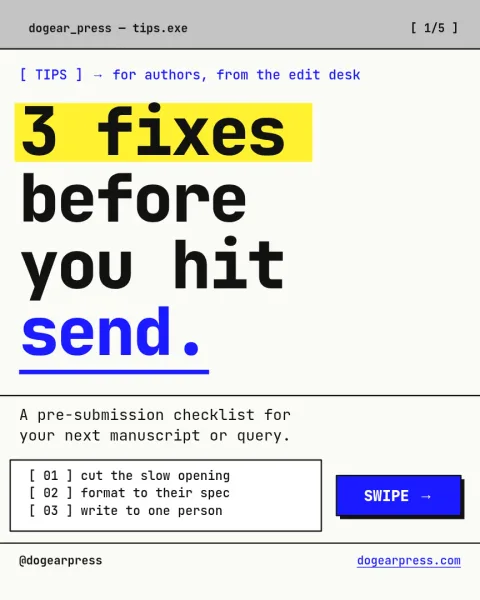 1/5Raw Window Query Tips
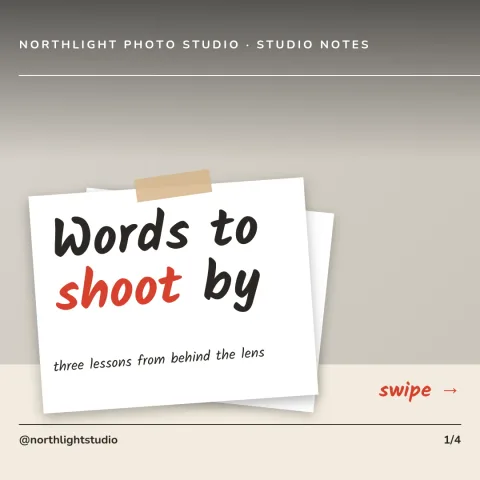 1/4Seamless panorama split carousel
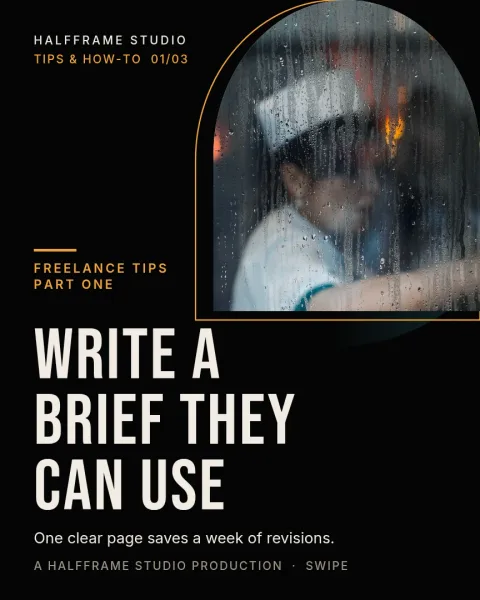 1/3Letterbox Brief Arch
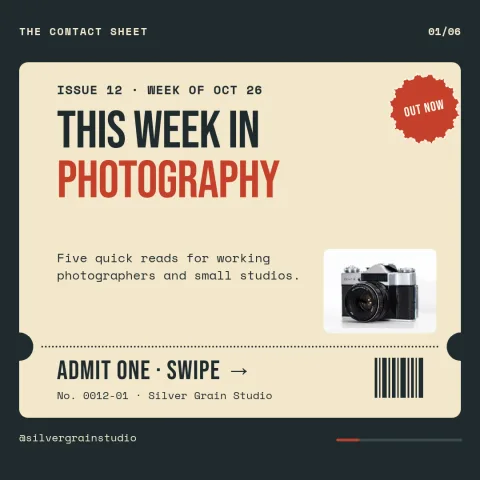 1/6Contact Sheet Ticket Digest
 1/6Glossary Swipe Deck
 1/6Web3 Glossary Carousel
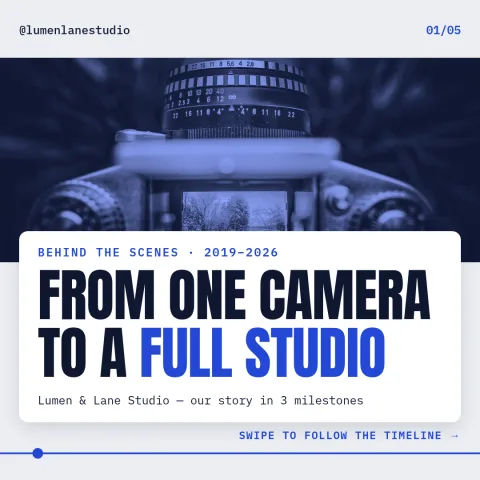 1/5Square checklist and cheat sheet
 1/6Aurora Kiln Glaze Steps
Need the caption too? Instagram carousel caption prompts in the AI content template library.
Design it, approve it, schedule it
Nimply Design sits inside the tool that publishes your posts, so a finished graphic goes straight into the calendar.