

Assignments & routing
Assign conversations manually or with rules — by platform, keyword, intent, or round-robin.
Unified Inbox
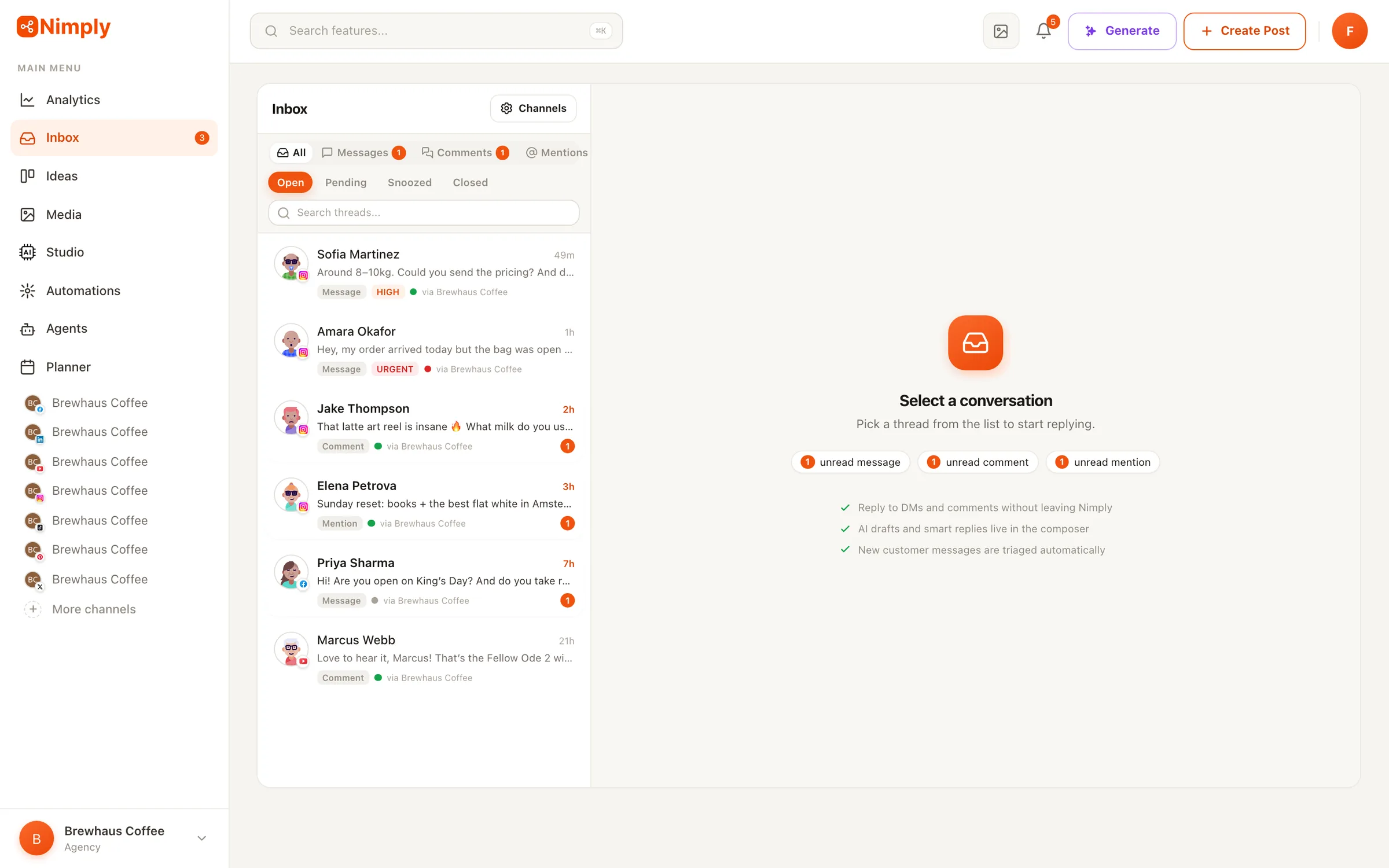
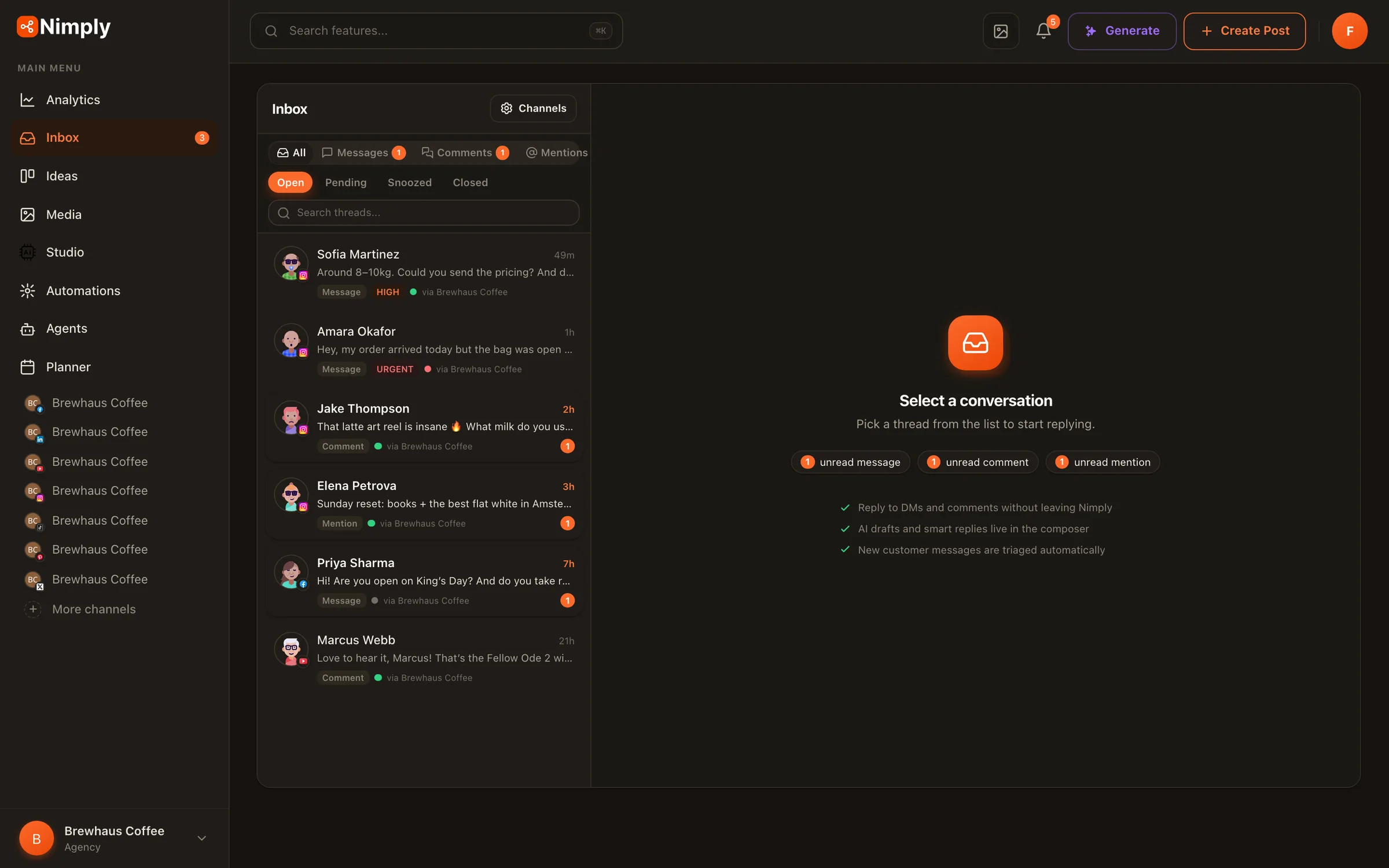
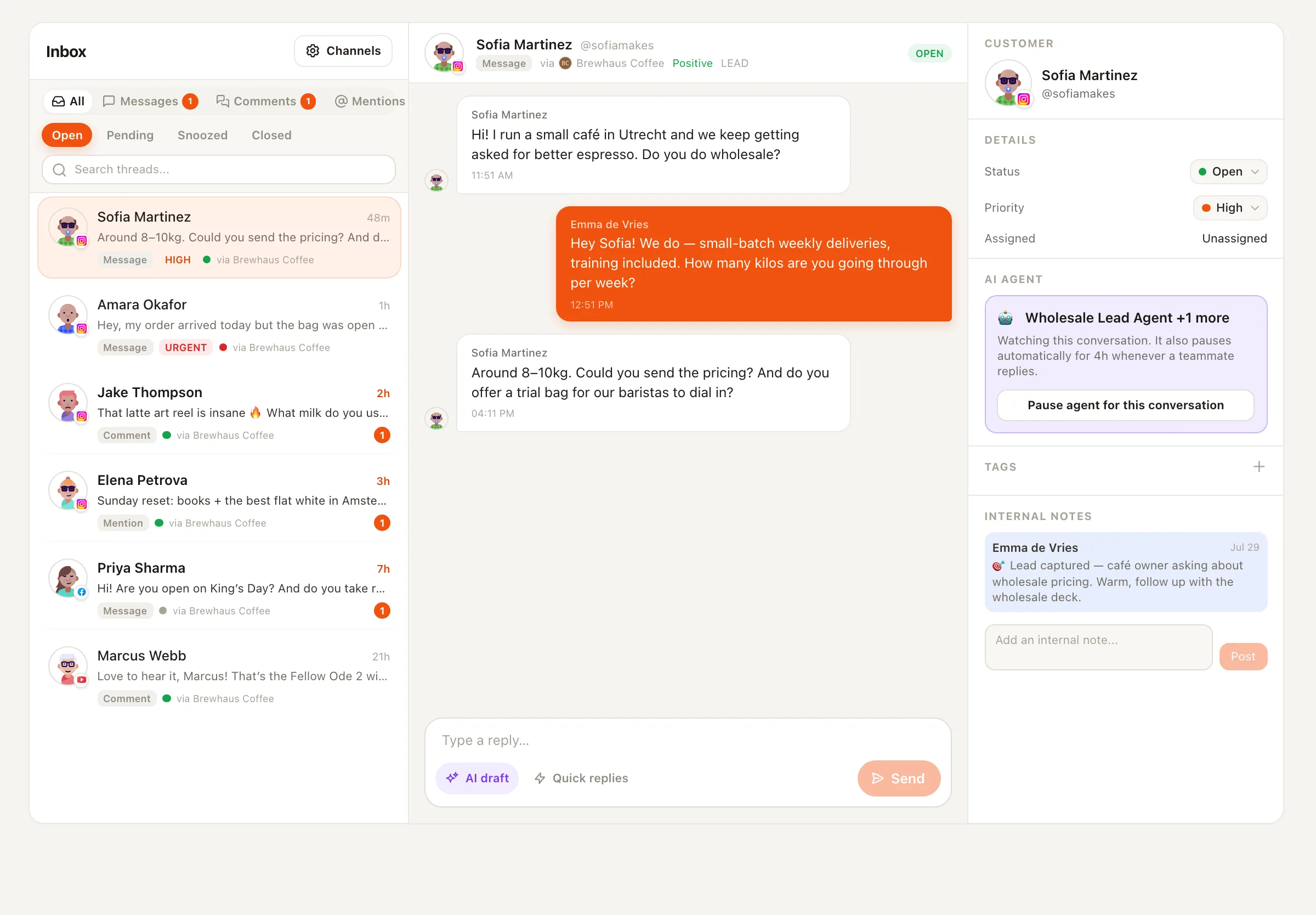
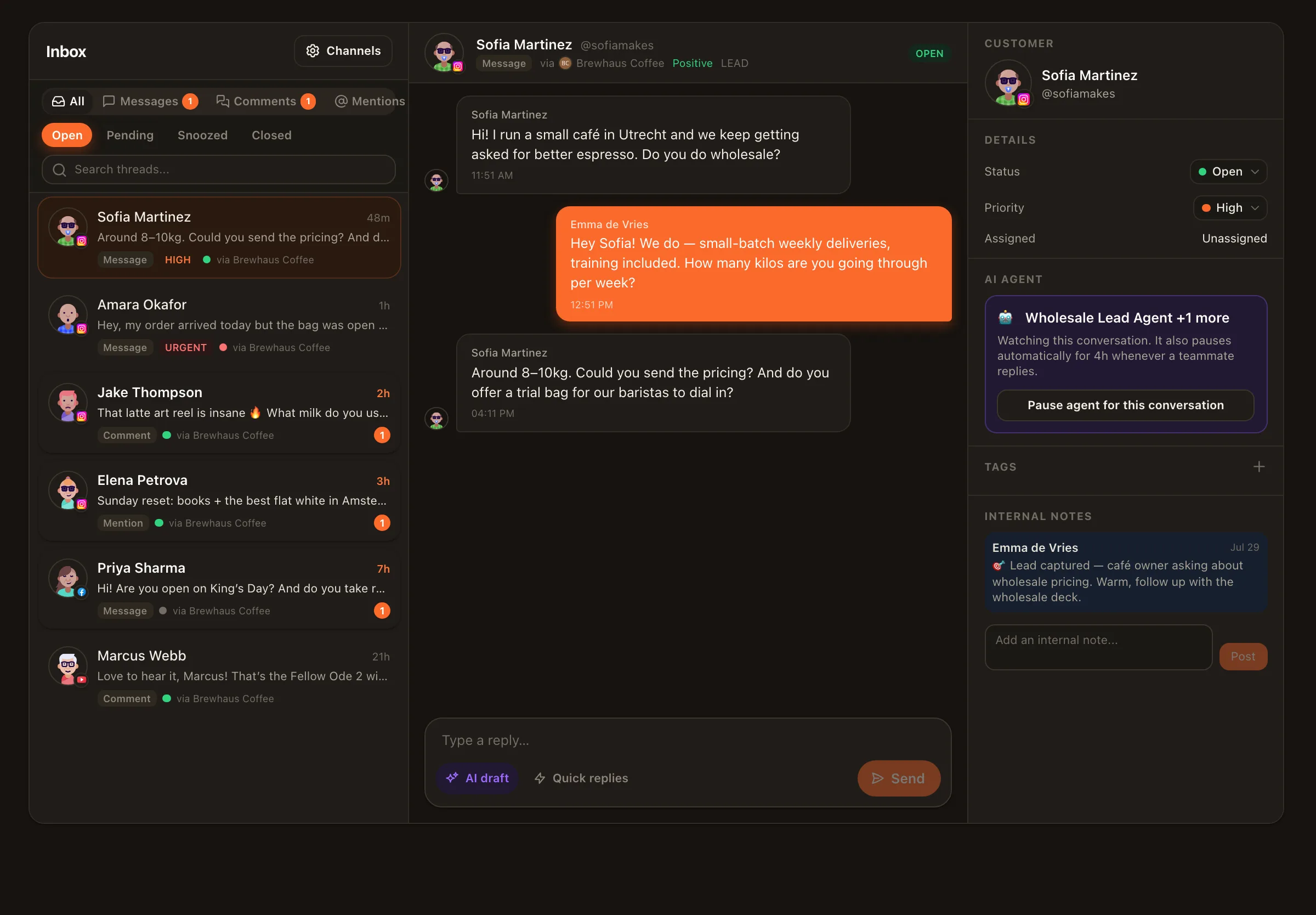
Stop app-hopping to keep up with your audience. Conversations from your connected channels land in one shared inbox, AI-sorted by sentiment, intent, and priority — with reply agents, saved replies, assignments, and SLA timers built in.
AI triage
Every incoming conversation is classified on arrival — so the angry customer never waits behind forty “🔥🔥” comments.
Complaint, question, praise, lead, spam — detected automatically, shown as labels, usable as filters and automation triggers.
Complaints and buying intent get bumped to urgent/high automatically; you see the queue in the order it deserves.
AI applies your tags — Lead, Support, VIP, Wholesale — so filtered views and reports stay accurate without manual housekeeping.
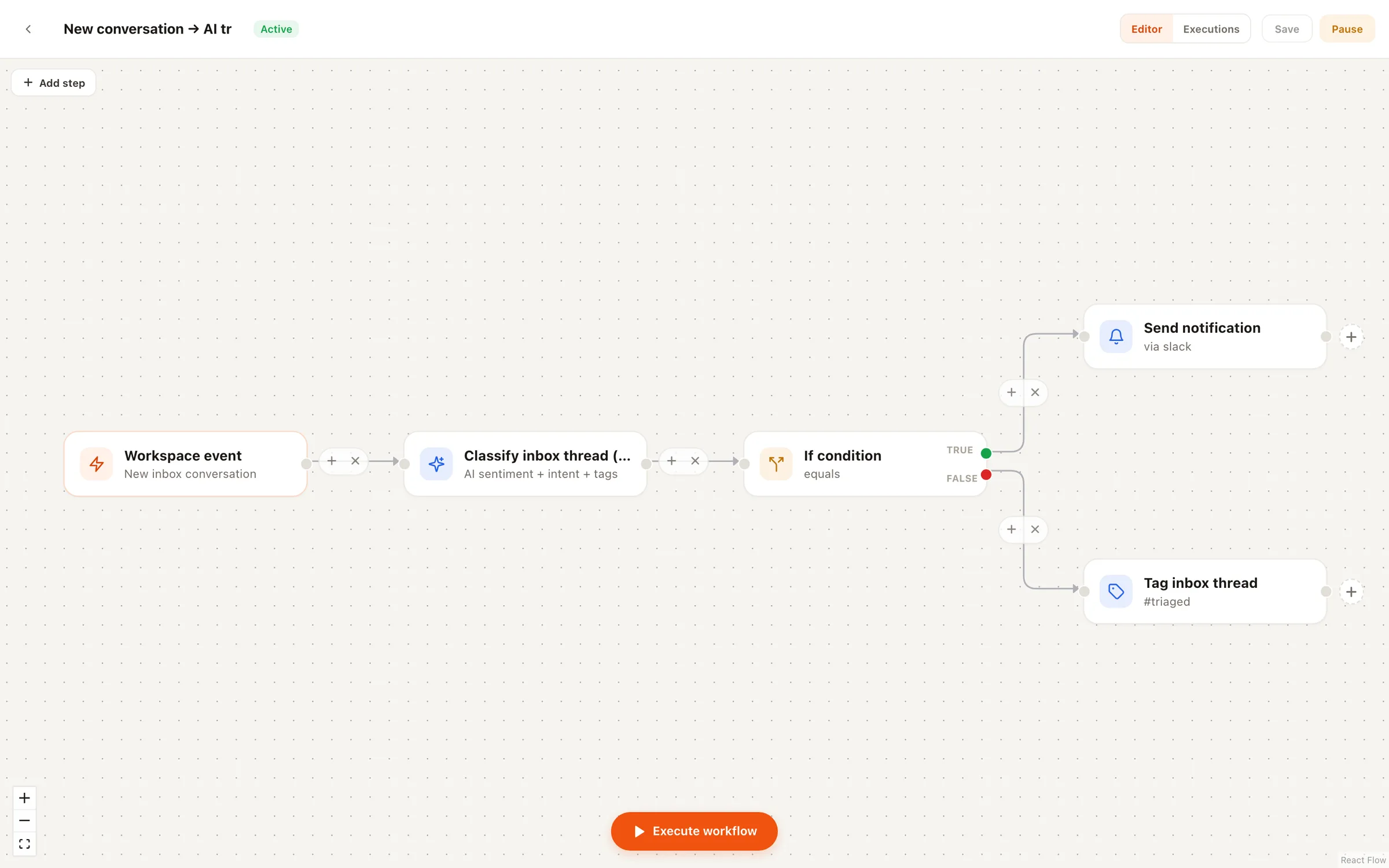
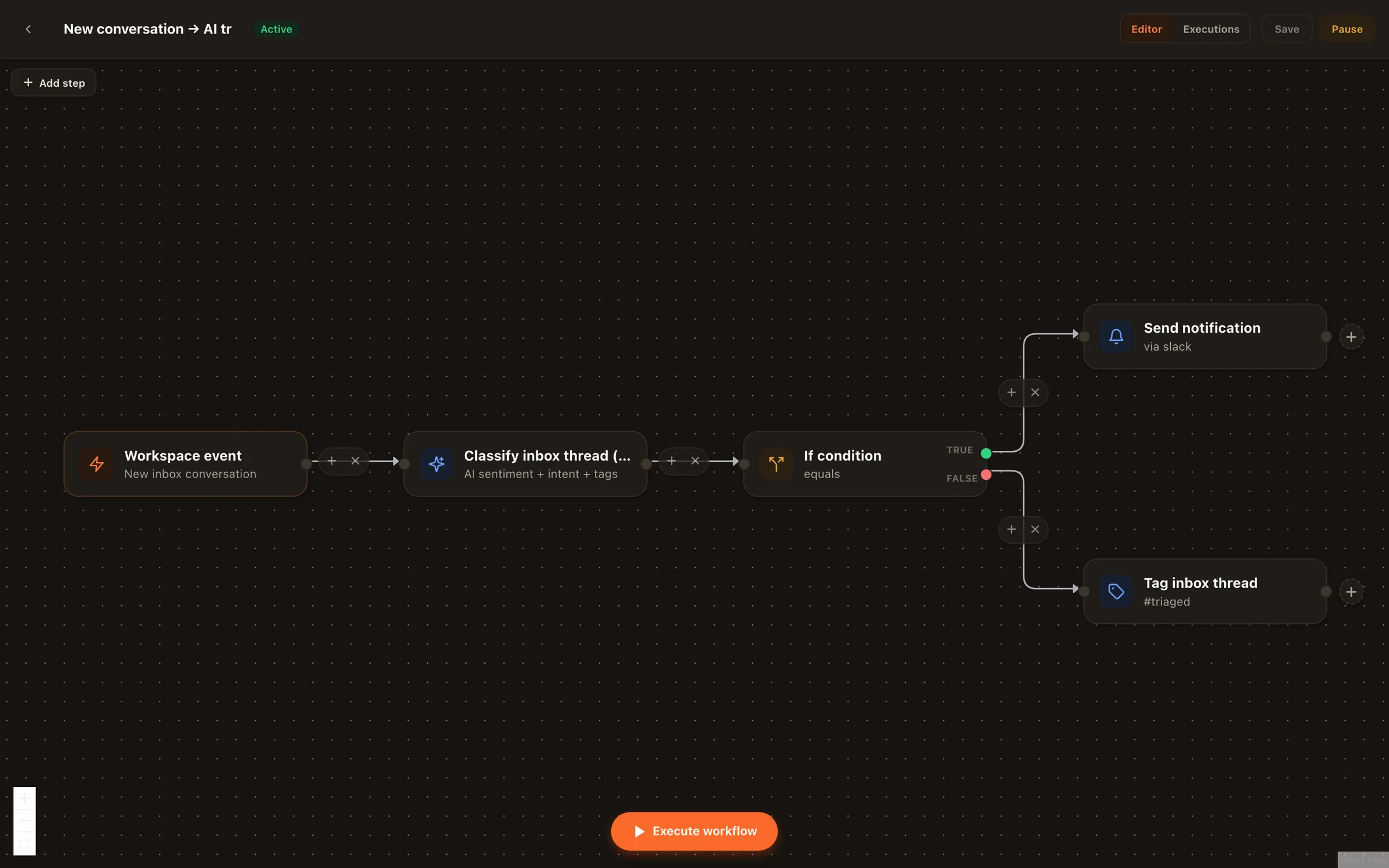
The same classification drives the automation canvas: alert Slack on complaints, route leads to the sales agent, tag the rest for the morning review.
Replying, three speeds
One click writes a context-aware reply for the conversation you're reading — in your brand voice, with tone options and translations.
Your best answers, one shortcut away. Quick replies suggest three short responses you can send or edit instantly.
Attach a Customer Support or Sales & Lead agent and every new customer message gets a drafted reply as an internal note — or an automatic reply in opt-in auto mode, which stands down whenever a human joins.
Pause the agent on any conversation with one click. Take over any thread. The inbox is your team's — agents are staff, not owners.
Built for teams
Assign conversations manually or with rules — by platform, keyword, intent, or round-robin.
Discuss a conversation privately with @mentions before anyone replies publicly.
First-response and resolution targets with warnings before you breach them.
Open, pending, snoozed, closed — and per-member unread counts that actually add up.
Privacy-first by design
Connecting an account for publishing never silently starts collecting its messages. Each channel has its own inbox switch — off by default. Turn it on and Nimply subscribes to that channel’s messages; turn it off and the subscription is removed and ingestion stops.
Honest platform status
It's one shared inbox that collects direct messages, comments, and mentions from your connected social accounts, so your team stops hopping between native apps. In Nimply, every conversation arrives as a thread with the full history, the customer's profile, AI-detected sentiment and intent, priority, tags, assignment, and internal notes — plus the reply box right there.
Inbox coverage rolls out per network as platforms grant API access. WhatsApp Business chats, Facebook Page DMs and comments (approved by Meta on 7 September — reconnect your Page once to pick up the new permissions), X (Twitter) DMs and mentions, YouTube and TikTok comments, Threads replies and mentions, Telegram comments, reactions and DMs, and Instagram DMs and comments (approved by Meta on 17 September — reconnect your Instagram account once to pick up the new permissions) are live today. Publishing and scheduling work on all 9 networks regardless.
Three ways, all under your control: the composer's AI draft button writes a reply for the conversation you're looking at; quick replies suggest short answers in one click; and you can attach a Customer Support or Sales agent to a channel so every new customer message gets a drafted reply as an internal note — or an automatic reply if you enable auto mode, which pauses whenever a teammate takes over.
The moment a conversation arrives, AI classifies its sentiment (positive to negative), intent (question, complaint, praise, lead, support, spam), and adjusts priority — so complaints and hot leads float to the top instead of drowning in mentions. You can wire the same classification into automations: alert Slack on complaints, auto-tag praise, route leads to the sales agent.
The inbox is opt-in per channel: Nimply doesn't ingest a single message from a connected account until you explicitly switch that channel's inbox on — and turning it off unsubscribes the platform webhook and stops ingestion. Connecting a channel for publishing never silently starts message collection.
Yes — assignments with routing rules, internal notes with @mentions, saved replies with shortcuts, SLA policies with first-response and resolution timers, statuses (open, pending, snoozed, closed), and per-member unread counts. Agencies run a separate inbox per client workspace.
Start free, switch on the channels you want ingested, and let triage sort your mornings.