

Instagram Story Ads Template Collection
Start from a ready-made vertical layout and make your story ad in minutes. Each template is built for the tall story shape, with clear space for your offer and a call to action. Change the words, photo, fonts and colours in the browser, then download or send it to a post.
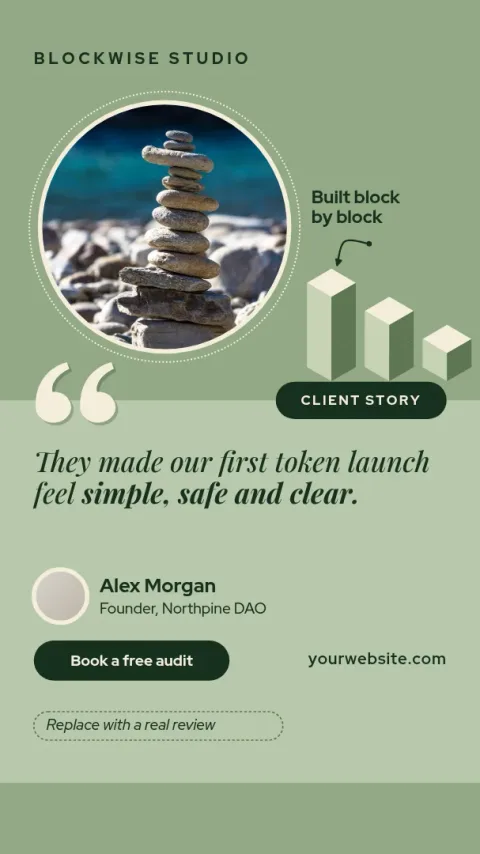
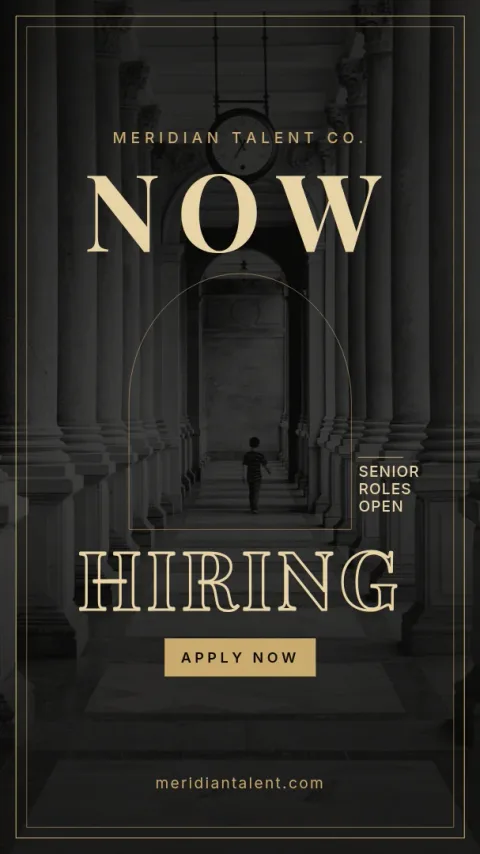
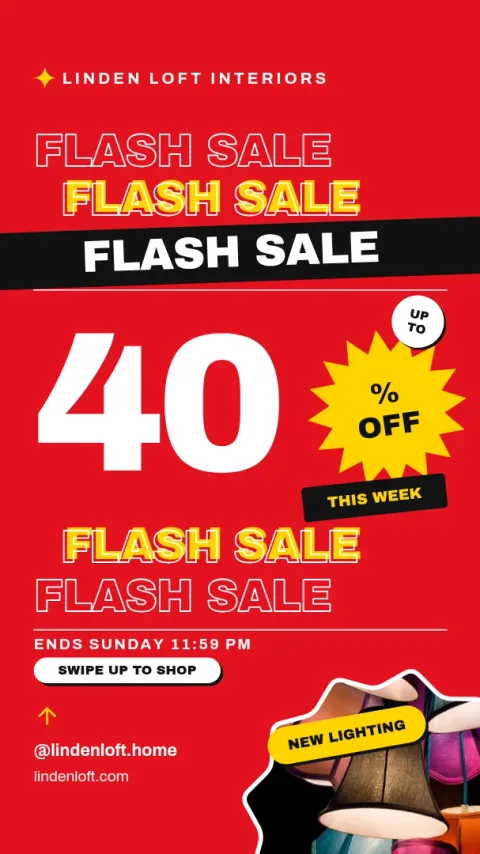
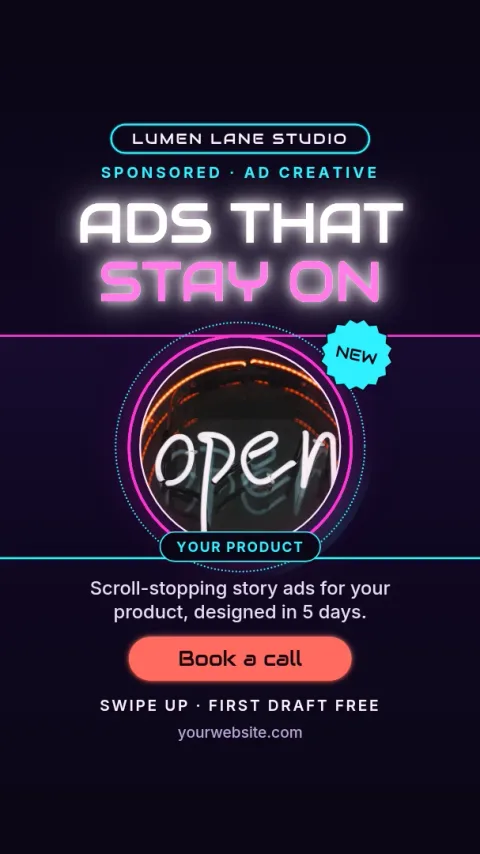
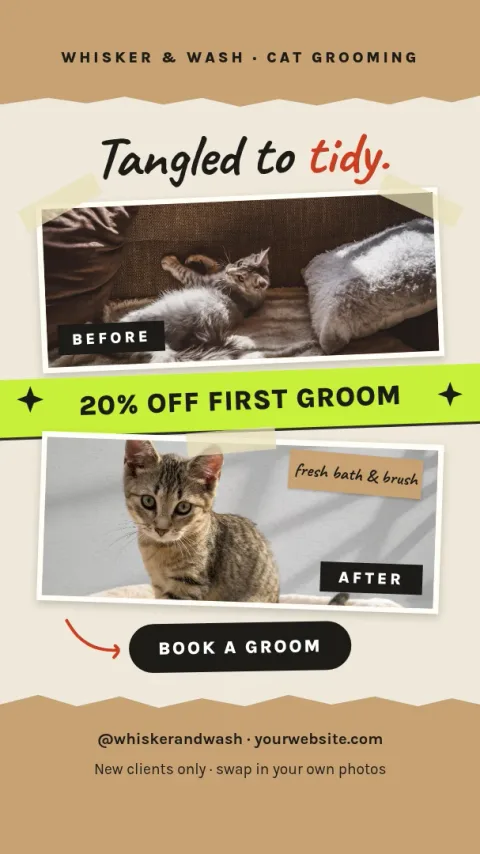
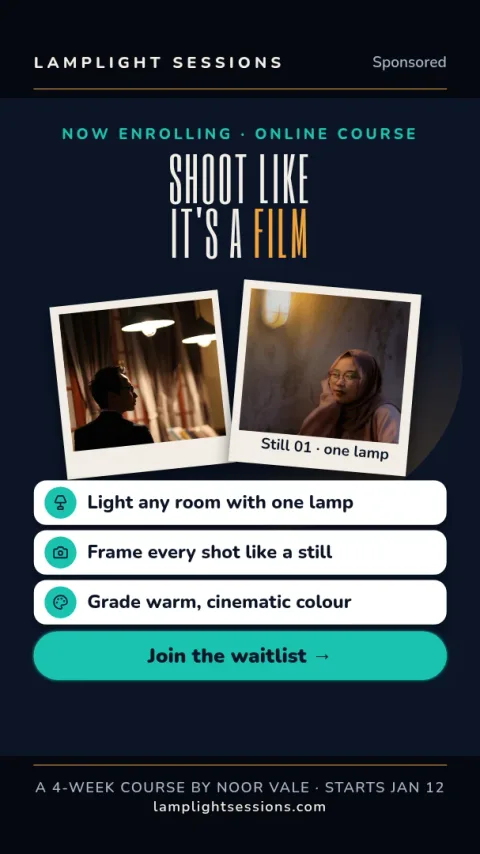
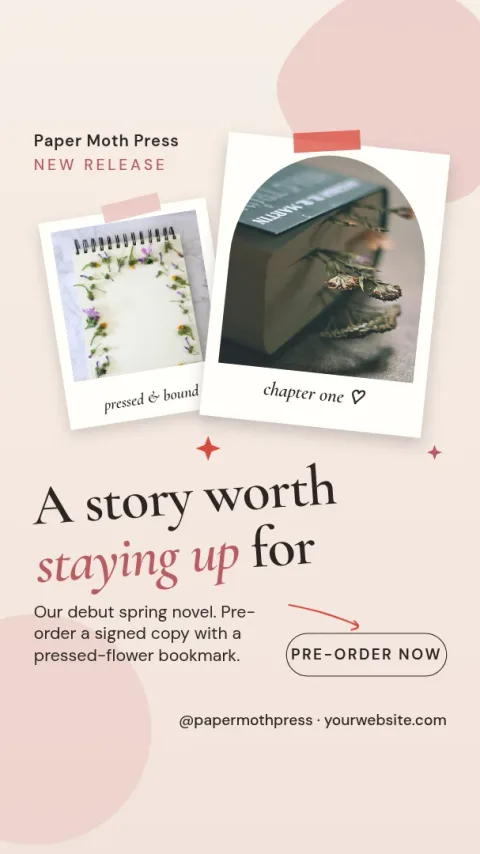
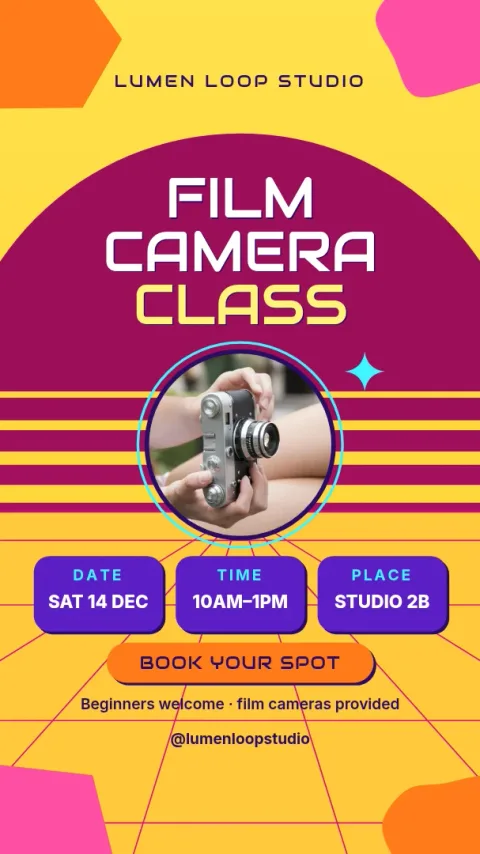
Built for the story format
Story ads are tall and fast. People glance, so each design here puts one message up front and keeps the rest simple. Text sits away from the very top and bottom edges, where Instagram shows its own buttons and labels, so your offer stays readable. Pick the layout that matches what you are selling and replace the placeholder content.
Make it match your brand
Edit text, fonts, colours, photos and layout directly in the editor. If you set up a brand kit, your colours, fonts and logo stay ready for every ad, so a set of stories looks like it comes from one business. The AI photo tools, such as background remover, use AI credits. Downloading a template does not.
Download or send to a post
When the ad is ready, download it as PNG, JPG, WebP, PDF or SVG. You can also send the design straight into a Nimply post, where it goes through approval and scheduling. Nimply Design is part of every plan, including Free, so you can try a template before you decide on anything else.
Frequently asked questions
What size is an Instagram story ad template?
Our story templates use the Instagram story size, a tall vertical shape. You can pick the ig-story size, and a Facebook story size is also available if you plan to reuse the design there.
Can I change the colours and fonts?
Yes. You can edit text, fonts, colours, photos and layout. With a brand kit, your colours, fonts and logo are kept ready so each new ad matches the last.
Is the template free to use?
Nimply Design is part of every Nimply plan, including Free. Downloading a template does not use AI credits. Only AI photo tools, like background remover and Magic Layers, do.
How do I get the finished ad out of the editor?
Download it as PNG, JPG, WebP, PDF or SVG, or send it straight into a Nimply post for approval and scheduling.
Make it yours in minutes
Open any template in Nimply Design, add your brand in one click, and send it straight into a post for approval and scheduling.