Nimply Logo

New in Nimply · free on every plan

One link for every bio. Kept current by your posts.

Nimply Pages builds your page from the accounts you already connected: your photo, your bio, your latest posts. Pick one of 48 templates, publish in a minute, and every post you schedule can add its own link card the moment it goes live.

nimply.link/brewhauscoffeeyournamestudio.milachef.riodj.novabrewhauscoffeeClaim yours
  • 48templates
  • 31block types
  • Freeon every plan
InstagramTikTokYouTube
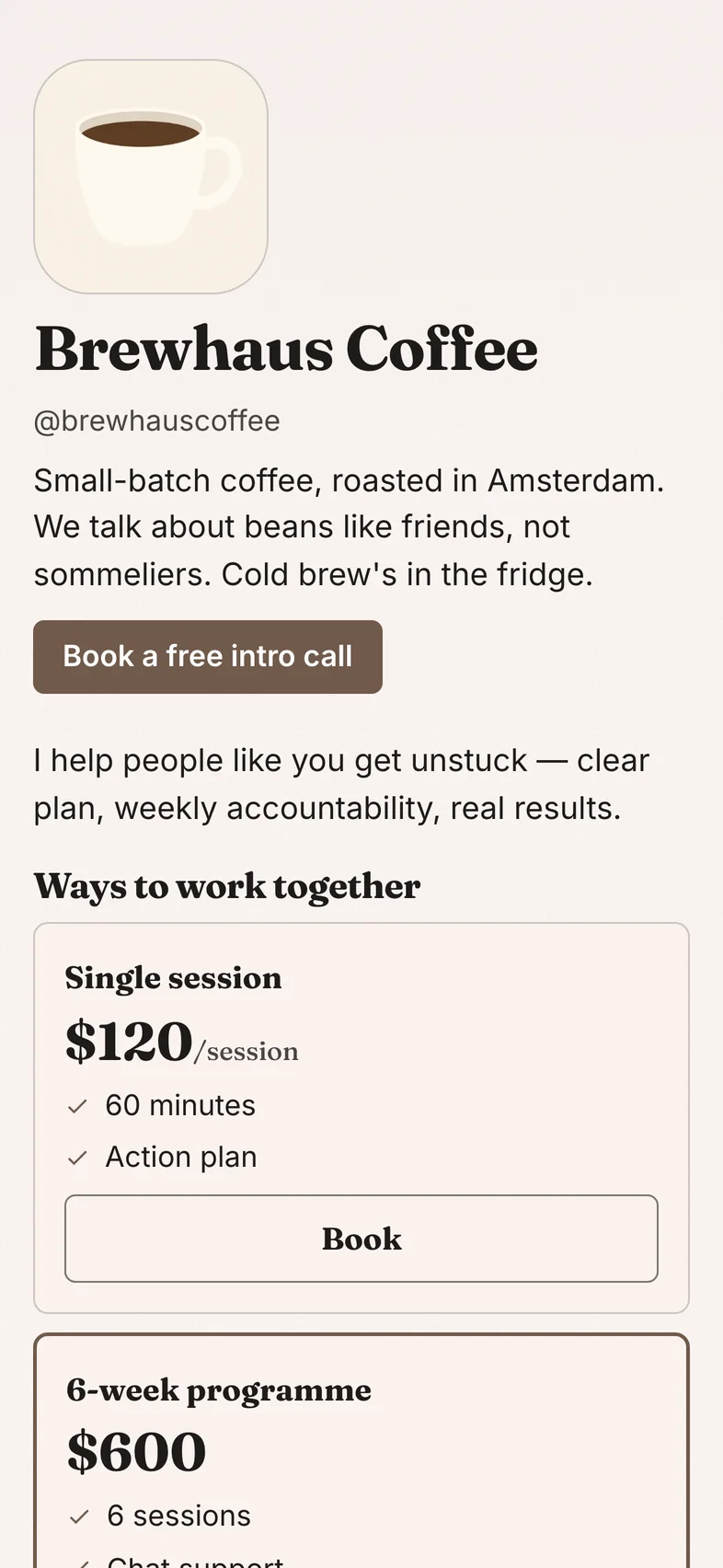
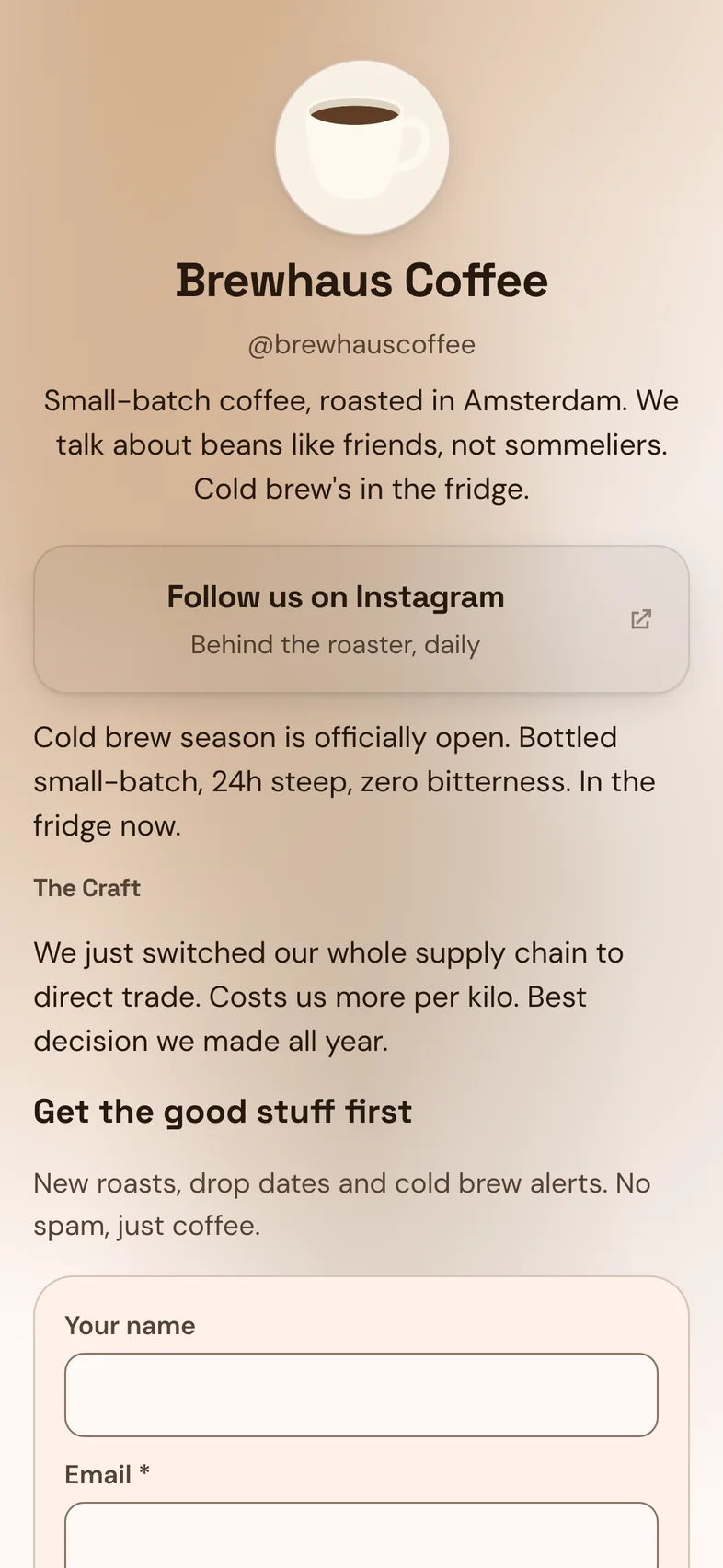
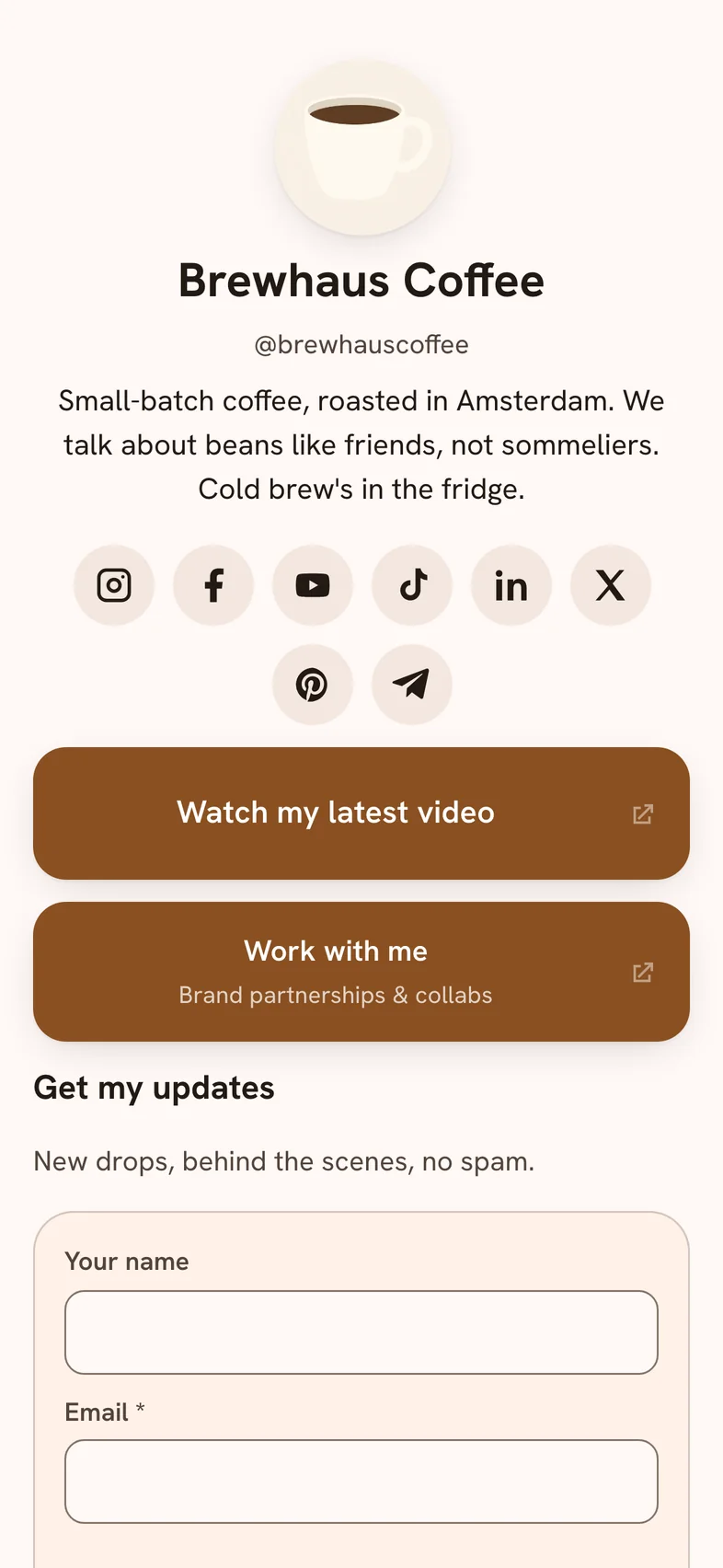
The Brewhaus Coffee page on nimply.link, built from its connected Instagram account
Just postedCold brew is back →
New sign-upAdded to People

48 templates

Every template starts already filled in

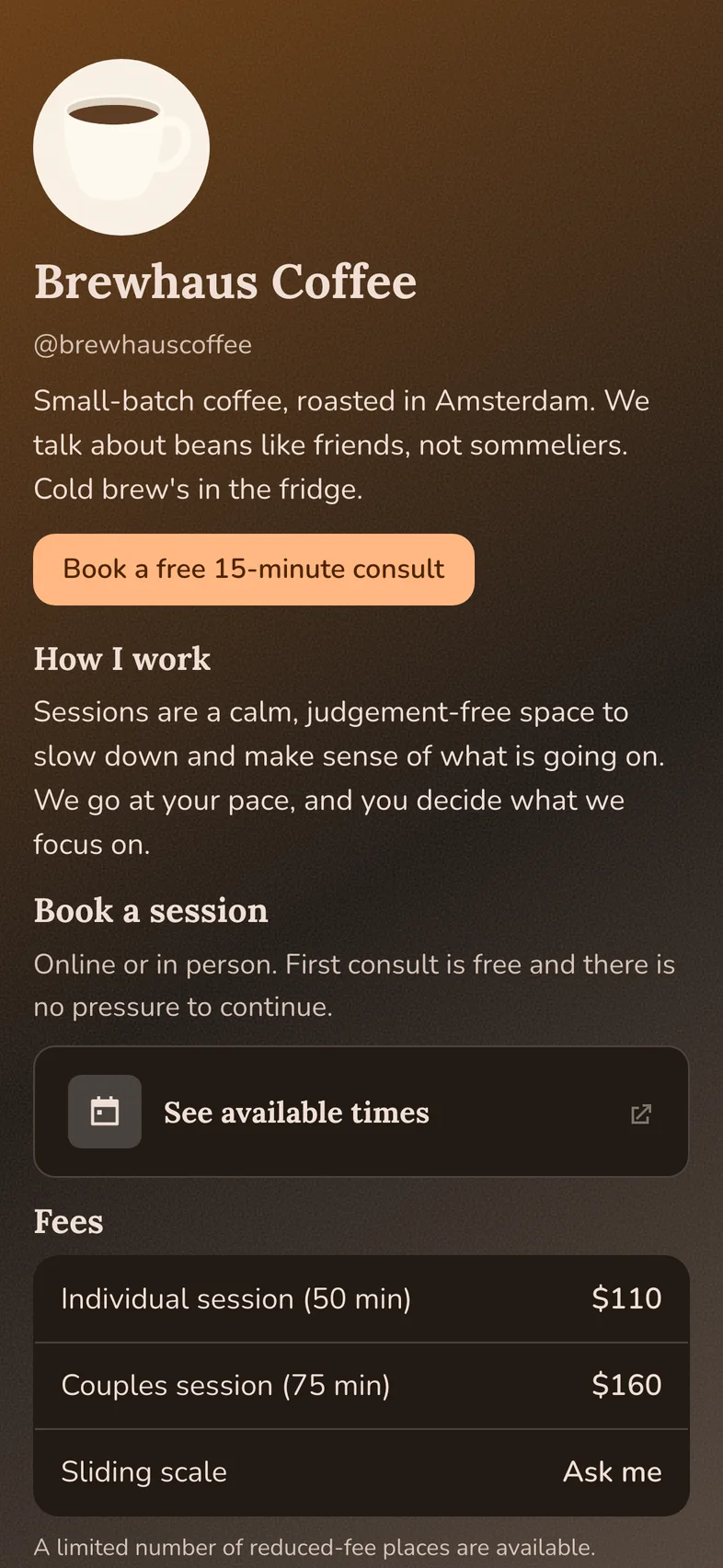
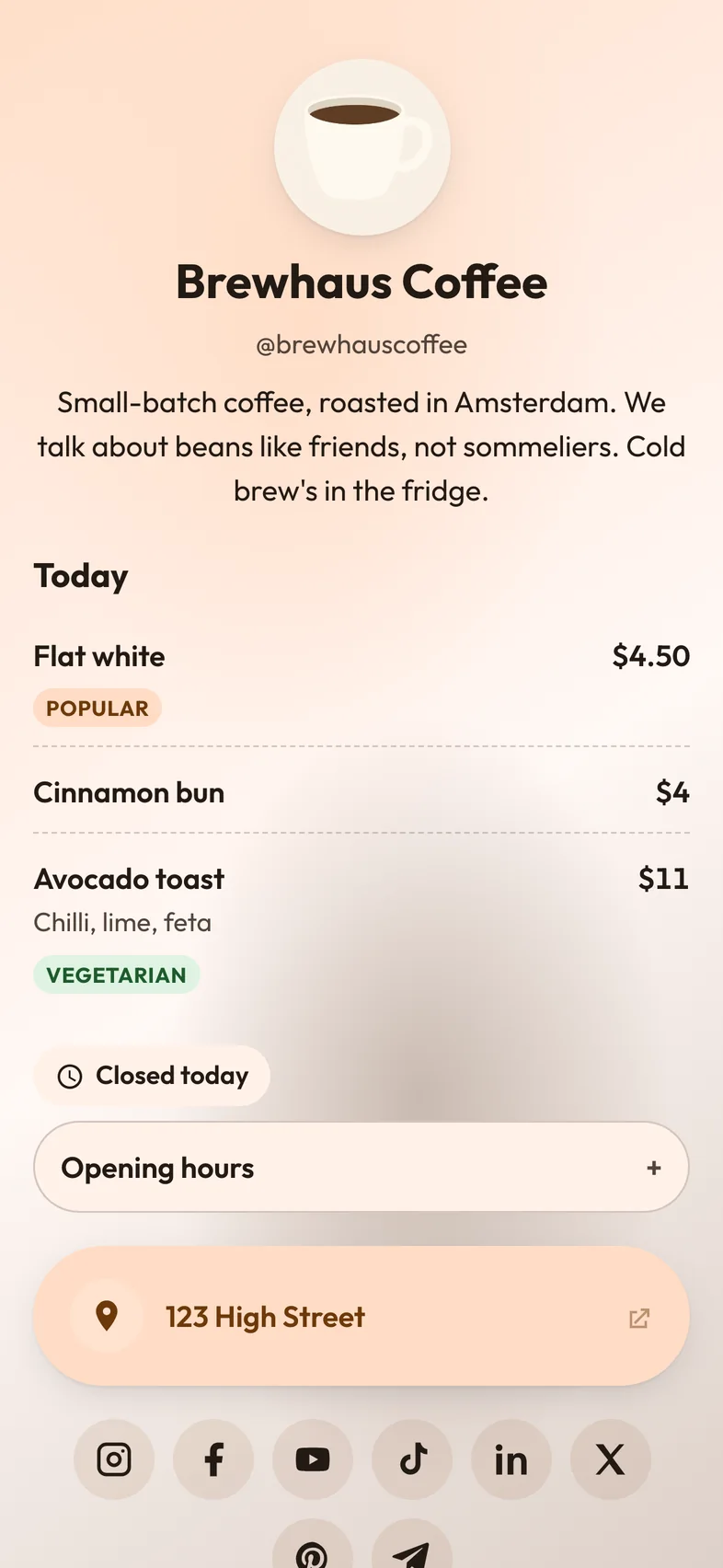
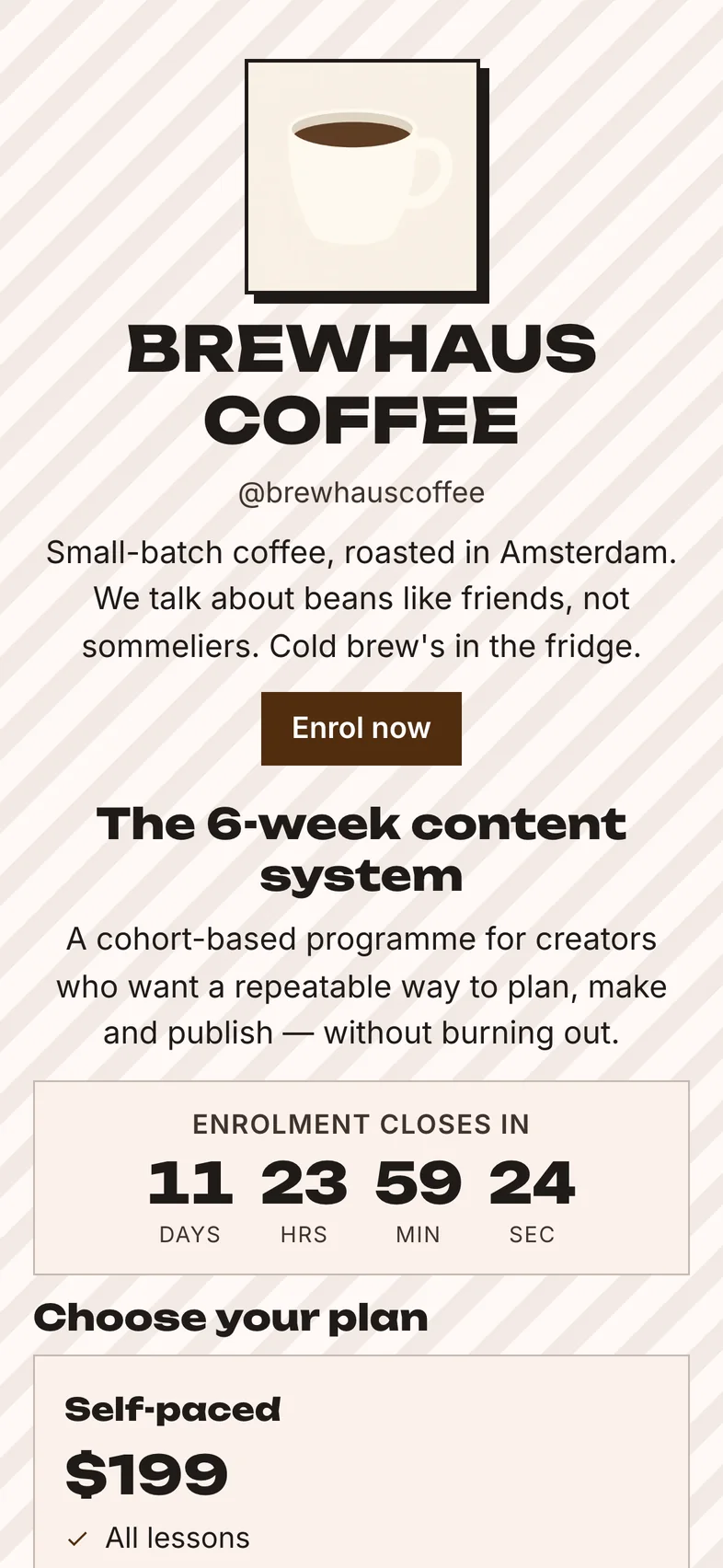
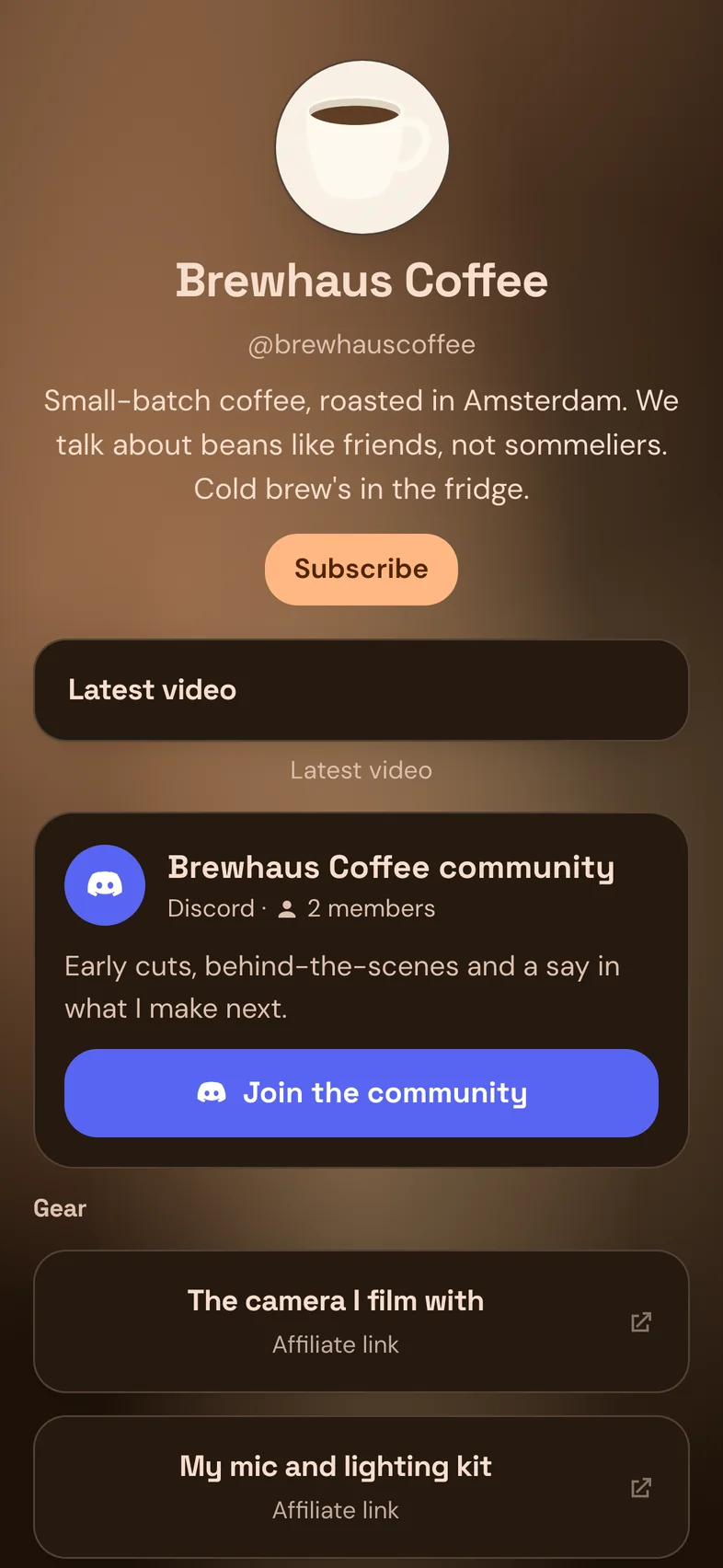
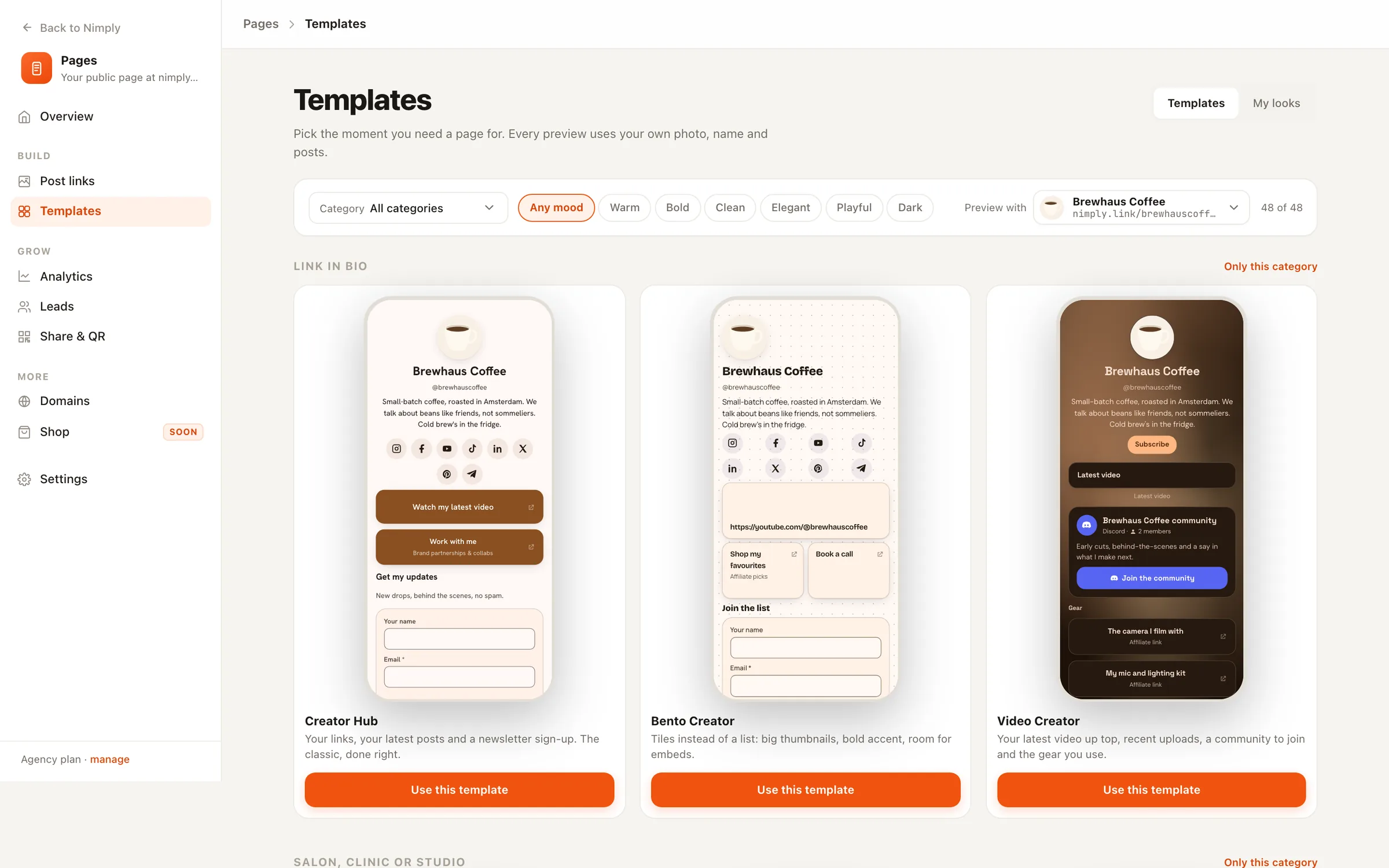
These are real renders of the Brewhaus Coffee demo account. Pick a template and you see it with your own photo, name, bio and links before you choose.

  • Brewhaus Coffee template

    Brewhaus Coffee

    Link in bio

  • Coach Booking template

    Coach Booking

    Booking page

  • Café Daily template

    Café Daily

    Restaurant & café

  • Course & Program template

    Course & Program

    Offer or drop

  • Therapist & Wellness template

    Therapist & Wellness

    Salon, clinic or studio

  • Video Creator template

    Video Creator

    Link in bio

  • Creator Hub template

    Creator Hub

    Link in bio

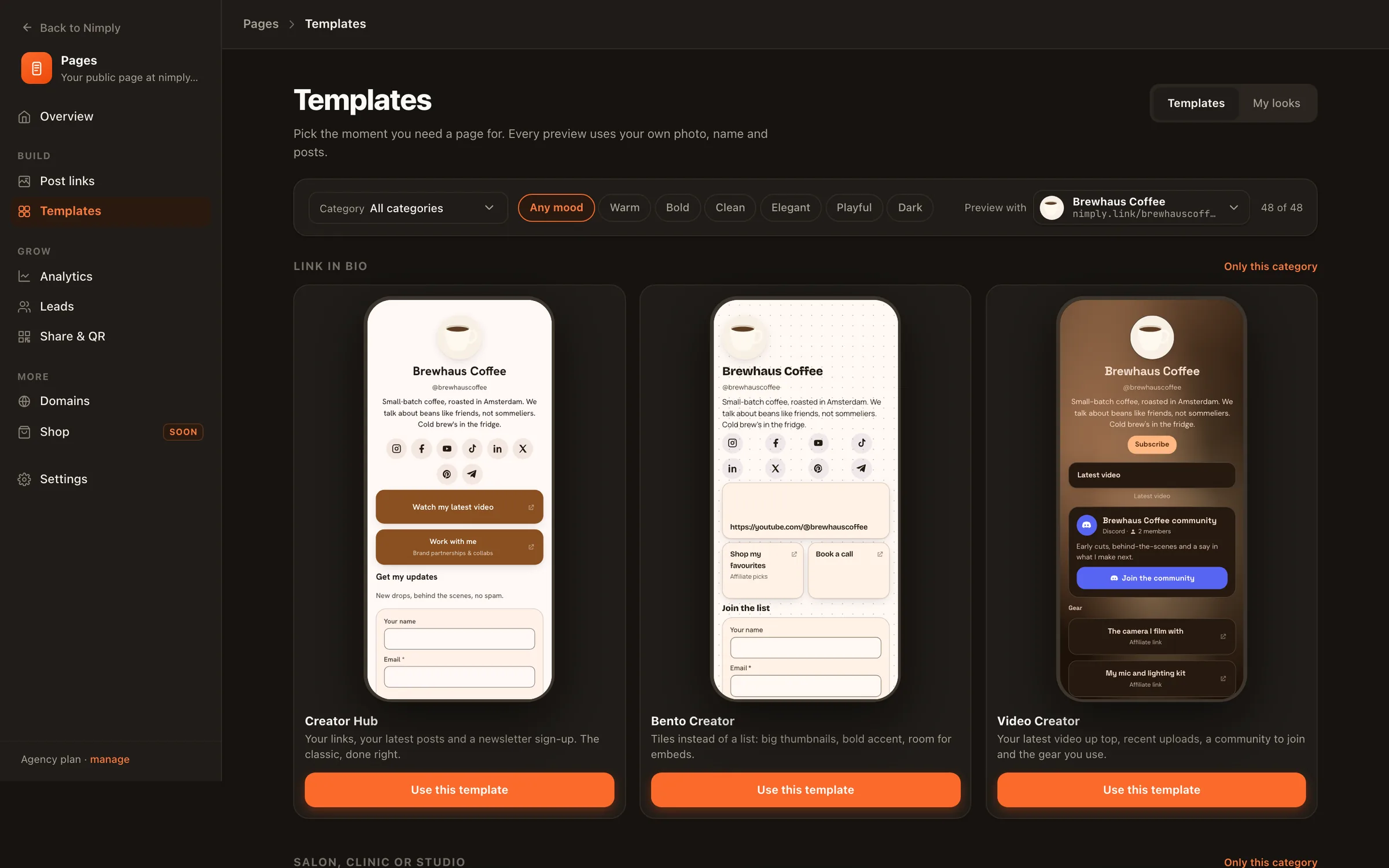
The Nimply Pages template gallery with a category dropdown, mood filters and live previews using your own page

The template gallery: filter by what the page is for and its mood, then preview with any of your pages.

What your page does

More than a list of links. Wired into the rest of Nimply.

Design it in minutes, not afternoons

Pick a look and everything already matches: colours, fonts and backgrounds that stay readable. Or let AI style it from your brand, or write the whole page from your accounts and recent posts. The preview shows real phone sizes.
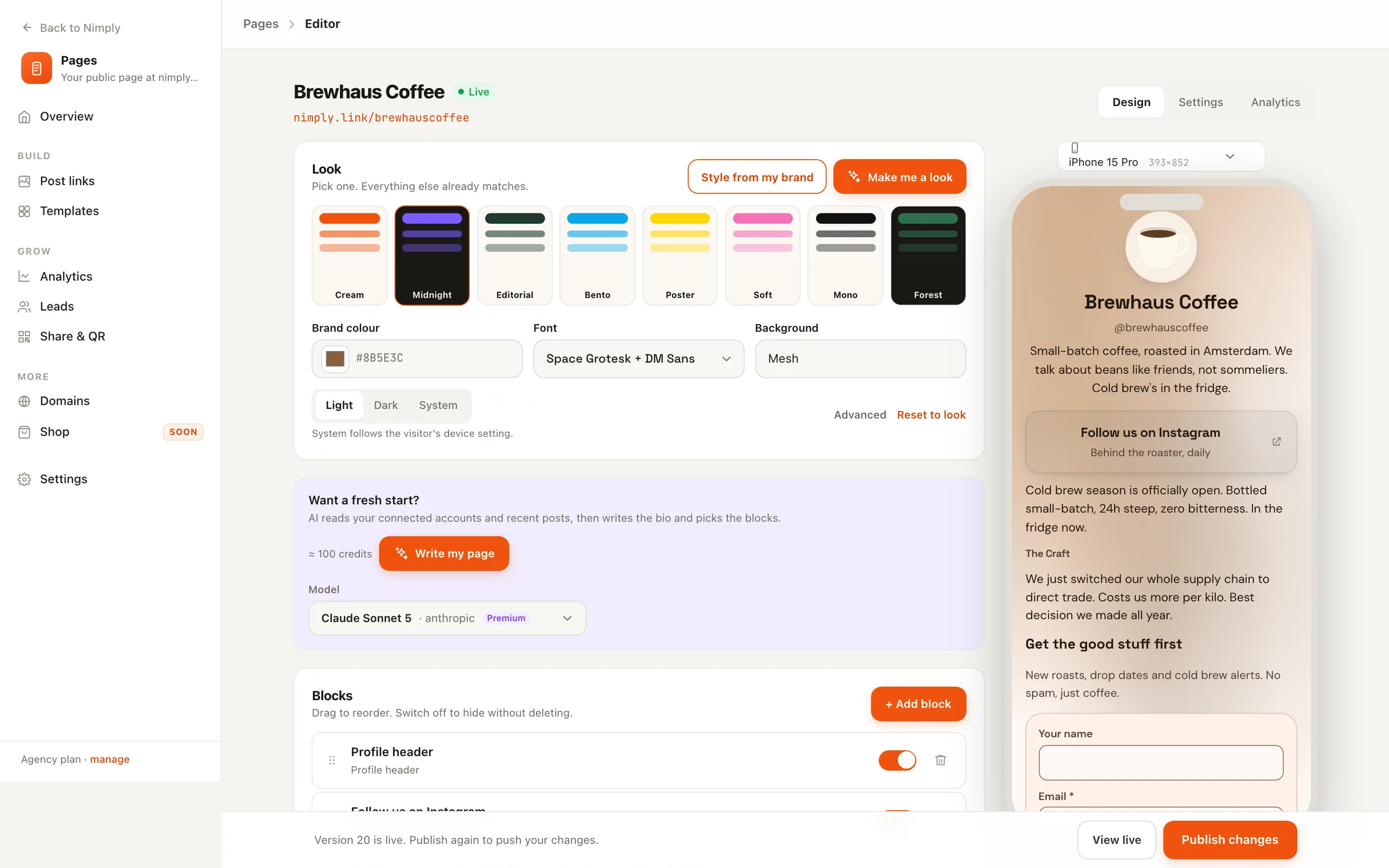
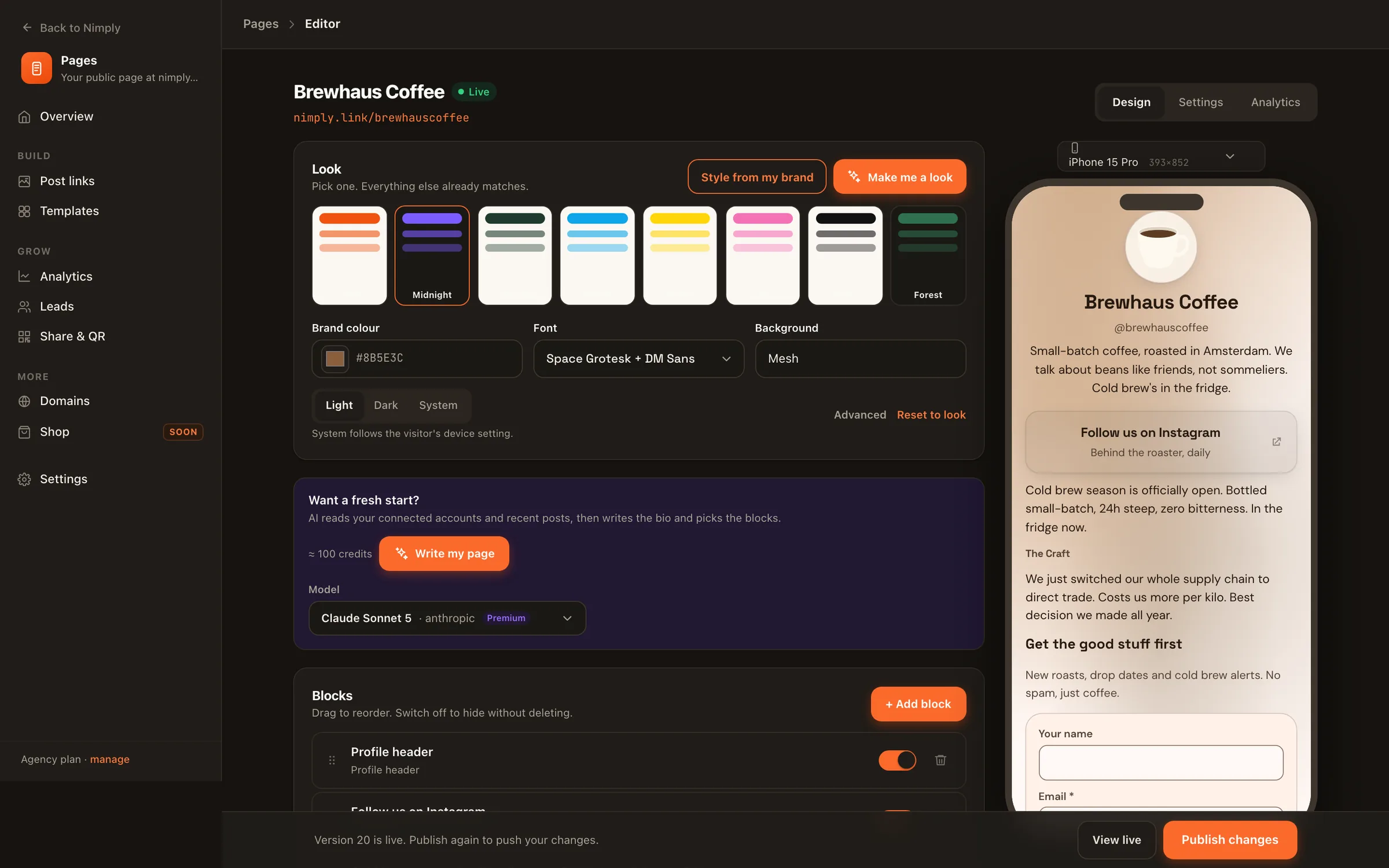
The Nimply Pages editor with looks, brand colour, font, AI page writer, blocks and a live phone preview

Your posts keep it fresh

Schedule a post in Nimply and it can add its own link card when it goes live. No more swapping the link in your bio.

  1. ScheduledFri 9:00
  2. Published on InstagramFri 9:00
  3. Link card added to your pageFri 9:00

Sign-ups land in People

Forms, RSVPs and email gates create contacts next to the people who comment and message you.

name@example.com
Subscribe
New contact added to People

A QR code for everything you print

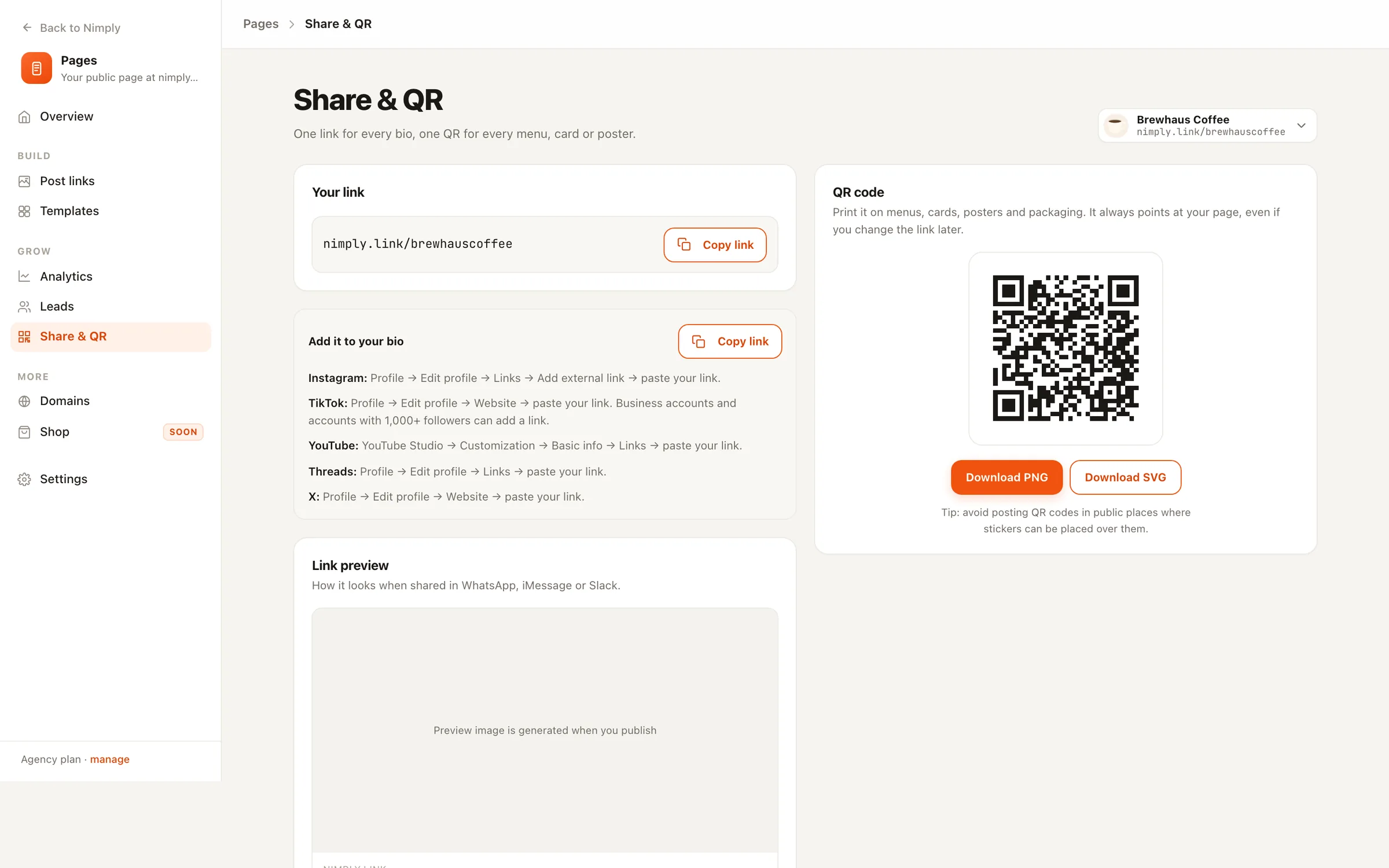
Download it as SVG or PNG for menus, cards and packaging. Change your handle and the old link redirects for 30 days, so printed codes keep working.

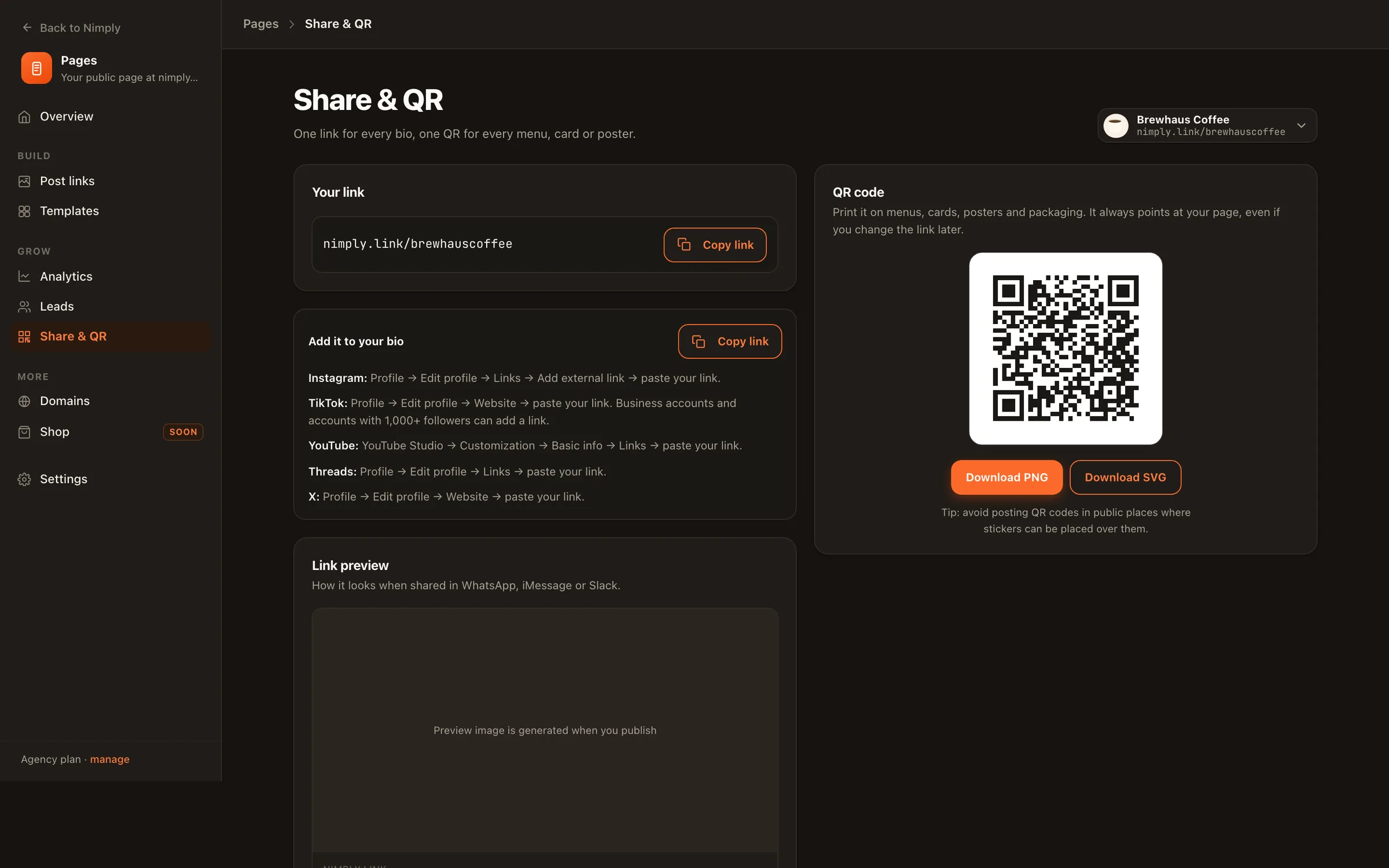
Share & QR: copy your link, bio instructions for each platform, and a QR code download

Analytics on every plan

Views, clicks and click rate per link. Paid plans add referrers, countries, devices, history and CSV export.

Your own domain

On Agency, put any page on links.yourbrand.com with one DNS record. We handle the certificate.

Move from Linktree

Paste your linktr.ee address and your links and thumbnails come across as blocks.

Menus from a photo

Snap your printed menu and AI turns it into menu sections you can edit. Uses AI credits.

Three steps

From connected account to live page

  1. 01

    Connect an account

    Your username becomes your address, nimply.link/yourname, and your photo, name and bio fill the page.

  2. 02

    Pick a template or let AI write it

    Preview templates with your own content, choose a look, and switch blocks on or off. Nothing is live until you publish.

  3. 03

    Publish and paste it once

    Put the link in your Instagram, TikTok and YouTube bios one time. Your scheduled posts keep it current from then on.

Included in every plan

No separate bill for your page

Pages come with the Nimply plan you already have, so the price that covers scheduling, AI agents and the inbox covers your page too.

  • Free

    1 page

    • All 48 templates and 31 blocks
    • Views, clicks and click rate
    • Small Nimply badge
  • Creator

    1 page

    • No badge
    • Full analytics and CSV export
    • Meta Pixel, GA4, TikTok Pixel
  • Growth

    5 pages

    • Everything in Creator
    • A page per brand or campaign
    • Drafts never count toward the limit
  • Agency

    25 pages

    • Everything in Growth
    • Your own domain on each page
    • Up to 25 connected domains

See full plan pricing →

Questions about Nimply Pages

Is Nimply Pages free?

Yes. Every Nimply workspace, including the Free plan, can publish one page on nimply.link with every template and block. The Free page shows a small Nimply badge; paid plans remove it and add full analytics and tracking pixels.

How do my posts keep the page current?

When a post you scheduled in Nimply goes live, it can add its own link card to your page, and the Latest posts block shows your newest published posts from the accounts you pick. You stop swapping the link in your bio by hand.

Can I use my own domain?

On the Agency plan, yes. Connect a domain such as links.yourbrand.com to any page, add one DNS record, and Nimply issues the certificate. Every other plan uses nimply.link/yourname.

Where do sign-ups and RSVPs go?

Every form, RSVP and email gate on your page creates a contact in Nimply's People section, next to the people who comment on and message your accounts. You can also see them per page under Leads and export them.

Can I move my links from Linktree?

Yes. Paste your linktr.ee address in the editor and Nimply imports your public links and thumbnails as blocks you keep editing.

Can I sell products or take payments on my page?

Not yet. You can link out to your shop, booking tool or tip jar with buttons and product cards, but Nimply does not process payments on the page itself.

Your page is one connected account away

Connect Instagram, TikTok or YouTube, pick a template filled with your own posts, and publish on nimply.link today.