

Christmas Instagram Story Template for Your Business
Pick a Christmas story layout, swap in your own words, colours and photos, and have it ready the same day. Each template is sized for Instagram Stories. Use them for greetings, sales, opening hours or a simple thank you to your customers.
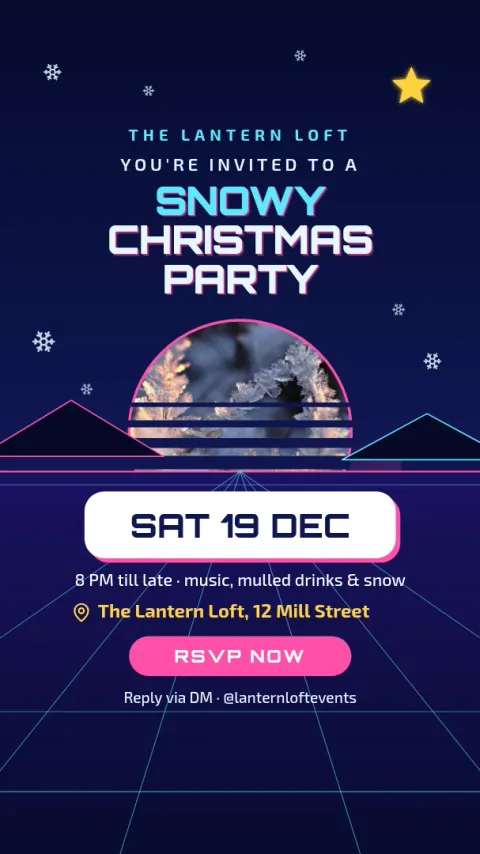

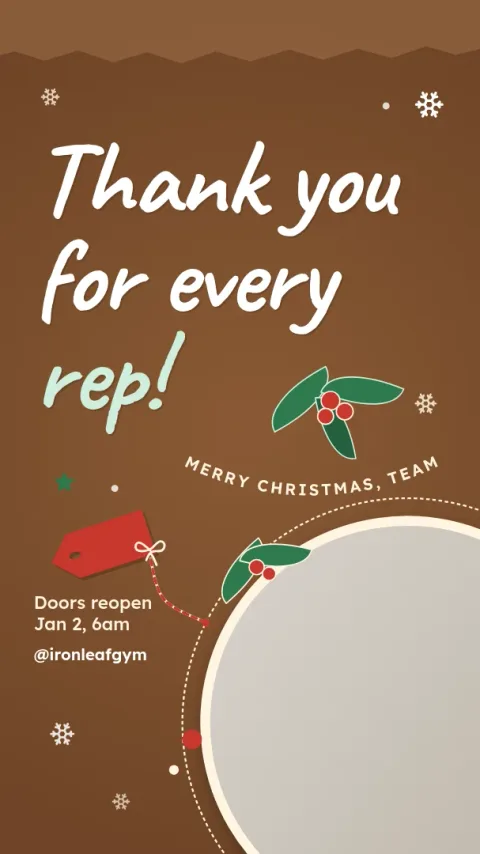
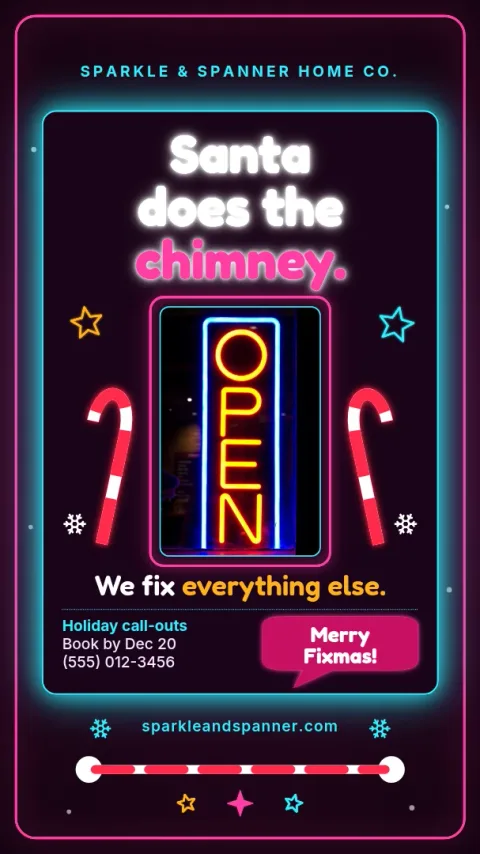
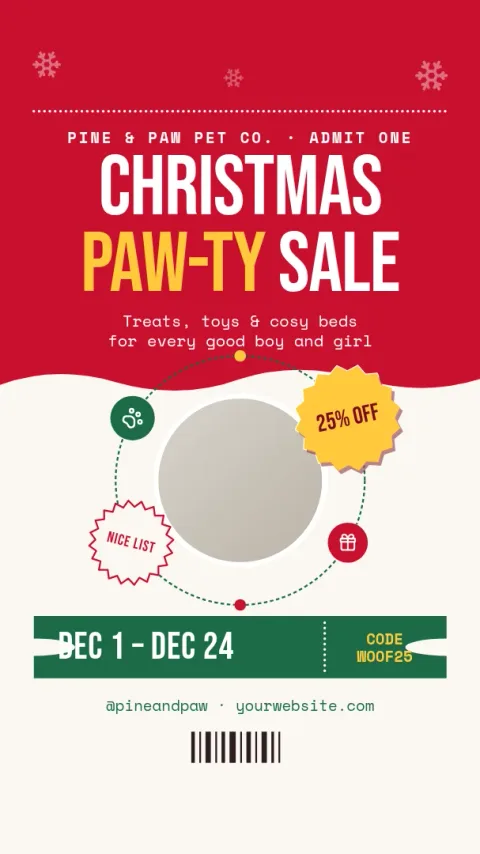
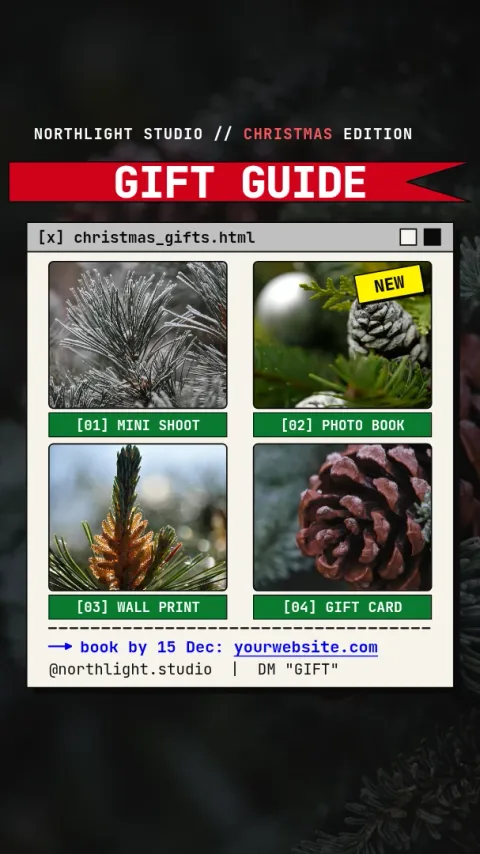
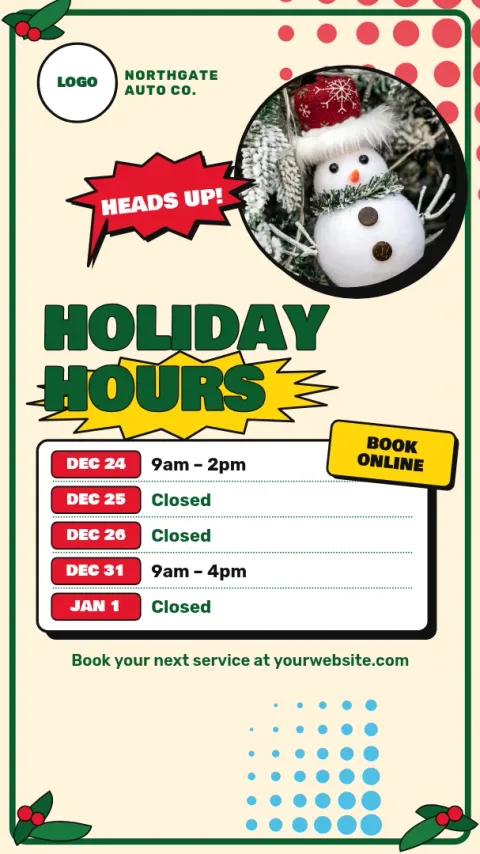
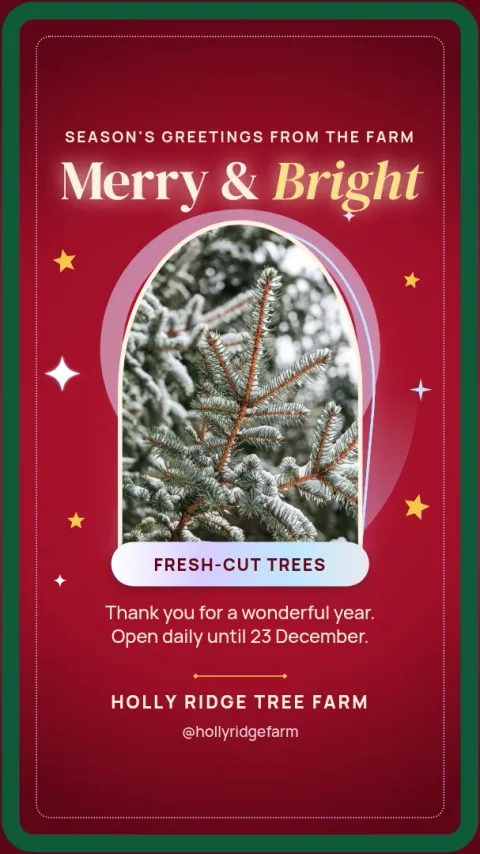
Choose a story that fits your message
Some Christmas stories are for saying thanks, others are for selling or sharing opening hours. Start with the one closest to what you need to say. The layouts leave space for a short headline and one clear detail, so people can read it in the few seconds a story is on screen.
Make it look like your brand
Change the text, fonts, colours, photos and layout in the browser editor. If you set up a brand kit, your colours, fonts and logo are kept, so each story looks like it came from the same business. You can also drop in your own product or shop photos.
Download it or schedule it
When the design is done, download it as a PNG, JPG, WebP, PDF or SVG. You can also send it straight into a Nimply post for approval and scheduling. Downloading a template does not use AI credits. Only the AI photo tools, like the background remover, do.
Frequently asked questions
What size is a Christmas Instagram story?
Stories use a tall vertical format. These templates use the Instagram Story size preset, so your design fits the screen without cropping. Keep key text away from the very top and bottom, where the app shows its own buttons.
Can I change the colours and fonts?
Yes. You can edit the text, fonts, colours, photos and layout of every template. A brand kit keeps your colours, fonts and logo ready, so you do not have to set them again each time.
What file types can I download?
You can download PNG, JPG, WebP, PDF (standard or vector) or SVG. For Instagram Stories, PNG or JPG is usually the simplest choice.
Does using a template cost AI credits?
No. Downloading a template does not use AI credits. Credits are only used by the AI photo tools, such as the background remover and Magic Layers.
Make it yours in minutes
Open any template in Nimply Design, add your brand in one click, and send it straight into a post for approval and scheduling.