

Instagram Q&A story template designs you can edit
Invite questions from your followers with a story that looks like your brand. Choose one of eight layouts, swap in your wording, colours and photo, then download it and post it to Instagram. Each design leaves clear space for the question sticker, so people know exactly where to reply.
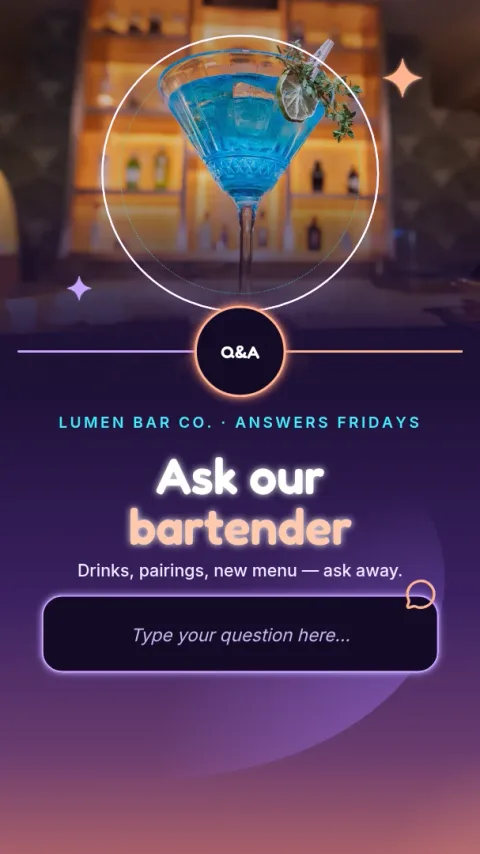
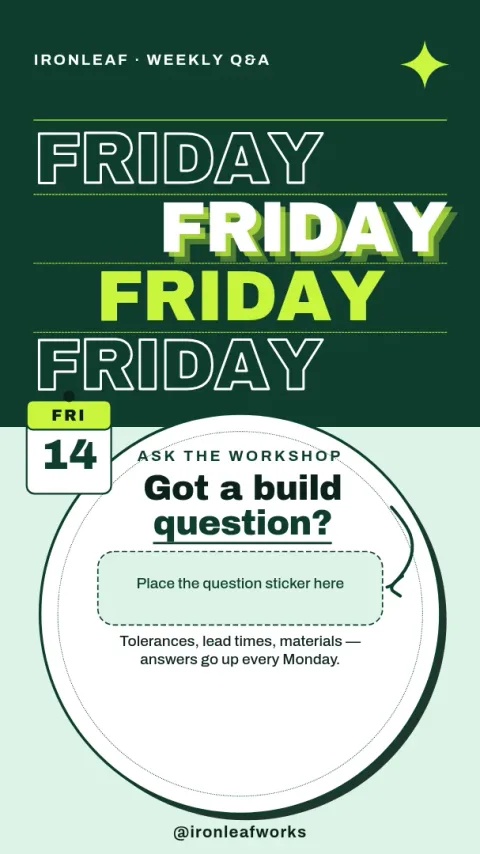
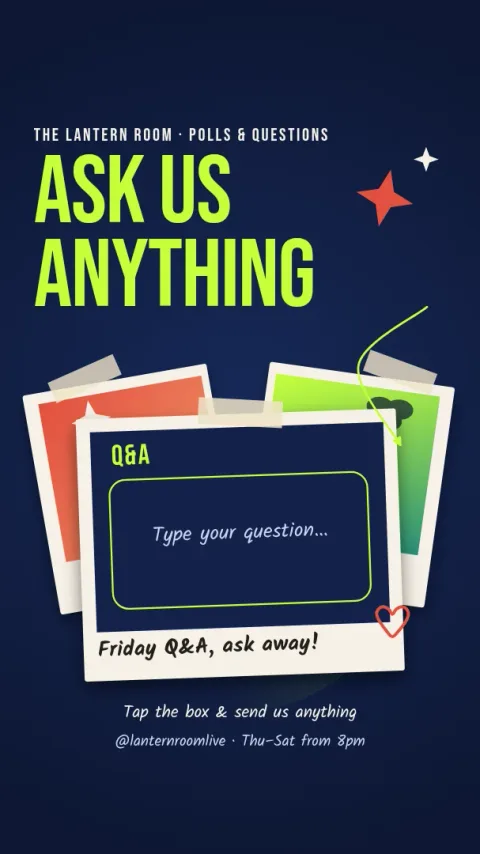
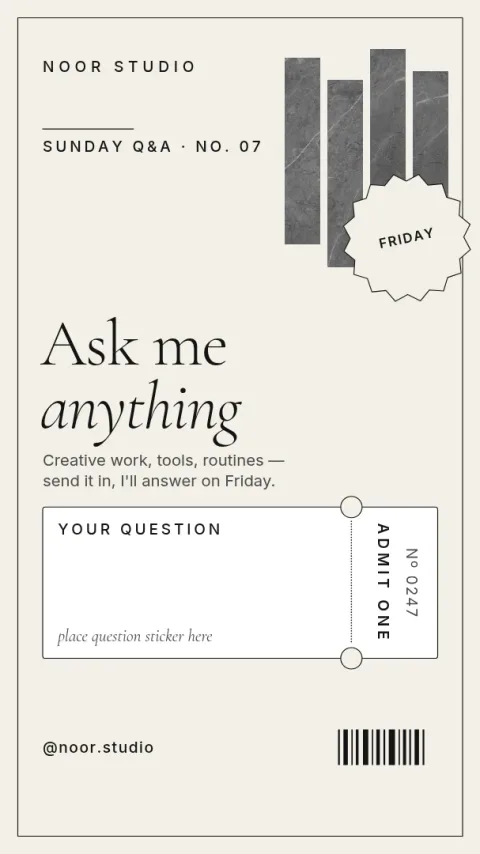
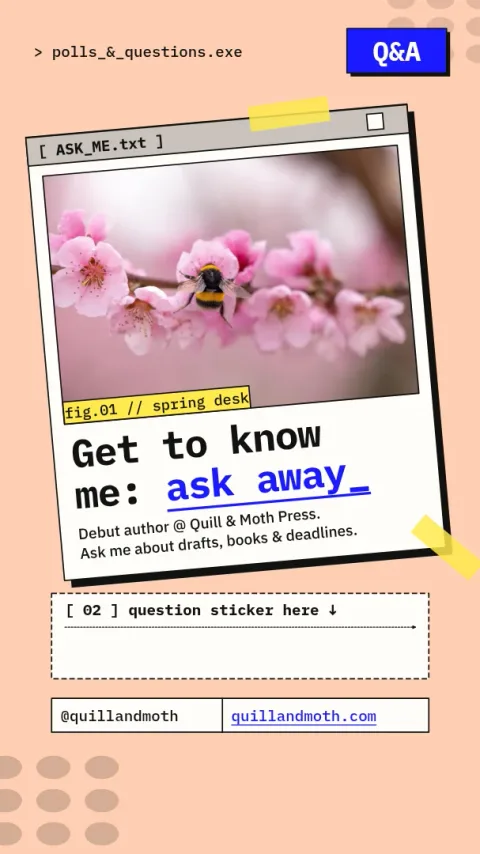
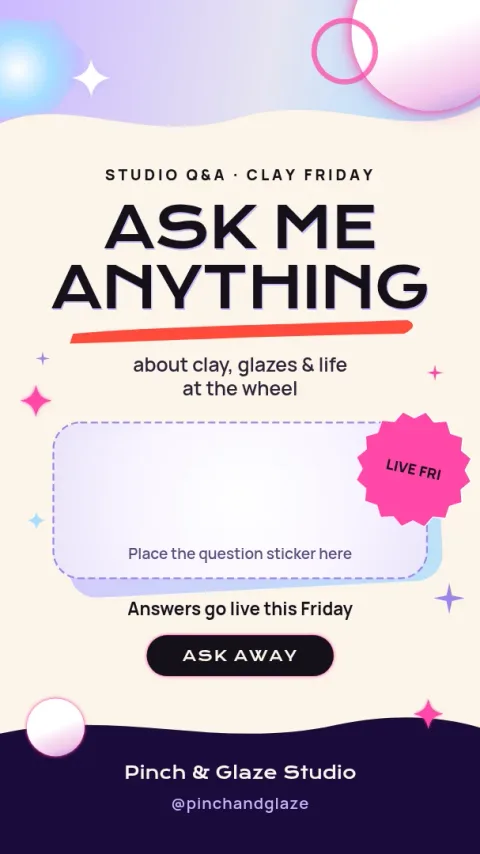
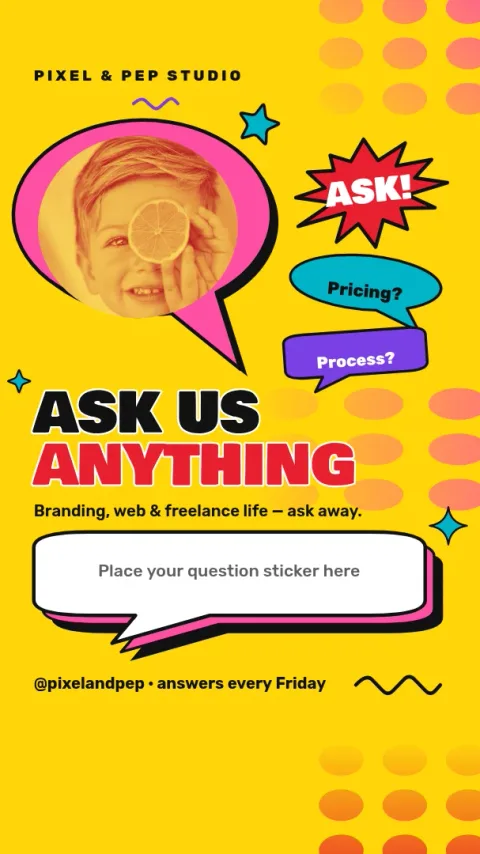
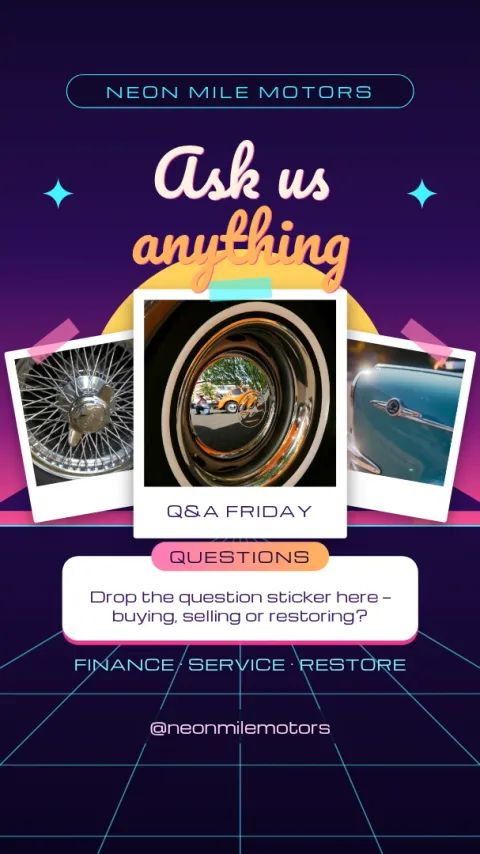
Made for the question sticker
Instagram adds the question box as a sticker when you post. Each template keeps a clear area for it, so your background, headline and photo never end up hidden underneath. Place the sticker after you upload the image, and drag it into the space the design leaves open.
Edit everything in your browser
Open any template in Nimply Design and change the text, fonts, colours, photos and layout. If you have a brand kit, it keeps your colours, fonts and logo ready to use. Nothing needs installing, and Nimply Design is included in every plan, including Free.
Download or send to a post
Download your story as PNG, JPG or WebP, or as a PDF or SVG if you need one. You can also send the design straight into a Nimply post for approval and scheduling. Downloading a template does not use AI credits.
Ideas for your next Q&A
Ask for questions about your work, your prices, your process or you. A weekly slot, such as Friday questions, gives followers a reason to come back. Pick the layout that fits the tone: playful for a casual chat, calm and clean for a more serious topic.
Frequently asked questions
Do these templates include the Instagram question box?
No. The question box is a sticker you add inside Instagram when you post. Each template leaves a clear space for it, so you can drop the sticker in after uploading the image.
What size is an Instagram Q&A story template?
These templates use the Instagram story size, 9:16. You can open them in the ig-story size and adjust the layout if you want to change it.
Can I use my own colours and logo?
Yes. Edit the colours, fonts, photos and text on any template. A brand kit keeps your colours, fonts and logo saved, so each story matches the rest of your feed.
Is it free to use?
Nimply Design is part of every Nimply plan, including Free. Downloading a template does not use AI credits. Only AI photo tools, such as the background remover, use credits.
Can I schedule the story?
You can send the finished design into a Nimply post for approval and scheduling, or download it as PNG or JPG and post it yourself. Add the question sticker in Instagram.
Make it yours in minutes
Open any template in Nimply Design, add your brand in one click, and send it straight into a post for approval and scheduling.