

Instagram event post template designs you can edit
Announce your next event with a post that shows the date, place and reason to come at a glance. Choose an Instagram event post template below, swap in your details and photo, and download it or send it into a Nimply post for approval and scheduling.
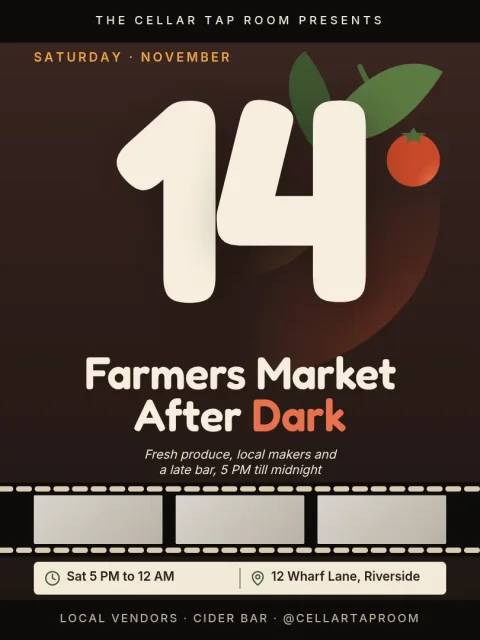
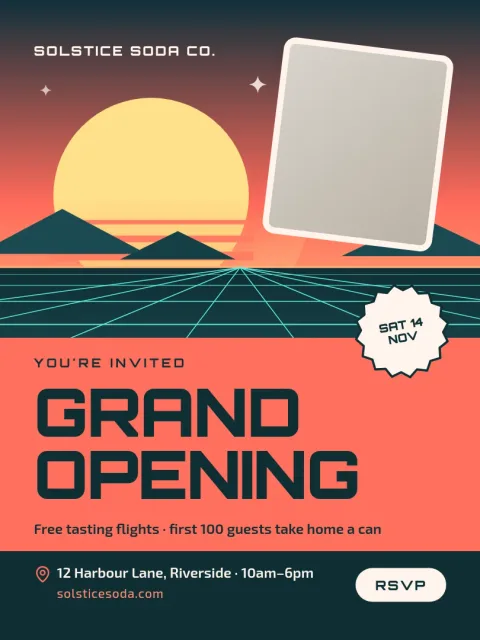
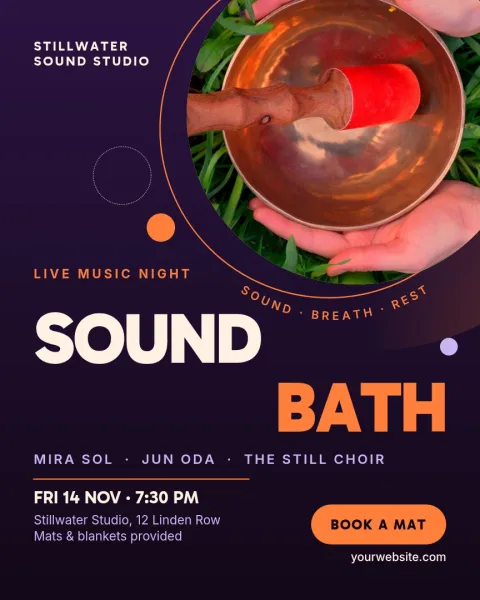
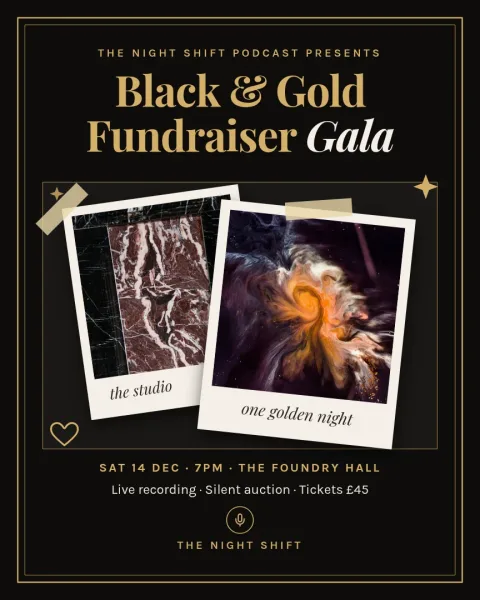
What a good event post needs
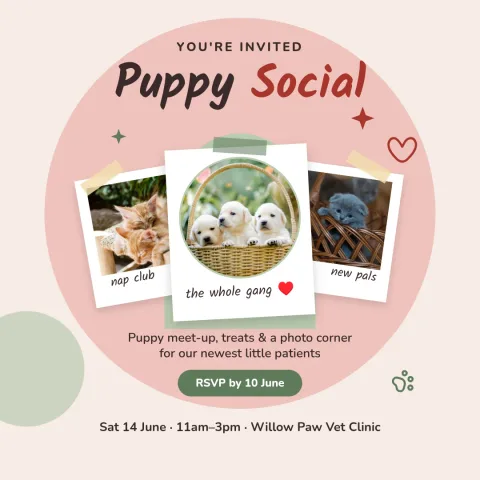
People scroll fast, so the post has to answer three things quickly: what is happening, when, and where. Put the event name in the largest type, keep the date and time close to it, and add a short line on how to join or book. Each template here is laid out with that order in mind, so you only replace the words.
Pick the right shape for the feed
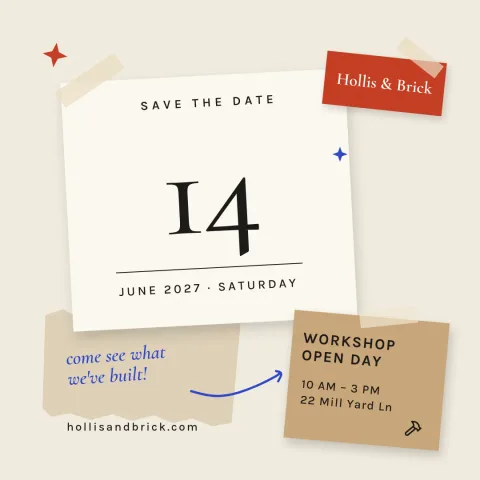
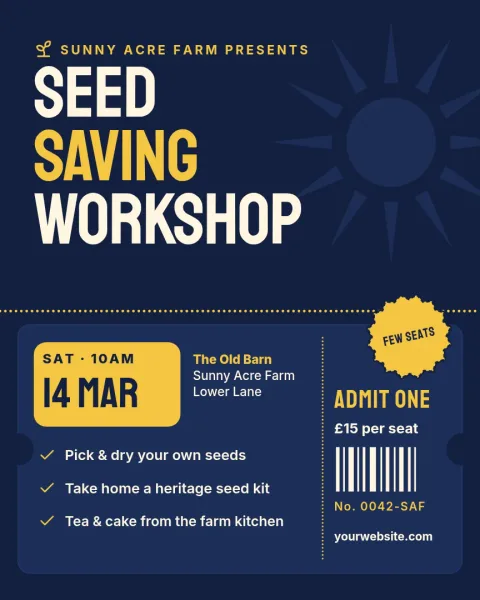
These templates use the Instagram post sizes: 4:5 portrait for the most feed space, 1:1 square for a classic grid look, and 3:4 for a taller frame. Portrait suits posters and speaker cards. Square works well for save-the-date notes. Choose the one that matches how you want the post to sit on your profile.
Edit, download or schedule
Open any template in Nimply Design, the browser editor included in every Nimply plan, including Free. Change text, fonts, colours, photos and layout, and use a brand kit to keep your colours, fonts and logo consistent. Download as PNG, JPG, WebP, PDF or SVG, or send the design straight into a Nimply post for approval and scheduling.
Frequently asked questions
Are these Instagram event post templates free to use?
Nimply Design is part of every Nimply plan, including Free, and downloading a template does not use AI credits. Open a template, edit it and download it. AI photo tools such as the background remover and Magic Layers do use AI credits.
Which size should I choose for an event post?
Use 4:5 portrait if you want the post to take up the most room in the feed. Use 1:1 square for a clean grid look. The 3:4 size gives a tall frame for more text. All three are available in these templates.
Can I use my own photos, colours and fonts?
Yes. You can replace the photo placeholders with your own images, change text, fonts, colours and layout, and use a brand kit so your colours, fonts and logo stay the same across event posts.
What file types can I download?
You can download PNG, JPG, WebP, PDF (standard or vector) or SVG. For Instagram, PNG or JPG is the usual choice. You can also send the design straight into a Nimply post for approval and scheduling.
Make it yours in minutes
Open any template in Nimply Design, add your brand in one click, and send it straight into a post for approval and scheduling.