

Instagram post template dark mode designs to edit online
Pick a dark Instagram post template, swap in your words, colours and photos, and have a finished post in minutes. Each design below is editable in your browser. Download it as an image or send it straight into a Nimply post for approval and scheduling.
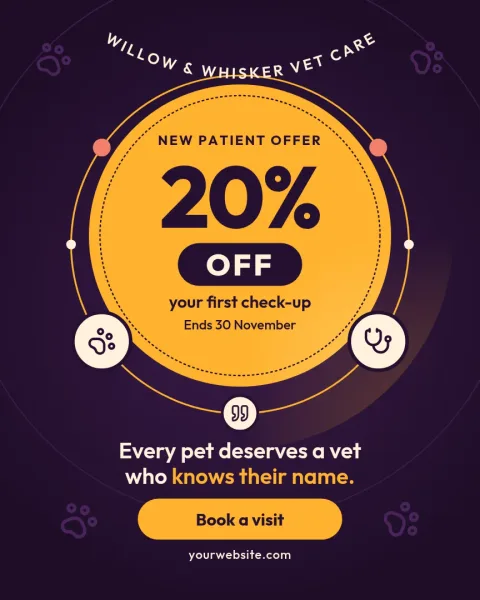
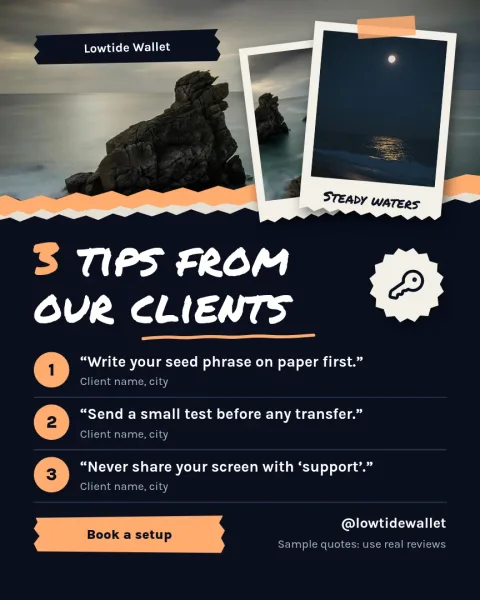
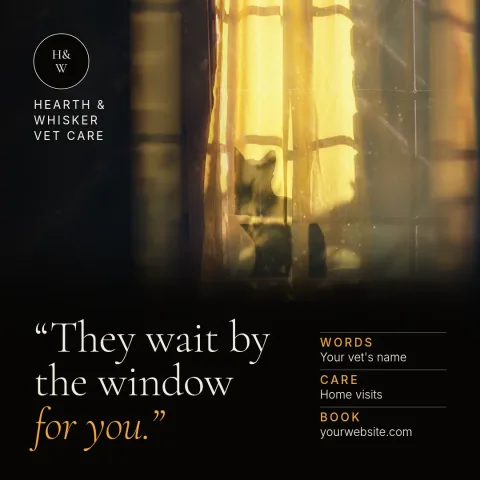
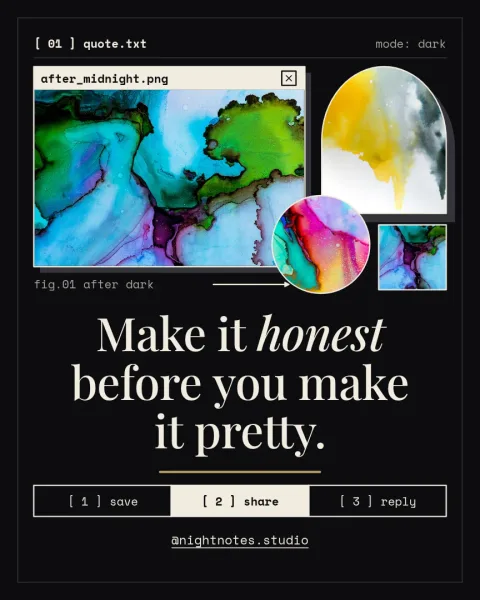
Why dark posts work on Instagram
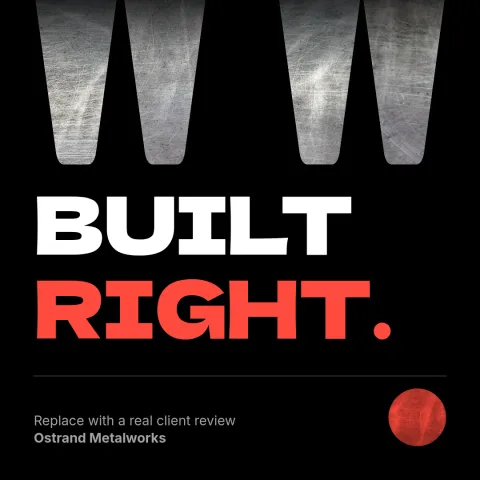
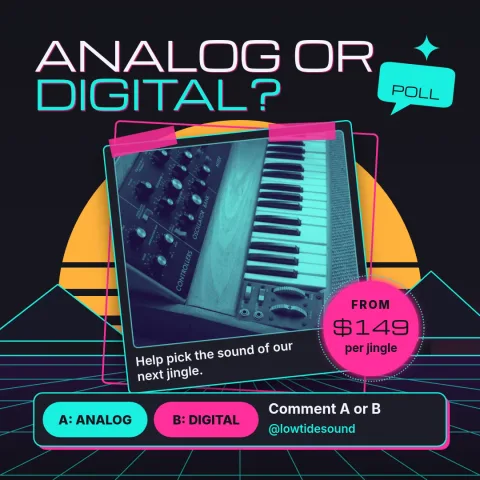
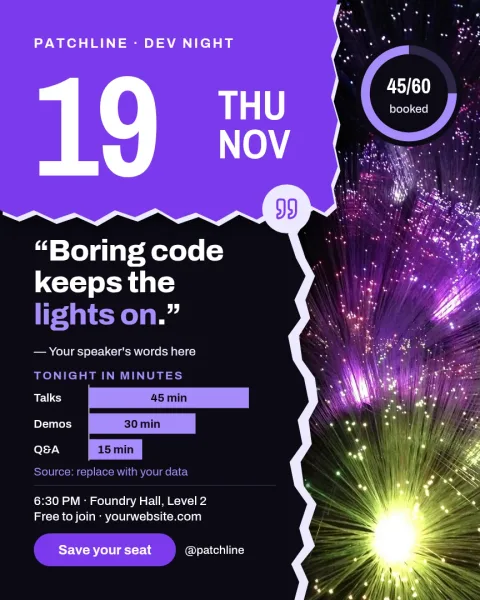
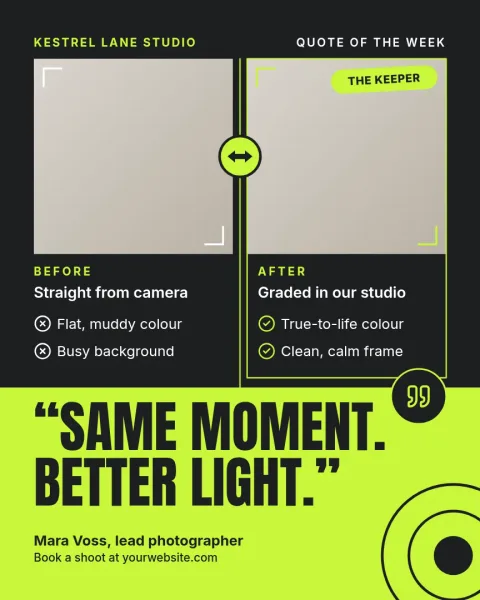
A dark background makes light text and bright accents stand out in a busy feed. It also looks calm and polished, which suits product news, quotes, event details and tips. These templates keep text large and contrast high, so your message stays readable on a small phone screen.
Make each template match your brand
Open any template and edit the text, fonts, colours, photos and layout. If you set up a brand kit, your colours, fonts and logo are kept ready, so every post looks like it came from the same business without starting from scratch.
Download or schedule
When the design is ready, download it as PNG, JPG, WebP, PDF or SVG. Or send it straight into a Nimply post, where it can go through approval and be scheduled. Downloading a template does not use AI credits. Only AI photo tools, like the background remover, do.
Frequently asked questions
Can I change the colours of a dark template?
Yes. Every colour, font and piece of text can be edited. You can keep the dark background and change the accent colour, or save your colours in a brand kit so they are ready for each new post.
Which file formats can I download?
You can download PNG, JPG, WebP, PDF (standard or vector) or SVG. You can also send the design directly into a Nimply post for approval and scheduling.
Is Nimply Design free to use?
Nimply Design is part of every Nimply plan, including Free. Downloading a template does not use AI credits. AI photo tools such as the background remover and Magic Layers do use credits.
Are there other Instagram post sizes?
Yes. The templates here use common Instagram post sizes, such as square and 4:5 portrait. Nimply Design also has templates in many other sizes, including stories and carousels.
Make it yours in minutes
Open any template in Nimply Design, add your brand in one click, and send it straight into a post for approval and scheduling.