

LinkedIn carousel template designs you can edit online
Start from a ready-made LinkedIn carousel template and make it yours. Swap the words, colours, fonts and photos, add your brand kit, then download a PDF or send the design into a Nimply post for approval and scheduling. Pick the layout that suits your topic below.

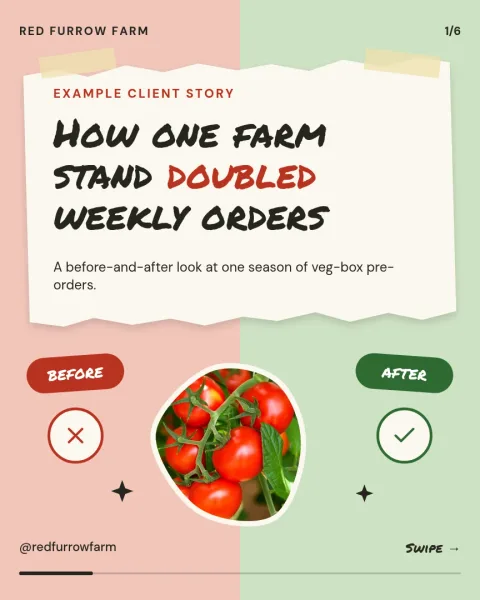

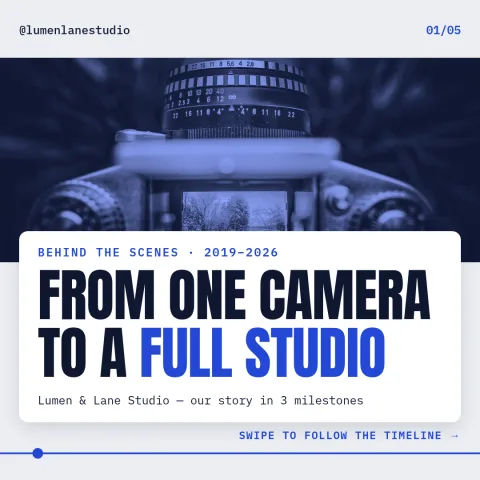

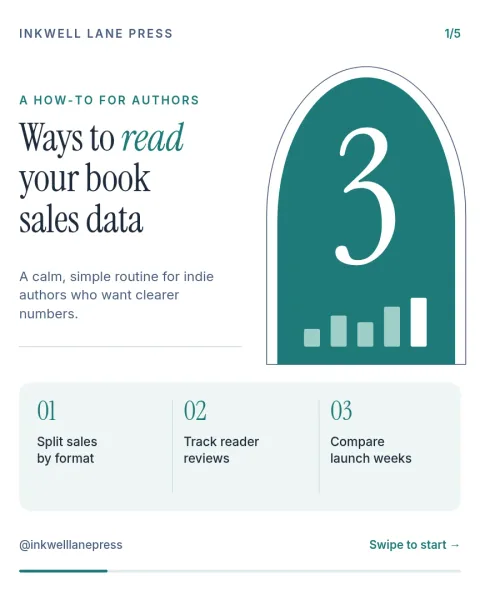
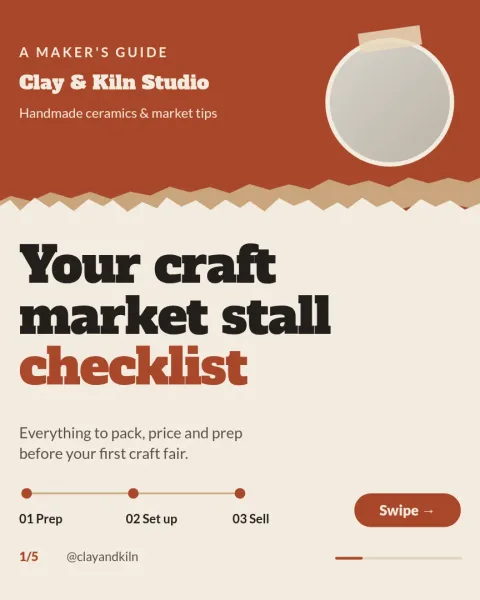
What a good LinkedIn carousel does
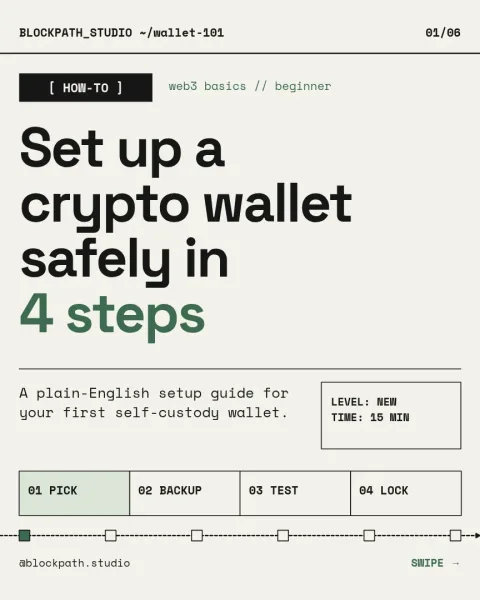
A carousel works when each slide carries one clear idea. Open with a cover that states the promise, give each slide a short headline and a few lines of text, and finish with a closing slide that tells people what to do next. These templates follow that structure, so you only need to fill in your own points.
Edit it to match your brand
Every template is fully editable in the Nimply Design editor. Change text, fonts, colours, photos and layout, or apply a brand kit so your colours, fonts and logo stay consistent across slides. Design is part of every Nimply plan, including Free.
Download or schedule
When the slides are ready, download them as a PDF, PNG, JPG, WebP or SVG. You can also send the design straight into a Nimply post, where it goes through approval and scheduling. Downloading a template does not use AI credits. AI photo tools such as the background remover do.
Frequently asked questions
Are these LinkedIn carousel templates free to use?
Nimply Design is part of every Nimply plan, including Free, so you can open a template and edit it in your browser. Downloading a template does not use AI credits. Only AI photo tools, like the background remover, do.
What file should I download for a LinkedIn carousel?
PDF is the usual choice for LinkedIn document posts, since it keeps all slides in one file. You can also download PNG, JPG, WebP or SVG if you need individual slides.
Can I use my own colours and fonts?
Yes. You can change colours, fonts, text, photos and layout by hand, or set up a brand kit so your colours, fonts and logo are ready on every design.
Can I schedule the carousel from Nimply?
Yes. You can send the finished design straight into a Nimply post, then take it through approval and scheduling.
Make it yours in minutes
Open any template in Nimply Design, add your brand in one click, and send it straight into a post for approval and scheduling.