

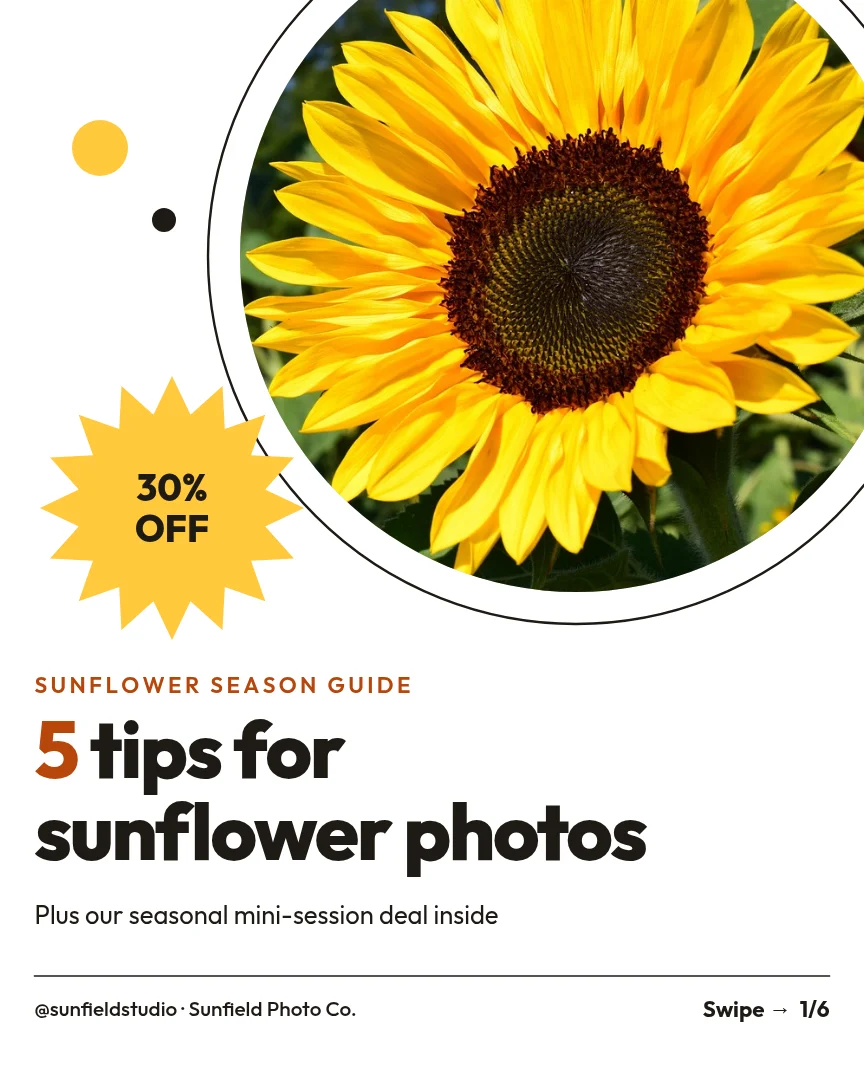
All 6 pages
 Page 1
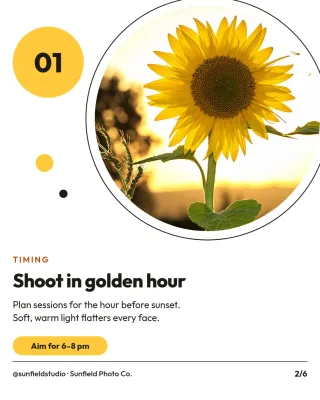 Page 2
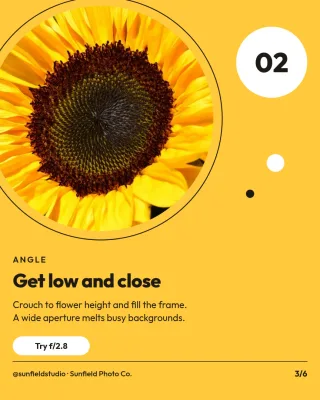 Page 3
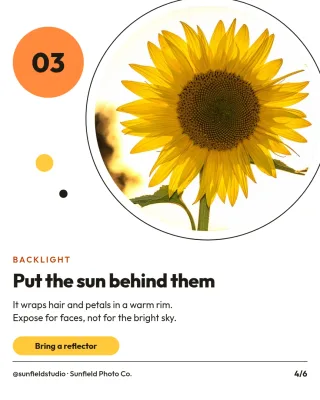 Page 4
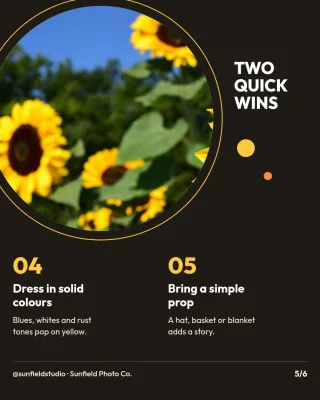 Page 5
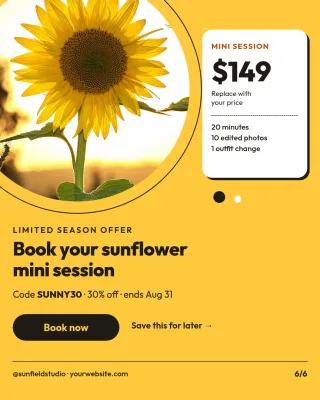 Page 6
Instagram carousel template
Five Photo Tips How-to Carousel
Instagram post (4:5) · 1,080 × 1,350 px · 6 pages
A teaching carousel with a cover, five tip slides and a closing prompt to save the post. Each tip has an example photo and one or two lines. Good for building trust with future clients.
Free to edit in your browser. Sign in and it opens in the Nimply editor as your own copy.

By Nimply Studio
The Nimply design team. Templates are made by the team
- Size
- Instagram post (4:5), 1,080 × 1,350 px
- Also fits
- LinkedIn carousel slide (4:5)
- Pages
- 6 pages
- You can edit
- 47 text boxes, 6 photos, colours and fonts
- Fonts
- Outfit
- Colours
- #1f1a14#fff4dc#ffffff#b8460b#ffc93c#d9d4cc
- Text on it
- “5 tips for sunflower photos” · “Plus our seasonal mini-session deal inside” · “Shoot in golden hour”
Make it on brand
Apply your brand kit's colours and fonts to every page in one click, and swap in your own photos and logo.
Resize it
Copy & resize makes versions for other platforms, like a story or a LinkedIn post, from the same design.
Post it
Download PNG, JPG, WebP, PDF or SVG, or send it straight into a post for approval and scheduling.
Similar Instagram carousel templates
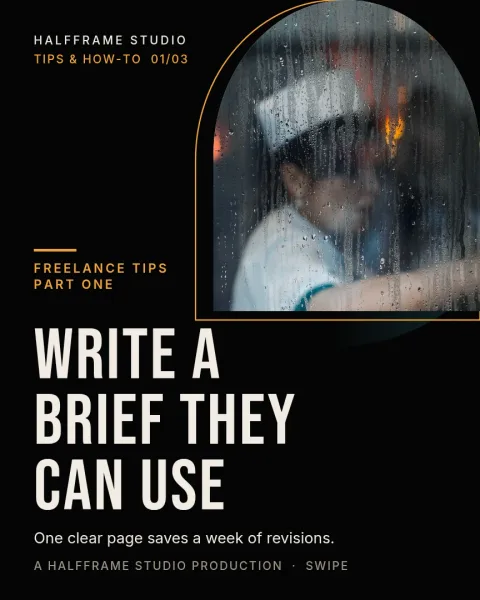 1/3Letterbox Brief Arch
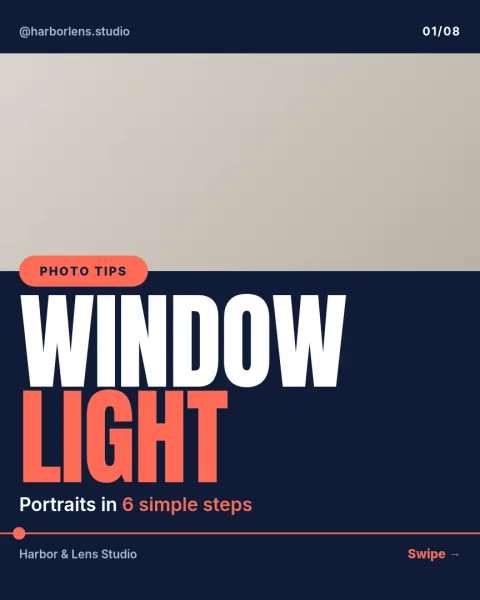 1/8LinkedIn photographer case study
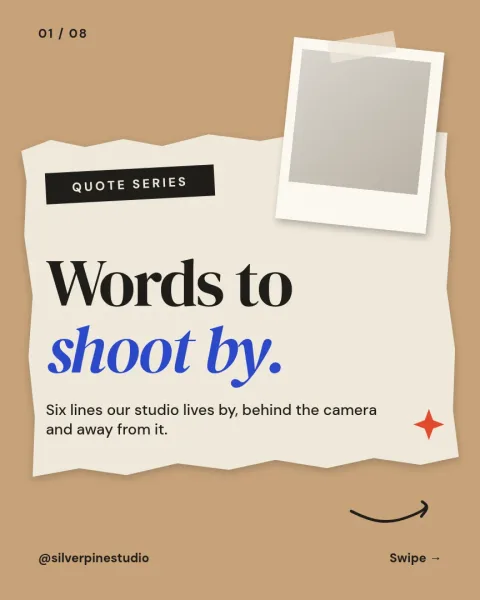 1/8Pinned Prints Quote Collage
 1/3Pinned Praise Paper Collage
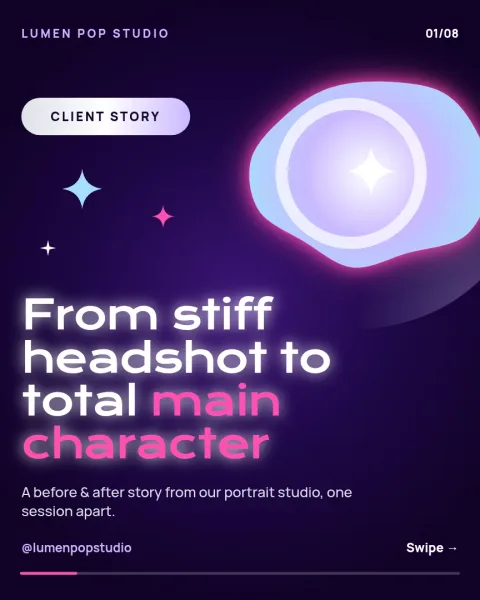 1/8Chrome Glow Glow-Up Story
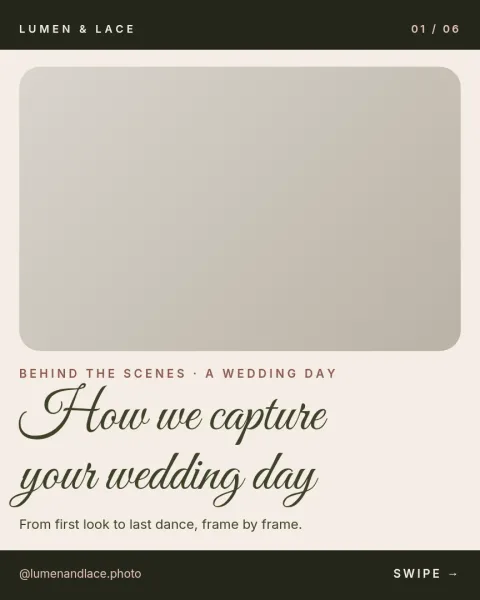 1/6Wedding photography pricing guide
 1/6End Credits Rate Card
 1/5Behind the Lens Gear Tips
 1/4Gilded Admit One Studio
 1/6Data Stencil Sharp Photo Habits
 1/6Neon Tube LUT Launch
 1/6Gear Tips Carousel
Need the caption too? Instagram carousel caption prompts in the AI content template library.
Design it, approve it, schedule it
Nimply Design sits inside the tool that publishes your posts, so a finished graphic goes straight into the calendar.