

Book Instagram Story Template Designs You Can Edit
Share your reading life or your own book with a story that looks planned. Start from one of eight layouts for reviews, launches, quotes and reading lists, swap in your cover and words, then download it or send it into a Nimply post.

What these story templates cover
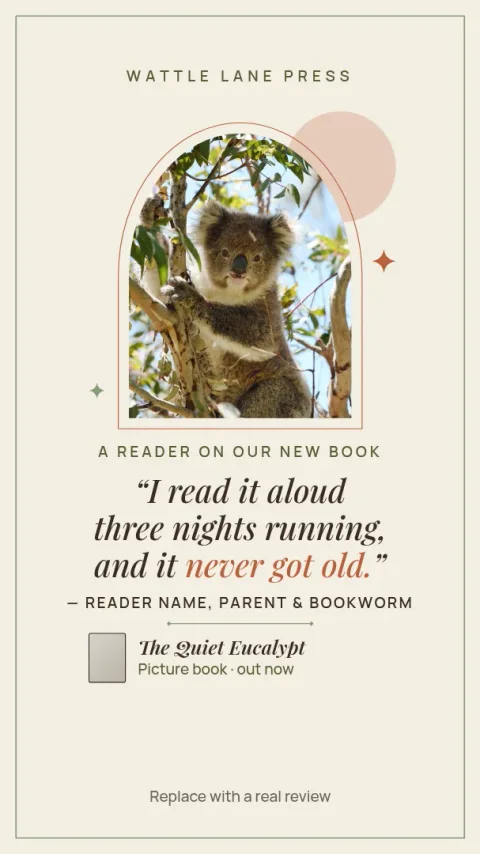
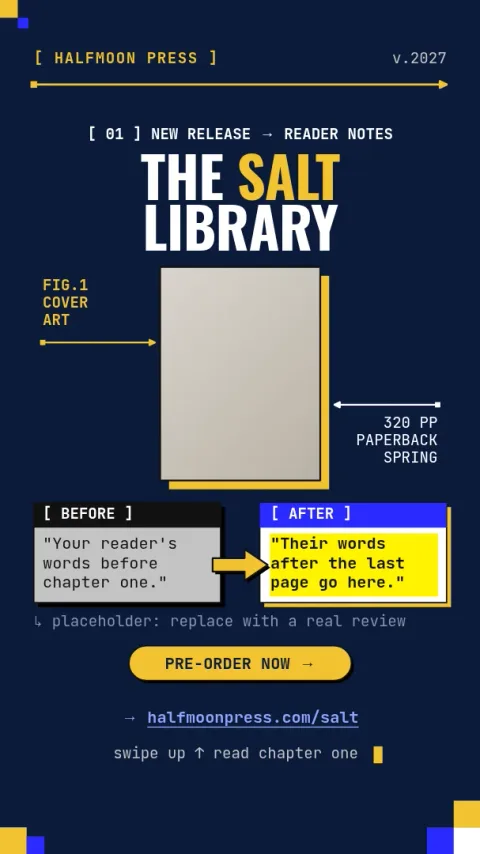
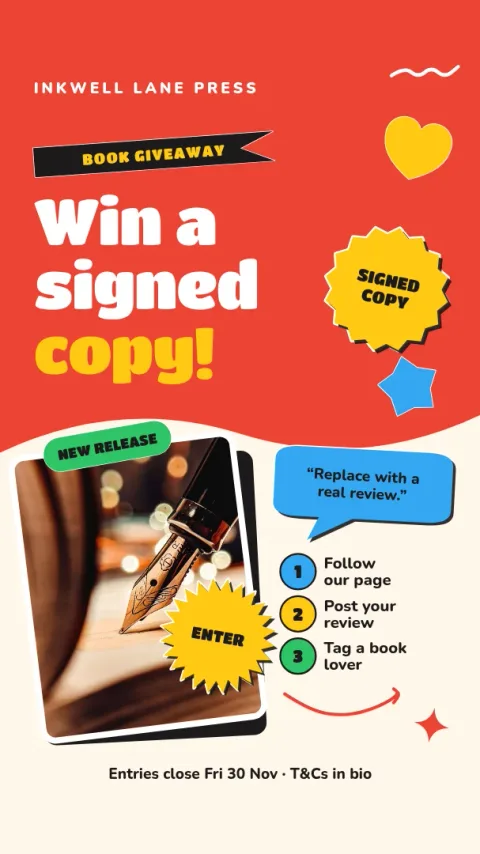
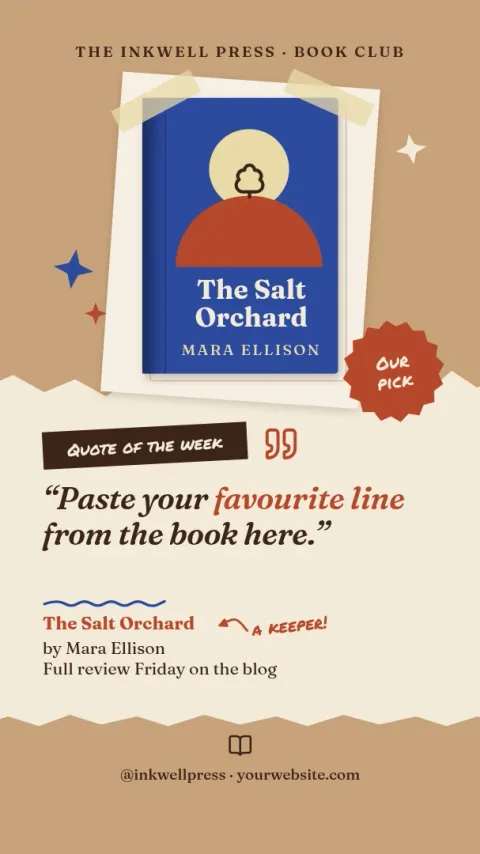
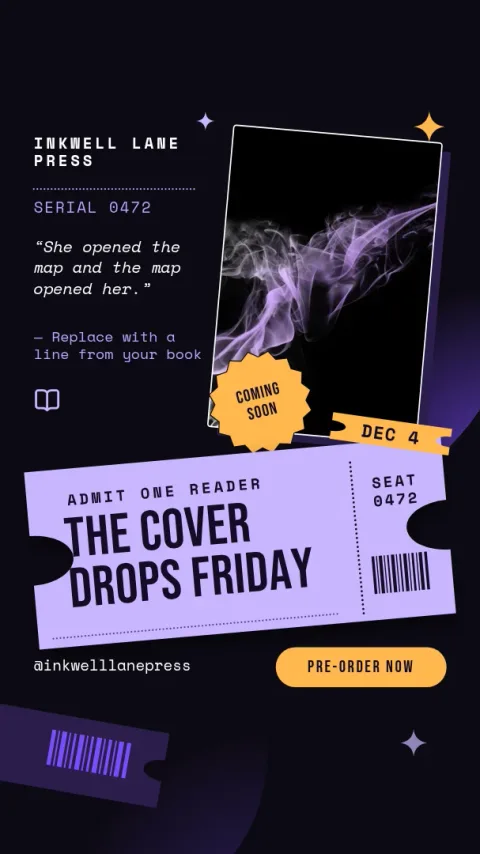
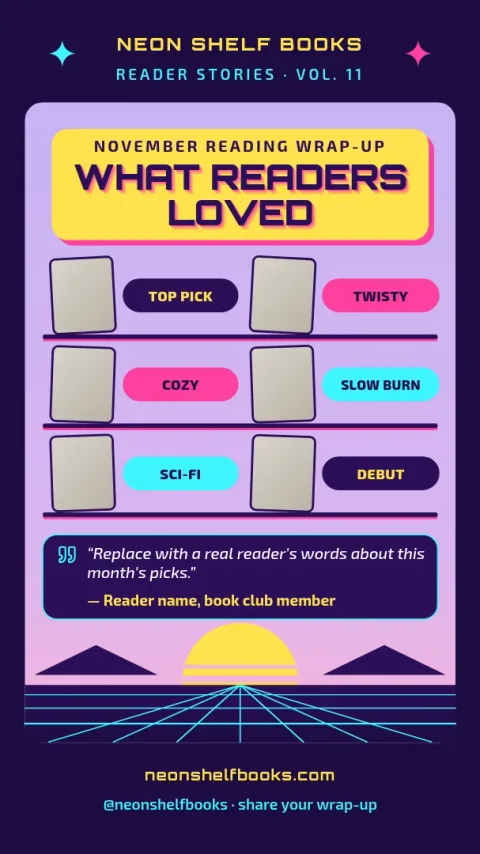
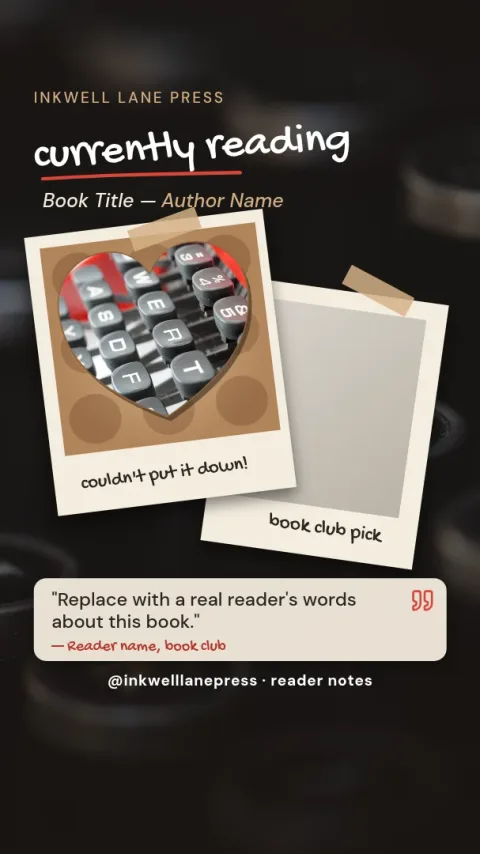
The eight templates are sized for Instagram Stories and cover the posts book people share most: a review, a new release, a currently reading update, a quote, a monthly wrap-up, a cover reveal, a giveaway and an author Q&A. Each one has a clear spot for a cover photo and a short block of text.
Edit them to match your book
Open a template in the Nimply Design editor in your browser and change the text, fonts, colours, photos and layout. Drop in your own cover image or a photo of your shelf. If you set up a brand kit, your colours, fonts and logo stay consistent from one story to the next.
Download or schedule
When the story is ready, download it as a PNG, JPG, WebP, PDF or SVG. You can also send it straight into a Nimply post for approval and scheduling. Nimply Design is part of every plan, including Free, and downloading a template does not use AI credits.
Who they suit
Readers who review books, authors promoting a launch, small presses, bookshops and book clubs can all use these. Pick a calm layout for long reviews, a bold one for a release day, or a simple one for a quick quote. Each is a starting point, so change anything you like.
Frequently asked questions
What size is a book Instagram story template?
These templates use the Instagram Story size, a tall 9:16 canvas. You can see and change the size in the editor. A Facebook Story size is also available if you want to share the same design there.
Can I use my own book cover?
Yes. Each template has a photo placeholder where you can add your own cover image or a photo of the book. You can resize and move it, and change the text and colours around it to suit the cover.
Is Nimply Design free to use?
Nimply Design is included in every Nimply plan, including Free. You can edit templates and download them without using AI credits. Only AI photo tools such as the background remover and Magic Layers use credits.
How do I post the story once it is done?
Download it as a PNG or JPG and upload it yourself, or send the design straight into a Nimply post. From there it can go through approval and be scheduled with the rest of your content.
Can I keep the same look across many stories?
Yes. Set up a brand kit with your colours, fonts and logo, and apply them to each template. That keeps reviews, quotes and announcements looking like they come from the same reader or author.
Make it yours in minutes
Open any template in Nimply Design, add your brand in one click, and send it straight into a post for approval and scheduling.