

The template library
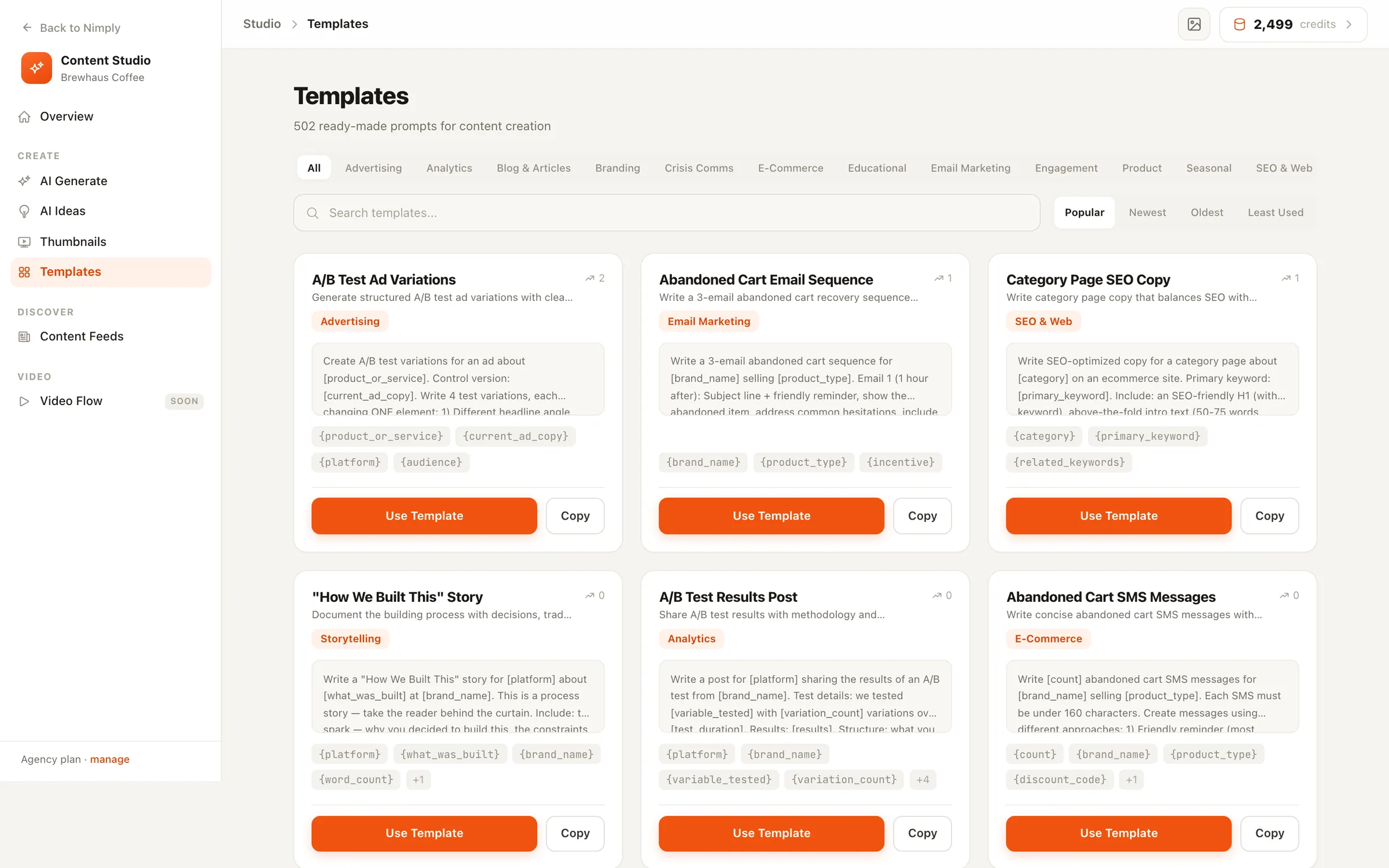
502 social media templates, published in full
Every AI content template that ships in Nimply’s Content Studio — post structures, ad copy, video scripts, email campaigns, crisis statements — with the complete prompt visible and every variable explained. Copy them anywhere, or run them in Nimply with your brand voice.
templates/social/linkedin-thought-leadership-post
Write a LinkedIn thought leadership post about [topic] from the perspective of a [role]. Open with a bold, contrarian statement or surprising statistic. Use short paragraphs (1-2 sentences each). Include a personal anecdote or observation. End with a question to drive comments. Tone: [tone].
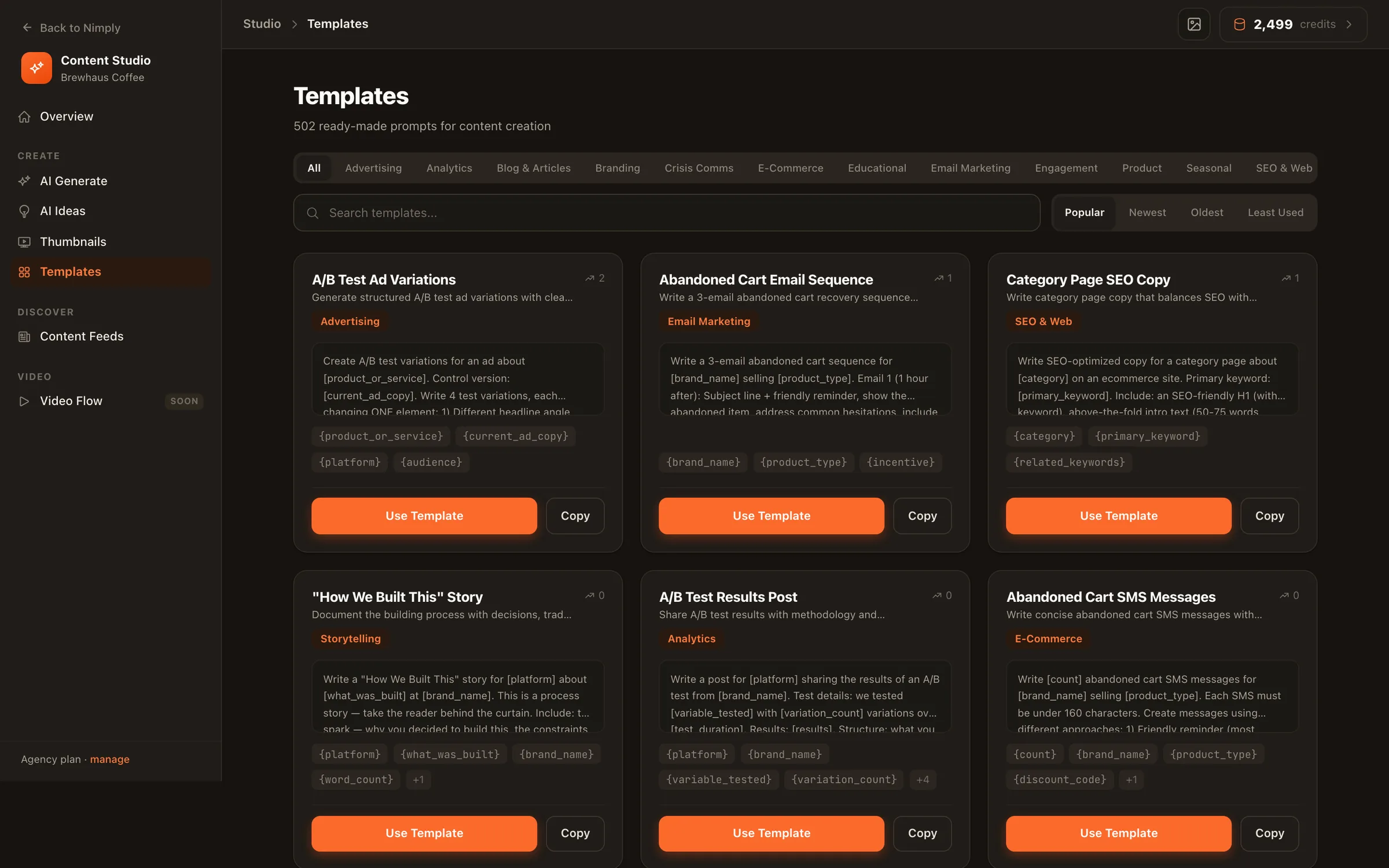
A real template from the library — highlighted chips become form fields in the app.
Fifteen categories, one library
Each category page shows every template in full, plus craft notes on making that format work.
Social Posts
65Sixty-five social media post templates for LinkedIn, Instagram, X, TikTok, Facebook and more
Ad Copy
45Forty-five ad copy templates: Facebook and Instagram ads, retargeting angles, hooks and CTA variants
Blog & Long-Form
45Forty-five blog and long-form templates: outlines, intros, how-to structures, listicles and comparison posts
Branding & Voice
26Twenty-six branding templates: brand voice definition, bios, taglines and positioning statements
Crisis Communication
19Nineteen crisis communication templates: outage notices, apologies, breach notifications and holding statements
Ecommerce
30Thirty ecommerce templates: product drops, restock posts, sale announcements, abandoned-cart winbacks and UGC prompts
Educational Content
31Thirty-one educational templates: how-tos, myth-busters, mistake breakdowns, beginner guides and explainers
Email Marketing
43Forty-three email templates: welcome sequences, newsletters, promos, winbacks and subject-line batteries
Engagement & Community
28Twenty-eight engagement templates: polls, questions, debates, fill-in-the-blanks and community rituals
Product & Launch
25Twenty-five product templates: launch announcements, feature explainers, changelogs, demos and comparison posts
Seasonal & Holidays
26Twenty-six seasonal templates: holiday posts, year-end recaps, new-year angles and awareness days
Social SEO & Discovery
31Thirty-one social SEO templates: keyword-first captions, searchable descriptions and Pinterest SEO
Storytelling
25Twenty-five storytelling templates: founder stories, behind-the-scenes, failure retrospectives and customer journeys
Reports & Analytics
26Twenty-six social media report templates: monthly summaries, client reports, performance narratives and metric explanations
Video Scripts
37Thirty-seven video templates: 3-second hooks, Reels and Shorts scripts, talking-head structures and YouTube outlines
Curated collections
Hand-picked sets for the most common jobs
Instagram Post Templates
Every Instagram template in the library — captions, carousels, Reels and profile copy — with the craft notes that make them land.
Content Calendar Template
A usable weekly cadence framework plus the templates that fill each slot — the free version of a planned month.
LinkedIn Post Templates
Thought leadership, story posts, polls and company updates — built for the see-more cutoff and the 1,300-character wall.
TikTok Caption Templates
Punchy under-150-character captions and short-form scripts — the caption as your second hook.
Beyond templates
Templates draft once. Agents keep drafting.
A template is the fastest way from blank page to draft. But if you find yourself running the same one every Monday, that is a job — and jobs are what Nimply’s AI agents are for. The LinkedIn Ghostwriter drafts on a schedule in your matched voice; the Evergreen Recycler rewrites your proven posts fresh. Drafts always wait for your approval — agents never publish on their own.
Frequently asked questions
Are these templates actually free?
Browsing is free and unrestricted — every prompt is published in full on this site, and you can copy any of them into whatever tool you use. Running them inside Nimply uses transparent AI credits, and the library itself ships with every workspace.
Where do these templates come from?
They are the system templates that ship in Nimply’s AI Content Studio — the same library our users generate from every day. This site is generated from the same source, so what you see here is what runs in the app.
What is the difference between a template and an AI agent?
A template is a one-shot structure: fill the variables, generate a draft. An agent is a hired worker with a schedule, memory and rails — a LinkedIn Ghostwriter that drafts weekly in your voice, a Trend Scout that files sourced ideas. Templates are the fastest start; agents are the staff.
How do I pick the right template?
Start from the job, not the format: teaching something → educational; announcing something → product and launch; filling the calendar → social posts and seasonal. Each category page opens with guidance on when its formats earn their place.
From template to scheduled post in one sitting
Pick a template, apply your brand voice, approve the draft, schedule it — the whole workflow lives in one place.