

Design templates
Salon business card template designs you can edit online
Choose a salon business card template that suits your space, then swap in your name, number and booking details. Eight designs cover hair, nails, lashes, barbering and spa work. Edit everything in your browser with Nimply Design and download when it looks right.
8 templates · free to edit in Nimply Design
 1/2
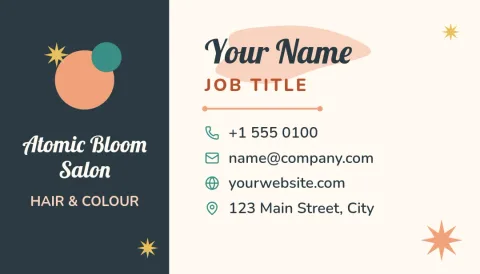
1/2Appointment reminder salon card
Business card
 1/2
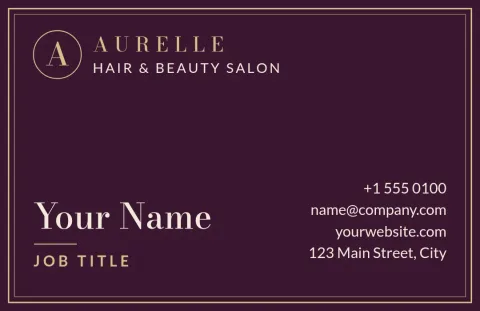
1/2Modern monogram luxury salon card
Business card
 1/2
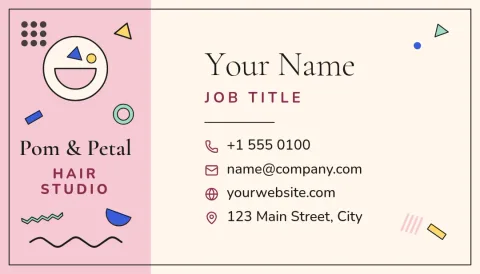
1/2Soft blush hair studio card
Business card
 1/2
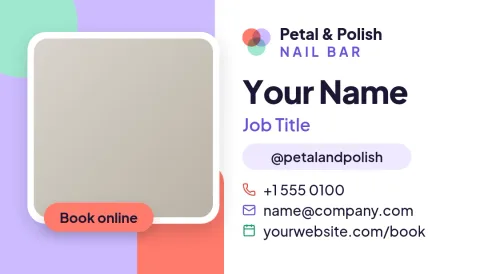
1/2Bright nail bar colour block card
Business card
 1/2
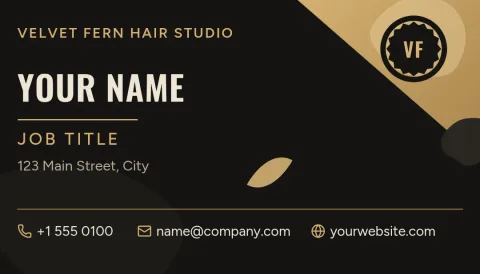
1/2Black and gold barbershop card
Business card
 1/2
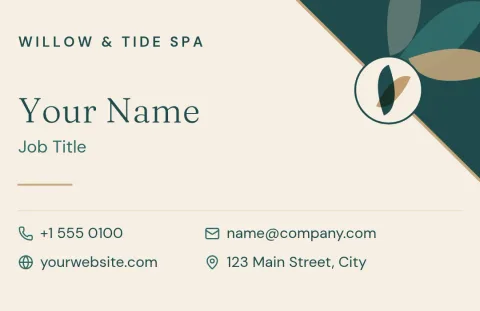
1/2Spa and massage calm teal card
Business card
 1/2
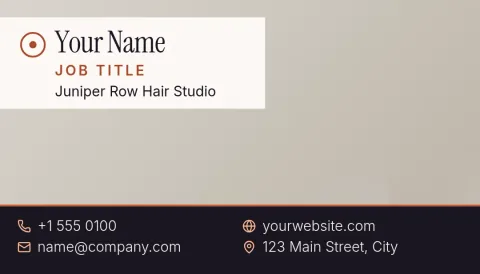
1/2Photo-led stylist portfolio card
Business card
 1/2
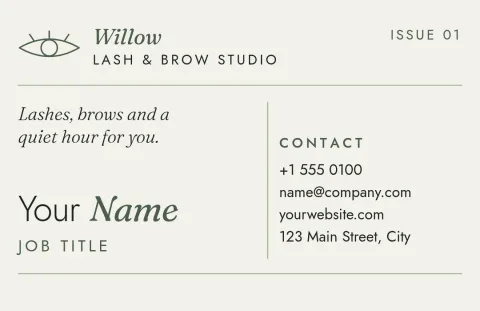
1/2Sage green lash and brow card
Business card
Pick a style that matches your salon
A card is often the first thing a new client holds, so it should feel like your space. Soft neutral layouts suit calm, quiet salons. Bold black and gold suits barbershops. Bright colour suits nail bars. Start with the mood closest to yours and change it from there.
What to put on a salon card
Keep it short: your name, salon name, what you do, phone or booking link, address and social handle. Leave space on the back for an appointment reminder or a next-visit note. Every template has clear text areas, so you can replace our wording with yours in a minute.
Edit, then download
Nimply Design runs in your browser and is part of every plan, including Free. Change text, fonts, colours, photos and layout. Save your colours, fonts and logo in a brand kit so every card matches. Download as PNG, JPG, WebP, PDF or SVG, or send it into a Nimply post.
Choose the right card size
Templates come in US and European business card sizes. Pick the one that matches where you plan to use the card, and check the size before you start editing. Using a PDF or SVG download keeps lines and text sharp when you need to share the file.
Frequently asked questions
Can I change the colours and fonts?
Yes. Every template lets you edit text, fonts, colours, photos and layout. If you set up a brand kit, it keeps your colours, fonts and logo ready so each card and post matches your salon.
Which file formats can I download?
You can download PNG, JPG, WebP, PDF (standard or vector) or SVG. You can also send the design straight into a Nimply post for approval and scheduling.
Does downloading a template cost AI credits?
No. Downloading a template does not use AI credits. Only the AI photo tools, such as the background remover and Magic Layers, use credits.
Can I add my own logo and photos?
Yes. Replace the photo placeholders with your own work and place your logo anywhere on the card. A brand kit can store the logo so you do not need to upload it each time.
Are these only for hair salons?
No. The set covers hair, barbering, nails, lashes, brows, massage and spa. Each design is easy to adapt, so change the wording to match what you offer.
More template collections
Make it yours in minutes
Open any template in Nimply Design, add your brand in one click, and send it straight into a post for approval and scheduling.