

Design templates
Wedding invitation invite template you can edit online
Start with a wedding invitation invite template that already has the layout sorted. Swap in your names, date and venue, adjust the fonts and colours, and download the finished invite. These eight designs cover floral, minimal, boho, formal and coastal weddings, plus a save-the-date postcard.
8 templates · free to edit in Nimply Design
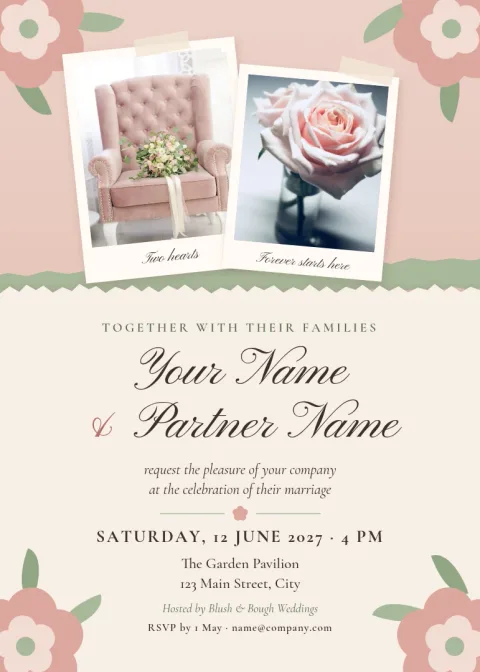
Blush floral garden wedding invitation
Invitation
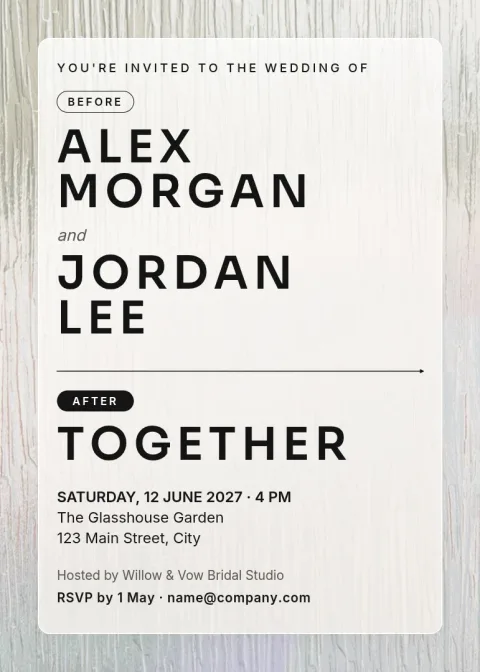
Modern minimal black and white invitation
Invitation
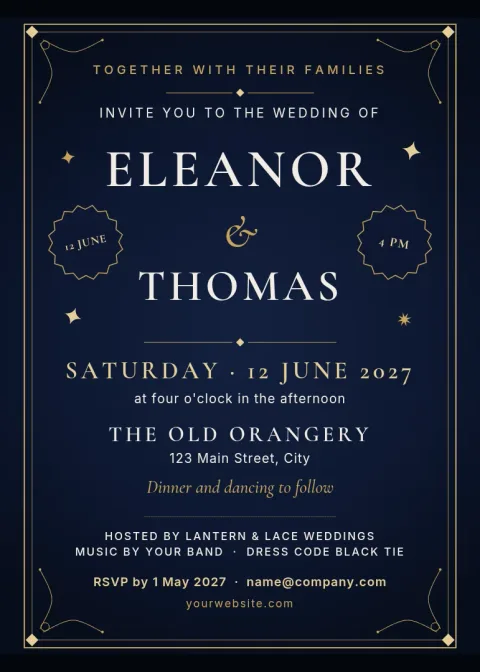
Navy and gold formal wedding invitation
Invitation
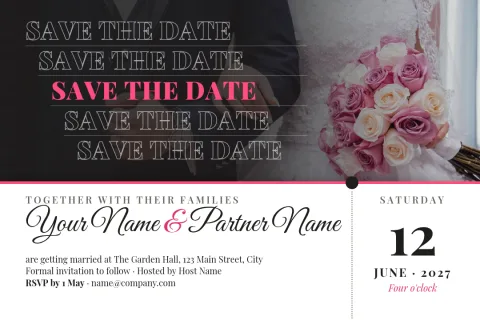
Photo save the date postcard
Invitation
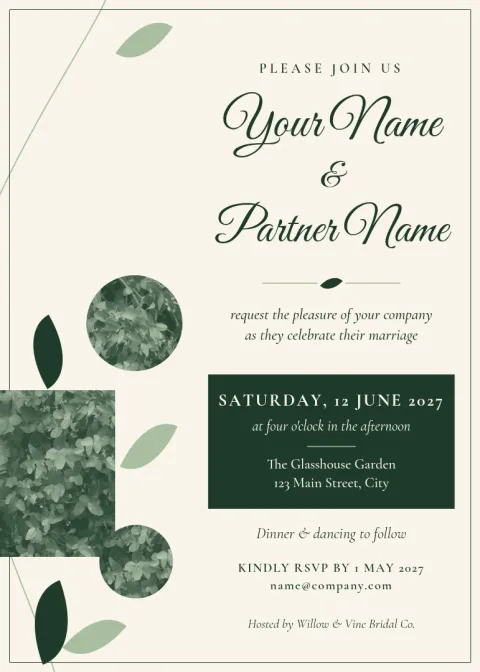
Eucalyptus greenery wedding invitation
Invitation
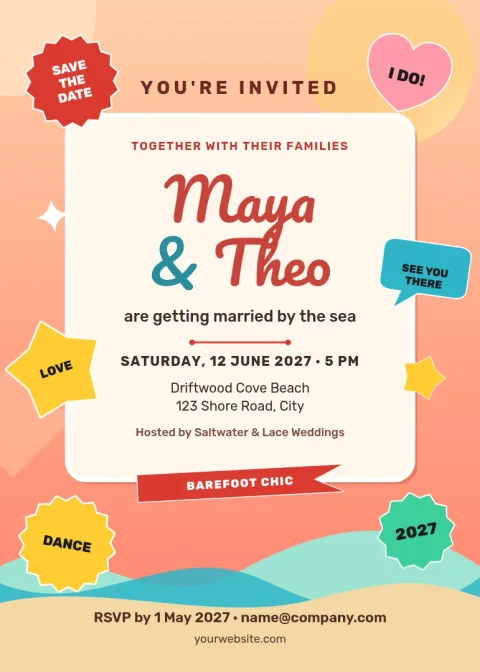
Coastal sunset beach wedding invitation
Invitation
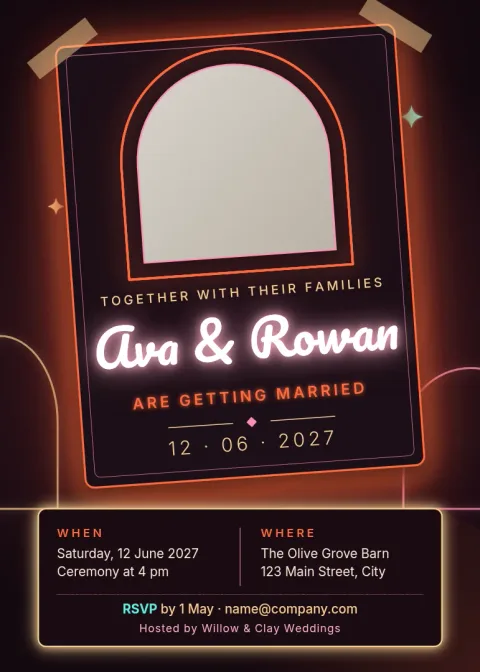
Boho terracotta arch invitation
Invitation
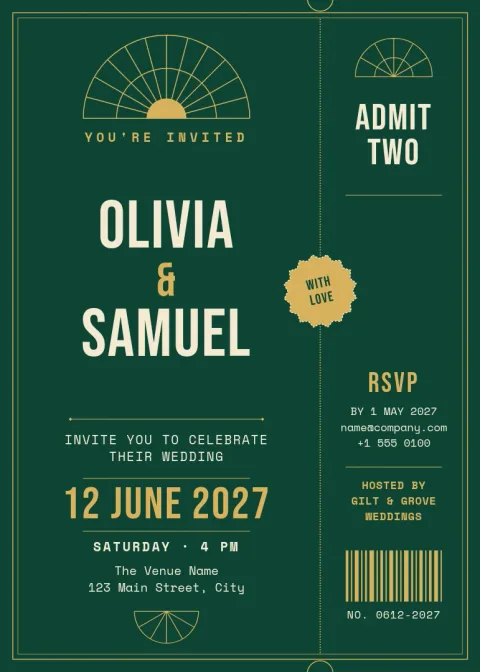
Art deco gold geometric invitation
Invitation
What you can change in each template
Every template opens in the Nimply Design editor in your browser. You can rewrite the text, switch fonts, change colours, replace the photo placeholders with your own pictures and move things around. If you save your colours, fonts and logo in a brand kit, you can reuse them across a whole set of wedding stationery.
Choosing a style that fits your day
Think about the venue and the mood first. Floral and greenery designs suit gardens and spring dates. Minimal and art deco layouts work well for city venues and evening weddings. Boho and coastal designs suit relaxed, outdoor days. Pick the one closest to your day, then adjust the colours to match your flowers or dress code.
Download and share your invite
When you are happy with the design, download it as PNG, JPG, WebP, PDF or SVG. A PDF is handy for sharing a file, and PNG or JPG works well for messages and email. Nimply Design is part of every plan, including Free, and downloading a template does not use AI credits.
Frequently asked questions
Can I edit a wedding invitation invite template for free?
Yes. Nimply Design is included in every Nimply plan, including Free. Open a template, change the text, fonts, colours and photos, then download it. Downloading a template does not use AI credits.
What file types can I download?
You can download your invitation as PNG, JPG, WebP, PDF (standard or vector) or SVG. Choose the one that suits how you plan to share the invite.
Can I use my own wedding colours?
Yes. Every colour in a template can be changed, so you can match your flowers, bridesmaid dresses or venue. A brand kit can store your palette and fonts so a whole set of stationery stays consistent.
Can I add my own photos?
Yes. Templates with photo areas have placeholders you can replace with your own pictures. You can also move and resize them to fit your layout.
Are there templates besides the main invitation?
This collection includes a save-the-date postcard alongside seven invitation designs. Nimply Design also has templates in many other sizes if you need extra pieces for your event.
More template collections
Make it yours in minutes
Open any template in Nimply Design, add your brand in one click, and send it straight into a post for approval and scheduling.