

Design templates
Canvas business card template designs you can edit online
Start from a canvas business card template instead of a blank page. Each of these eight designs is ready to edit in your browser: swap in your name, contact details, logo and colours, then download the card or send it into a Nimply post.
8 templates · free to edit in Nimply Design
 1/2
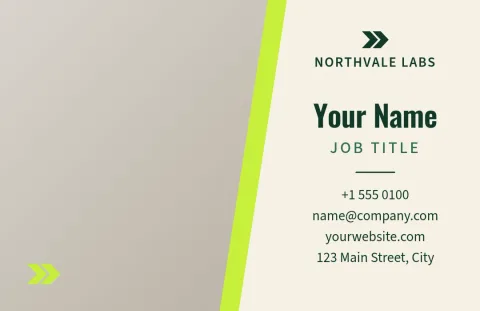
1/2Photo-led split card
Business card
 1/2
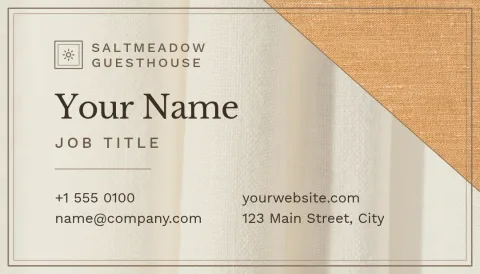
1/2Natural linen texture card
Business card
 1/2
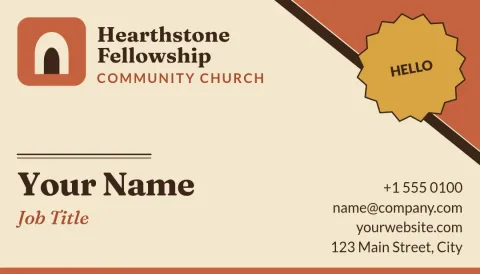
1/2Earthy terracotta brand card
Business card
 1/2
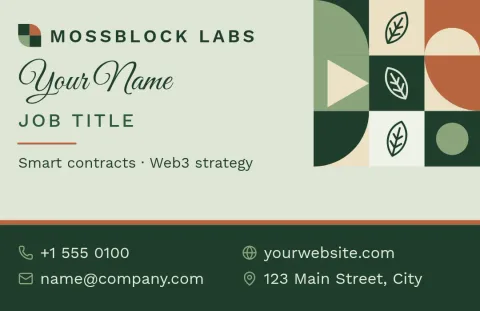
1/2Botanical line art card
Business card
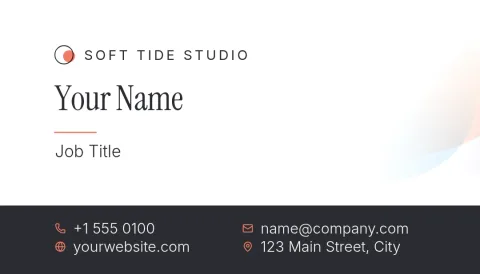 1/2
1/2Blank canvas minimal white card
Business card
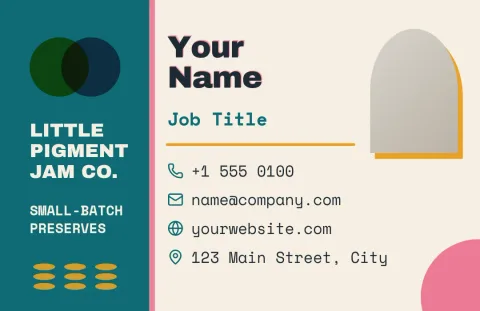 1/2
1/2Artist paint swatch card
Business card
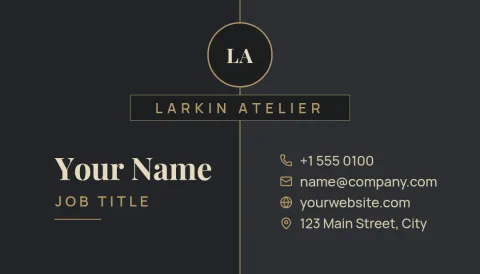 1/2
1/2Dark charcoal slate card
Business card
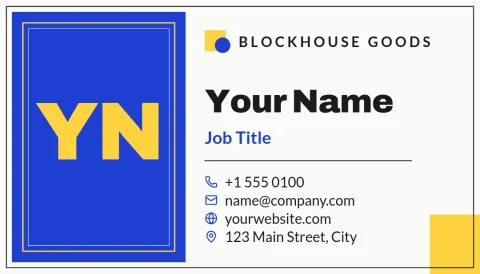 1/2
1/2Bold colour-block studio card
Business card
What a canvas business card looks like
People mean different things by the phrase. Some want a card with a textured, canvas-like background in warm neutrals. Others want an open canvas to build on. These templates cover both: some use a soft linen or paper feel made from shapes and colour, others are clean layouts with plenty of room for your own ideas.
Make the card yours in minutes
Open a template in Nimply Design and edit the text, fonts, colours, photos and layout. Save your colours, fonts and logo in a brand kit so every card, flyer and post matches. Cards come in US and European sizes, so pick the one that suits where you hand them out.
Download or share your design
When the card looks right, download it as PNG, JPG, WebP, PDF (standard or vector) or SVG. You can also send the design straight into a Nimply post for approval and scheduling. Downloading a template does not use AI credits. Only AI photo tools like the background remover do.
Frequently asked questions
Can I edit these templates for free?
Nimply Design is part of every Nimply plan, including Free. You can open a template, change the text, fonts, colours, photos and layout, and download your card. Downloading a template does not use AI credits.
Which file formats can I download?
You can download PNG, JPG, WebP, PDF (standard or vector) or SVG. Pick PDF or SVG if you want a sharp, scalable file, and PNG or JPG for quick sharing on screen.
Which card sizes are available?
Templates come in a US business card size and a European business card size. Choose the one that matches where you will use the card, then edit as usual.
Can I keep my logo and colours consistent?
Yes. Brand kits keep your colours, fonts and logo in one place, so you can apply them to your card and any other design you make in Nimply.
Does Nimply print or ship the cards?
No. Nimply is where you design and download the file. You would take the finished PDF or image to a printer of your choice.
More template collections
Make it yours in minutes
Open any template in Nimply Design, add your brand in one click, and send it straight into a post for approval and scheduling.