

Design templates
Gym flyer template to edit online
Pick a gym flyer template, swap in your offer, prices and photos, and download it in minutes. Each design is built for a common gym need, from a new member promo to a class timetable. Edit everything in your browser with Nimply Design, which is included in every plan, including Free.
8 templates · free to edit in Nimply Design
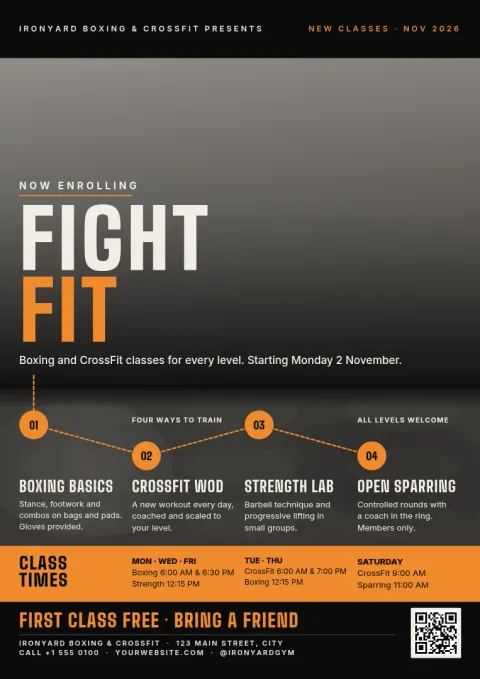
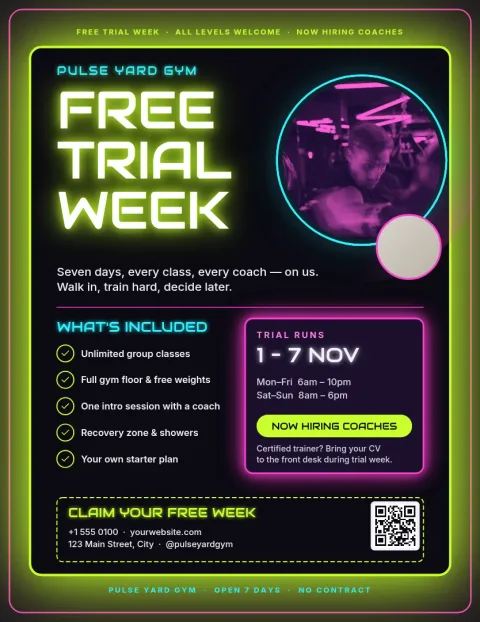
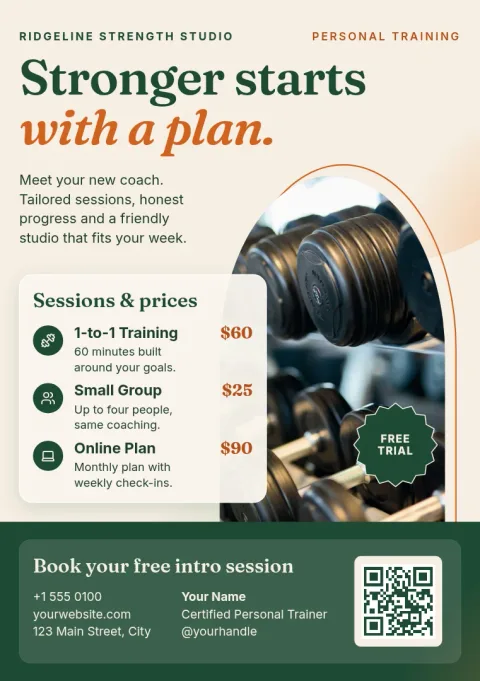
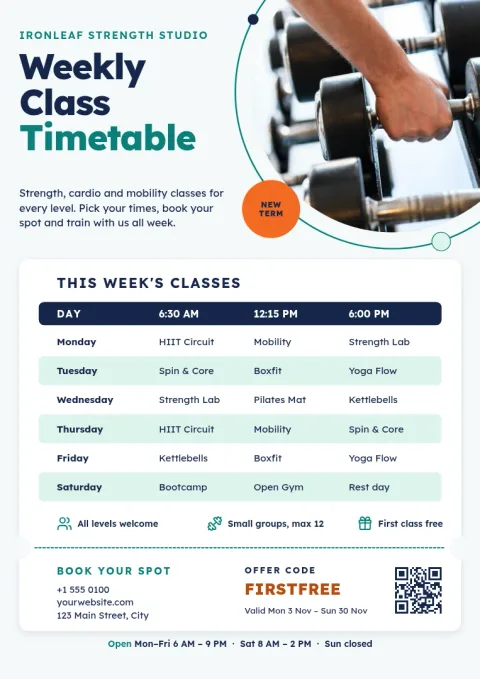
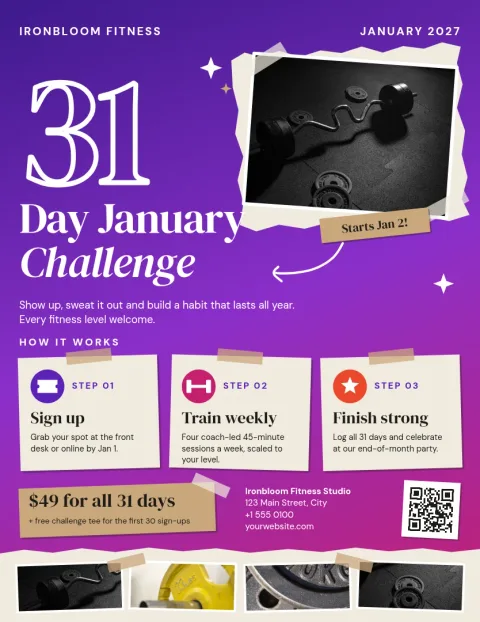
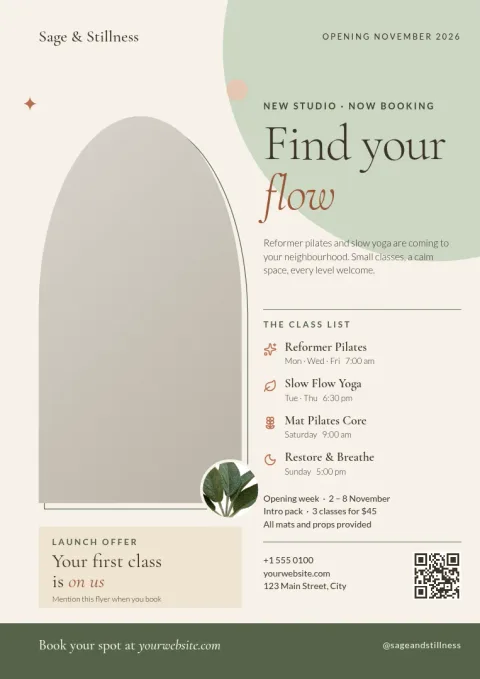
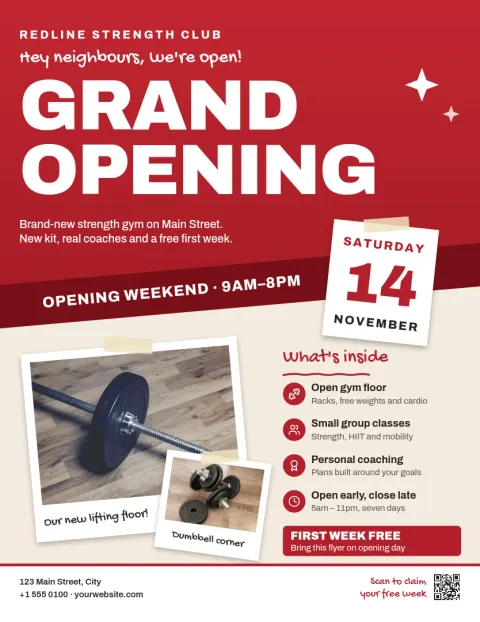
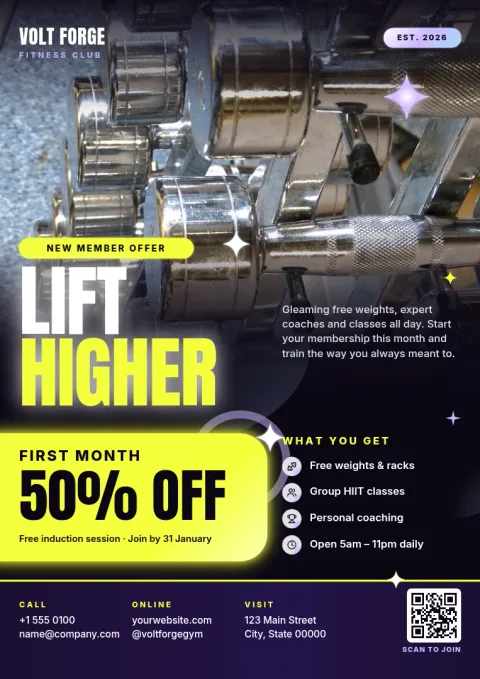
Choose a gym flyer template by goal
Start with what the flyer needs to do. A grand opening flyer should show the date and place first. A membership offer should lead with the deal. A class schedule should be easy to read from a noticeboard. Each template here puts one message at the top, so people understand it in a few seconds.
What you can change
Every template is fully editable. Change the text and fonts, adjust the colours, replace the photo placeholders with your own pictures, and move things around. If you save your colours, fonts and logo in a brand kit, you can keep each flyer looking like your gym without starting from scratch.
Download or share your flyer
When the flyer is ready, download it as a PNG, JPG, WebP, PDF or SVG. You can also send the design straight into a Nimply post for approval and scheduling, so the same artwork can go on your social channels. Downloading a template does not use AI credits.
Tips for a clear gym flyer
Keep to one offer and one action, such as a phone number or a sign-up link. Use a large headline and a photo that shows real training. Leave space around the text so it reads from a distance. Check the dates and prices before you download.
Frequently asked questions
Is the gym flyer template free to use?
Nimply Design is part of every Nimply plan, including Free, so you can open a template, edit it and download it without paying. AI photo tools such as the background remover use AI credits, but downloading a template does not.
Can I use my own photos and logo?
Yes. Replace the photo placeholders with your own pictures and add your logo. If you set up a brand kit, your saved colours, fonts and logo are ready to apply to each new flyer.
What file formats can I download?
You can download your flyer as PNG, JPG, WebP, PDF (standard or vector) or SVG. Pick the format that suits where you will use it, such as a PDF for a document or a PNG for social media.
Which size should I choose?
Flyer templates come in Letter, A4 and A5. Choose A4 or Letter for notice boards and handouts, and A5 for smaller handouts you want to hand over at the desk.
Can I post the flyer on social media too?
Yes. You can send the design straight into a Nimply post for approval and scheduling, so one design can work as a flyer and as a social post.
More template collections
Make it yours in minutes
Open any template in Nimply Design, add your brand in one click, and send it straight into a post for approval and scheduling.