

Design templates
Template for poster presentation: 8 designs to edit
Need a poster for a class, a science fair or a conference? Start from one of these eight layouts, swap in your title, findings, charts and photos, and download it when it looks right. Each one is built so your main point is easy to read from a few steps away.
8 templates · free to edit in Nimply Design
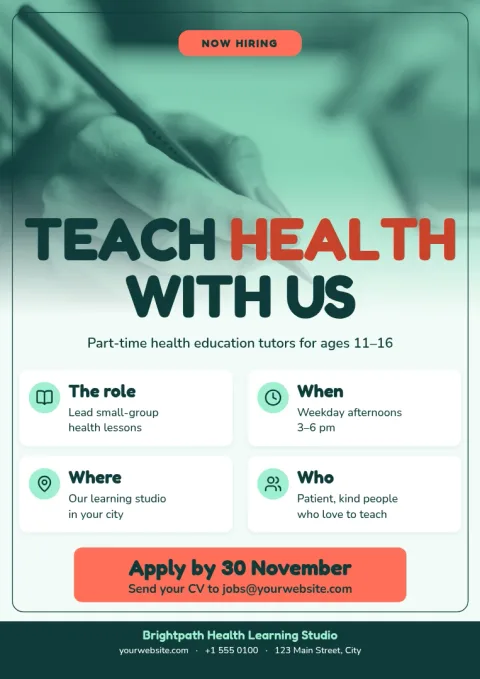
Health awareness education poster
Poster
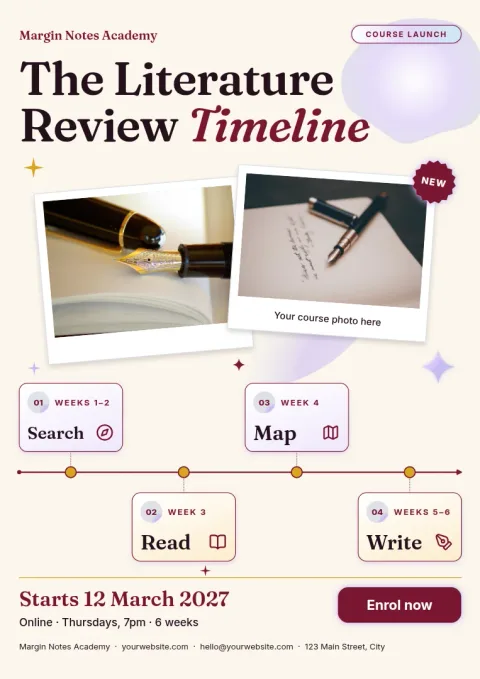
Literature review timeline poster
Poster
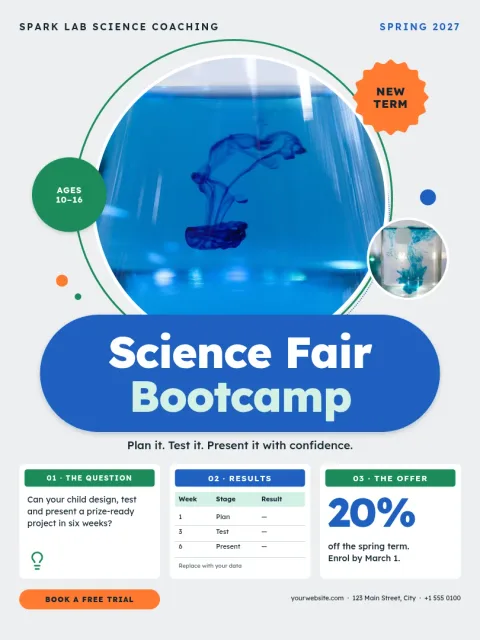
Science fair display poster
Poster
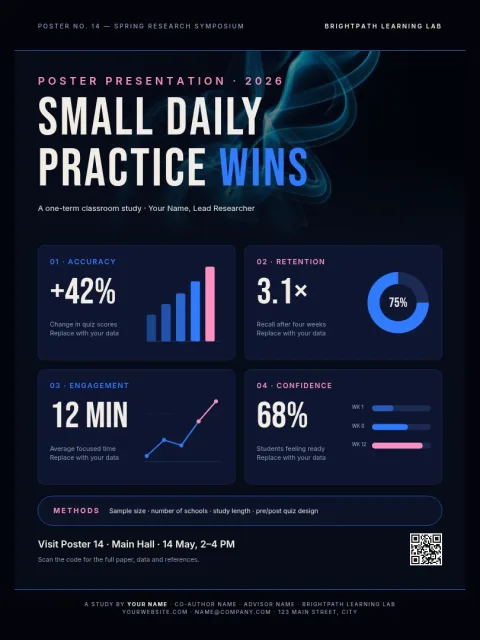
Dark mode data infographic poster
Poster
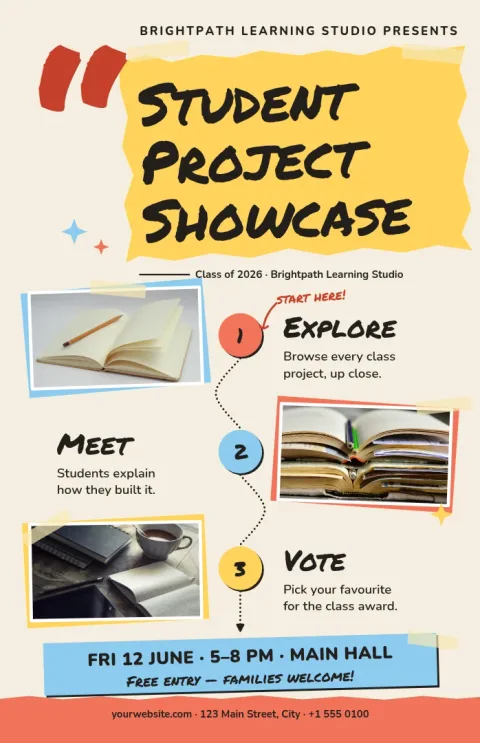
Student project showcase poster
Poster
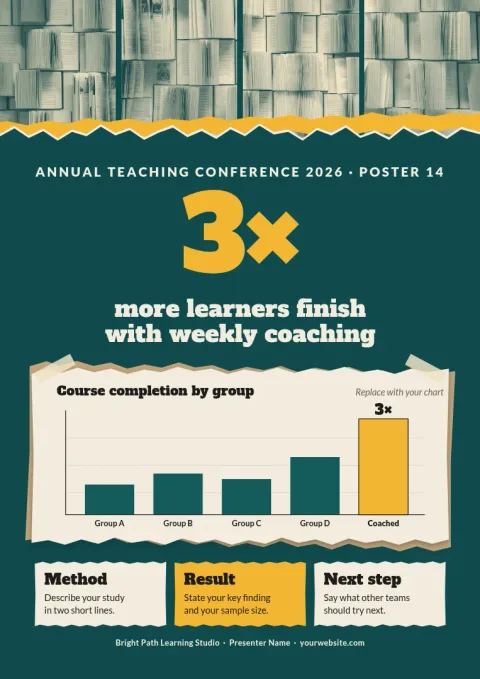
One big finding conference poster
Poster
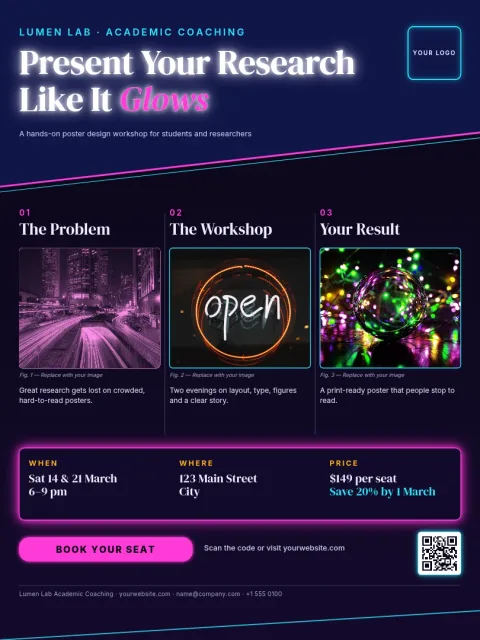
Classic three-column research poster
Poster
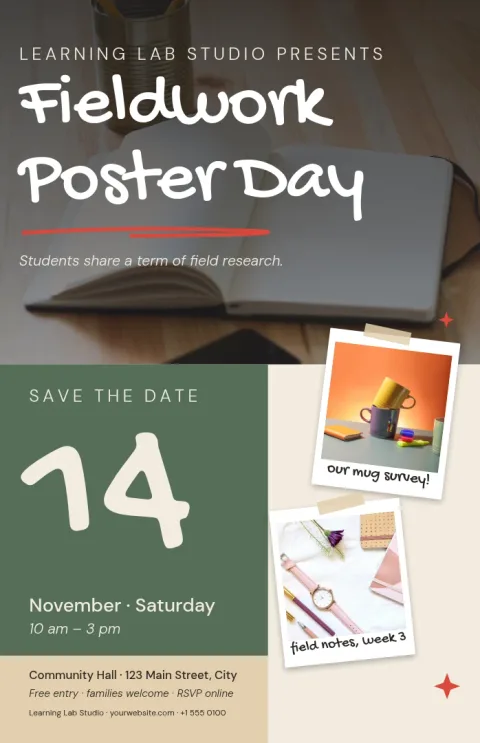
Photo-led fieldwork poster
Poster
Choose a layout that fits your content
Start with how much you have to say. A research study with methods, results and references suits a multi-column layout. A single clear result works better with one big headline and a large image. Pick the template closest to your story, then move blocks around instead of squeezing text into a layout that does not fit.
Edit everything in your browser
Nimply Design runs in the browser and is part of every Nimply plan, including Free. Change the text, fonts, colours, photos and layout. If your university or lab has set colours, a brand kit keeps your colours, fonts and logo ready to reuse across posters.
Download or share when you are done
Download your poster as PNG, JPG, WebP, SVG or PDF, including vector PDF. Choose the size that suits you: 18x24 in, A3 or 11x17 in. Downloading a template does not use AI credits. Only AI photo tools, such as the background remover, do.
Frequently asked questions
What should a poster presentation include?
Usually a clear title, authors and affiliation, a short introduction, methods, results, a conclusion and references. Keep each block short and let figures carry the story. Check your event's guidelines, since some ask for a specific size or section order.
Which poster size should I choose?
Check what your event asks for first. Nimply offers 18x24 in, A3 and 11x17 in poster sizes. Larger sizes suit wall boards, while A3 and 11x17 in work well for classrooms, notice boards and smaller displays.
Can I use my own photos and charts?
Yes. Replace the photo placeholders with your own images, and adjust text, colours and layout to fit your figures. The background remover is an AI photo tool and uses AI credits.
Is it free to use these templates?
Nimply Design is part of every Nimply plan, including Free. Downloading a template does not use AI credits. Only the AI photo tools do.
What file formats can I download?
You can download PNG, JPG, WebP, PDF (standard or vector) or SVG. A PDF is a common choice for sharing or sending a poster to a print shop.
More template collections
Make it yours in minutes
Open any template in Nimply Design, add your brand in one click, and send it straight into a post for approval and scheduling.