

Design templates
ATS Friendly Resume Template Designs You Can Edit
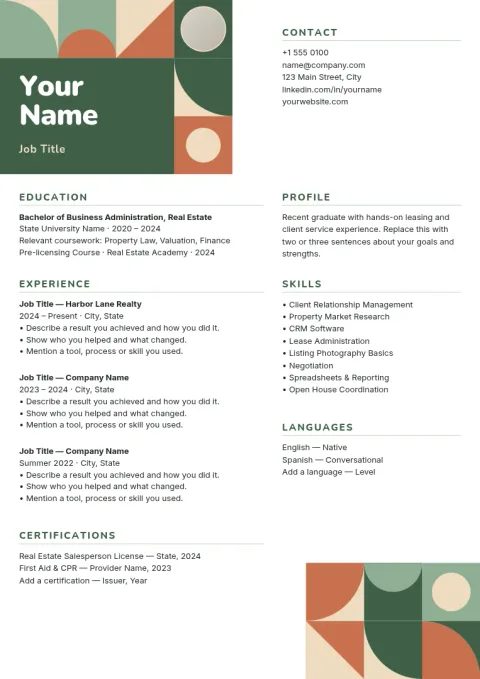
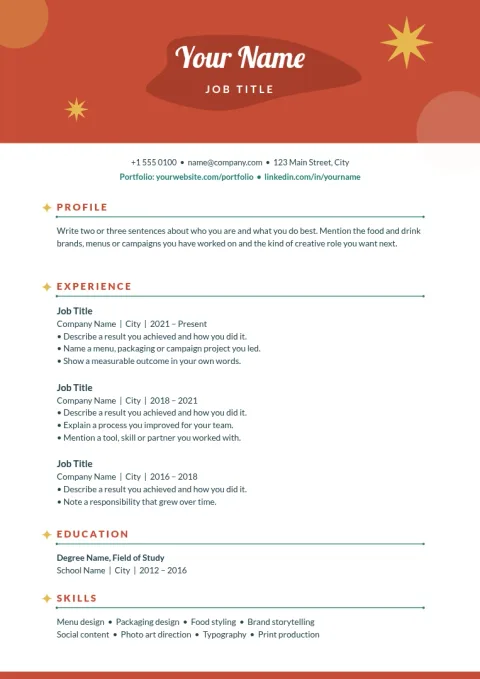
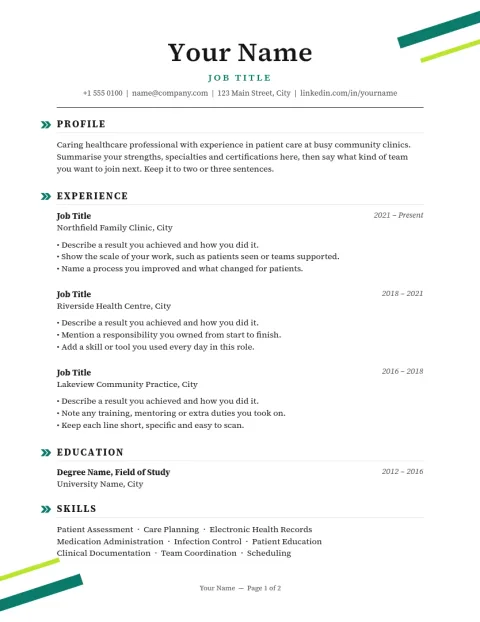
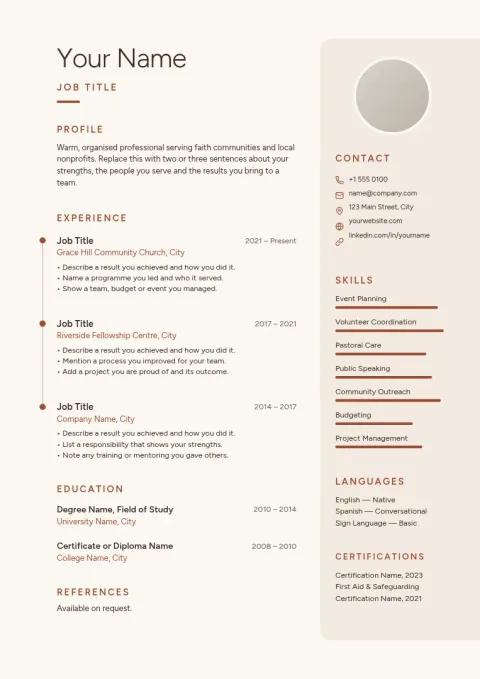
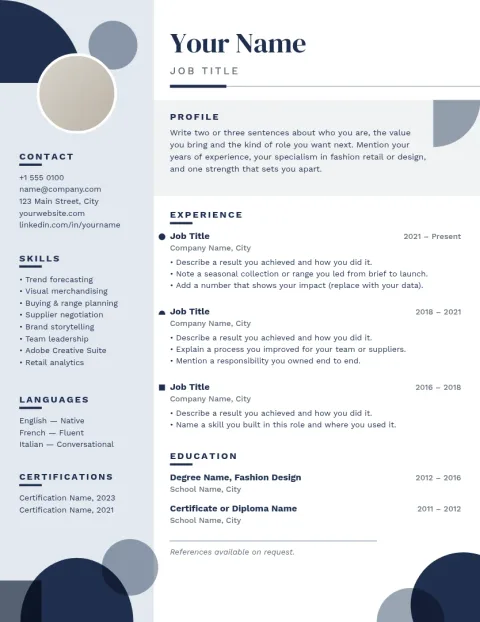
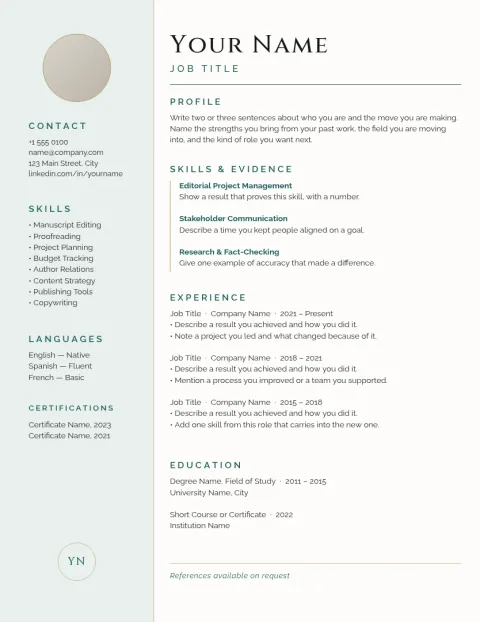
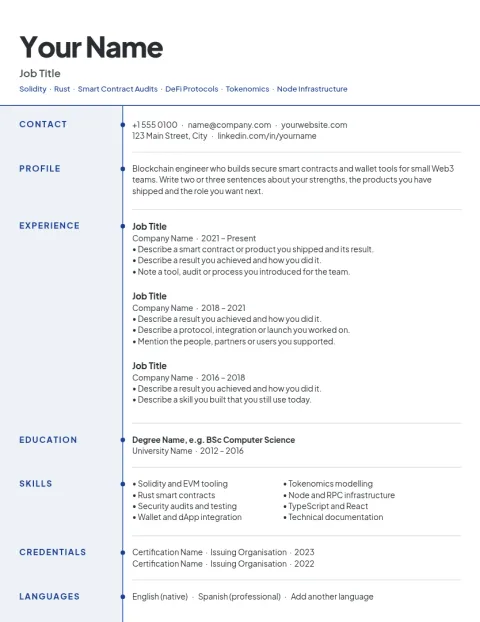
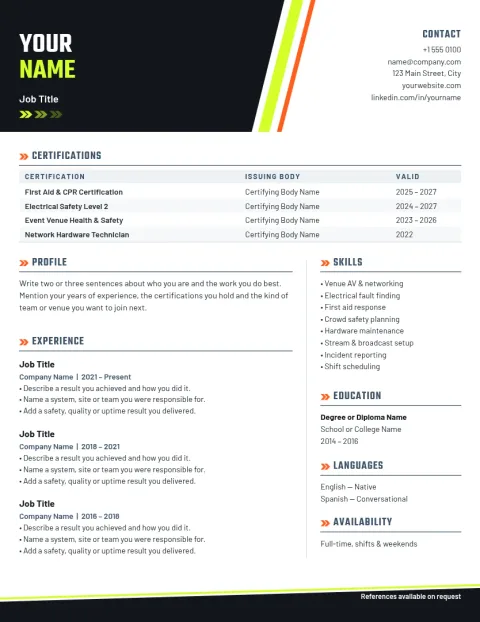
Applicant tracking systems read plain, predictable layouts best. These eight résumé designs keep things simple: one main column, clear section headings and readable fonts. Change the text, fonts and colours in your browser, then download your résumé as a PDF or an image.
8 templates · free to edit in Nimply Design
What makes a resume layout ATS friendly
Most advice points to the same habits: a single main column, standard headings such as Experience and Education, common fonts, and no text hidden inside images. Each design here follows those habits. Decoration is kept to thin lines and a little colour, so the content does the work. No layout can promise a result with every system, so check the job posting too.
Pick a layout that fits your career
A classic serif layout suits law, finance and academic roles. A clean sans-serif suits tech and operations. Early-career designs lead with education and projects, while senior designs lead with a short summary and results. Choose the one that matches how you want to be read, then replace the sample text with your own.
Edit and download in Nimply Design
Nimply Design runs in your browser and is part of every Nimply plan, including Free. Edit text, fonts and colours, and save a brand kit if you want the same look across a cover letter or portfolio page. Download as PDF, PNG, JPG, WebP or SVG. Downloading a template does not use AI credits.
Choose Letter or A4
Send Letter-size files in the US and Canada, and A4 almost everywhere else. The designs below come in both sizes. Pick the one your employer expects before you start editing, so your margins and page breaks stay right when the file is opened or printed.
Frequently asked questions
Does an ATS friendly resume template guarantee my resume gets read?
No. Systems differ, and no template can promise a result. These designs use simple, common layout habits that tend to be easier to read. Use headings and wording from the job posting, keep the file clean, and follow any format the employer asks for.
Which file format should I download?
Nimply Design exports PDF, PNG, JPG, WebP and SVG. A PDF is the usual choice for applications. If a posting asks for a specific format, follow it. Check the exported file by opening it before you send it.
Can I change the colours and fonts?
Yes. You can edit text, fonts, colours, photos and layout. For the plainest result, keep dark text on a white background and stay with one or two fonts.
Should I include a photo?
Only if your country or industry expects one. Several of these designs have no photo at all. In the US, UK and Canada, most résumés leave it out.
Is it free to use?
Nimply Design is part of every Nimply plan, including Free. Downloading a template does not use AI credits. Only AI photo tools, such as the background remover, do.
More template collections
Make it yours in minutes
Open any template in Nimply Design, add your brand in one click, and send it straight into a post for approval and scheduling.