

Design templates
Blank LinkedIn post template designs you can edit online
Start from a clean layout instead of an empty canvas. Each blank LinkedIn post template below has space for your headline, a few lines of text and your brand colours. Change anything in the browser, then download the image or send it into a Nimply post.
8 templates · free to edit in Nimply Design
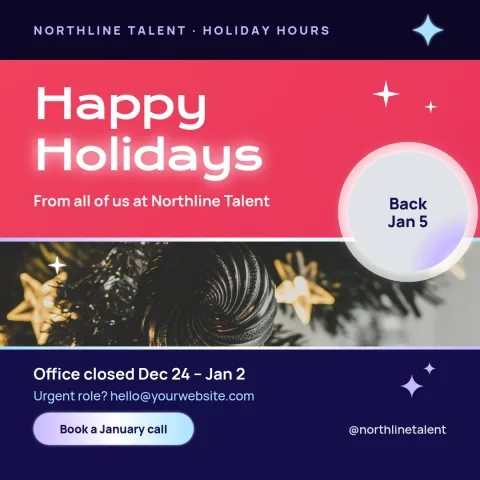
Bold colour block announcement
LinkedIn post
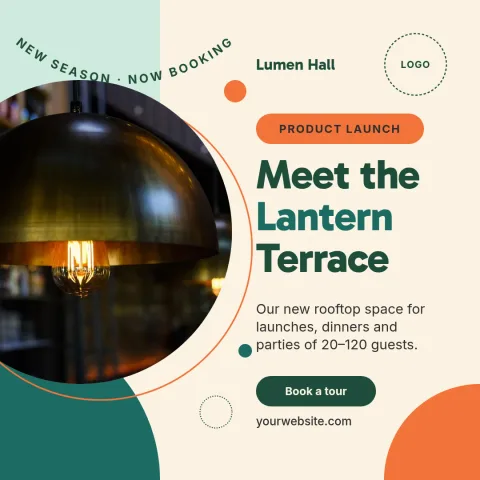
Photo left, text right profile post
LinkedIn post
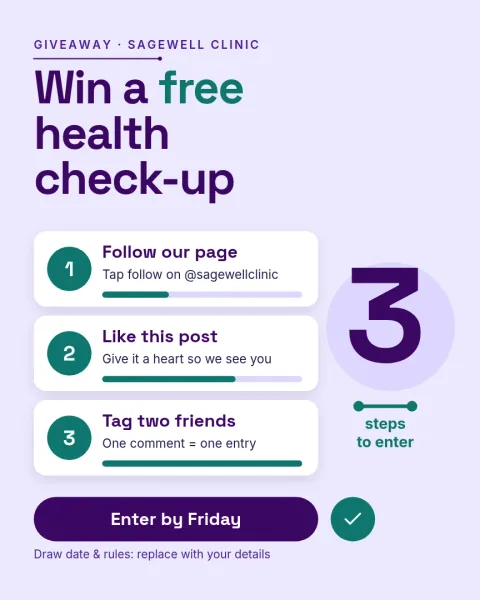
Portrait lesson post for feeds
Instagram post
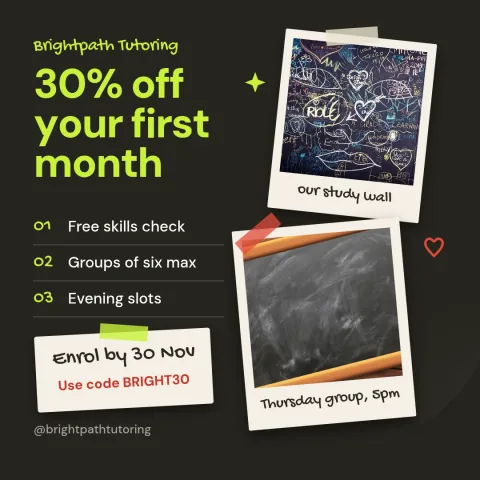
Dark mode tip post
LinkedIn post

Clean white headline post
LinkedIn post
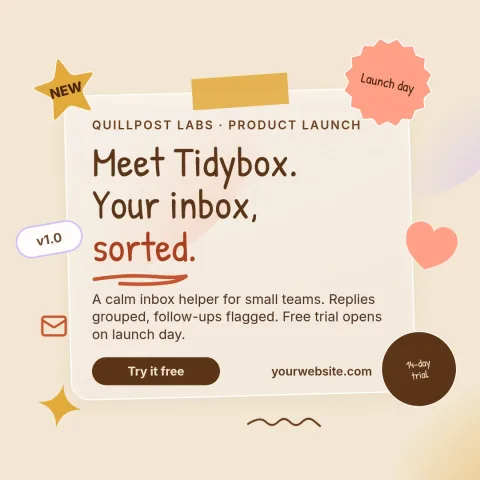
Warm paper notes post
LinkedIn post
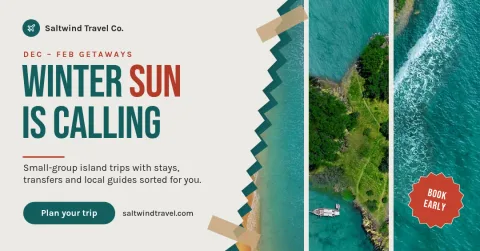
Link preview card with headline
LinkedIn post
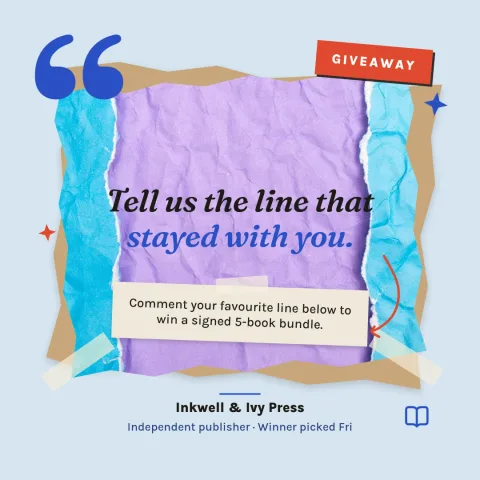
Soft blue quote card
LinkedIn post
What a blank LinkedIn post template gives you
A blank template sets the structure and leaves the content to you. The size, spacing, type pairing and colour balance are already decided, so you only fill in your message. Swap the placeholder text for your own, replace the photo area with a picture, and move or delete anything you do not need.
Make it match your brand
Change fonts, colours, photos and layout directly in the editor. If you have a brand kit in Nimply, it keeps your colours, fonts and logo ready, so each post looks like it comes from the same company. That helps people recognise your posts as they scroll the feed.
Download or schedule
When the design is ready, download it as PNG, JPG, WebP, PDF or SVG. You can also send it straight into a Nimply post, where it goes through approval and scheduling. Nimply Design is part of every plan, including Free. Downloading a template does not use AI credits.
Frequently asked questions
Can I edit a blank LinkedIn post template for free?
Yes. Nimply Design is part of every Nimply plan, including Free. You can edit text, fonts, colours, photos and layout in the browser. Downloading a template does not use AI credits.
What size is a LinkedIn post template?
Most templates here use the LinkedIn post size. A few use the LinkedIn link size, or a portrait post size that also works on other networks. The size is set for you when you open the template.
Which file formats can I download?
You can download PNG, JPG, WebP, PDF (standard or vector) or SVG. PNG and JPG are the usual picks for a LinkedIn post image.
Can I keep my brand colours and logo on every post?
Yes. A brand kit stores your colours, fonts and logo, so you can apply them to any template without setting them up again each time.
Can I schedule the post after designing it?
Yes. You can send the design straight into a Nimply post for approval and scheduling, or download the file and post it yourself.
More template collections
Make it yours in minutes
Open any template in Nimply Design, add your brand in one click, and send it straight into a post for approval and scheduling.