

Design templates
Free Halloween birthday party invitation template to edit
Choose a Halloween birthday invitation, add your child's name, date and address, and download it in minutes. Each design is editable in your browser, so you can change the wording, colours, fonts and photo to suit your party, from gentle pumpkin parties to costume nights.
8 templates · free to edit in Nimply Design
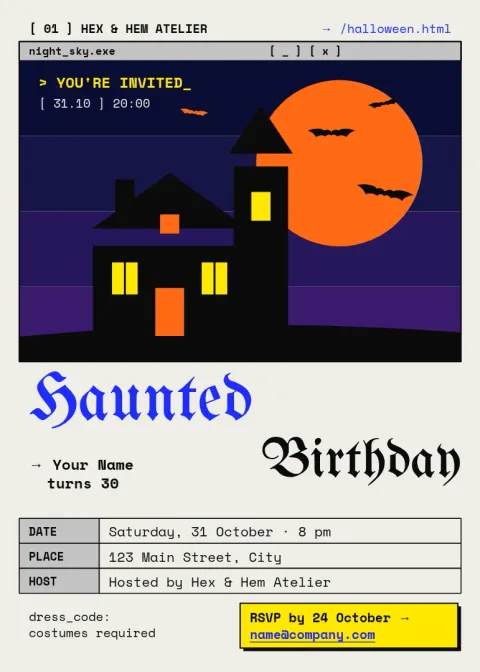
Haunted house birthday invite
Invitation
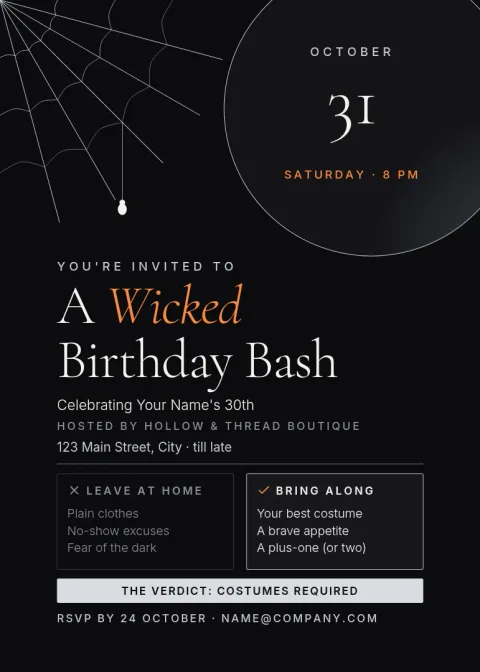
Elegant spiderweb adult party invite
Invitation
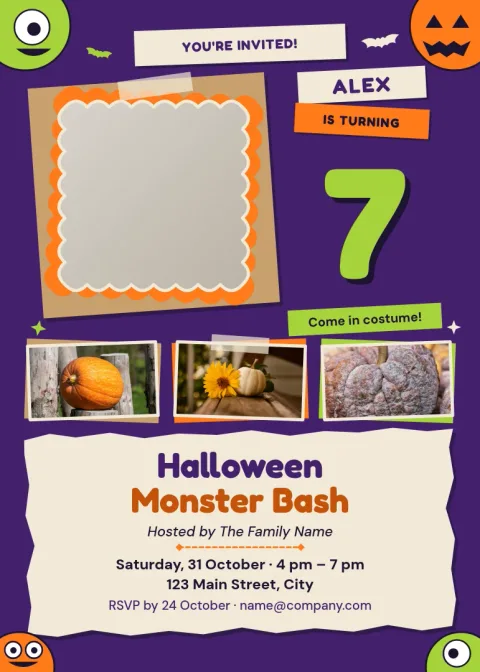
Photo monster birthday invite
Invitation
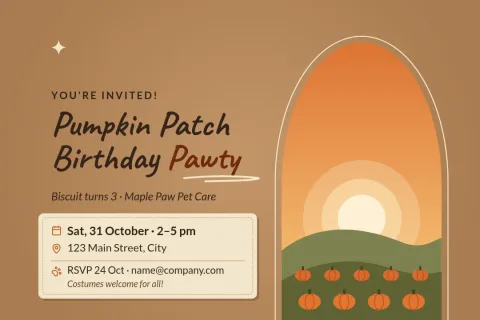
Pumpkin patch daytime party postcard
Invitation
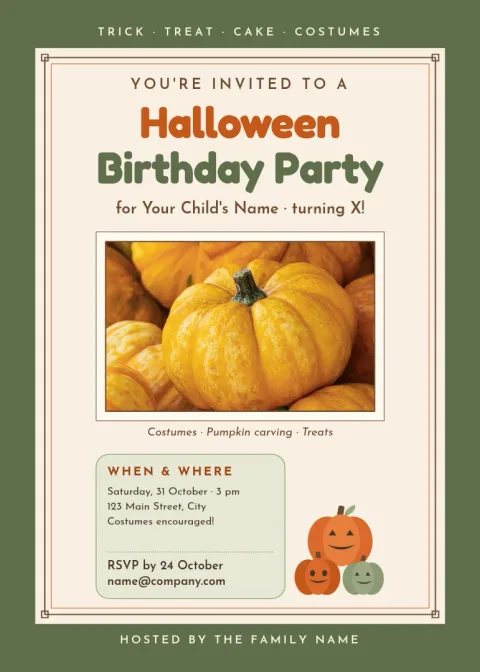
Smiling pumpkin kids party invite
Invitation
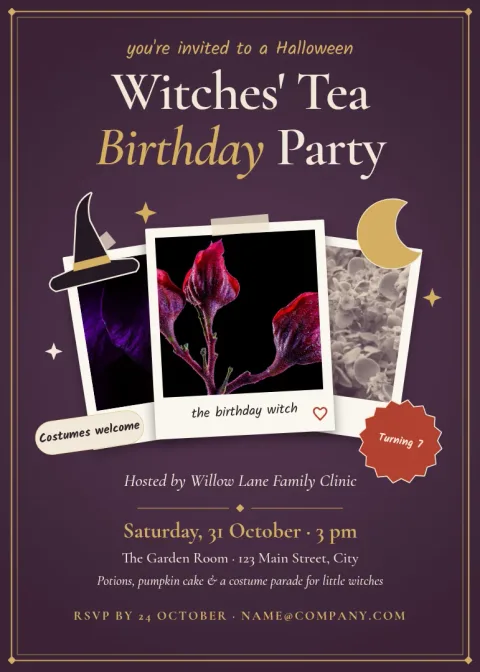
Vintage witch tea party invite
Invitation
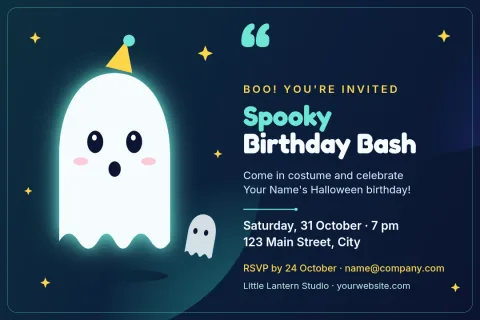
Friendly ghost party postcard
Invitation
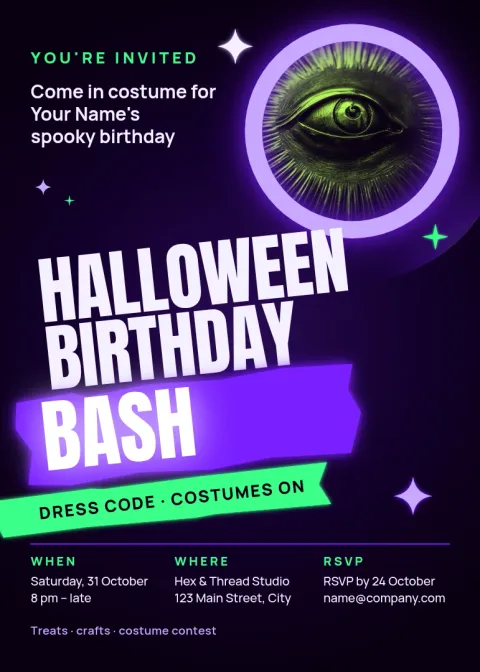
Neon costume party invite
Invitation
Pick a style that suits the party
The eight designs here cover different guests. Softer pumpkin and ghost layouts suit young children, while darker haunted house, neon and web designs suit teens and adults. Start with the mood that matches your party, then change anything that does not fit.
What you can change
Every template lets you edit the text, fonts, colours, photos and layout. Swap the party details, move the date and time, recolour the background, or drop in a photo of the birthday child. If you save a brand kit, your colours, fonts and logo are ready to reuse.
Download or share your invitation
When the invitation looks right, download it as a PNG, JPG, WebP, PDF or SVG. Nimply Design is part of every plan, including Free, and downloading a template does not use AI credits. Background remover and Magic Layers are optional photo tools that do use credits.
Frequently asked questions
Are these Halloween birthday invitations really free?
Nimply Design is part of every Nimply plan, including Free, so you can open a template, edit it and download it without paying. Downloading a template does not use AI credits.
Can I change the wording and colours?
Yes. You can edit all the text, fonts, colours, photos and layout. Add your child's name, the party date, time and address, then adjust the palette to match your theme.
Which file formats can I download?
You can download PNG, JPG, WebP, PDF (standard or vector) or SVG. PNG or JPG is handy for sharing in a message, and PDF is useful when you want a document file.
What size are the invitations?
Most designs use a 5x7 invitation size, and some use a postcard size. Pick the one you like from the collection and edit it from there.
Can I add a photo of the birthday child?
Yes. Replace a photo placeholder with your own picture. The optional AI background remover can help, but it uses AI credits, while basic editing and downloading do not.
More template collections
Make it yours in minutes
Open any template in Nimply Design, add your brand in one click, and send it straight into a post for approval and scheduling.