

Design templates
Quote poster template designs you can edit online
Choose a quote poster template, type in your own words and make it match your brand. Change fonts, colours, photos and layout right in your browser. Then download the poster as PNG, JPG, WebP, PDF or SVG, or send it into a Nimply post for approval and scheduling.
8 templates · free to edit in Nimply Design
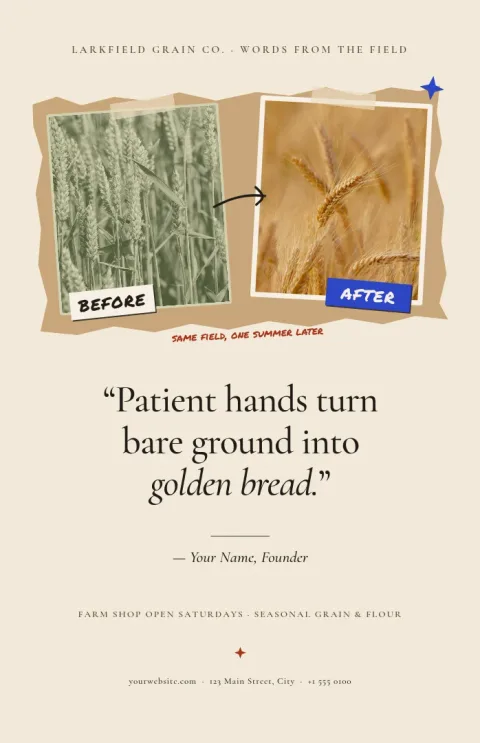
Minimal serif quote on cream
Poster
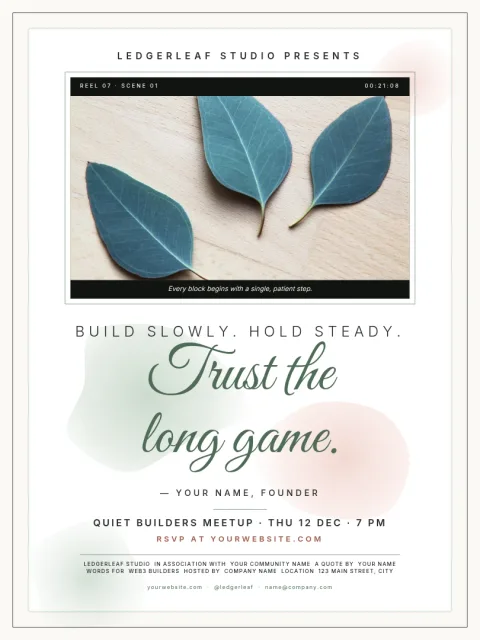
Handwritten script quote on watercolour
Poster
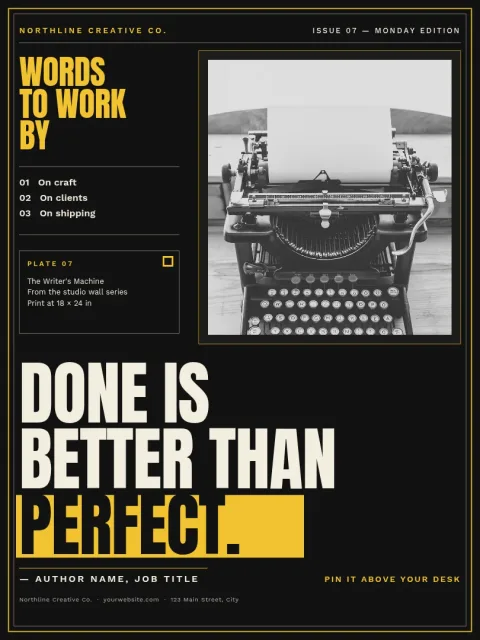
Bold black and yellow motivation poster
Poster
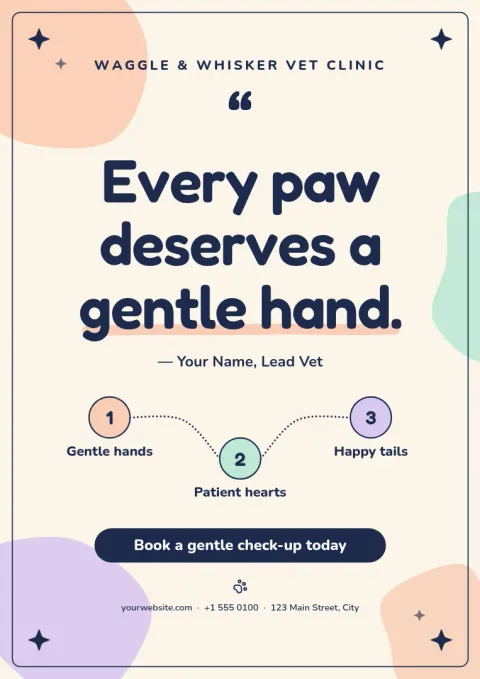
Soft pastel classroom quote poster
Poster
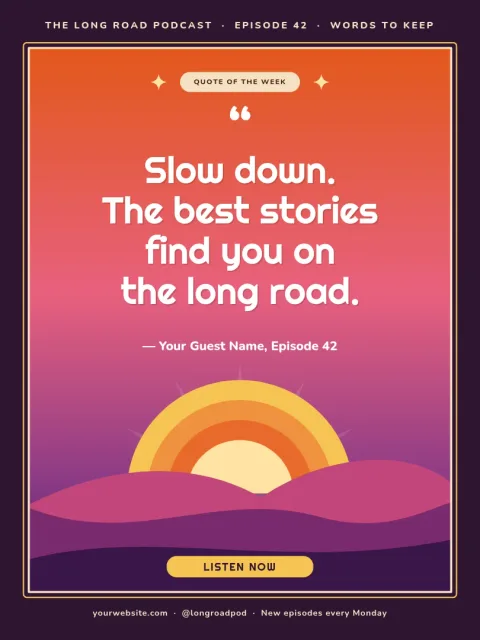
Sunset gradient inspirational quote poster
Poster
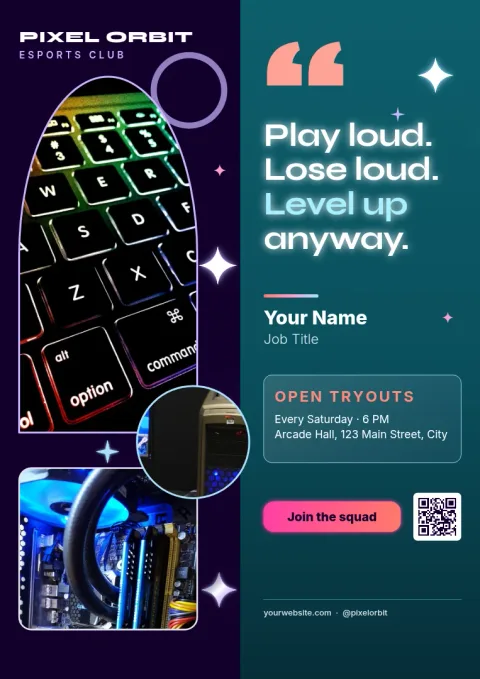
Split layout quote poster with author photo
Poster
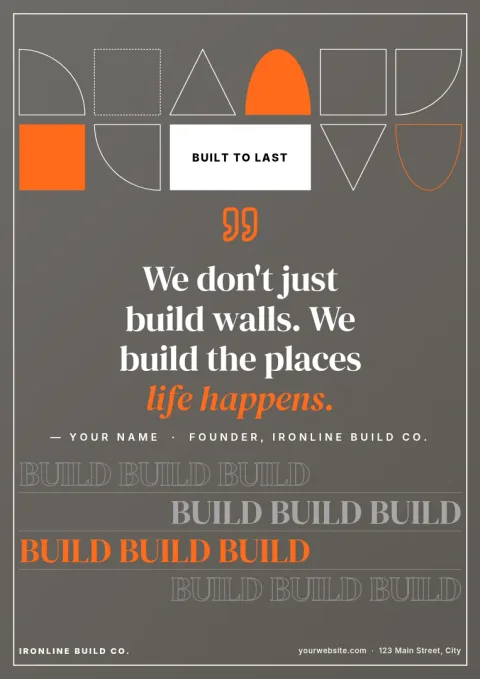
Photo background quote poster with overlay
Poster
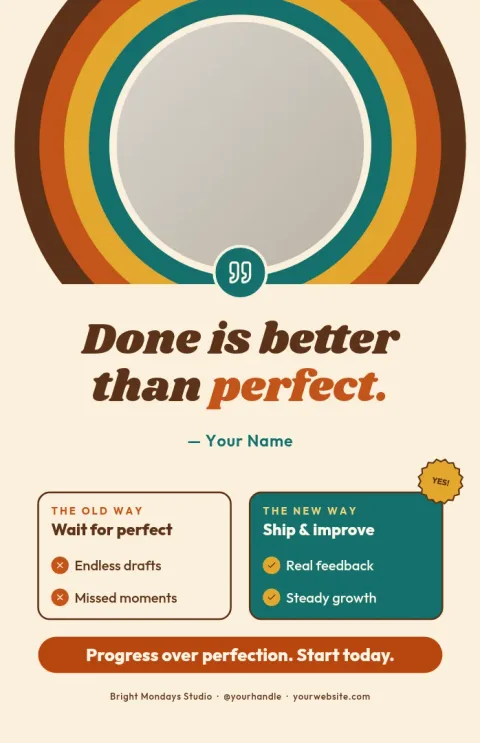
Retro 70s groovy quote poster
Poster
Pick a look, then make the words yours
Each quote poster template starts with a layout that already gives the words room to breathe. Replace the sample quote, edit the author line, and try another font if the mood feels off. Swap the colours or drop in your own photo. If you have a brand kit, your colours, fonts and logo are ready to use.
Choose the right size
These templates come in popular poster sizes: 18x24, A3 and 11x17. Pick the one that fits where the poster will go, such as a wall, a shop window or a classroom board. You can also use the same design as an image in a post, since you can download PNG, JPG or WebP.
Download or send to your posts
When the poster looks right, download it as PNG, JPG, WebP, PDF (standard or vector) or SVG. Or send it straight into a Nimply post, where it can go through approval and be scheduled. Downloading a template does not use AI credits. Only AI photo tools, like the background remover and Magic Layers, do.
Frequently asked questions
Can I change the quote and the fonts?
Yes. Every text block is editable. Type your own quote, change the font, size and colour, and move things around. Brand kits can keep your fonts, colours and logo ready so each new poster matches the last.
Which file formats can I download?
You can download PNG, JPG, WebP, PDF (standard or vector) or SVG. Pick PDF or SVG when you need a sharp, scalable file, and PNG or JPG for sharing online.
Does Nimply print or ship the posters?
No. Nimply Design gives you the finished file to download. You can print it yourself or take it to a print shop of your choice.
Is the editor free to use?
Nimply Design is part of every Nimply plan, including Free. Downloading a template does not use AI credits. AI photo tools such as the background remover and Magic Layers do use credits.
Can I use my own photos?
Yes. Each template that has a photo area lets you replace the placeholder with your own image. You can also remove a background with the AI background remover, which uses AI credits.
More template collections
Make it yours in minutes
Open any template in Nimply Design, add your brand in one click, and send it straight into a post for approval and scheduling.