

Design templates
Movie poster template designs you can edit online
Start from a movie poster template and make it yours. Swap the title, tagline, credits and photo, change the fonts and colours, then download your poster. These eight layouts cover thrillers, romances, documentaries, school films and more, and they work for real films, club screenings and fun projects.
8 templates · free to edit in Nimply Design

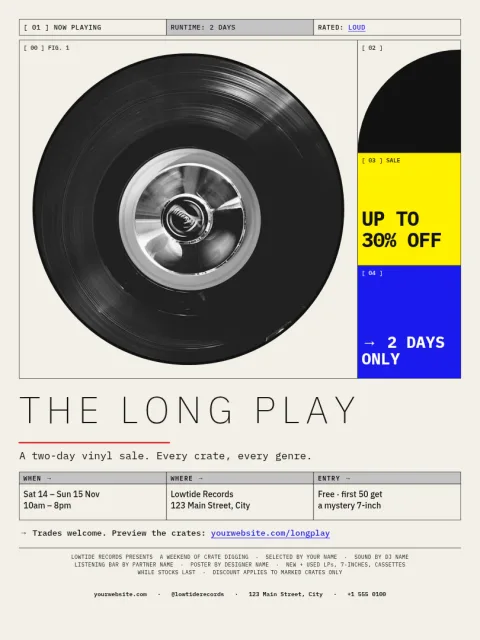
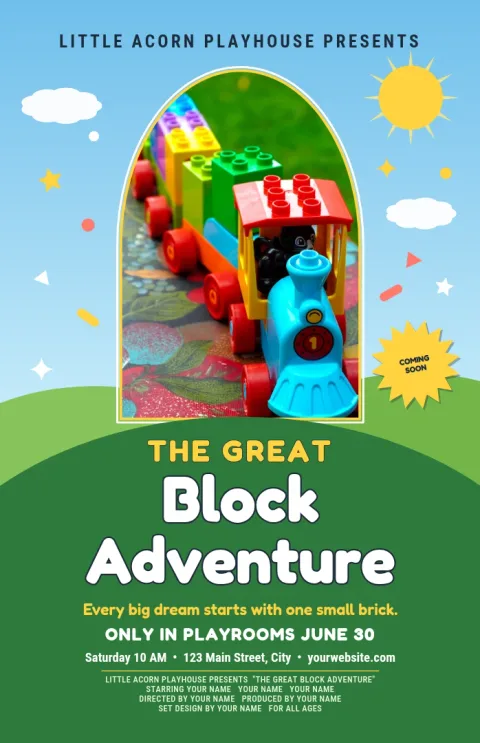
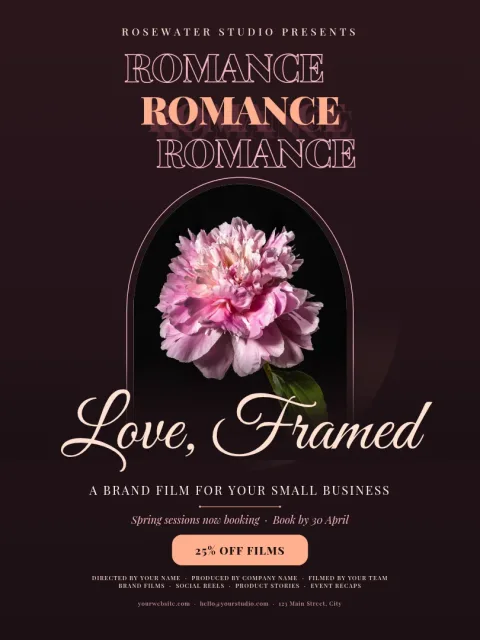
Edit the poster in your browser
Open a template in Nimply Design and change what you need. Replace the title and credits, try other fonts, adjust colours and move the layout around. Add your own photo in the placeholder. Nothing to install, and Nimply Design is part of every plan, including Free.
Pick a style that fits the film
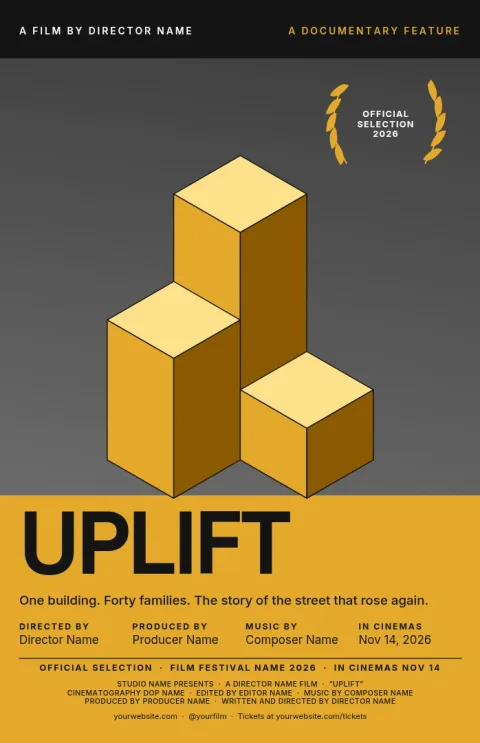
A horror short needs dark tones and tight type. A rom-com works with warm colour and a friendly script. A documentary often looks best with one strong photo and plenty of space. Browse the eight designs below and start with the mood closest to your film.
Keep your look consistent
If you promote a film, a screening or a series, a brand kit keeps your colours, fonts and logo ready to apply. That helps the poster, the social posts and the ticket flyer look like they belong together.
Download or share
Download your poster as PNG, JPG, WebP, PDF (standard or vector) or SVG. You can also send the design straight into a Nimply post for approval and scheduling, so announcing your premiere takes fewer steps.
Frequently asked questions
Can I change the text and photo on a movie poster template?
Yes. Every template lets you edit the title, tagline, credits, fonts, colours and layout. Drop your own photo into the placeholder and move or resize it until the poster looks right.
What sizes are available for movie posters?
The templates here come in common poster sizes such as 18x24 inches, A3 and 11x17 inches. Pick the one that suits your frame or display space before you start editing.
What file formats can I download?
You can download PNG, JPG, WebP, PDF (standard or vector) or SVG. Downloading a template does not use AI credits.
Is Nimply Design free to use?
Nimply Design is included in every Nimply plan, including Free. AI photo tools such as the background remover use AI credits, but editing and downloading templates does not.
Can I use these for a school or club film?
Yes. The layouts suit student films, club screenings, community events and personal projects. Just replace the placeholder text and photos with your own.
More template collections
Make it yours in minutes
Open any template in Nimply Design, add your brand in one click, and send it straight into a post for approval and scheduling.