

Design templates
Indian marriage invitation template for your wedding card
Pick an Indian marriage invitation template, swap in your names, dates and venue, and download it when it looks right. Each design is fully editable in your browser, from text and fonts to colours and layout. Use Free to start, then share the file with family and guests.
8 templates · free to edit in Nimply Design
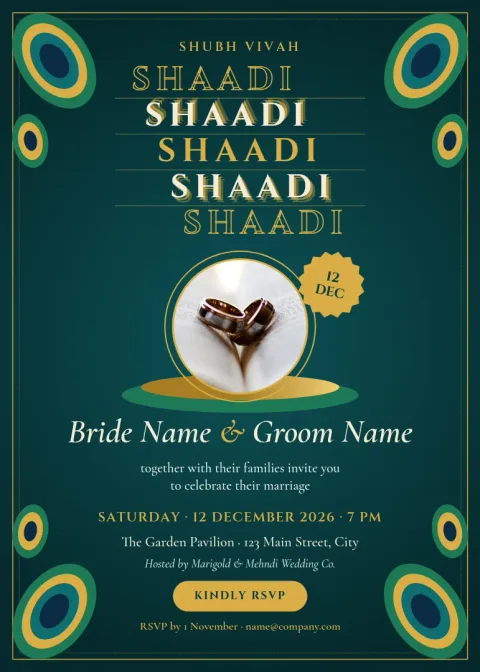
Peacock teal and gold invite
Invitation
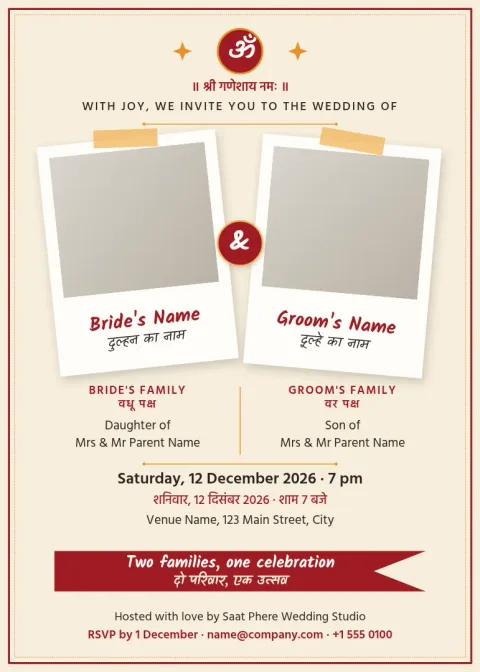
Hindi and English bilingual wedding card
Invitation

Mehndi night postcard invite
Invitation
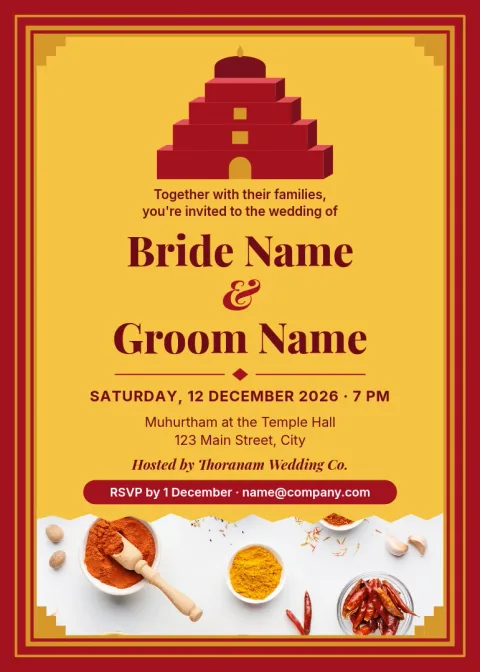
South Indian temple border invitation
Invitation
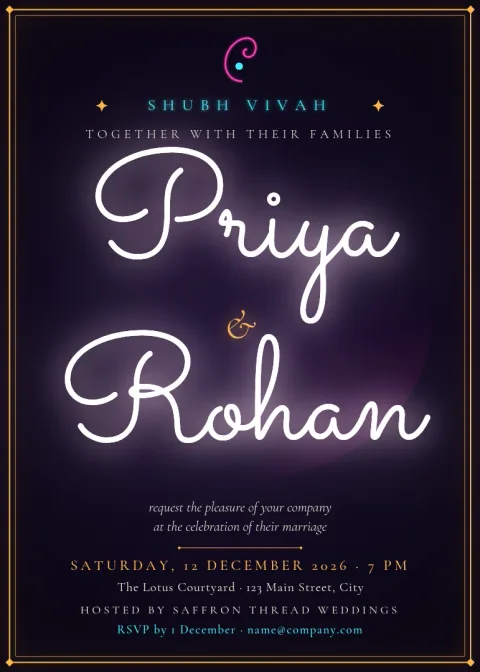
Minimal ivory Indian wedding invite
Invitation
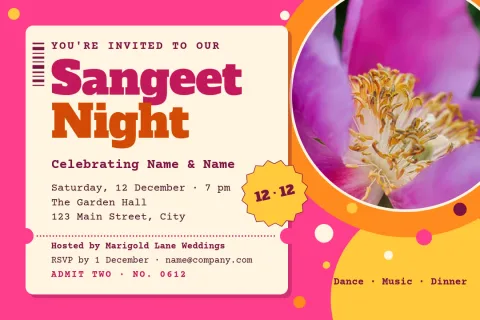
Bright sangeet night postcard
Invitation
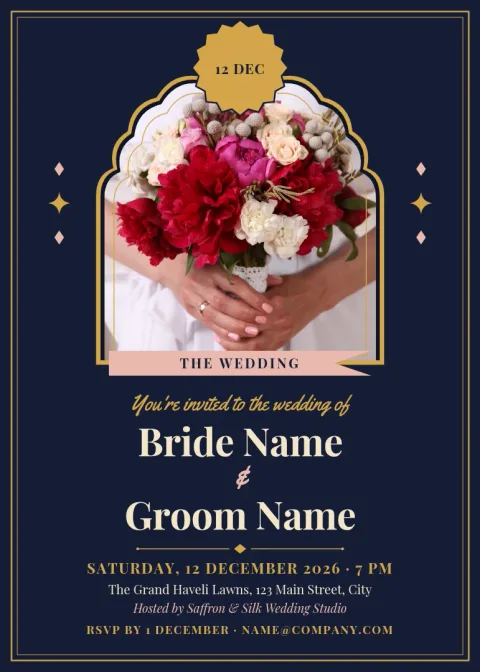
Royal Rajasthani arch invitation
Invitation
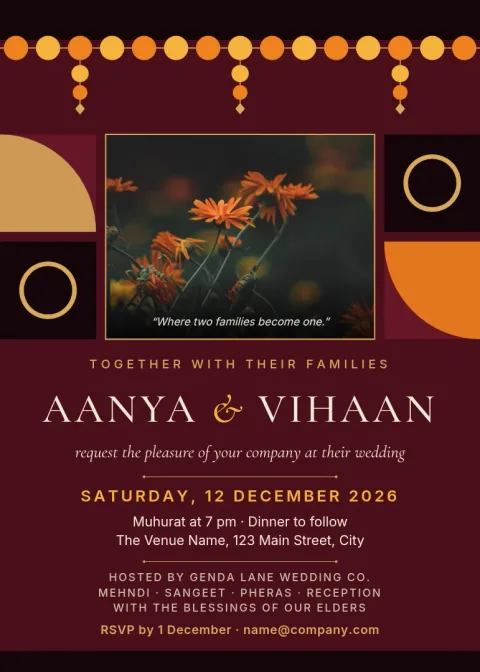
Marigold and maroon wedding card
Invitation
Designs for different families and traditions
Weddings in India vary a lot by region, religion and family taste. These eight templates cover bold marigold and maroon cards, quiet ivory minimal layouts, South Indian temple borders, Rajasthani arches, bilingual Hindi and English wording, and relaxed designs for mehndi and sangeet nights. Start with the mood closest to yours and change the rest.
What you can edit
Every text block is editable, so you can add the couple's names, parents' names, ceremony times, venue and RSVP details. Change fonts and colours to match your outfits or decor, move shapes and borders, and replace photo placeholders with your own pictures. If you use a brand kit, your saved colours and fonts are ready to apply.
Download and share
When the card is ready, download it as a PNG, JPG, WebP, SVG or PDF. PNG and JPG are handy for sharing with relatives in a message. PDF is a good choice when you want a clean file to keep. Downloading a template does not use AI credits.
Planning the wording
Most cards list the hosts, the couple, the event name, date, time, venue and a contact for RSVP. If you hold several functions, make one card per event so each has its own dress code and timings. Keep the family blessing line short so the key details stay easy to read.
Frequently asked questions
Can I change the names, dates and venue?
Yes. Every text block in the template can be edited. Click a line, type your own wording, and adjust the font, size or colour. You can also move or delete any element to fit longer family names or extra event details.
Can I write the invitation in Hindi or another language?
You can type your own text into any text block, so you can write the wording in the language you prefer. Check how it looks after you change the font, and make sure every character displays correctly before you download.
Which file formats can I download?
You can download PNG, JPG, WebP, PDF (standard or vector) or SVG. PNG and JPG are simple to share in messages, and PDF suits a clean copy for keeping or sending to others.
Is it free to use these templates?
Nimply Design is part of every Nimply plan, including Free. Downloading a template does not use AI credits. AI photo tools, such as the background remover, do use credits.
Can I make cards for several functions?
Yes. Duplicate a design, then change the event name, time, venue and colours for each function, such as mehndi, sangeet and the wedding day. Keeping one style across them makes the set look matched.
More template collections
Make it yours in minutes
Open any template in Nimply Design, add your brand in one click, and send it straight into a post for approval and scheduling.