

Design templates
Gym business card template for trainers and studios
Hand people a card that looks like your gym feels. Choose a gym business card template, swap in your name, contact details and logo, and change the colours to match your space. Eight styles cover personal trainers, boxing gyms, yoga studios and more.
8 templates · free to edit in Nimply Design
 1/2
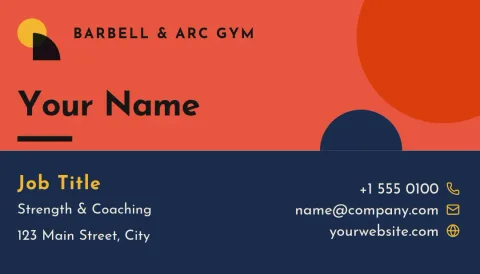
1/2Guest pass vertical gym card
Business card
 1/2
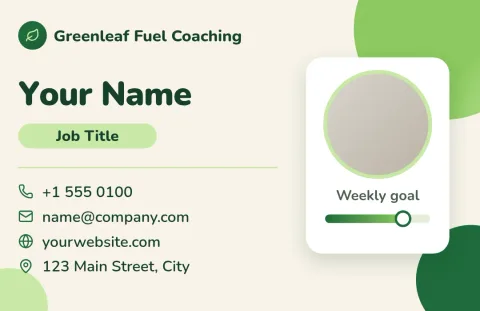
1/2Fresh green nutrition coach card
Business card
 1/2
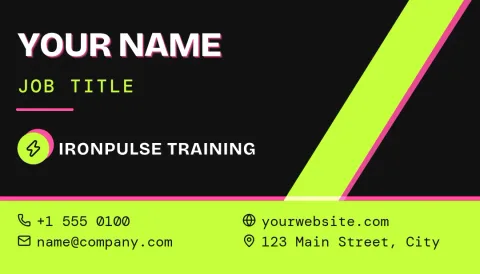
1/2Neon lime personal trainer card
Business card
 1/2
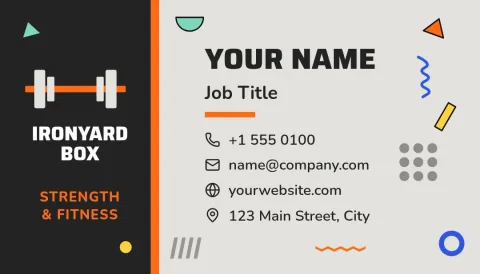
1/2Concrete and orange CrossFit box card
Business card
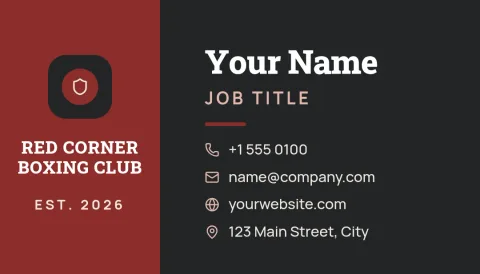 1/2
1/2Red corner boxing gym card
Business card
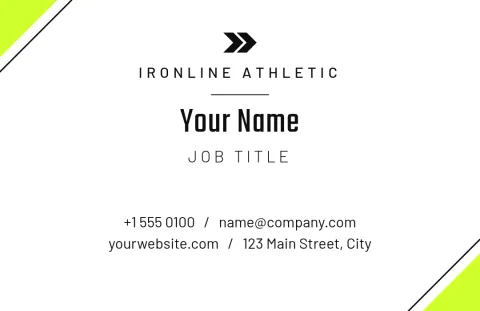 1/2
1/2Minimal monochrome gym owner card
Business card
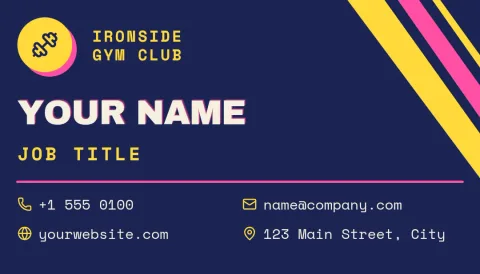 1/2
1/2Retro 90s sports club card
Business card
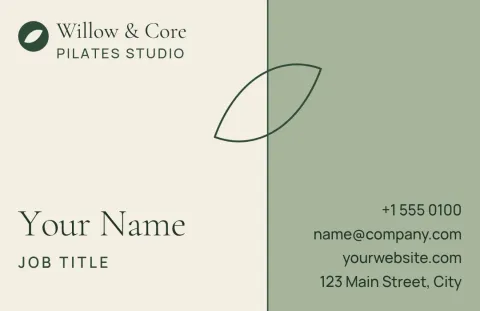 1/2
1/2Soft sage pilates studio card
Business card
Pick a style that matches your gym
A powerlifting gym and a pilates studio should not hand out the same card. Start with the mood: loud and high contrast for strength and combat gyms, soft and airy for yoga and wellness. Every template here is a starting point, so you can change the layout, shapes and photo placeholders until it fits.
What to put on a gym card
Keep it short. Your name, what you offer (personal training, classes, memberships), a phone number or booking link, and your address or Instagram handle. Use the back for a class schedule, a guest pass line or a QR code. Leave some empty space so the card is easy to read at a glance.
Edit, save your brand, download
Nimply Design runs in your browser and is included in every plan, including Free. Edit text, fonts, colours, photos and layout, and save your colours, fonts and logo in a brand kit. Download as PDF (standard or vector), PNG, JPG, WebP or SVG. Downloading a template does not use AI credits.
Frequently asked questions
What size is a gym business card?
Templates here come in US size (3.5 x 2 in) and EU size (85 x 55 mm). Pick the one your printer uses. Each template can be resized in the editor if you need something different.
Can I add my own logo and photos?
Yes. Upload your logo and gym photos, or replace the photo placeholders. You can also save your logo, colours and fonts in a brand kit so every card and post matches.
Which file should I download for printing?
A PDF is the usual choice for sending to a printer, and the vector PDF keeps text and shapes sharp. PNG and JPG work for sharing the card online. Nimply does not print or ship cards.
Does it cost AI credits?
Downloading a template does not use AI credits. Only AI photo tools, such as the background remover and Magic Layers, use credits.
Can I use the card on social media too?
Yes. Download the design as an image, or send it into a Nimply post for approval and scheduling, for example to announce a new trainer or class.
More template collections
Make it yours in minutes
Open any template in Nimply Design, add your brand in one click, and send it straight into a post for approval and scheduling.