

Design templates
Choose a template for funeral invitation and make it yours
Letting people know where and when to gather is hard enough. Start from one of these eight designs, replace the placeholder text with your details, add a photo if you wish, and change the colours to suit the person you are remembering. Everything is edited in your browser.
8 templates · free to edit in Nimply Design
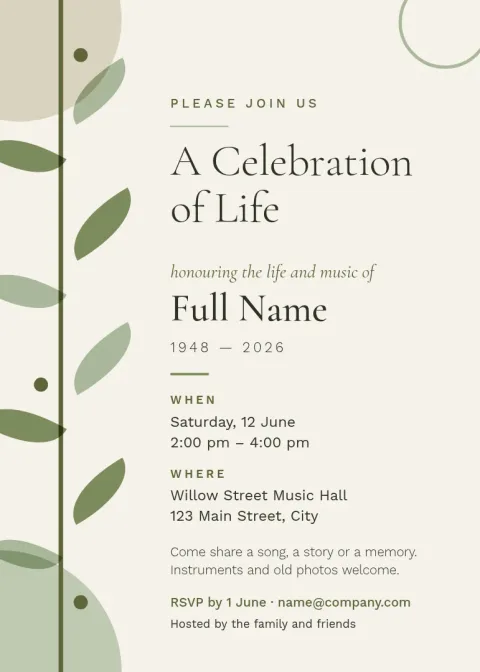
Soft sage celebration of life invitation
Invitation

Garden gathering reception postcard
Invitation
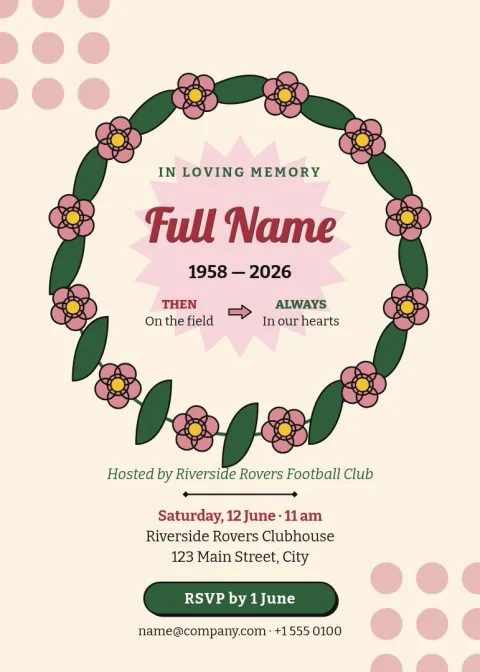
Cream floral wreath funeral invitation
Invitation
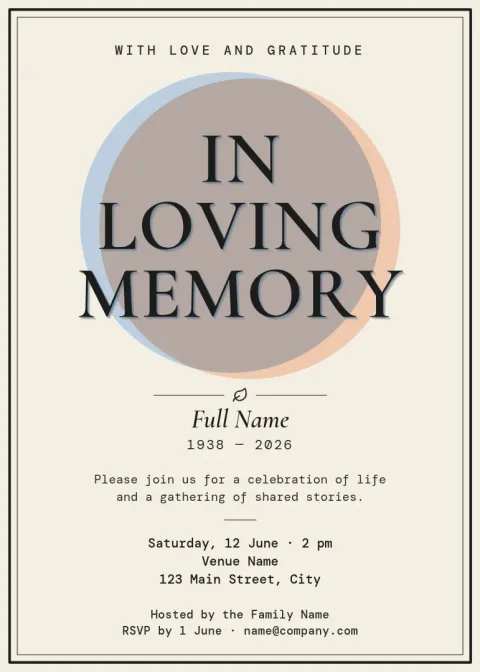
Classic black border funeral invitation
Invitation
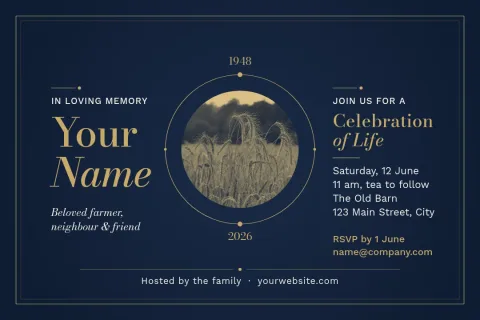
Navy and gold remembrance postcard
Invitation
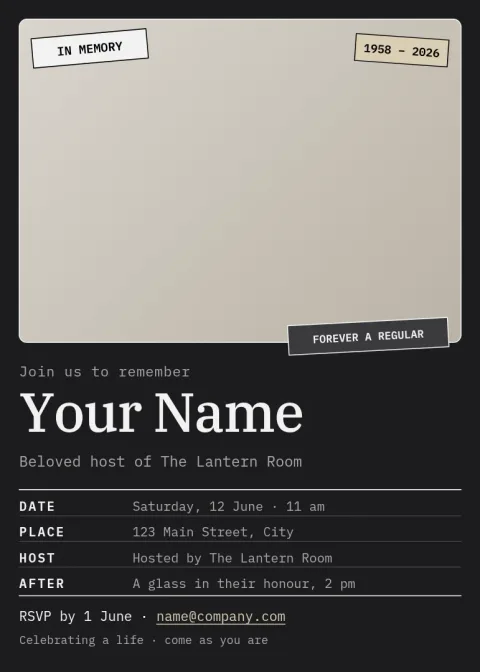
Portrait memorial service invitation
Invitation
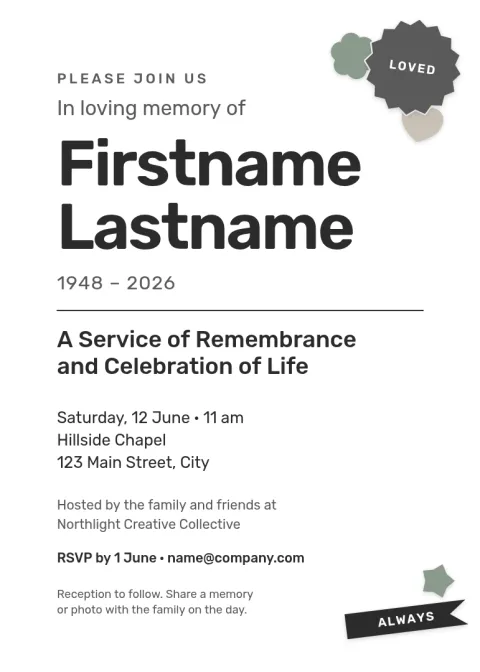
Plain white service announcement
Invitation

Quiet sunset remembrance invitation
Invitation
What to put on a funeral invitation
Keep the wording short and clear. Include the full name, the date and time, the place and its address, and who to contact with questions. If the family prefers flowers or donations, or wants guests to wear a certain colour, add one line about it. Each template has room for these details, and you can remove any block you do not need.
Edit the design to fit the occasion
Every template lets you change the text, fonts, colours, photos and layout. A traditional service may suit a dark border and a serif typeface. A celebration of life may suit softer colours and a warm photo. If you save your colours, fonts and logo in a brand kit, a funeral home or community group can reuse them across notices.
Download and share
When the wording is right, download the invitation as a PDF, PNG or JPG. You can also save it as SVG. Send the file by email or message, or take the PDF to a print shop yourself. Downloading a template does not use AI credits, which are only needed for the AI photo tools.
Frequently asked questions
What size is a funeral invitation?
A 5x7 inch invitation is a common choice because it fits standard envelopes and reads well on a phone screen. Some templates here use a postcard size, which works well for short notices with only the key details.
Can I use a photo of the person?
Yes. Several templates have a photo placeholder. Replace it with your own picture and adjust its position and size. Choose a clear image where the face is easy to see, even when the invitation is small.
Can I change the colours and fonts?
Yes. You can edit the text, fonts, colours, photos and layout of any template. If the family prefers a particular colour or a quieter style, change it until the invitation feels right.
Which file formats can I download?
You can download PNG, JPG, WebP, PDF (standard or vector) or SVG. PDF suits printing at a print shop, while PNG and JPG are easiest to send by email or message.
Do I need to pay to download a template?
The design editor is part of every Nimply plan, including Free. Downloading a template does not use AI credits. Credits are only used by the AI photo tools, such as the background remover.
More template collections
Make it yours in minutes
Open any template in Nimply Design, add your brand in one click, and send it straight into a post for approval and scheduling.