

Design templates
Commercial real estate flyer template free to edit online
Need a flyer for an office, shop, warehouse or plot of land? Start from one of these eight layouts, swap in your property photos and details, and download the finished flyer. Everything is edited in your browser, and Nimply Design is included in the Free plan.
8 templates · free to edit in Nimply Design
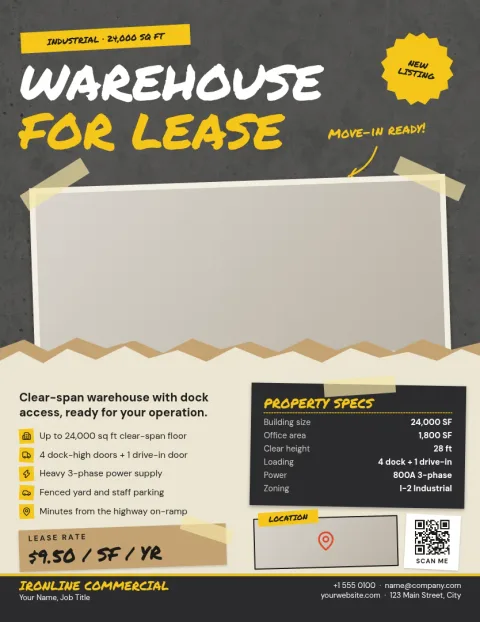
Industrial warehouse listing flyer
Flyer
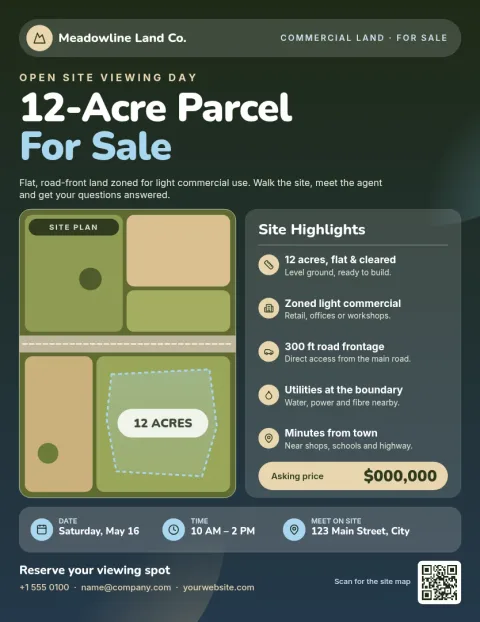
Earthy land parcel for sale flyer
Flyer
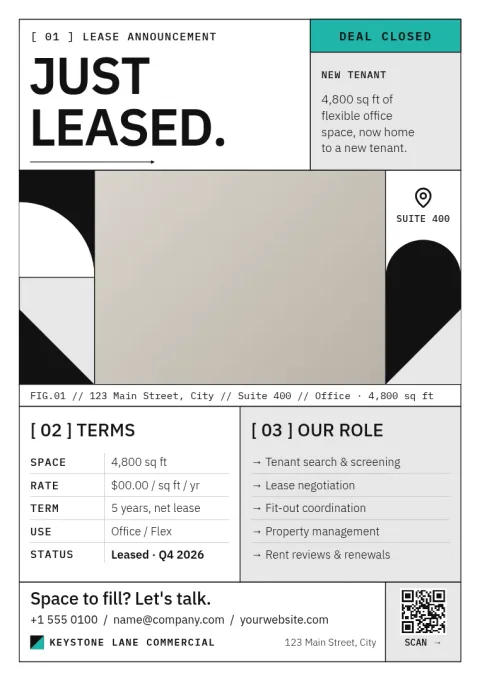
Minimal just leased announcement flyer
Flyer
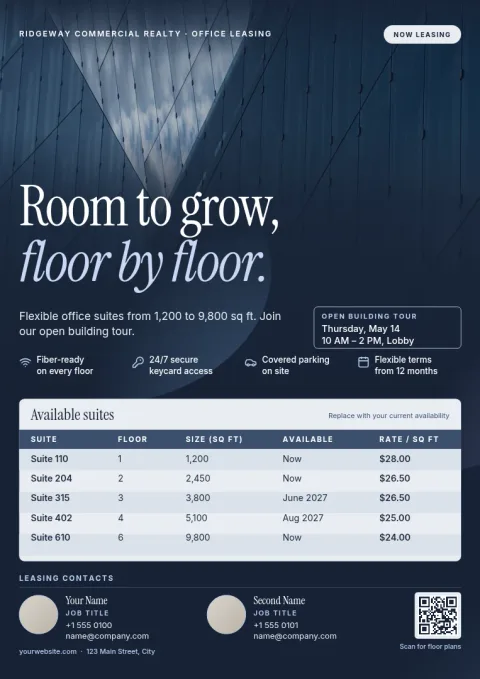
Multi-tenant building availability flyer
Flyer
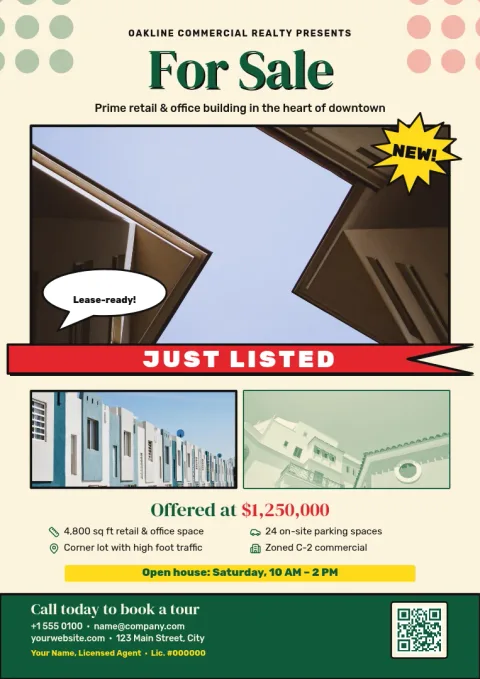
Classic commercial property for sale flyer
Flyer
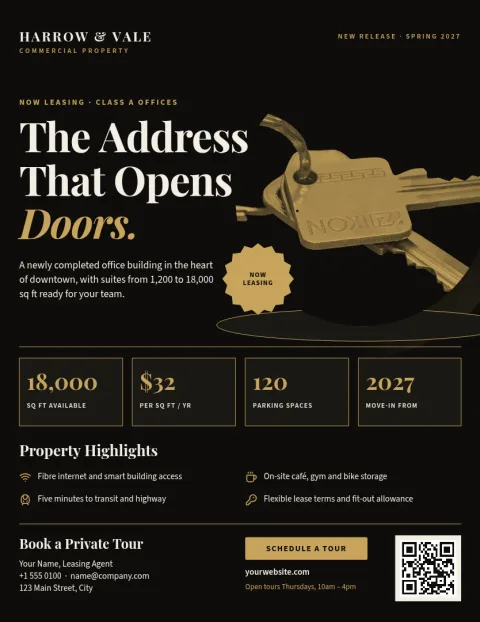
Black and gold investment property flyer
Flyer
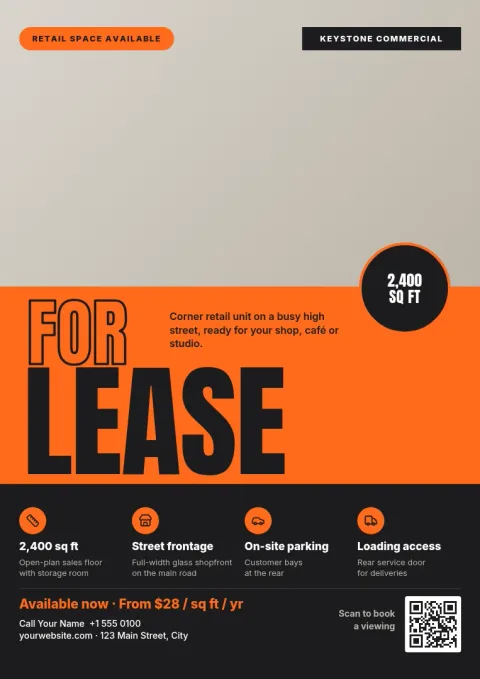
Bold retail storefront for rent flyer
Flyer
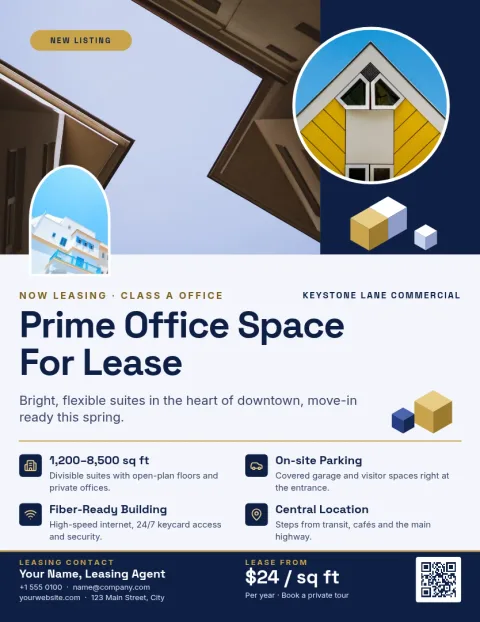
Navy office space for lease flyer
Flyer
What to put on a commercial property flyer
Keep it to what a business owner or investor needs to decide whether to call. Lead with one strong photo and the address. Add the size, the asking price or lease terms, and two or three features such as parking, loading access or zoning. Finish with your name, phone number and email. Each template here leaves clear room for these details.
Pick a layout that fits the property
Office and retail flyers work best with a large exterior photo and a short list of features. Warehouse and land listings often need a site plan or map, so choose a layout with a wide image area. Multi-tenant buildings suit a simple list of available suites. Investment flyers give more space to text and key figures you add yourself.
Edit and download
Open a template and change the text, fonts, colours, photos and layout. Add your logo and colours with a brand kit so every listing looks consistent. Download as PDF, PNG, JPG, WebP or SVG, or send the design into a Nimply post for approval and scheduling. Downloading a template does not use AI credits.
Frequently asked questions
Is the commercial real estate flyer template really free?
Nimply Design is part of every Nimply plan, including Free. You can open a template, edit it and download it without paying, and downloading a template does not use AI credits.
Can I use my own property photos?
Yes. Each template has photo placeholders. Replace them with your own images of the building, interior or site, then adjust the crop and layout to suit.
What file types can I download?
You can download PNG, JPG, WebP, PDF (standard or vector) or SVG. PDF is a common choice if you plan to email the flyer or take it to a printer.
Can I keep my brokerage colours and logo?
Yes. Set up a brand kit with your colours, fonts and logo, and apply them to any template so your listings match.
Can I share the flyer on social media?
Yes. You can send the design straight into a Nimply post, then send it for approval and schedule it, or download the image and post it yourself.
More template collections
Make it yours in minutes
Open any template in Nimply Design, add your brand in one click, and send it straight into a post for approval and scheduling.