

Design templates
Canvas CV template designs you can edit in your browser
Looking for a canvas cv template that looks clean and is quick to fill in? These 8 layouts open in the Nimply Design editor, where you can swap in your own details, fonts, colours and photo, then download your CV as a PDF or image.
8 templates · free to edit in Nimply Design
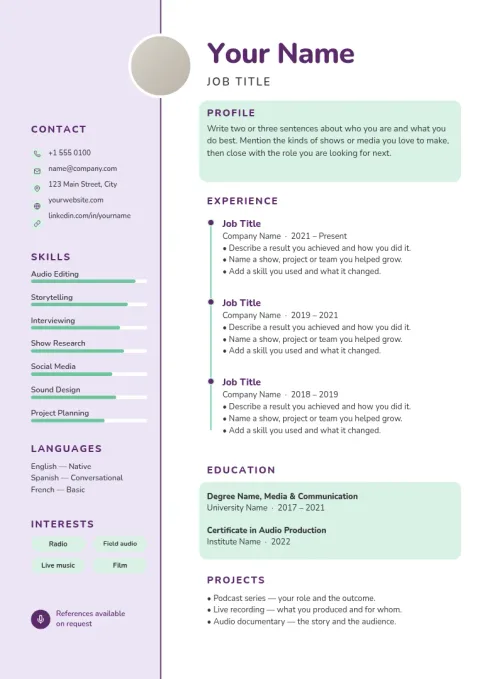
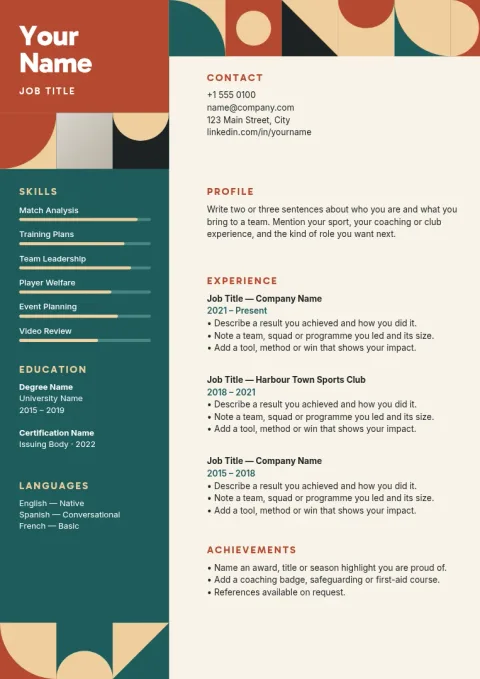
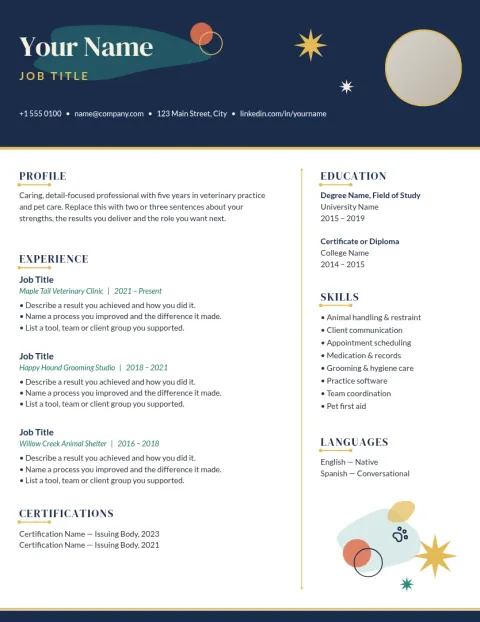
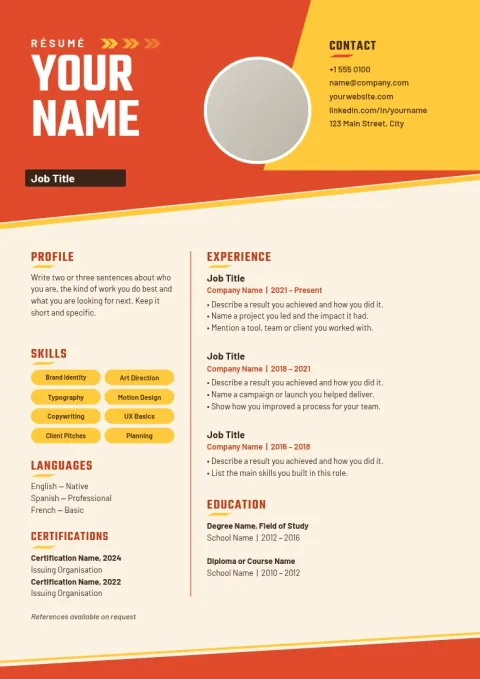
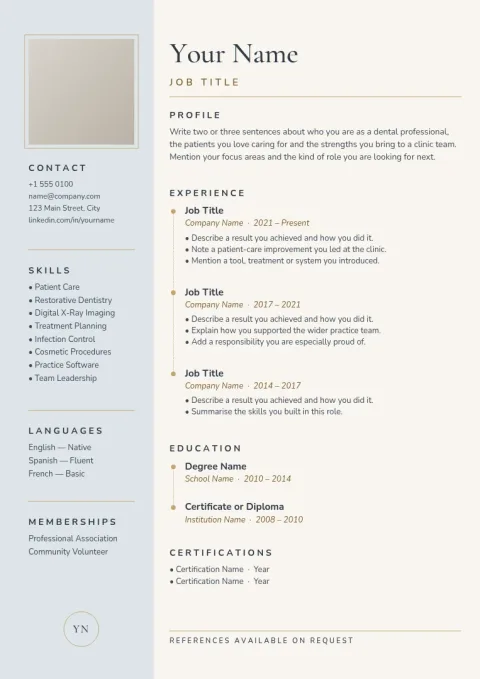
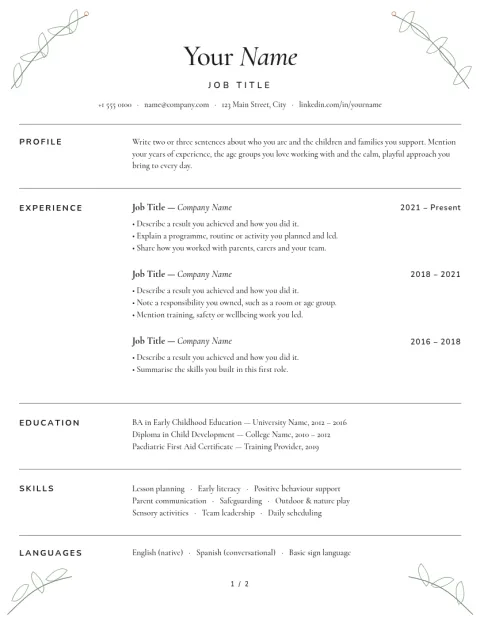
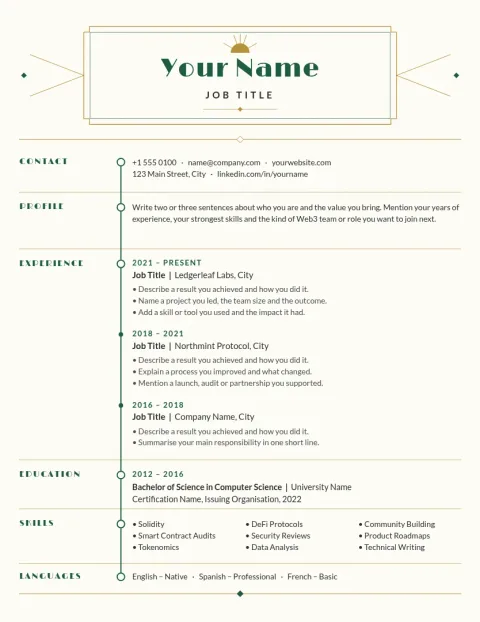
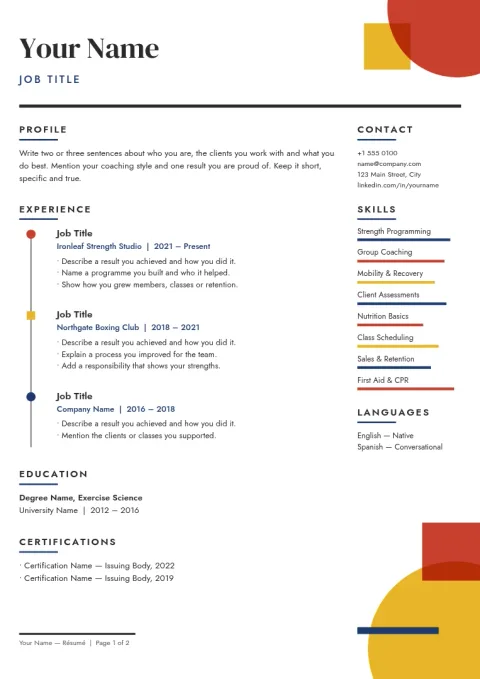
Choose a layout that fits your job search
A CV works best when it matches the role. A one-column layout suits long work histories, a sidebar layout fits skills-heavy profiles, and a bold header suits creative work. Each template here is a different starting point, so pick the one closest to your story and change the rest.
Edit everything on the page
Click any text block to rewrite it. Change fonts and colours, move sections, add or remove a photo, and adjust spacing until your CV fits neatly on one page. Brand kits can keep your colours, fonts and logo ready if you reuse them across a portfolio, cover letter and other designs.
Download it or send it on
When you are done, download your CV as a PDF (standard or vector), PNG, JPG, WebP or SVG. Nimply Design is part of every plan, including Free. Downloading a template does not use AI credits. Only AI photo tools, like the background remover, do.
Frequently asked questions
Are these Canva files?
No. These templates are made for the Nimply Design editor and open in your browser there. If you searched for a Canva-style CV, the idea is the same: pick a layout, edit the text and colours, and download it.
What size is a CV template here?
Résumé templates come in A4 and US Letter. Use A4 for most of Europe, the UK and many other countries, and Letter for the US and Canada. Check which one the employer expects.
Which file formats can I download?
You can download PDF (standard or vector), PNG, JPG, WebP or SVG. PDF is usually the safest choice for sending a CV to an employer.
Do I need to pay to use a template?
Nimply Design is included in every plan, including Free. Downloading a template does not use AI credits. AI photo tools, such as the background remover, do use credits.
More template collections
Make it yours in minutes
Open any template in Nimply Design, add your brand in one click, and send it straight into a post for approval and scheduling.