

Design templates
Betrothal invitation template designs you can edit online
Choose a betrothal invitation template, swap in your names, date and venue, and download it when it looks right. These eight designs range from soft florals to bold colour blocks, so you can find one that suits your families and your style. Everything edits in your browser.
8 templates · free to edit in Nimply Design
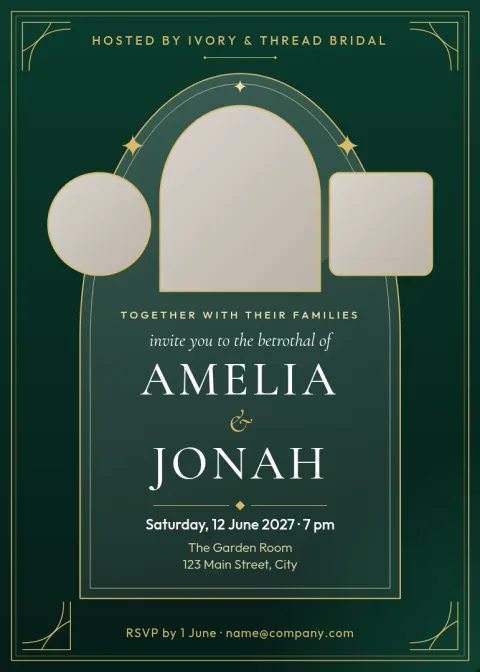
Gold arch traditional betrothal card
Invitation
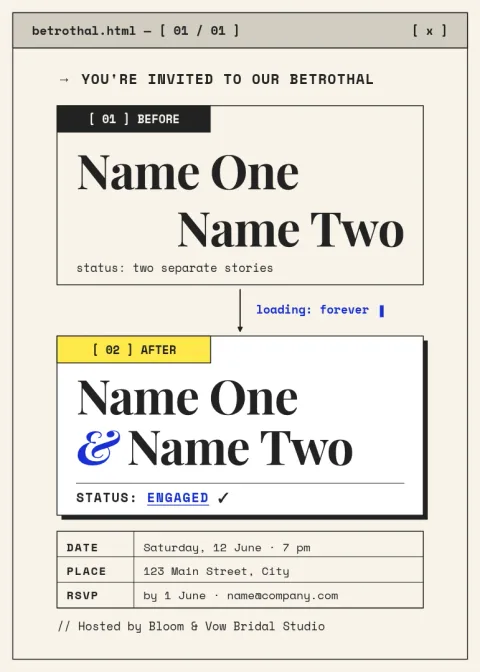
Modern minimal betrothal invitation
Invitation
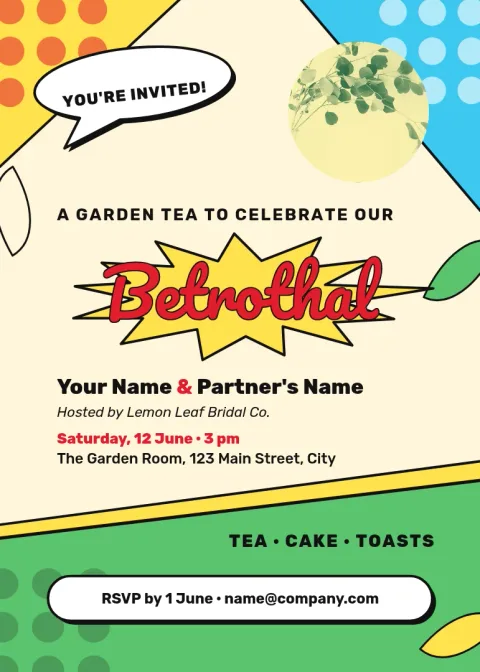
Garden tea betrothal invitation
Invitation

Terracotta boho betrothal invitation
Invitation
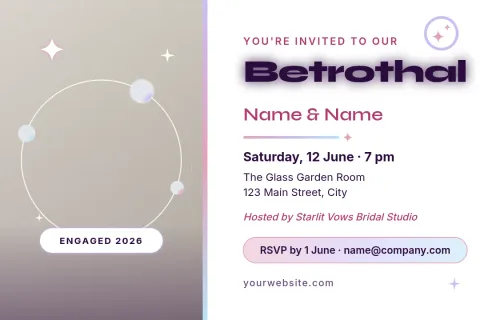
Couple photo betrothal postcard
Invitation
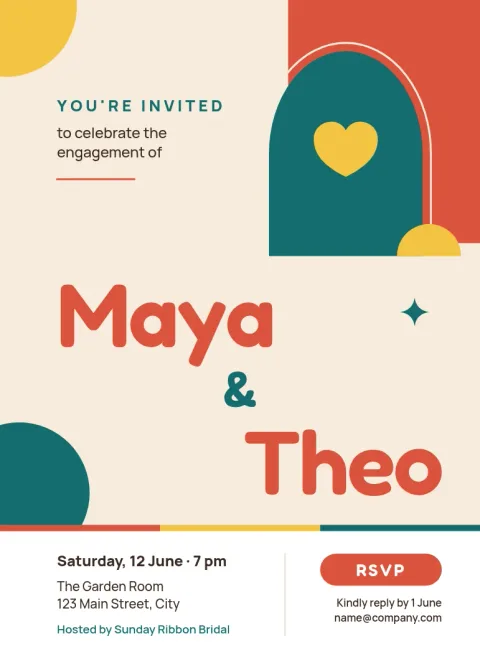
Bright colour block engagement party invite
Invitation
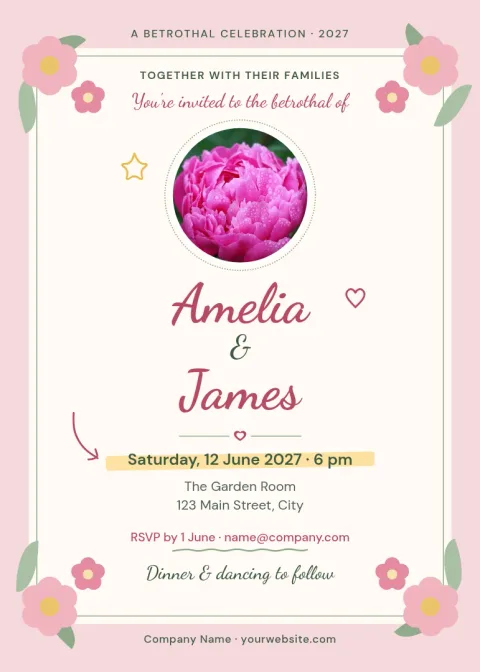
Blush floral betrothal invitation
Invitation
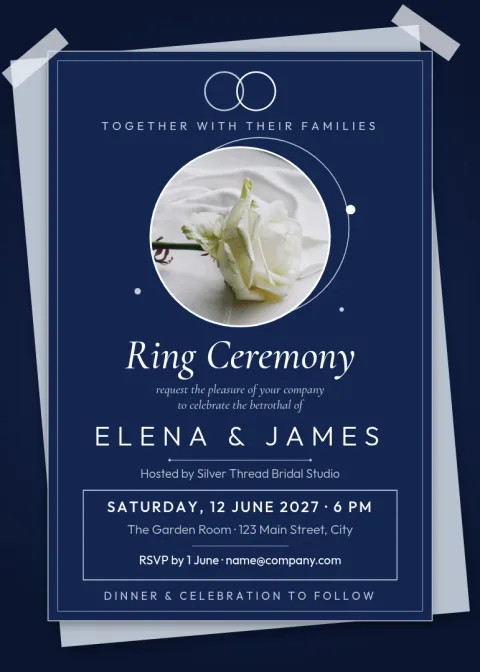
Navy and silver ring ceremony invitation
Invitation
Pick a look that suits your families
A betrothal can be a quiet family tea, a ring ceremony or a larger party, and the invitation sets the tone. Start with the style closest to your day: traditional gold, modern minimal, boho or playful. Every template is a starting point, so you can change the layout as well as the words.
What to put on the invitation
Most betrothal invitations include the couple's names, the date and time, the venue, and a line about who is hosting. Add a dress code, a reply-by date and a phone number or email for RSVPs if you need them. Keep the wording short so guests can find the details quickly.
Edit, save and share
In Nimply Design you can edit text, fonts, colours, photos and layout. A brand kit can keep your chosen colours and fonts the same across other cards or signs. Download as PNG, JPG, WebP, PDF or SVG. Downloading a template does not use AI credits.
Frequently asked questions
Can I edit a betrothal invitation template for free?
Yes. Nimply Design is part of every plan, including Free. You can change the text, fonts, colours, photos and layout in your browser, then download the result. Downloading a template does not use AI credits.
What file formats can I download?
You can download PNG, JPG, WebP, PDF (standard or vector) or SVG. PNG and JPG suit sharing on screen. PDF is a good choice when you want a document file of the invitation.
What size are these invitations?
Most are 5x7 inch invitations, a common card size. One design is a postcard. You can choose whichever format fits how you plan to share the invitation.
Can I use my own photo?
Yes. Each template can hold a photo, such as a portrait of the couple. Replace the placeholder with your own image and adjust the layout around it.
Do I need design experience?
No. Start from a ready-made layout and change only what you need, such as names, date and venue. You can adjust colours and fonts if you want a different feel.
More template collections
Make it yours in minutes
Open any template in Nimply Design, add your brand in one click, and send it straight into a post for approval and scheduling.