

Design templates
Avery Business Card Template Designs You Can Edit
Pick a business card design, swap in your name, details and logo, and download it ready to print at home or at a print shop. These templates use the common 3.5 x 2 inch card size, so they suit most Avery-style card sheets. Check your sheet's size before you print.
8 templates · free to edit in Nimply Design
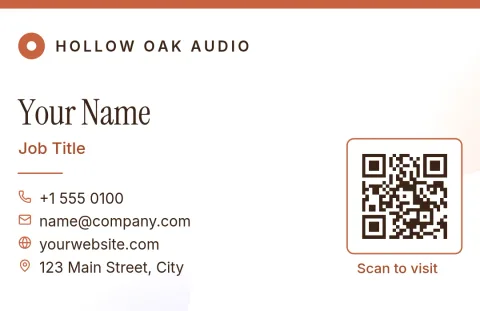 1/2
1/2European size horizontal card
Business card
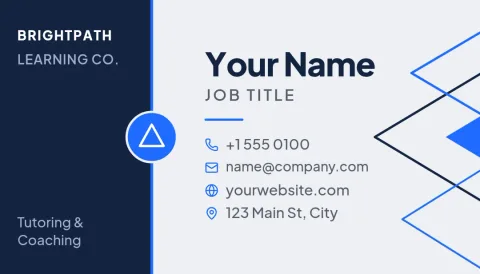 1/2
1/2Geometric line pattern card
Business card
 1/2
1/2Dark elegant gold line card
Business card
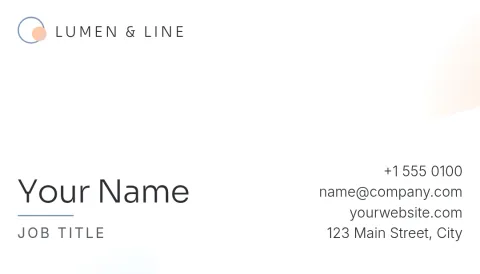 1/2
1/2Clean white minimal card
Business card
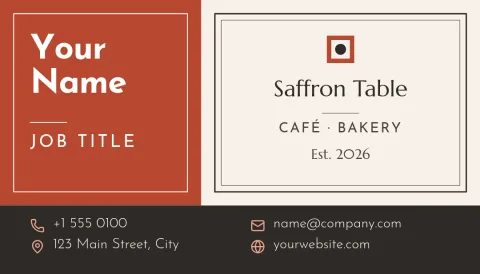 1/2
1/2Bold colour block card
Business card
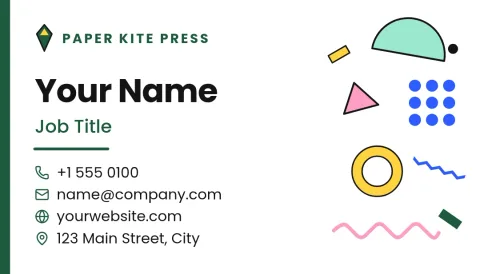 1/2
1/2Two-sided logo and details card
Business card
 1/2
1/2Playful sticker-style card
Business card
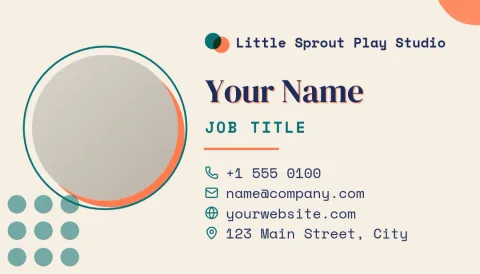 1/2
1/2Photo headshot card
Business card
Using a design with Avery card sheets
Nimply does not include Avery sheet layouts. Instead, you design one card, download it as a PDF or PNG, and place it in the print tool you already use, such as the one on Avery's own site or in a word processor. Match the card size to your sheet's product details, and print one test page on plain paper first.
Edit text, colours and photos
Every template opens in the Nimply Design editor in your browser. Change the text and fonts, adjust colours, move shapes, and drop in a photo or logo. If you have a brand kit, it keeps your colours, fonts and logo ready so each card matches your other designs.
Download the format you need
Download your card as PNG, JPG, WebP, PDF (standard or vector) or SVG. A PDF is usually the easiest choice for printing. Downloading a template does not use AI credits. Only the AI photo tools, such as the background remover, use credits.
Frequently asked questions
Can I use these on Avery business card sheets?
The US designs use the common 3.5 x 2 inch card size, which many Avery-style sheets use. Nimply does not have sheet-specific layouts, so check the size on your sheet's packaging and print a test page before using card stock.
Which file should I download for printing?
A PDF is usually the best choice for printing. You can also download PNG, JPG, WebP or SVG. Vector PDF and SVG keep text and shapes sharp at any size.
Is there a European card size?
Yes. The editor offers a European business card size as well as the US one. One template in this collection is set up in the European size.
Do I need a paid plan to edit a card?
Nimply Design is part of every plan, including Free. Downloading a template does not use AI credits. AI photo tools like the background remover do.
More template collections
Make it yours in minutes
Open any template in Nimply Design, add your brand in one click, and send it straight into a post for approval and scheduling.