

Design templates
Pick an ATS-friendly CV template and make it yours
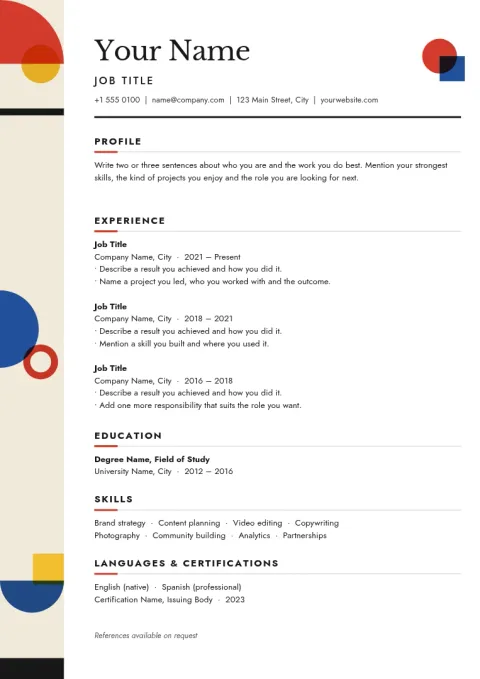
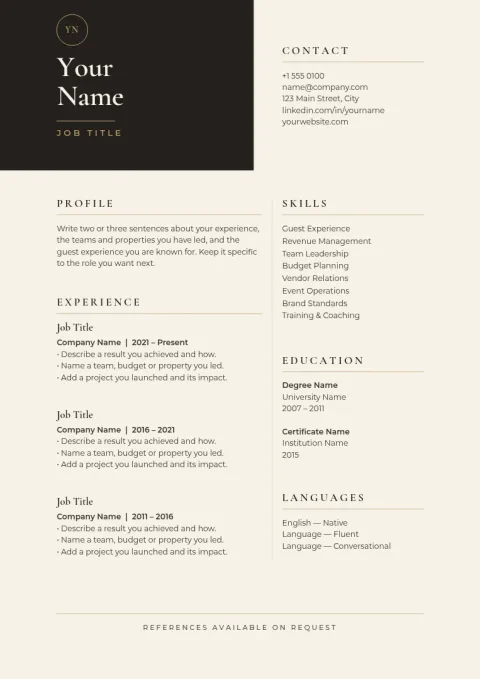
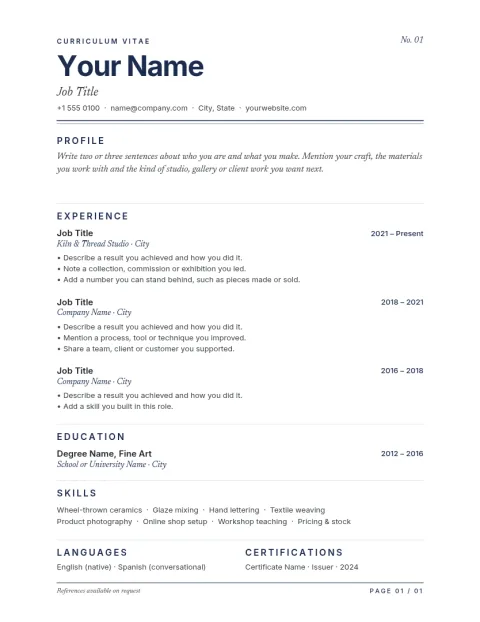
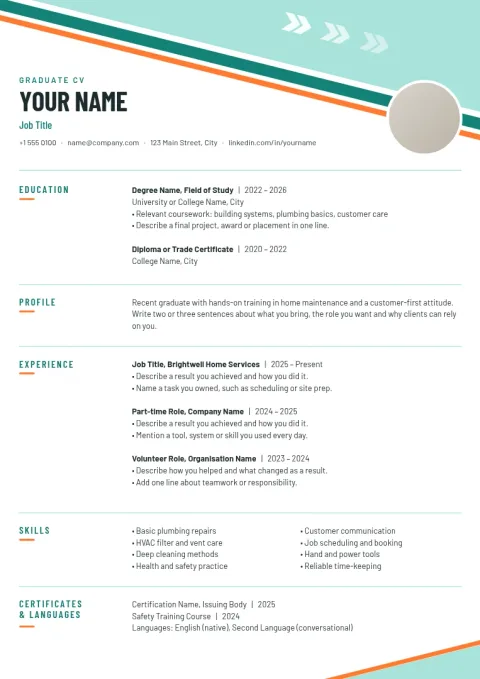
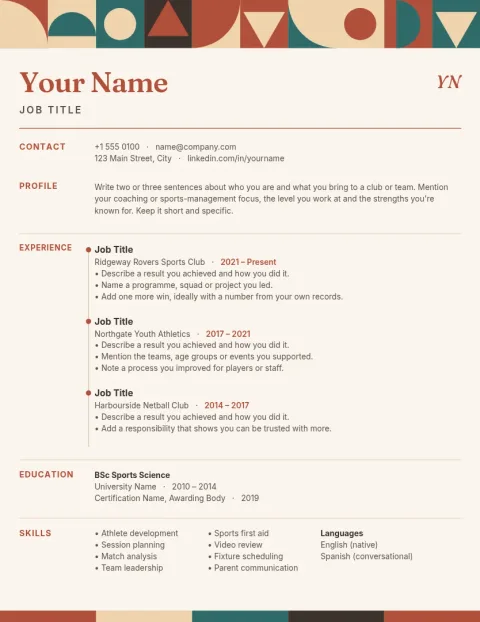
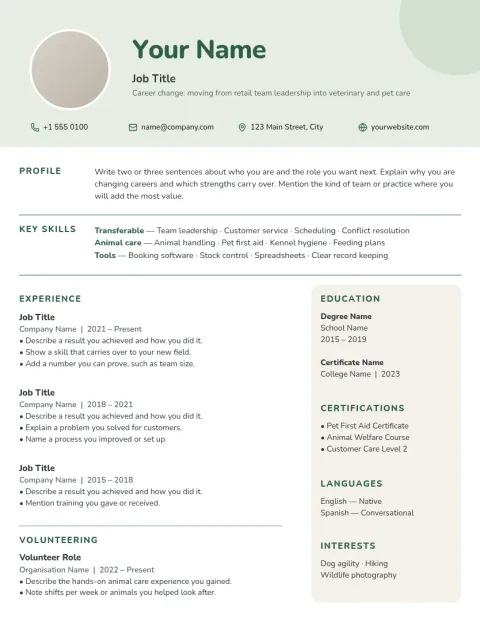
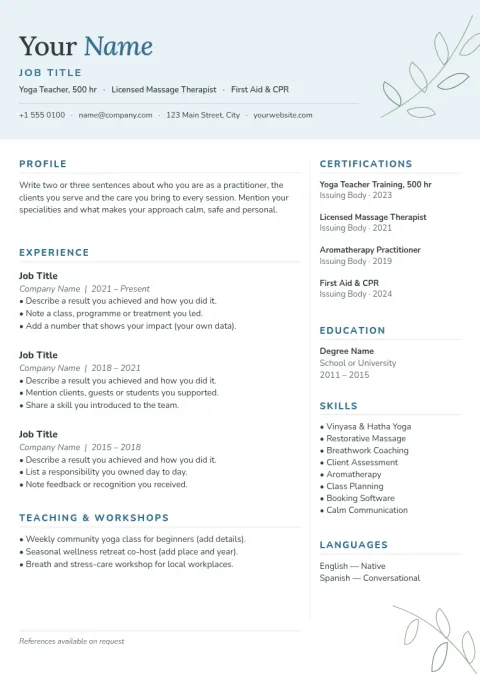
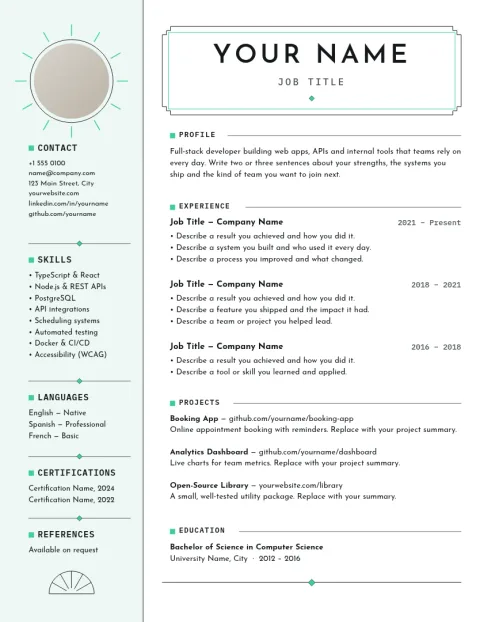
These eight CV templates keep things simple: one column, plain section headings, real text and no photos or tables. Choose the one that suits your career stage, swap in your details, and download a clean file to send with your application.
8 templates · free to edit in Nimply Design
What makes a CV easy for ATS to read
Applicant tracking systems read text from top to bottom, so simple layouts tend to work best. Each template here uses a single column, standard headings like Experience and Education, ordinary fonts and no text inside images. Nobody can promise a result with every employer, but a plain structure removes the common problems.
Edit everything in your browser
Open a template in Nimply Design and change the text, fonts, colours and spacing to fit your own story. Add or remove sections, tighten a line to fit one page, or save your colours and fonts in a brand kit if you like a consistent look across documents.
Download it in the format you need
When you are done, download your CV as a PDF, which keeps the layout steady on any device. You can also export PNG, JPG, WebP or SVG. Downloading a template does not use AI credits, and Nimply Design is part of every plan, including Free.
Choose A4 or US Letter
Templates come in A4 for most of the world and US Letter for the United States and Canada. Pick the size your employer expects before you start, so nothing shifts or gets cut off when it is opened or printed on their side.
Frequently asked questions
What is an ATS-friendly CV template?
It is a CV layout built so software can read it easily: one column, clear headings, standard fonts, and real text instead of images. It avoids tables, text boxes and photos that can confuse a parser.
Should I upload a PDF or another file type?
Follow the job posting first. If it does not say, a PDF made from real text usually keeps your layout intact. Nimply Design downloads PDF, PNG, JPG, WebP and SVG, but not Word files.
Can I change the colours and fonts?
Yes. You can edit text, fonts, colours, photos and layout. For ATS use, keep fonts readable and colours subtle, and leave strong contrast between text and background.
Do these templates guarantee I pass an ATS?
No. Every employer sets up their system differently, and people still read your CV. These layouts remove common formatting problems, but clear, relevant wording matters just as much.
Does downloading a template cost AI credits?
No. Downloading a template does not use AI credits. Credits apply only to AI photo tools such as the background remover and Magic Layers, which a text-only CV rarely needs.
More template collections
Make it yours in minutes
Open any template in Nimply Design, add your brand in one click, and send it straight into a post for approval and scheduling.