

Template repost story Instagram layouts you can edit
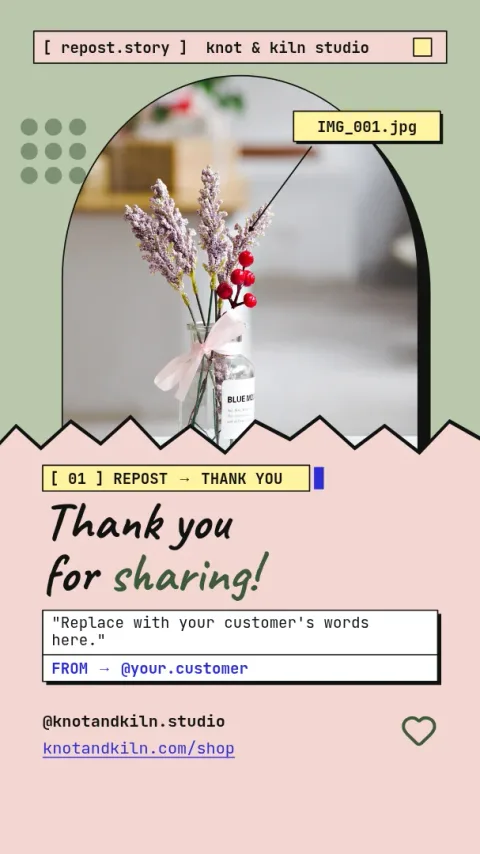
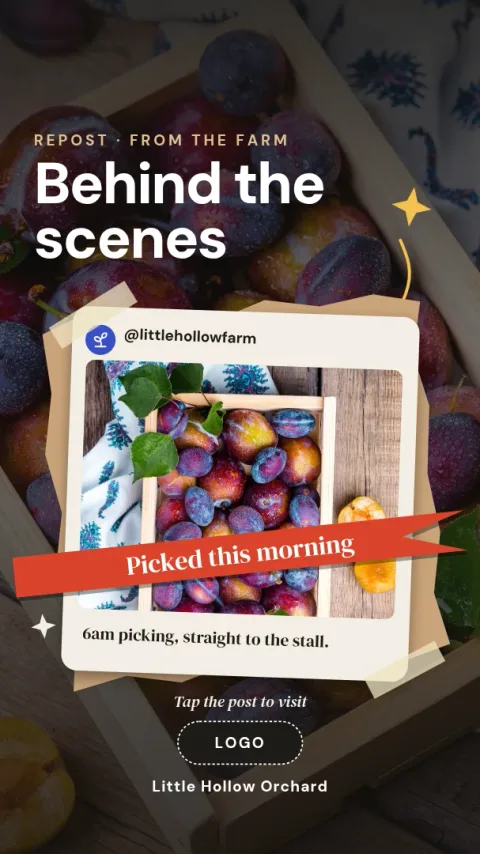
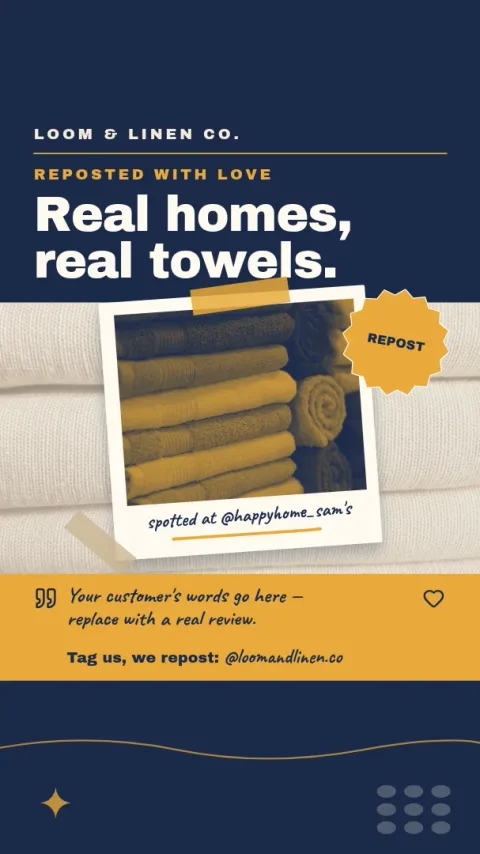
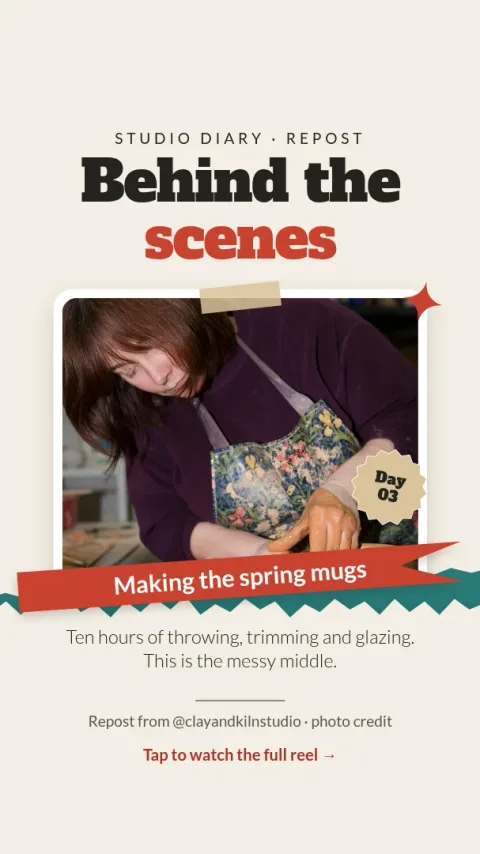
Sharing a post to your Story looks better with a frame around it. These eight layouts leave room for the post you are reposting, plus a caption, a tag or a short note. Change the text, colours and fonts in the browser, then download your design.
How to use a repost story template
Open a template in Nimply Design and place a screenshot or image of the post you are sharing into the photo frame. Edit the text, fonts and colours to suit your brand. When it looks right, download it as a PNG or JPG and upload it to your Story.
What these layouts are good for
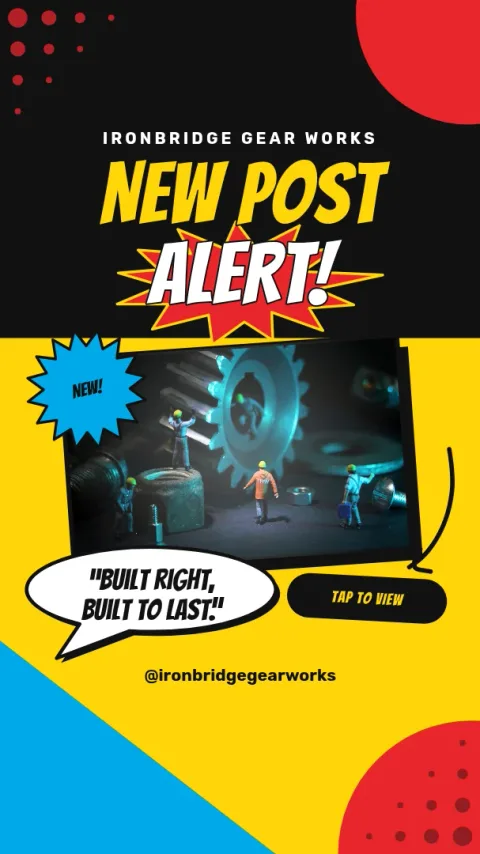
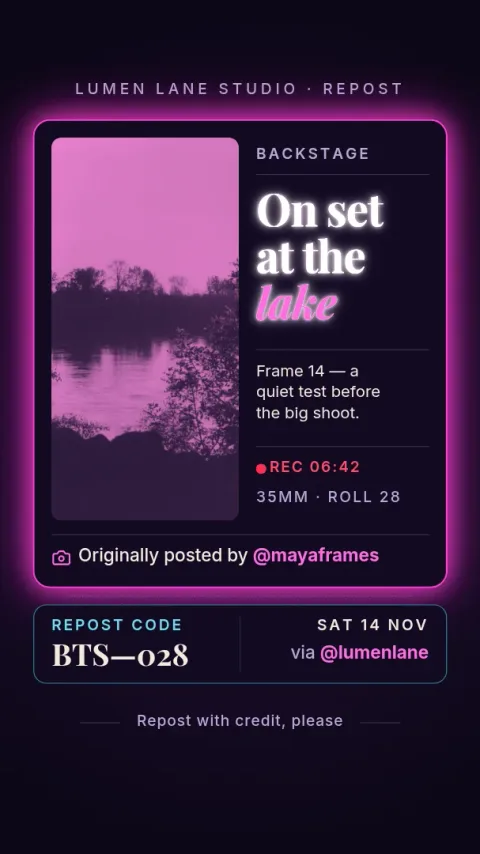
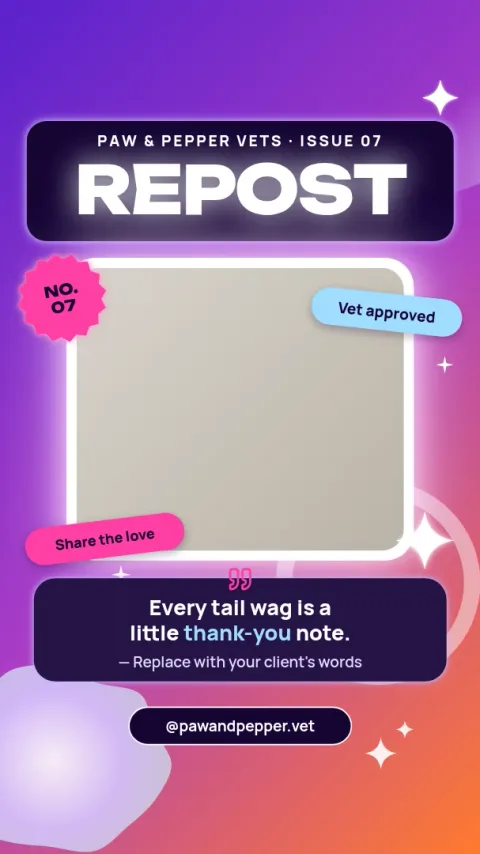
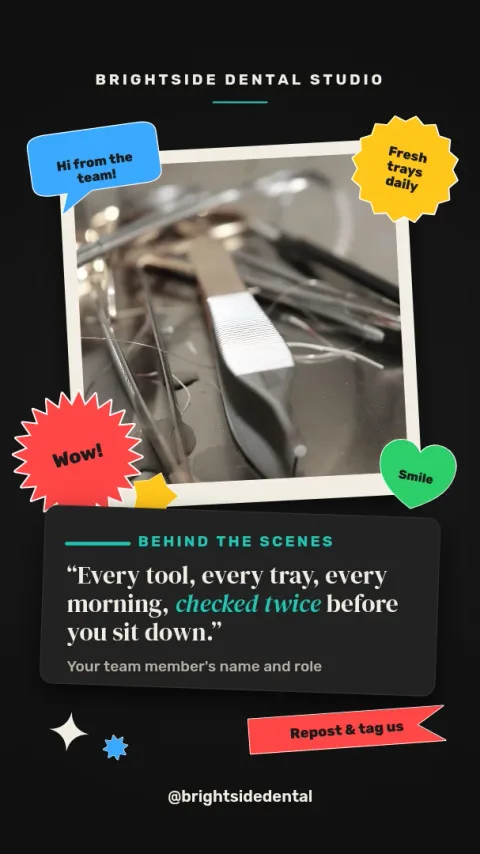
Each design gives the shared post a clear spot and adds a small amount of context around it: a thank-you to a customer, a credit to the original creator, a new-post nudge or a quote. Pick the one that matches the tone of what you are sharing.
Keep your brand consistent
Brand kits keep your colours, fonts and logo in one place, so every repost frame looks like it came from the same account. Reuse the same layout each time and followers will start to recognise your Stories at a glance.
Download or send it on
Download as PNG, JPG, WebP, PDF or SVG. You can also send the design straight into a Nimply post for approval and scheduling. Downloading a template does not use AI credits. Only the AI photo tools do.
Frequently asked questions
What size is an Instagram Story repost template?
These templates use the standard vertical Story size, 1080 by 1920 pixels. They are set up with the ig-story preset, so the layout fits a full-screen Story without cropping.
How do I add the post I want to repost?
Take a screenshot or save an image of the post, then drop it into the photo frame in the template. You can resize and move it, and change the text around it.
Can I change the colours and fonts?
Yes. Every text, colour, font and shape is editable. If you have a brand kit, your saved colours, fonts and logo are available to apply.
Does downloading a template cost anything extra?
No. Nimply Design is part of every Nimply plan, including Free, and downloading a template does not use AI credits. Only the AI photo tools, such as the background remover, do.
Should I credit the original creator?
It is good practice. Several of these layouts include a spot for an @handle or a short credit line, so the original account is easy to see.
Make it yours in minutes
Open any template in Nimply Design, add your brand in one click, and send it straight into a post for approval and scheduling.