

Book Review Instagram Story Template Designs
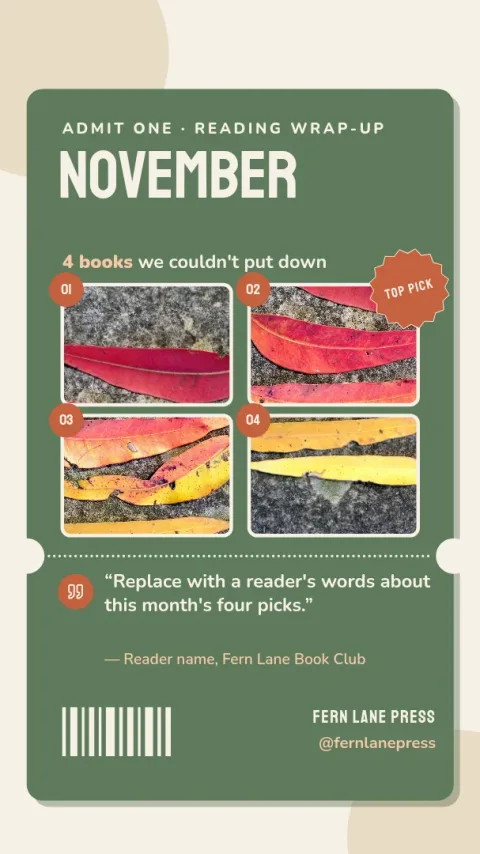
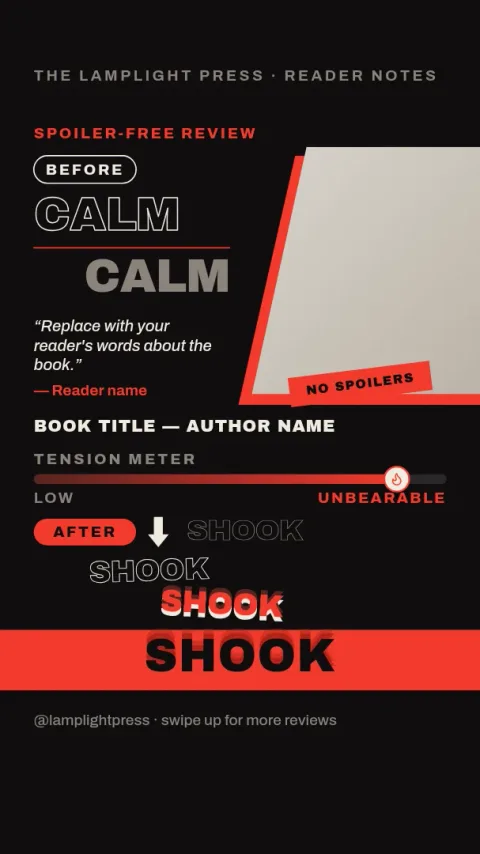
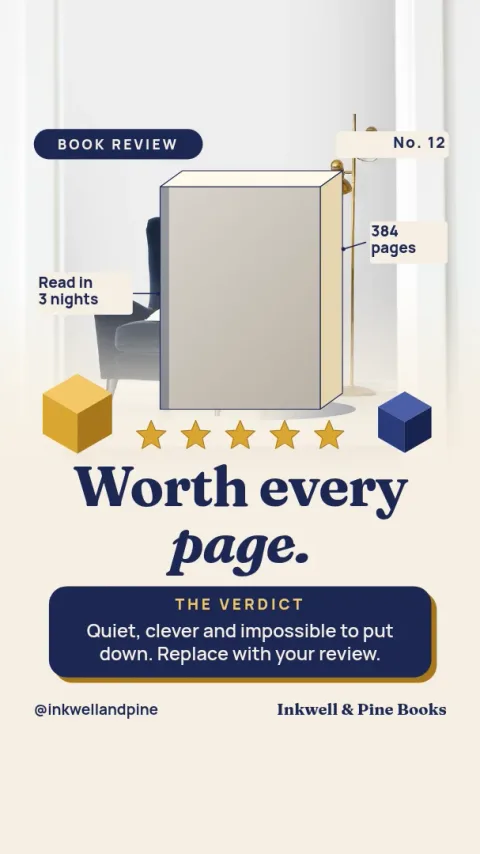
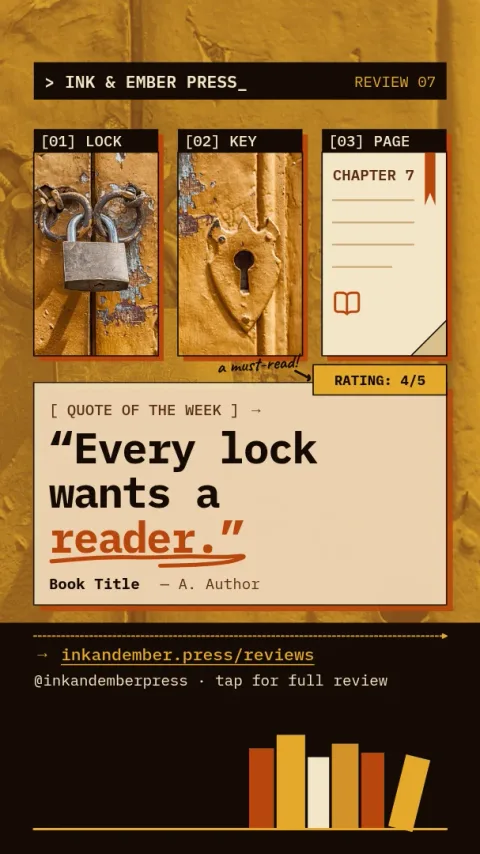
Share what you thought of a book without starting from a blank screen. Each book review Instagram story template is sized for Stories and ready to edit in your browser. Drop in your cover photo, write your verdict, adjust colours and fonts, then download it or send it to a Nimply post.
What to put on a book review story
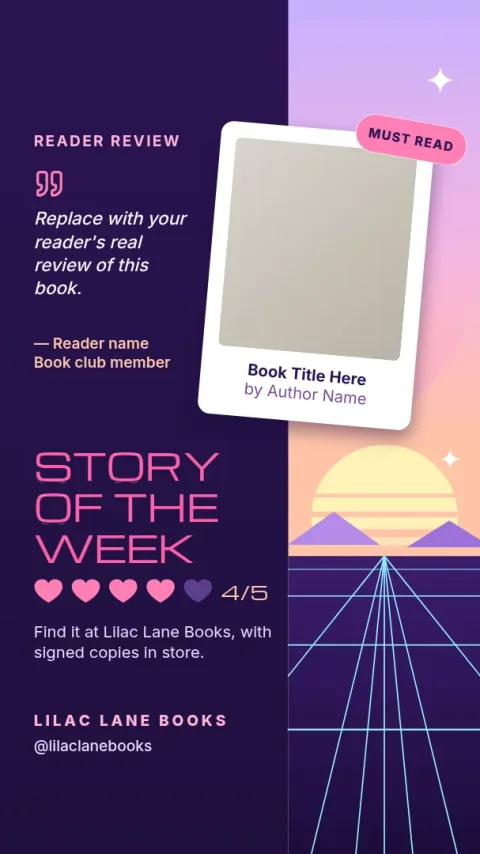
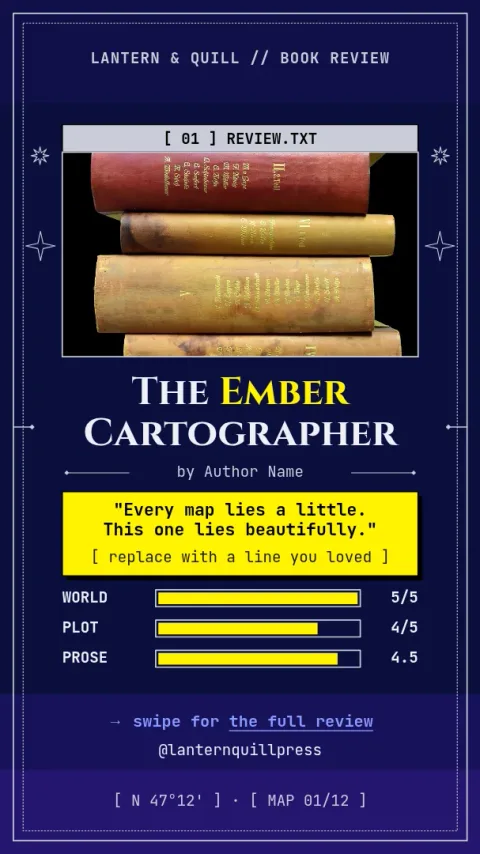
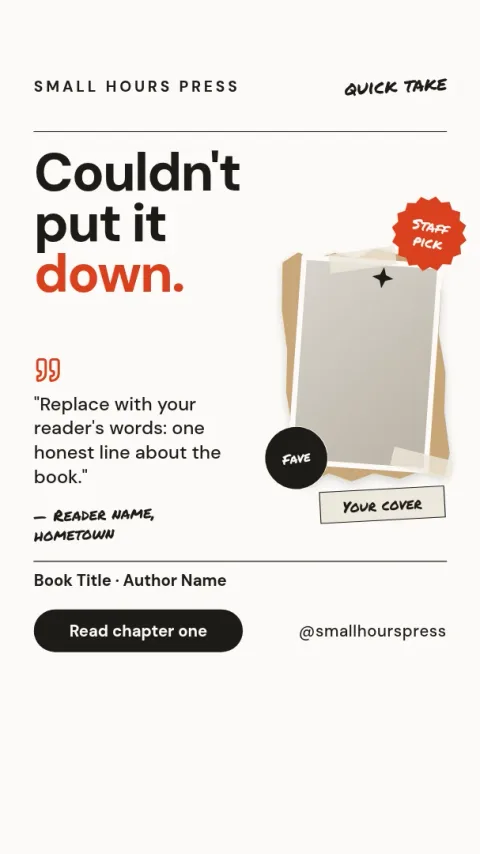
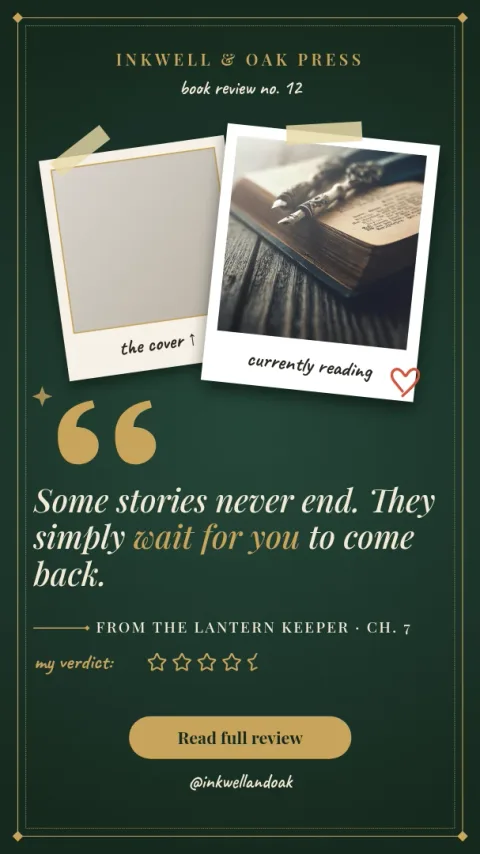
Keep it short enough to read in a few seconds. Show the cover, the title and author, your rating, and one or two lines on what you felt. A favourite quote or a clear verdict such as who should read it gives viewers a reason to tap through. These templates leave room for all of that.
Choose a look that fits your shelf
The eight designs cover different moods: cosy, minimal, romantic, dark, fantasy and thriller. Pick the one that matches the genre you review most, or the one that suits your feed. Colours, fonts and layout can all be changed, so a template is a starting point rather than a fixed style.
Edit, download or schedule
Open a template in Nimply Design, which is included in every Nimply plan, including Free. Replace the text and photo, then download as PNG, JPG, WebP, PDF or SVG. You can also send the design into a Nimply post for approval and scheduling. Brand kits keep your colours, fonts and logo consistent.
Frequently asked questions
What size is an Instagram story template?
These templates use the Instagram Story size, a tall vertical format. You can edit text, fonts, colours, photos and layout in the browser before you download.
Can I use my own book cover photo?
Yes. Each template has a photo placeholder where you can add your own picture of the book. Nimply does not supply stock photo licences, so use images you own or have the right to use.
Which file formats can I download?
You can download PNG, JPG, WebP, PDF (standard or vector) or SVG. You can also send the design straight into a Nimply post for approval and scheduling.
Does downloading a template use AI credits?
No. Downloading a template does not use AI credits. Only AI photo tools, such as the background remover and Magic Layers, use credits.
Can I keep the same look across all my reviews?
Yes. Save your colours, fonts and logo in a brand kit, then apply them to each new review so your stories look consistent.
Make it yours in minutes
Open any template in Nimply Design, add your brand in one click, and send it straight into a post for approval and scheduling.