

Podcast Instagram Story Template Designs to Edit
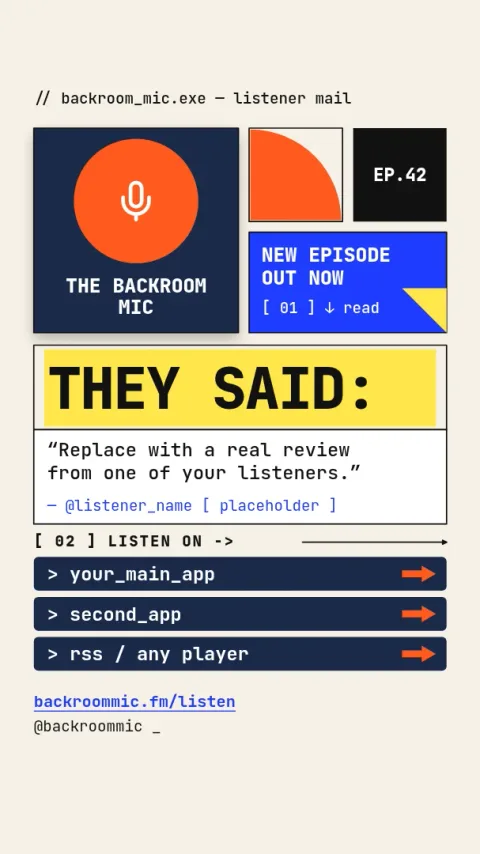
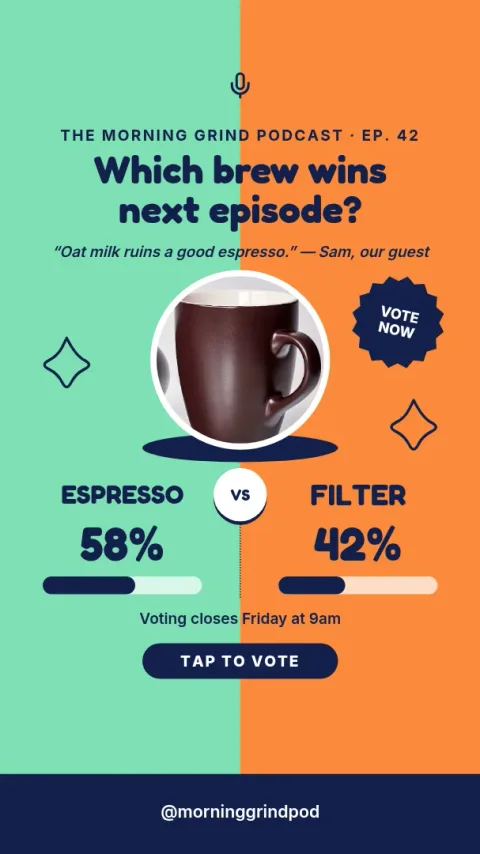
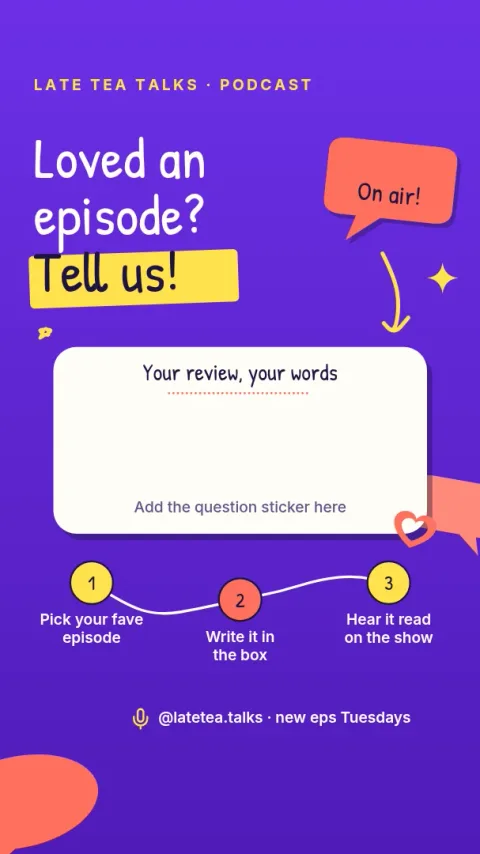
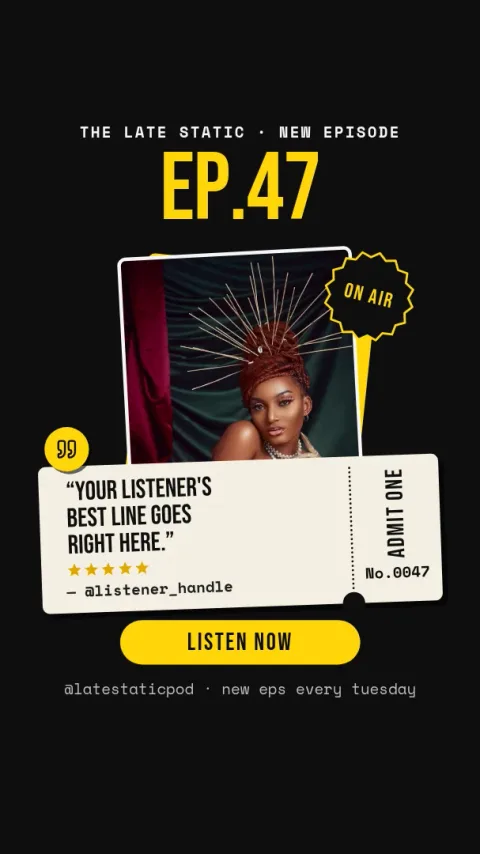
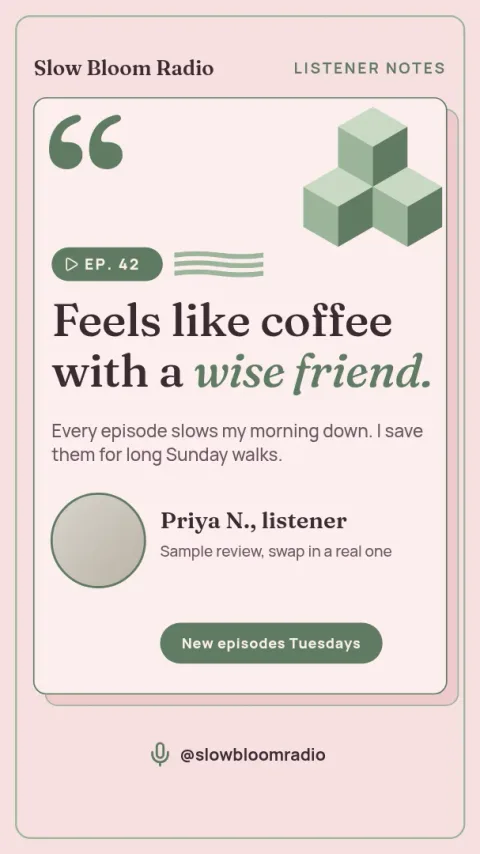
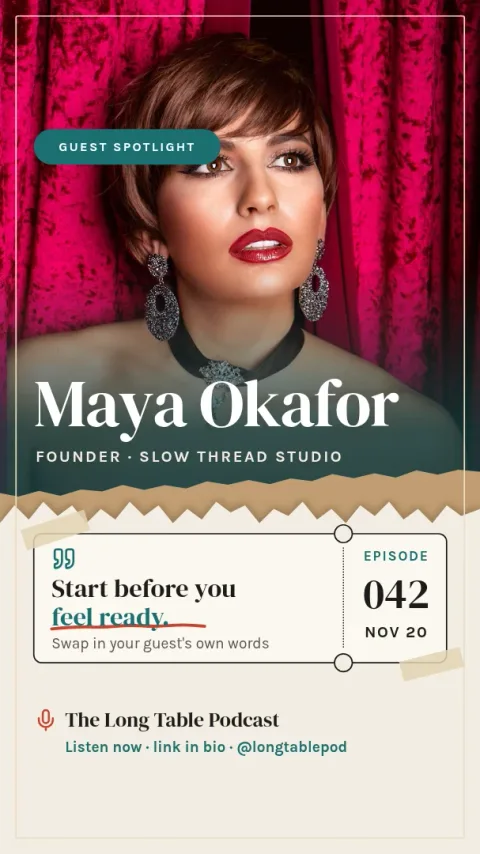
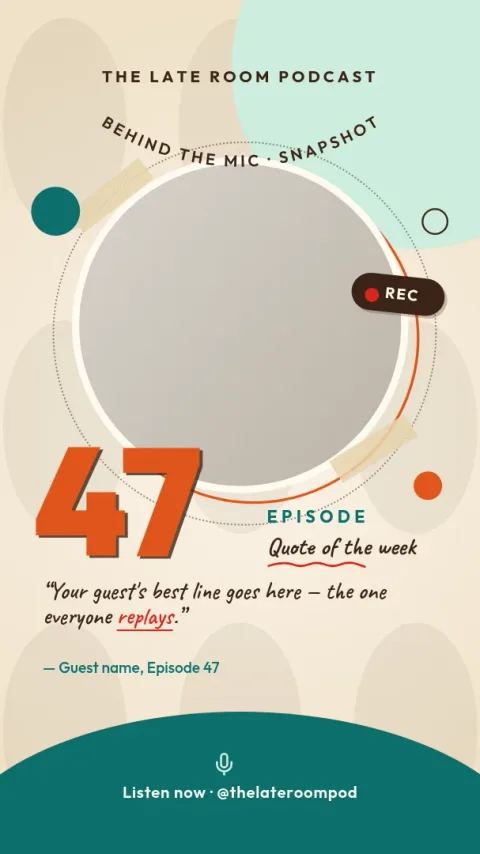
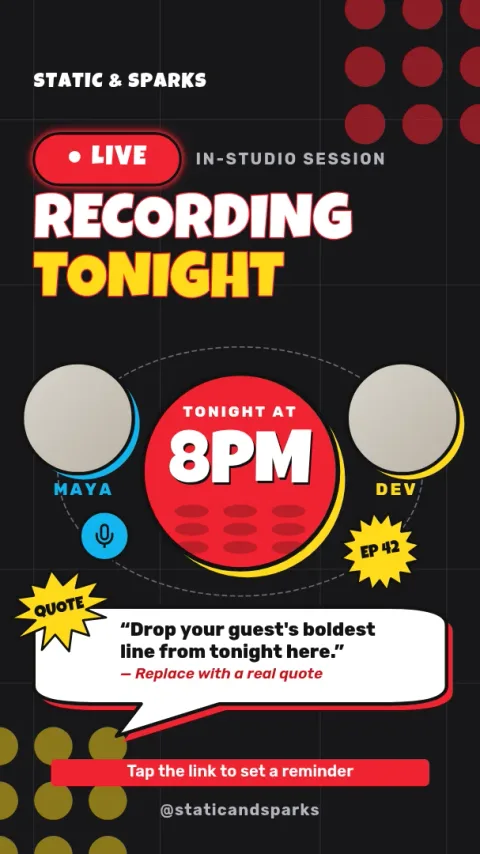
Announce a new episode, share a guest quote or ask for questions with a story that fits your show. Each podcast instagram story template below is sized for Instagram Stories. Open one in the browser editor, swap in your cover art and words, and download it.
What these podcast stories cover
The eight designs cover the moments most shows post about: new episode alerts, guest announcements, quote cards, listening links, behind-the-scenes shots, polls and live recording notices. Each one has clear space for your cover art, episode title and a call to action, so you can start from a layout that already works.
Make it match your show
Change the text, fonts, colours, photos and layout in the editor. If you save a brand kit, your colours, fonts and logo stay consistent from one episode to the next. The AI background remover is optional and uses AI credits. Downloading a template does not.
Download or schedule
Download your story as PNG, JPG, WebP, PDF or SVG. You can also send the design straight into a Nimply post, where it can be approved and scheduled. Nimply Design is part of every plan, including Free.
Frequently asked questions
What size is a podcast Instagram story template?
These templates use the Instagram Story size, a tall vertical format. Keep key text away from the very top and bottom edges so app buttons and reply bars do not cover it.
Can I use my own cover art and photos?
Yes. Replace the placeholder images with your podcast cover, guest photos or host portraits, then adjust the layout and colours until it looks like your show.
Is it free to use these templates?
Nimply Design is part of every Nimply plan, including Free. Downloading a template does not use AI credits. Only the AI photo tools, such as the background remover, do.
Which file formats can I download?
You can download PNG, JPG, WebP, PDF (standard or vector) or SVG. You can also send the design into a Nimply post for approval and scheduling.
Can I keep the same look for every episode?
Yes. Save your colours, fonts and logo in a brand kit, then duplicate a design each week and change only the episode title and guest details.
Make it yours in minutes
Open any template in Nimply Design, add your brand in one click, and send it straight into a post for approval and scheduling.