

New Year's Eve Invitation Template Collection
Choose a new year's eve invitation template that suits your party, from a quiet dinner to a late night dance. Change the wording, fonts, colours and photos in the browser, then download your invitation or send it into a Nimply post.
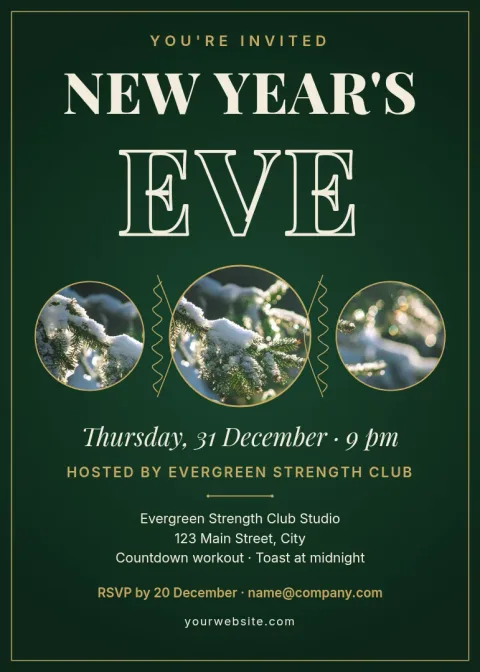
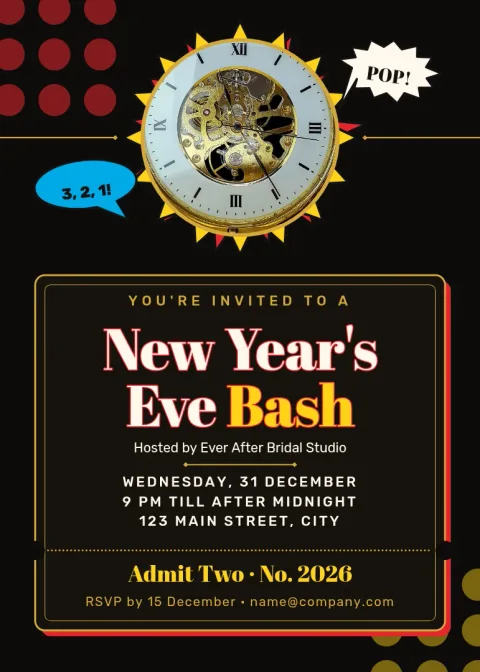
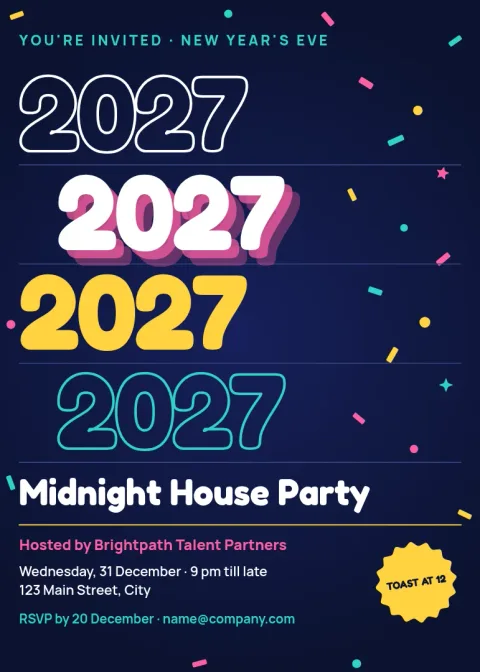
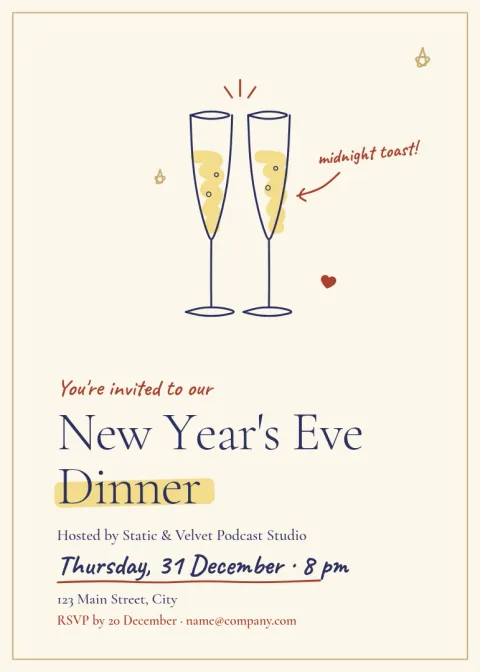
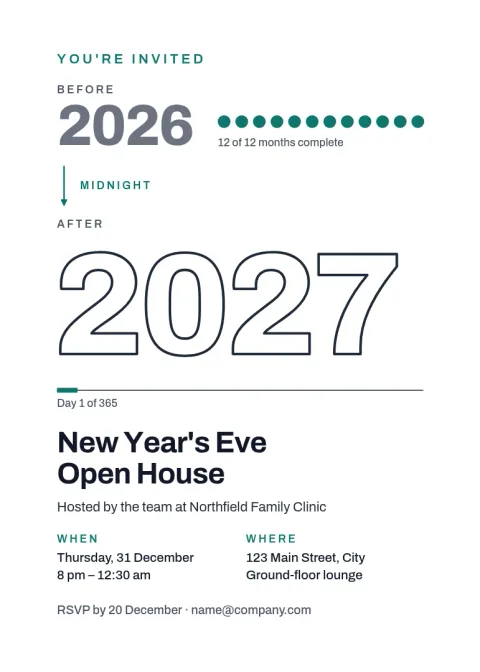
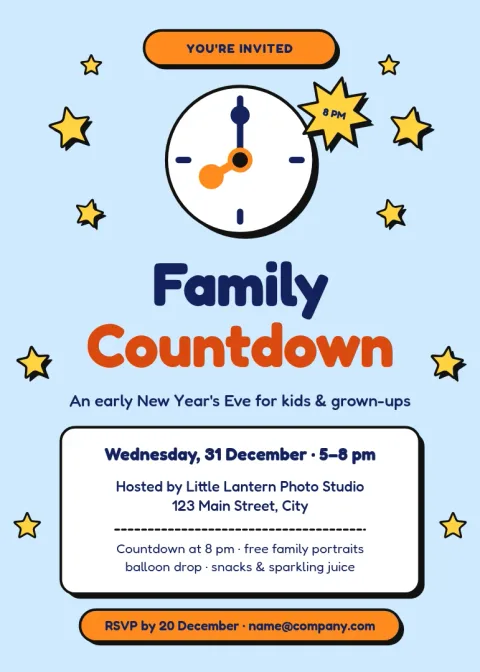

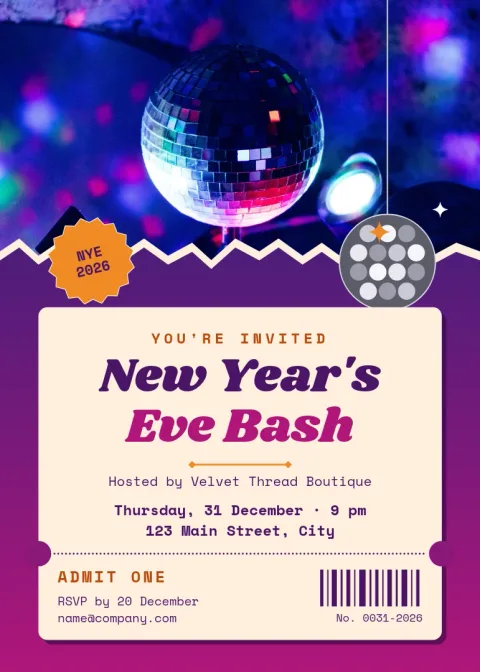
Pick a style that matches your party
A black tie dinner and a house party need different invitations. These eight templates cover formal, playful, minimal and retro looks. Start with the mood your guests should feel when they open it, then adjust the details so it sounds like you.
What to put on the invitation
Guests need the basics: the host, the date, the start time, the address and how to reply. Add the dress code, whether to bring a dish or a drink, and any plans for midnight. Each template leaves clear space for these lines, so nothing gets squeezed in.
Edit, save and share
Open any template in Nimply Design and change the text, fonts, colours, photos and layout. Brand kits can keep your colours, fonts and logo if you host events for a business. Download as PNG, JPG, WebP, PDF or SVG, or send the design into a Nimply post for approval and scheduling. Downloading a template does not use AI credits.
Frequently asked questions
Can I edit a new year's eve invitation template for free?
Yes. Nimply Design is part of every Nimply plan, including Free. You can change the text, fonts, colours, photos and layout of any template in your browser. Downloading a template does not use AI credits.
Which file formats can I download?
You can download PNG, JPG, WebP, PDF (standard or vector) or SVG. PNG and JPG suit messaging and email. PDF is handy if you want a file that keeps its layout.
What size are these invitations?
Most use the 5x7 invitation size, and one uses a postcard size. Both are set up as ready-made sizes in the editor, so you can start designing straight away.
Can I add my own photos?
Yes. Each template has photo placeholders you can replace with your own pictures. AI photo tools such as the background remover use AI credits, but they are optional.
Can I keep my colours and logo on every invitation?
Yes. Brand kits store your colours, fonts and logo, so a company party or a venue's event invitations stay consistent from one design to the next.
Make it yours in minutes
Open any template in Nimply Design, add your brand in one click, and send it straight into a post for approval and scheduling.