

New Year's Eve party flyer templates
Start with a New Year's Eve party flyer that already has the layout worked out. Swap in your event name, time, venue and ticket details, adjust the colours and fonts, and download the result. Eight different styles below, from black and gold to family-friendly confetti.
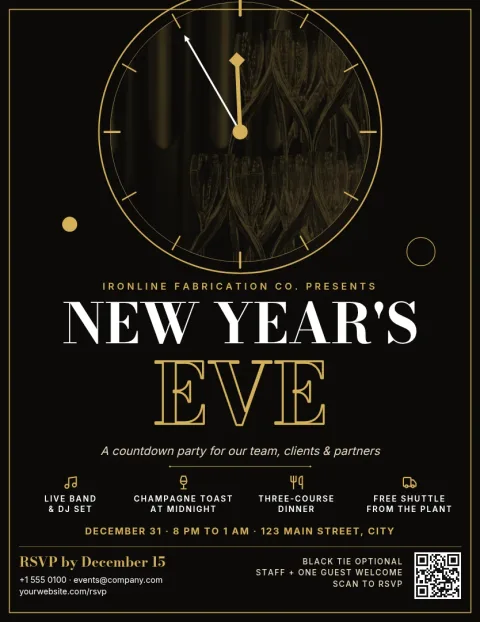
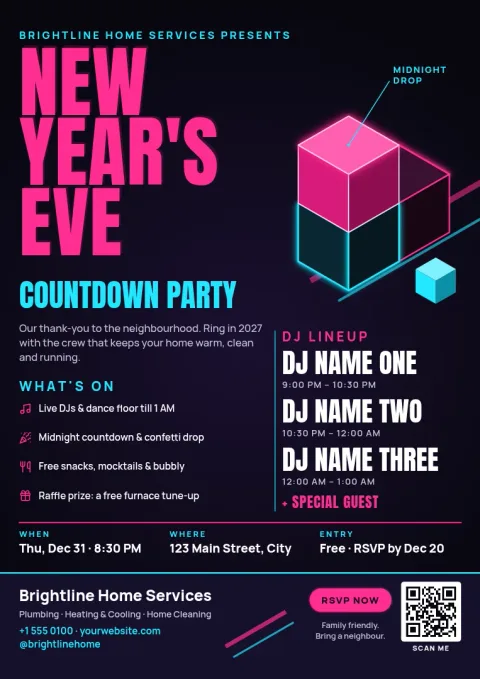
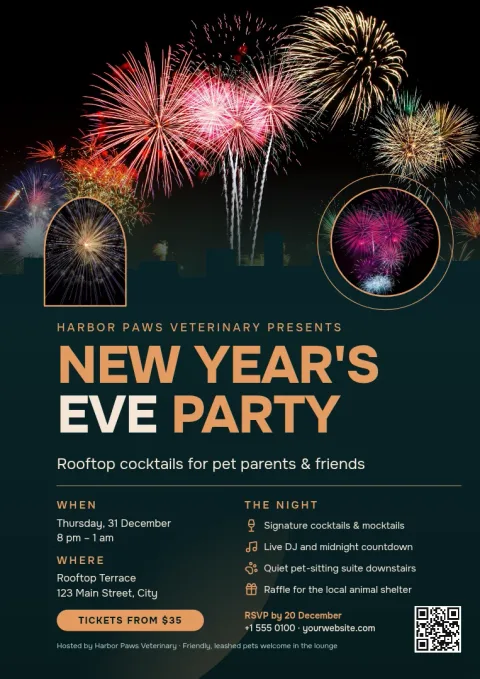
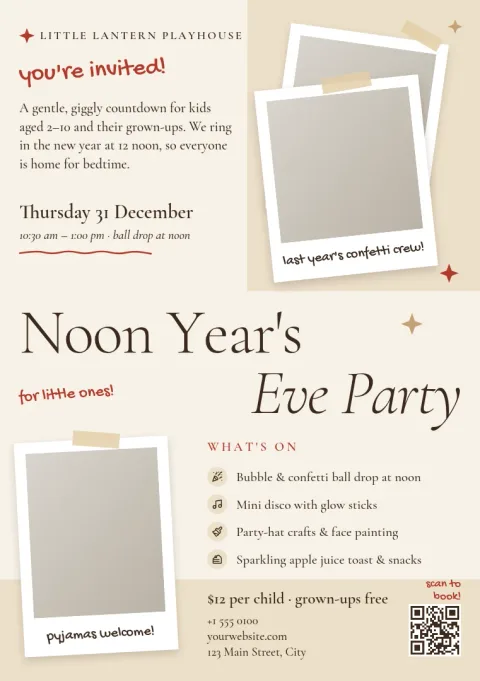
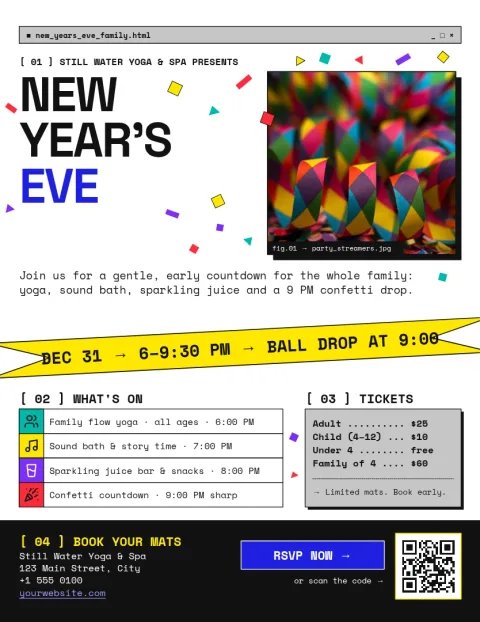
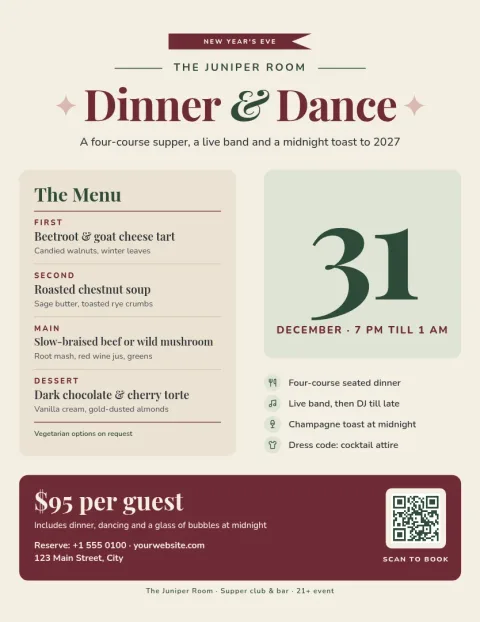
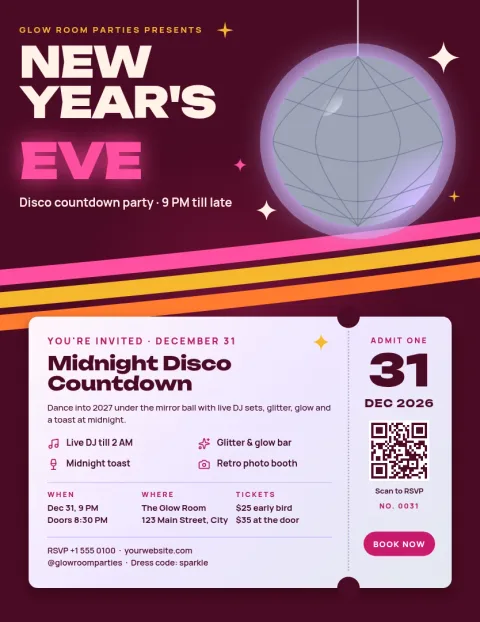
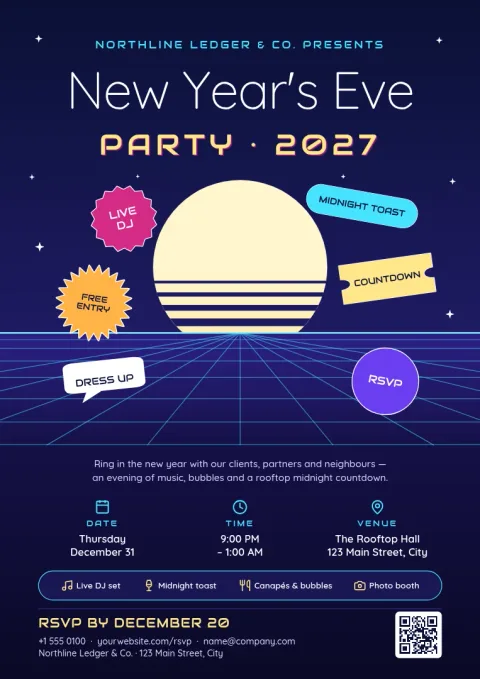
Choose a style that fits your crowd
A rooftop cocktail night and a family countdown need different flyers. Look at the mood first: dark and glamorous, bright and playful, or calm and minimal. Then check the layout leaves enough room for your own details. You can change any colour, font or photo afterwards, so the template is a starting point, not a limit.
What to put on the flyer
Guests look for the same few things: the event name, the date, the start time and the venue. Add the price or ticket link, the dress code, and anything that makes the night different, such as a live DJ or a midnight toast. Keep the headline large and the details short so the flyer reads quickly on a phone.
Edit, download and share
Every template opens in the Nimply Design editor in your browser. Edit text, fonts, colours, photos and layout. If you have a brand kit, it keeps your colours, fonts and logo ready. Download as PNG, JPG, WebP, PDF or SVG, or send the design straight into a Nimply post for approval and scheduling.
Frequently asked questions
Can I edit these New Year's Eve flyer templates?
Yes. Each template opens in the Nimply Design editor in your browser. You can change the text, fonts, colours, photos and layout so the flyer matches your event and venue.
What file formats can I download?
You can download PNG, JPG, WebP, PDF (standard or vector) or SVG. Downloading a template does not use AI credits. Those are only used by AI photo tools such as the background remover.
Which flyer size should I pick?
Letter and A4 suit a full page flyer, and A5 suits a smaller handout. For sharing online, a PNG or JPG of any of these sizes works. Choose the size that matches how you plan to use it.
Can I post the flyer on social media?
Yes. You can download the file and upload it yourself, or send the design straight into a Nimply post, where it can go through approval and be scheduled.
Do I need a paid plan to use the editor?
No. Nimply Design is part of every Nimply plan, including Free.
Make it yours in minutes
Open any template in Nimply Design, add your brand in one click, and send it straight into a post for approval and scheduling.