

New year party invitation template free to edit and download
Choose a New Year party invitation template, add your date, place and RSVP, and download it. Each design opens in the Nimply Design editor in your browser, so you can change the wording, colours and photos without any design experience. Nimply Design is included in the Free plan.
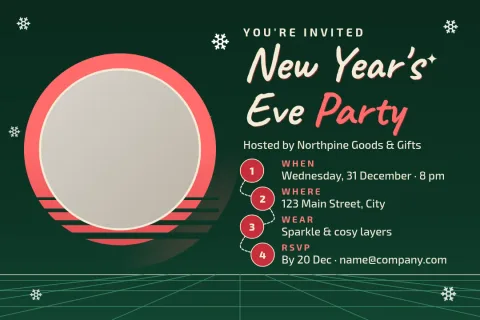
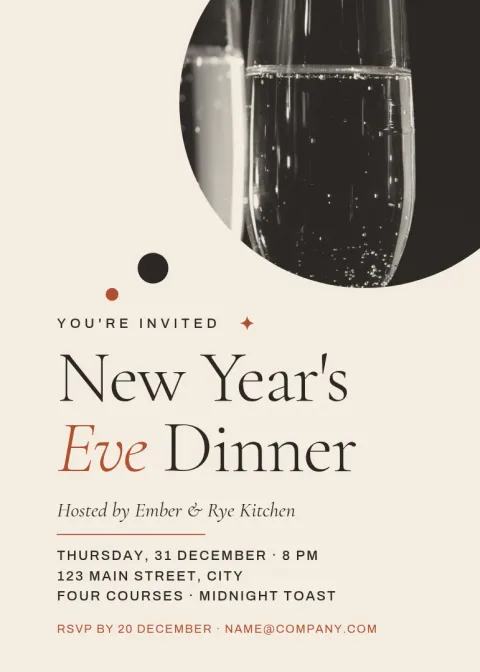
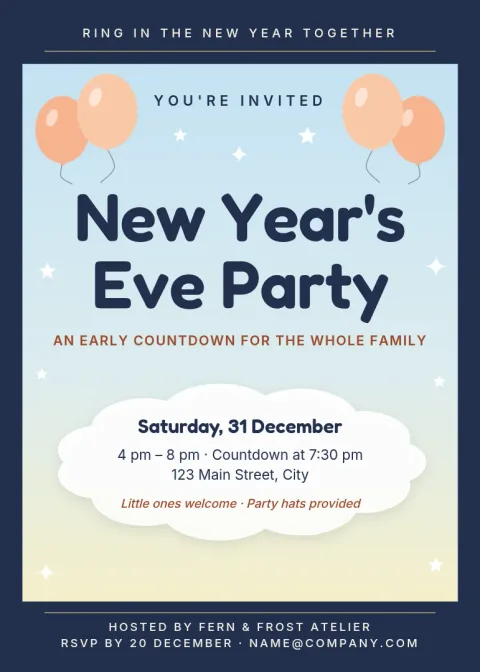
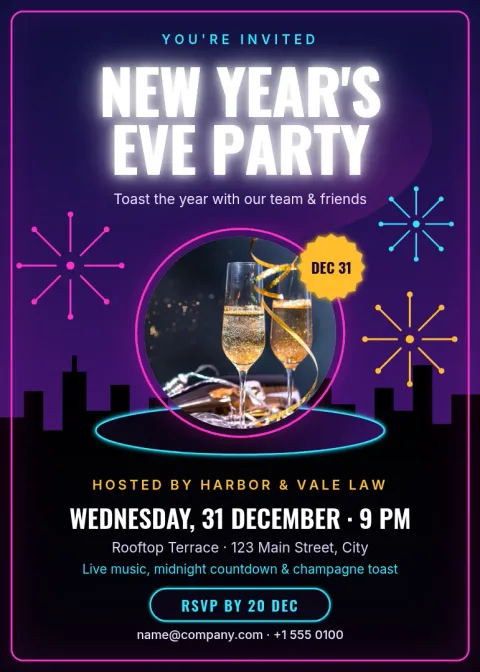
What to put on a New Year party invitation
Guests need the basics up front: the date, start time, address and how to reply. Add the dress code, whether food is provided and if guests can bring a friend. If the party runs past midnight, say so. Every template here has clear spots for these details, so you only replace the sample text and check it once before sending.
Pick a style that fits your party
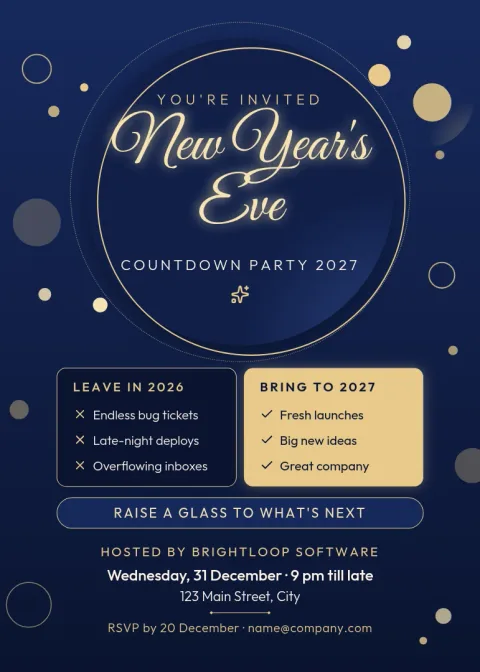
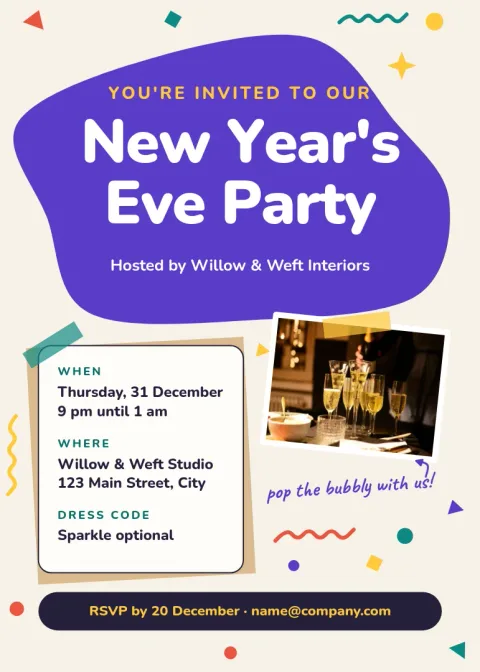
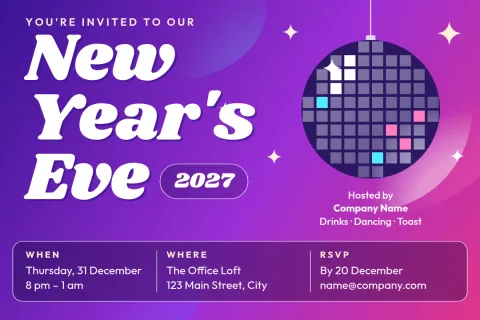
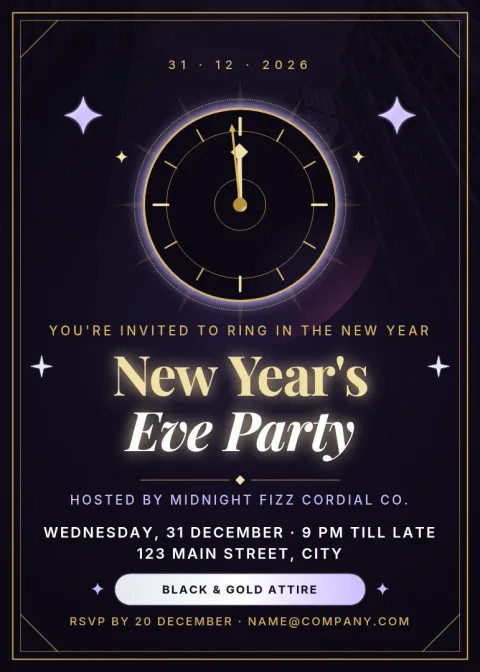
A black and gold card suits a late cocktail evening. Confetti and bright colours suit a casual house party. A softer, earlier design works well for families with children. Browse the eight styles below, choose the mood closest to your night, then adjust the colours and fonts until it feels like yours.
Edit, download and share
Change text, fonts, colours, photos and layout right in the editor. When you are done, download the invitation as PNG, JPG, WebP, PDF or SVG and send it by message or email. If you post about the party on social media, you can also send the design into a Nimply post for approval and scheduling. Downloading a template does not use AI credits.
Frequently asked questions
Is this New Year party invitation template really free?
Nimply Design is part of every Nimply plan, including Free, so you can open a template, edit it and download it. AI photo tools such as the background remover use AI credits, but downloading a template does not.
Can I change the wording, colours and photos?
Yes. You can edit the text, fonts, colours, photos and layout. Replace the sample date, address and RSVP details with your own, and swap the photo placeholder for a picture of your choice.
Which file formats can I download?
You can download PNG, JPG, WebP, PDF (standard or vector) or SVG. PNG or JPG is easiest for sending by message or email, and PDF works well if you plan to print it yourself.
What sizes are the invitations?
Most templates use the 5x7 invitation size, and two use a postcard size. Both are common card shapes, and they also display well on a phone screen when shared digitally.
Can I keep the same look for other party materials?
Yes. A brand kit stores your colours, fonts and logo, so you can reuse them across invitations, posters and social posts. This is handy if you host events regularly.
Make it yours in minutes
Open any template in Nimply Design, add your brand in one click, and send it straight into a post for approval and scheduling.