

Happy New Year Template Designs for Social Posts
Say thanks to your customers and welcome the new year with a post that looks like your business. Start from one of these eight designs, change the wording, colours and photo, and have it ready for Instagram, Facebook, LinkedIn, X or Threads in a few minutes.
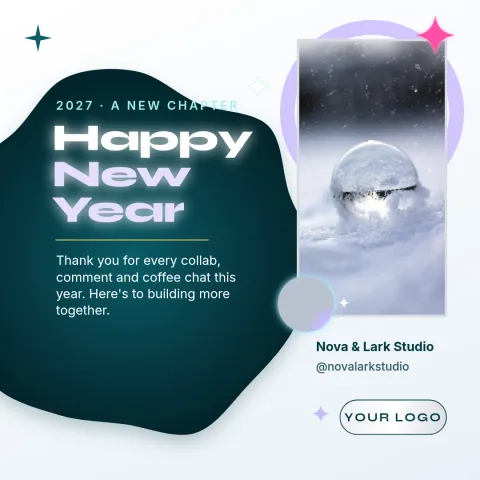
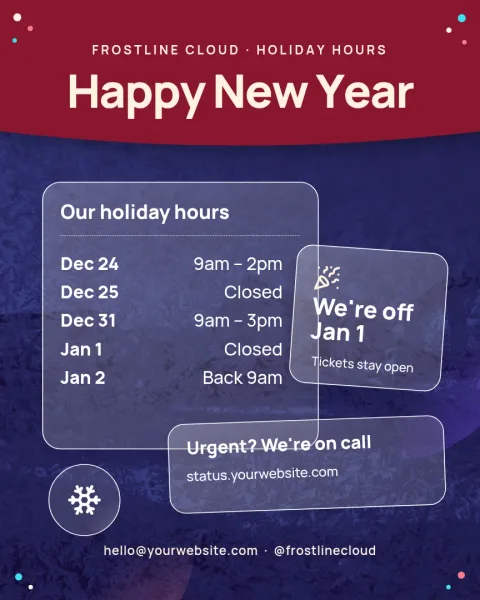
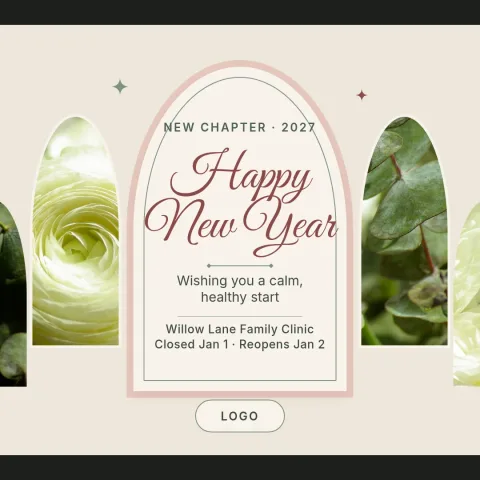
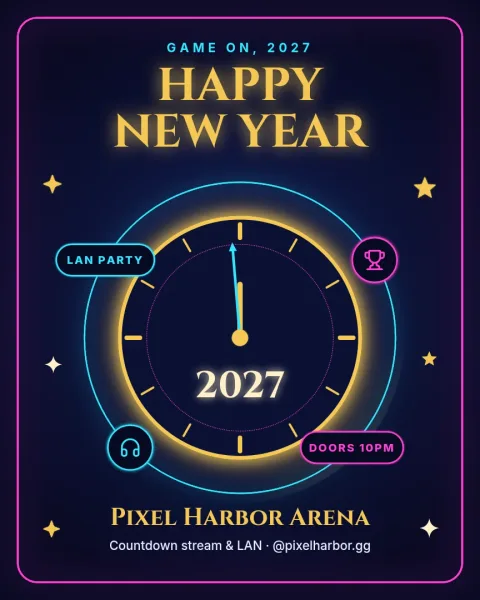

Choose a happy new year template that fits your tone
Some businesses want a party feel, others want a quiet thank-you. These templates cover both: gold countdowns, soft pastel greetings, a year-in-photos collage, a plain message for LinkedIn and a holiday hours notice. Pick the one closest to how you normally speak to customers, then adjust it.
Make it match your brand
Every template can be edited. Change the text, fonts, colours, photos and layout, or apply a brand kit so your colours, fonts and logo stay consistent. Swap the placeholder photo for your own shop, team or product picture so the post feels personal rather than generic.
Download or send it to a post
When the design is ready, download it as a PNG, JPG, WebP, PDF or SVG. Or send it straight into a Nimply post, where it can go through approval and be scheduled for the right moment, such as the evening of 31 December or the morning of 1 January.
Frequently asked questions
Can I change the wording on a happy new year template?
Yes. All text is editable, so you can write your own greeting, add your business name, mention opening hours or thank customers in your own words. You can also change fonts, colours and layout to suit your brand.
Which sizes are available for these posts?
The templates in this collection are sized for social posts, including Instagram portrait and square, Facebook, LinkedIn, X and Threads. Pick the size that matches where you plan to publish.
What file types can I download?
You can download PNG, JPG, WebP, PDF (standard or vector) or SVG. You can also send the design into a Nimply post for approval and scheduling instead of downloading it.
Does downloading a template use AI credits?
No. Downloading a template does not use AI credits. Credits are only used by AI photo tools such as the background remover and Magic Layers, if you choose to use them.
Can I use my own photos and logo?
Yes. Replace the placeholder photos with your own and add your logo. A brand kit can keep your colours, fonts and logo ready so each new holiday post starts on brand.
Make it yours in minutes
Open any template in Nimply Design, add your brand in one click, and send it straight into a post for approval and scheduling.