

Halloween invitation card template for your party
Choose a halloween invitation card template that suits your guest list, from kids' trick-or-treat parties to a grown-up masquerade. Each design is ready to edit in your browser. Add your date, place and photos, adjust the colours, then download the card and send it out.
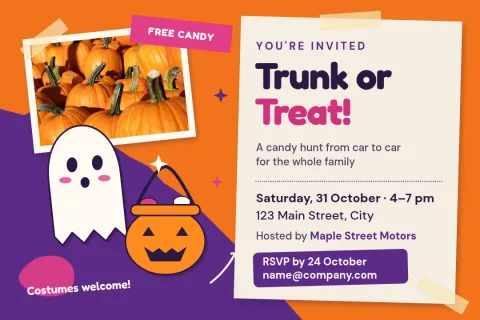
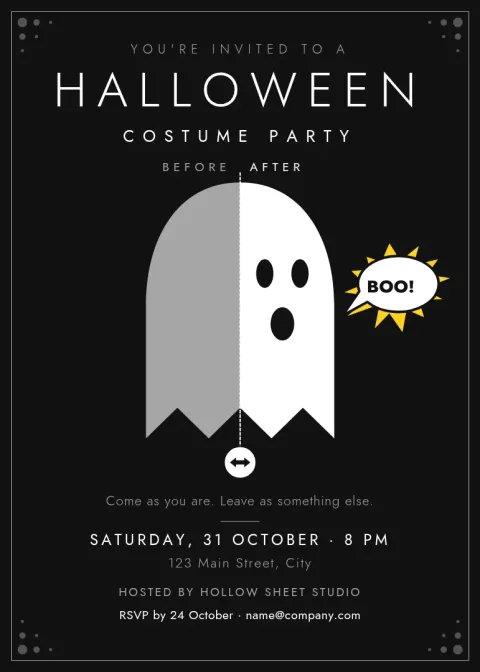
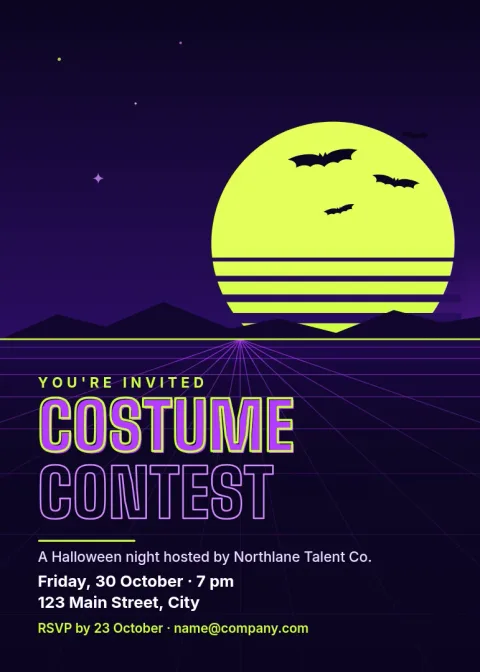
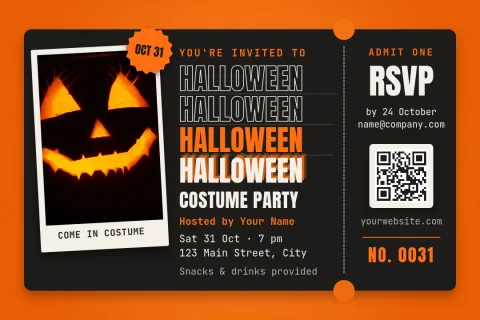
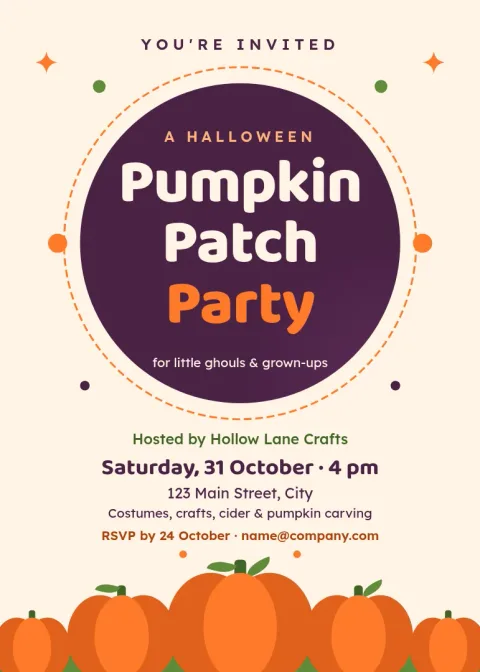
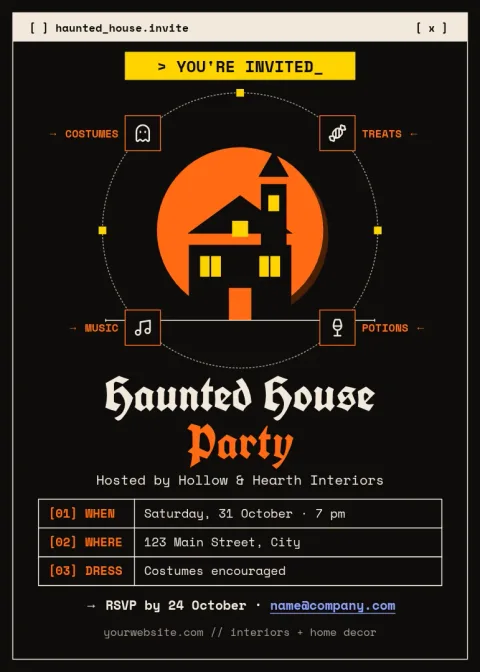
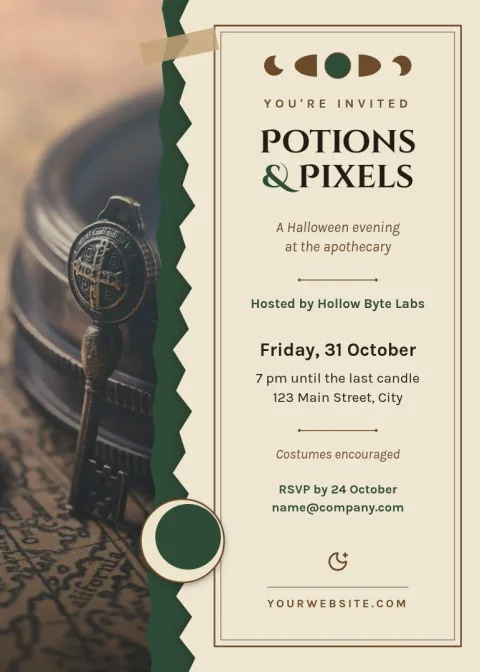
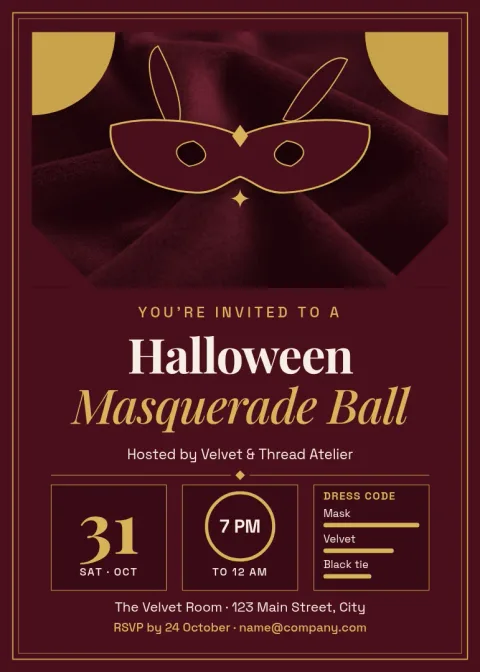
Pick a style that fits your guests
The eight templates here cover different kinds of parties. Some are playful, with pumpkins and bright colours for families. Others are darker and more formal, with gold details or old-fashioned type. Start with the one closest to your mood, then change anything you like. You do not need design experience to get a clean result.
What to put on the card
Guests need the basics: the occasion, the date and time, the address, and how to reply. Add a costume note if you want one, and mention anything like food or parking. Keep the text short so it reads easily on a phone or on paper. Each template leaves room for these details without crowding the artwork.
Edit, download and share
Open a template in Nimply Design and change the text, fonts, colours, photos and layout. Brand kits can keep your colours, fonts and logo if you host events often. When you are done, download the card as PNG, JPG, WebP, PDF or SVG. Downloading a template does not use AI credits.
Frequently asked questions
Can I change the wording on a template?
Yes. Every text block can be edited, including the fonts, sizes and colours. Replace the sample party details with your own date, time, address and reply instructions, and move things around if your text is longer or shorter.
Which file formats can I download?
You can download your card as PNG, JPG, WebP, PDF (standard or vector) or SVG. PNG and JPG suit sharing on phones, and PDF is a common choice when you want a document version of the card.
Do these templates come in more than one size?
The templates here use a 5x7 invitation size or a postcard size. Pick the size that suits how you plan to share the card, and the layout is already set up for it.
Does downloading a template cost AI credits?
No. Downloading a template does not use AI credits. Credits apply only to AI photo tools such as the background remover and Magic Layers, if you choose to use them.
Can I use my own photos?
Yes. Several templates include photo placeholders for kids in costume, a pet, or your venue. Swap in your own picture and adjust how it sits in the layout.
Make it yours in minutes
Open any template in Nimply Design, add your brand in one click, and send it straight into a post for approval and scheduling.