

Flyer template Christmas designs you can edit online
Choose a flyer template christmas design that fits your event, sale or party. Swap in your dates, prices and photos, set your brand colours, and download the finished flyer. Each of the eight layouts below suits a different kind of holiday message.
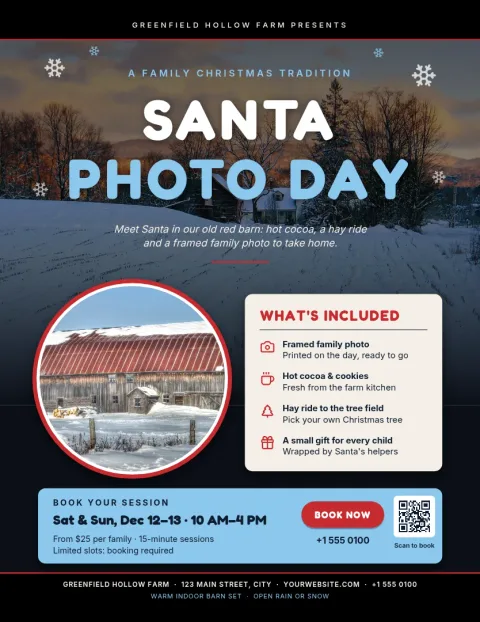
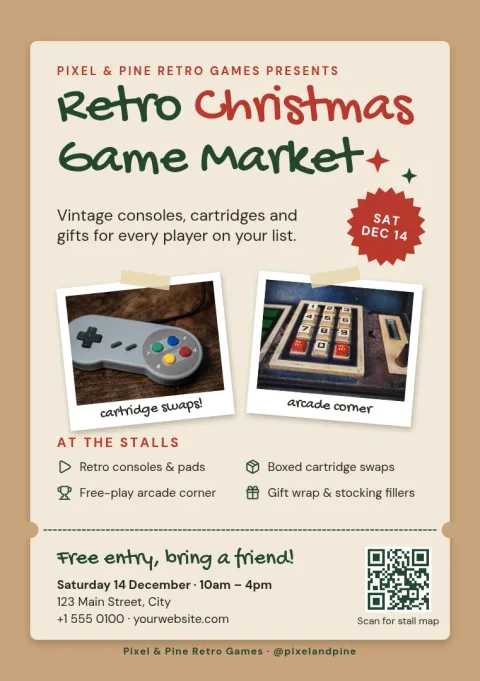
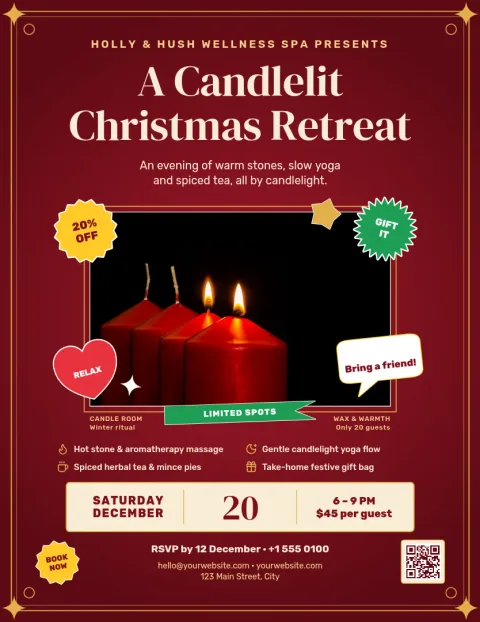
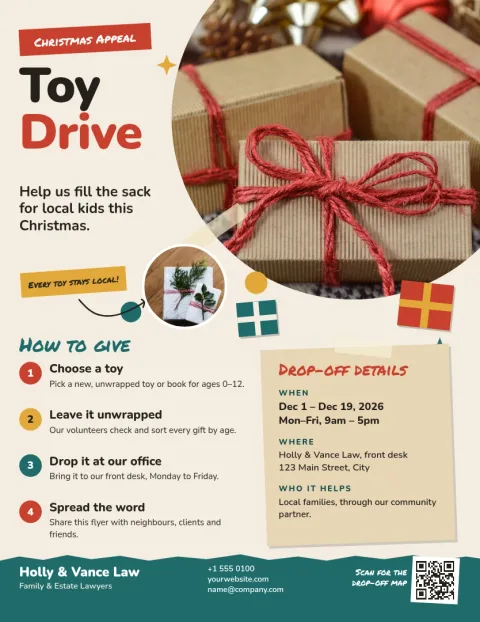
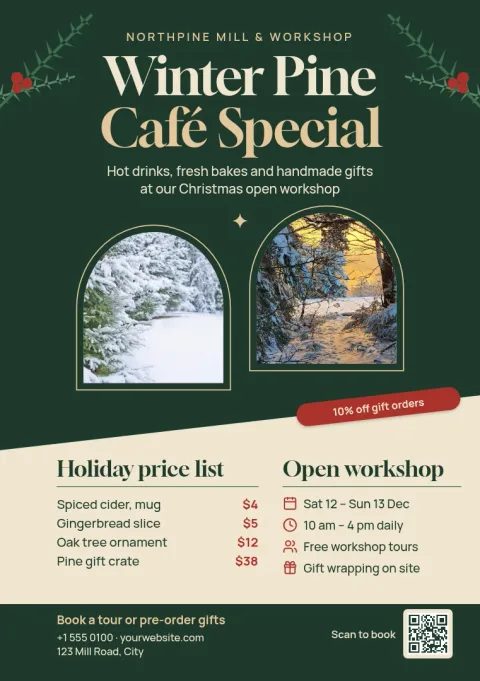
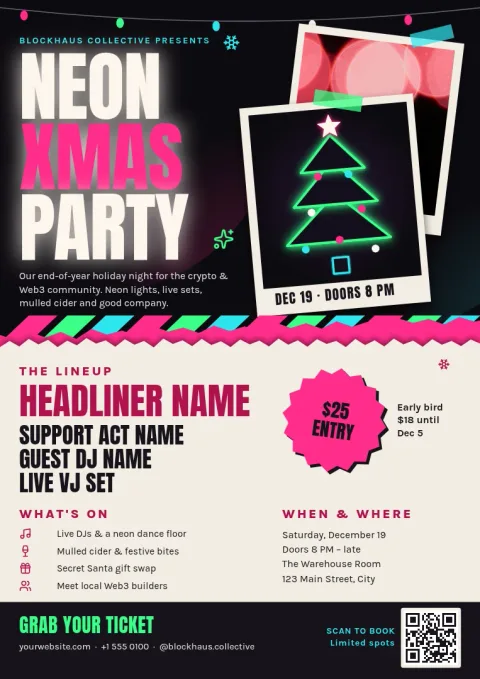
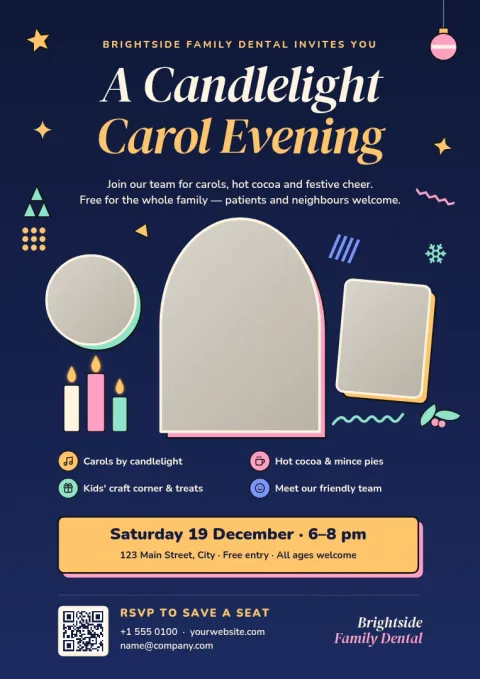
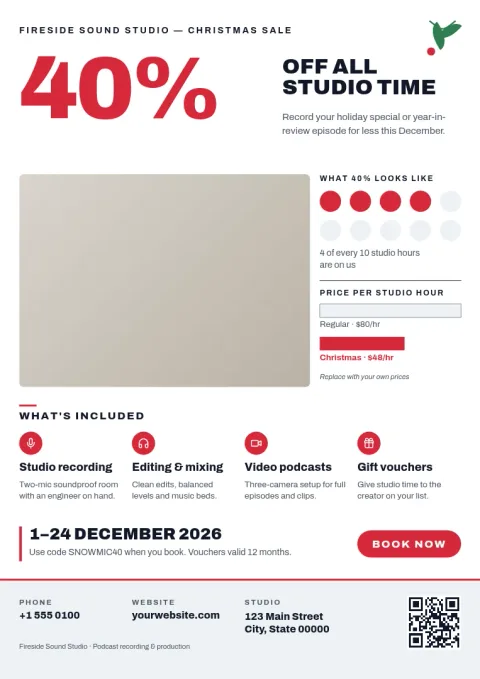
Pick a layout that matches your message
A party invite needs big time and place details. A sale flyer needs a clear offer. A carol service or toy drive needs a calmer, warmer tone. Start with the template closest to your goal, then change the wording so the one thing you want people to do stands out.
Make it yours in the editor
Nimply Design runs in your browser and is part of every Nimply plan, including Free. Edit text, fonts, colours, photos and layout. If you set up a brand kit, your colours, fonts and logo stay consistent, so a holiday flyer still looks like it came from your business.
Download or send it to a post
Download your flyer as PNG, JPG, WebP, PDF (standard or vector) or SVG. You can also send the design straight into a Nimply post for approval and scheduling, so the same artwork can reach your social followers. Downloading a template does not use AI credits.
Frequently asked questions
Can I change the text and colours on a Christmas flyer?
Yes. You can edit all the text, fonts, colours, photos and layout in the browser editor. If you have a brand kit, you can keep your own colours, fonts and logo on the flyer.
What file types can I download?
You can download PNG, JPG, WebP, PDF (standard or vector) or SVG. Pick the one that suits where the flyer will be used, such as PDF for a document or PNG for sharing online.
Do I need a paid plan to use these templates?
No. Nimply Design is part of every Nimply plan, including Free. Downloading a template does not use AI credits. Only AI photo tools, such as the background remover, use credits.
Which size should I choose?
Letter and A4 suit posters, notice boards and full-page handouts. A5 is a smaller half-page size that works well for counters and hand-outs. Choose the size that matches how you plan to share the flyer.
Can I share the flyer on social media too?
Yes. You can send the design straight into a Nimply post for approval and scheduling, or download it as an image and post it anywhere you like.
Make it yours in minutes
Open any template in Nimply Design, add your brand in one click, and send it straight into a post for approval and scheduling.