

Windowed envelope template designs you can edit online
Pick a windowed envelope template, add your logo and return address, and keep the window area clear for the recipient. Each design opens in the Nimply Design editor in your browser, so you can adjust colours and fonts, then download it.
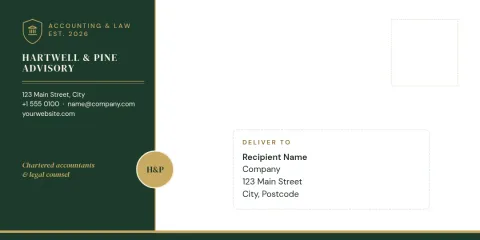
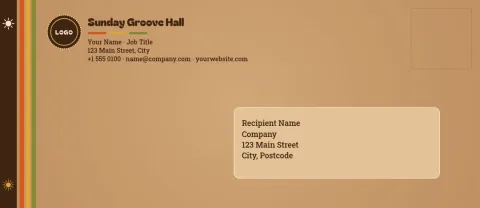
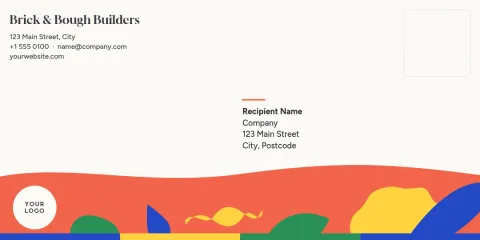
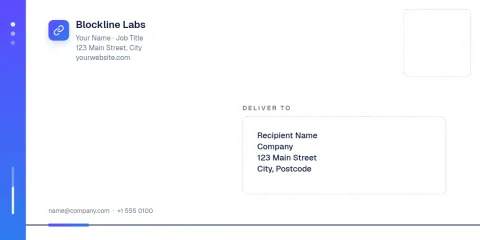
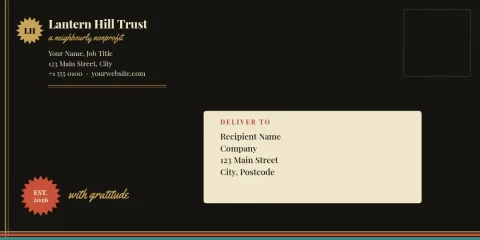
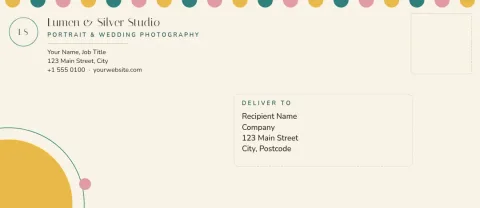
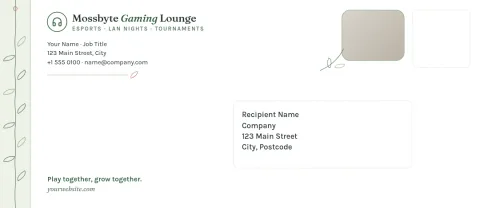
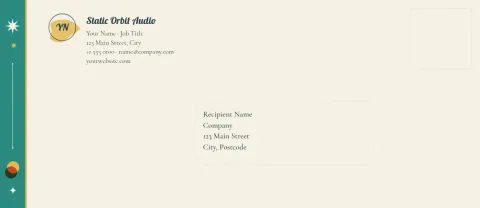
What a windowed envelope design needs
A windowed envelope shows the address printed on the letter inside, so the front of the envelope stays mostly free for your brand. These templates leave a clear zone where the window sits and put your logo, return address and accents around it. Every element is editable, so you can move things to match the envelope you bought.
Edit the template to match your brand
Change text, fonts, colours and layout in the editor. Save your colours, fonts and logo in a brand kit so every envelope, letterhead and card looks like it comes from the same business. Designs come in DL and #10 sizes, the two most common sizes for business letters.
Download and check the window position
Download your design as a PDF (standard or vector), PNG, JPG, WebP or SVG. Before a full run, measure your own envelope and compare the window size and position with the template. Adjust the clear zone if needed, then test on one sheet of paper.
Frequently asked questions
What is a windowed envelope template?
It is an envelope design with a marked clear area where the cut-out window sits. Your logo, return address and brand details go around that area, so the address on the letter inside shows through.
Can I change the colours and logo?
Yes. You can edit text, fonts, colours, photos and layout, and add your logo. If you use a brand kit, your saved colours, fonts and logo are ready to apply.
Which sizes are available?
The templates here use DL and #10 envelope sizes. DL is common in the UK and Europe, and #10 is the standard business envelope in the US.
How do I download the design?
Download as PDF (standard or vector), PNG, JPG, WebP or SVG. Downloading a template does not use AI credits. Nimply does not print or ship envelopes, so you will need your own printer.
Will the window line up with my envelope?
Window sizes and positions vary between envelopes. Measure yours, compare it with the clear zone in the template, and move or resize elements before printing.
Make it yours in minutes
Open any template in Nimply Design, add your brand in one click, and send it straight into a post for approval and scheduling.