

Envelope template 5x7 designs you can edit online
Find an envelope template 5x7 that suits your card, then make it yours. Change the text, fonts, colours and logo in the Nimply Design editor, and download the finished envelope as a PDF, PNG, JPG, WebP or SVG. Eight styles to start from, from plain and professional to playful.
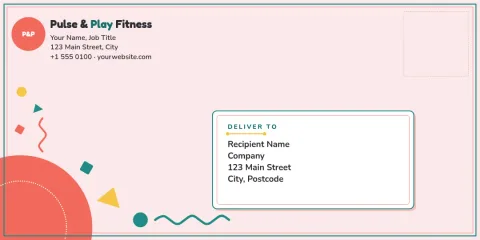
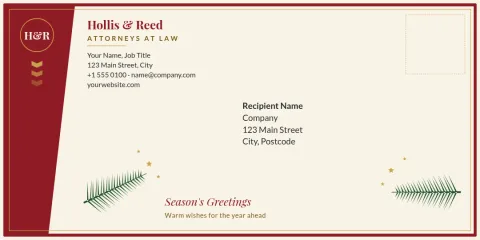
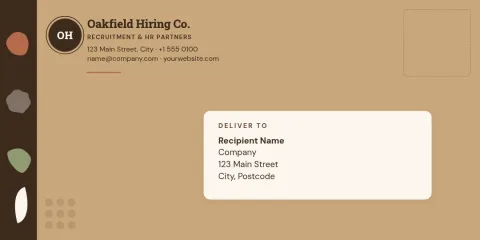
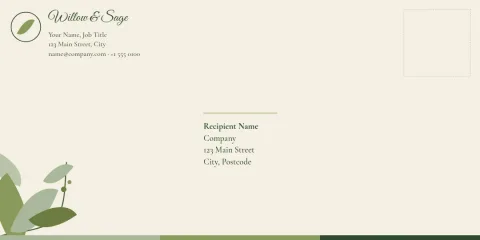
What an envelope template 5x7 is for
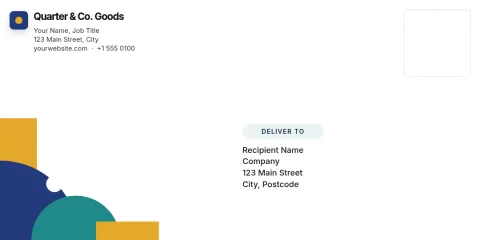
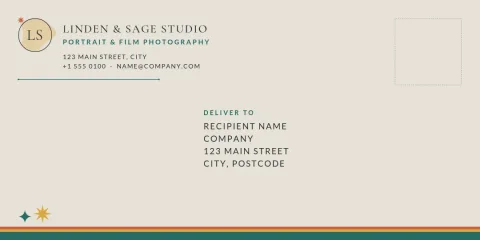
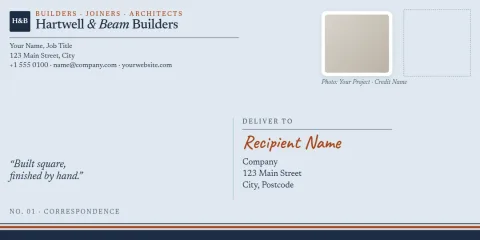
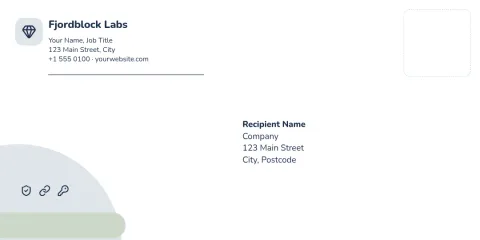
A 5x7 card needs an envelope that fits it with a little room to spare. These templates give you the front design: address area, return address, a logo or a small pattern. Pick one that matches your card, swap in your details and you have a matching set for invitations, thank-you notes or client mail.
Edit it to match your brand
Every template opens in the Nimply Design editor in your browser. Change the text, fonts, colours, photos and layout. If you save a brand kit, your colours, fonts and logo stay consistent across each envelope, card and flyer you make.
Download in the format you need
Download your envelope as PNG, JPG, WebP, PDF (standard or vector) or SVG. PDF and SVG work well when you want sharp lines for printing at home or at a print shop. Downloading a template does not use AI credits. Design is included in every Nimply plan, including Free.
Frequently asked questions
What size is a 5x7 envelope?
A 5x7 card usually needs a slightly larger envelope, often called A7, at about 5.25 x 7.25 inches. Check the exact size of the envelope stock you plan to use, then adjust the layout and margins in the editor to match.
Can I edit the address area and logo?
Yes. Text, fonts, colours, photos and layout are all editable. You can replace the sample address with your own, add your logo and move elements around until the envelope fits your card.
Which file formats can I download?
You can download PNG, JPG, WebP, PDF (standard or vector) or SVG. PDF and SVG are the usual picks for printing because the lines stay sharp at any size.
Do I need a paid plan to use these templates?
Nimply Design is part of every Nimply plan, including Free. Downloading a template does not use AI credits. Only the AI photo tools, such as the background remover, use credits.
Can I match the envelope to my brand?
Yes. Set up a brand kit with your colours, fonts and logo, and use them across every envelope and card you design so the whole set looks consistent.
Make it yours in minutes
Open any template in Nimply Design, add your brand in one click, and send it straight into a post for approval and scheduling.