

Address envelope template designs you can edit online
Start with an address envelope template, type in your return address and recipient details, and change the fonts and colours to suit you. These eight designs fit DL and No. 10 envelopes. Edit them in your browser, then download a PDF or PNG when you are happy.
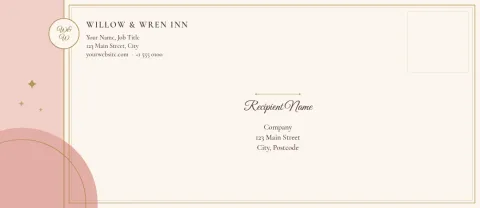
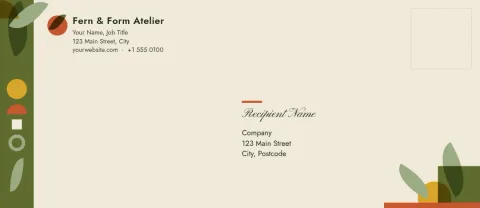
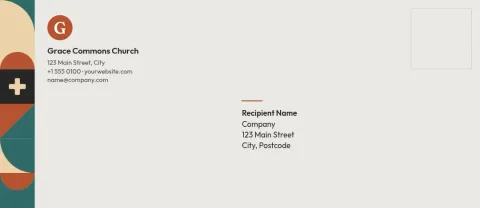
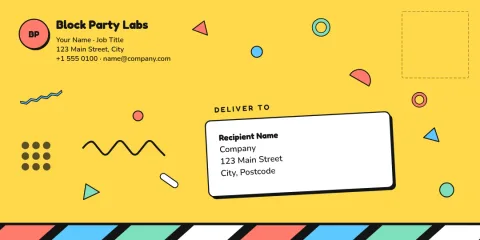
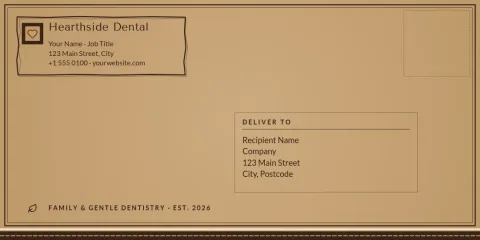
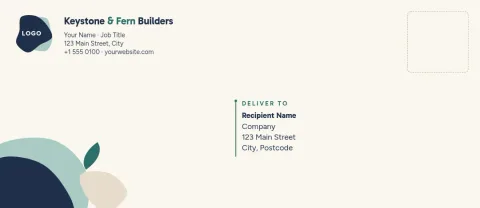
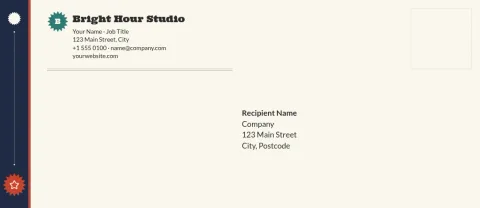
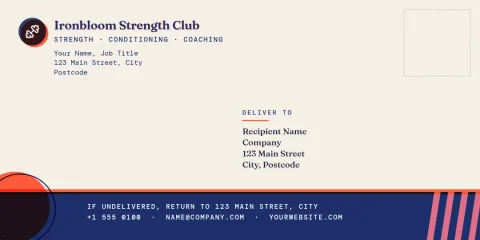
Choose a layout that fits your mail
Some envelopes need only a clean return address and a recipient block. Others work better with a logo, a thin border or a colour band. Look through the eight designs, pick the one closest to your style, and change the text, fonts and colours until it matches your business or your event.
Keep your brand on every envelope
If you save a brand kit in Nimply, your colours, fonts and logo are ready to apply to any template. That helps invoices, thank-you notes and client letters all look like they come from the same place, without redoing the design each time.
Download and use it your way
When the design is ready, download it as a PDF, PNG, JPG, WebP or SVG. Downloading a template does not use AI credits. AI photo tools such as the background remover do use credits, and you only need them if you add photos.
Pick the right size first
Choose DL for standard letters folded in three, common in Europe and many other regions. Choose No. 10 for US business letters. Check your printer settings before you print, and test on plain paper so the address lands where you expect.
Frequently asked questions
Which envelope sizes are covered?
The templates use DL and No. 10 envelope sizes. DL is common for letters folded in three outside the US, and No. 10 is the standard US business envelope. Pick the size that matches the envelopes you have.
Can I add my logo and brand colours?
Yes. You can edit text, fonts, colours, photos and layout. A brand kit keeps your colours, fonts and logo together so you can apply them to each envelope design quickly.
What file types can I download?
You can download PNG, JPG, WebP, PDF (standard or vector) or SVG. PDF is usually the easiest choice when you plan to print the envelope on your own printer.
Does downloading a template cost AI credits?
No. Downloading a template does not use AI credits. Only the AI photo tools, such as the background remover and Magic Layers, use credits.
Is the editor free to use?
Nimply Design is included in every Nimply plan, including Free, so you can open a template and start editing without upgrading.
Make it yours in minutes
Open any template in Nimply Design, add your brand in one click, and send it straight into a post for approval and scheduling.