

Envelope fold template designs you can edit online
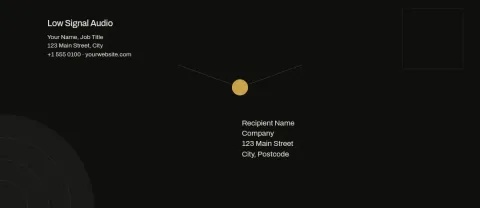
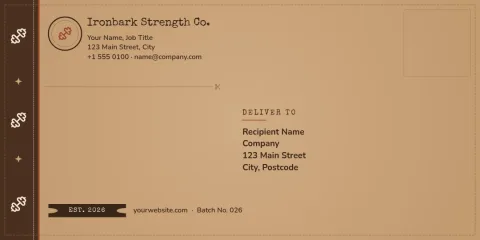
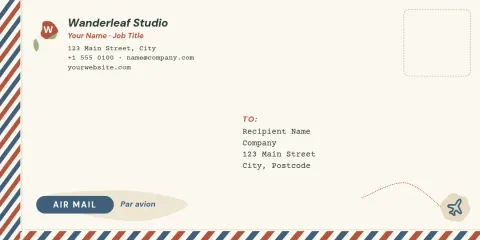
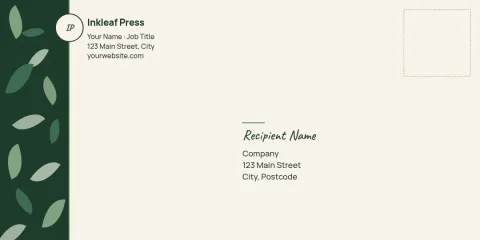
Pick an envelope fold template, add your name, logo and colours, and download the file when it looks right. Each design is a ready layout in DL or 10 envelope size, with space for an address, a return mark and a small pattern or photo.
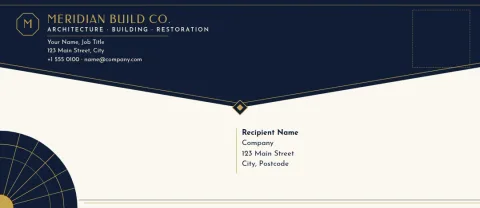
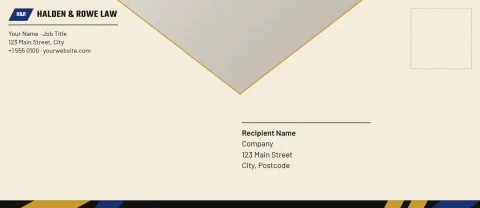
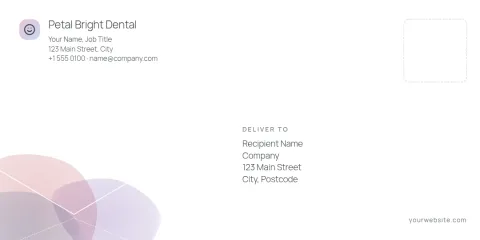
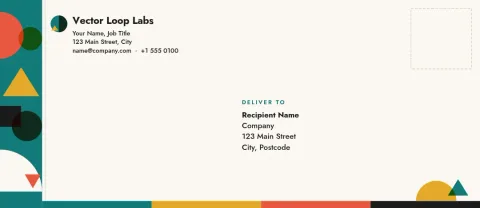
What these envelope templates give you
Each template is an envelope layout you can change in the Nimply Design editor. Swap the text, fonts and colours, move shapes around, and drop in your own photo or logo. Some designs show light fold guide lines drawn as shapes, so you can see where the flap and edges sit. Delete the guides if you only want the front.
Keep every envelope on brand
If you send letters, invoices, thank-you notes or invitations, your envelopes should look like your business. Save your colours, fonts and logo in a brand kit and the templates are quick to match. Change one design once, then reuse it for the next batch instead of starting from a blank page.
Download and use your design
When you are happy, download the design as a PDF (standard or vector), PNG, JPG, WebP or SVG. Downloading a template does not use AI credits. Check the size against your paper and envelope before you print or fold, because home printers and stock vary. AI photo tools like the background remover do use credits.
Frequently asked questions
Can I edit the text and colours?
Yes. Every template opens in the Nimply Design editor, where you can change the text, fonts, colours, photos and layout. You can also apply a brand kit so your colours, fonts and logo are already in place.
Which envelope sizes are available?
These templates come in two envelope sizes: DL and 10. Pick the one that matches the envelopes or paper you plan to use, and check measurements before you print.
What file types can I download?
You can download PNG, JPG, WebP, PDF (standard or vector) or SVG. PDF or SVG is a good choice if you plan to print the design yourself.
Does downloading a template cost AI credits?
No. Downloading a template does not use AI credits. Only AI photo tools, such as the background remover and Magic Layers, use credits. Nimply Design is part of every plan, including Free.
Make it yours in minutes
Open any template in Nimply Design, add your brand in one click, and send it straight into a post for approval and scheduling.