

Envelope addressing template designs you can edit
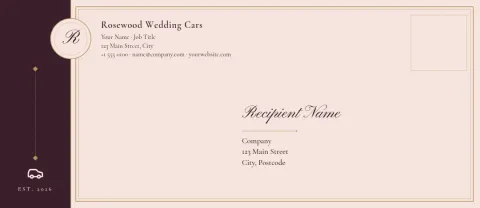
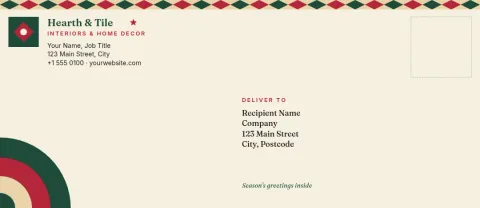
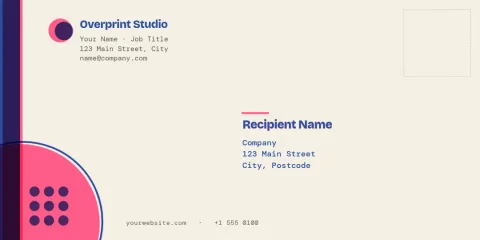
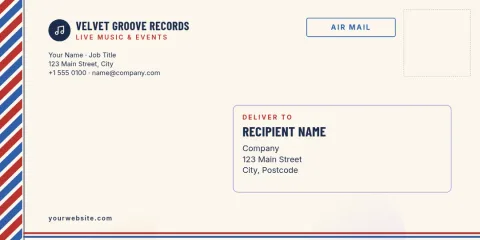
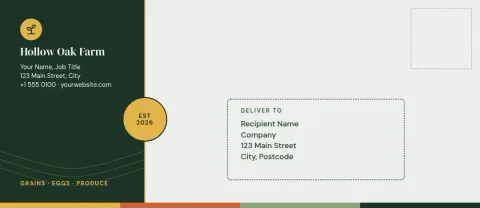
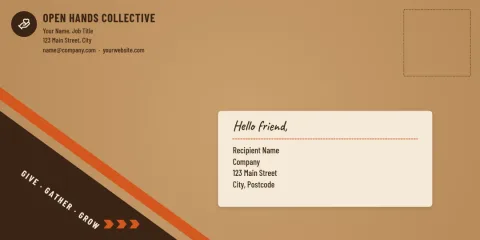
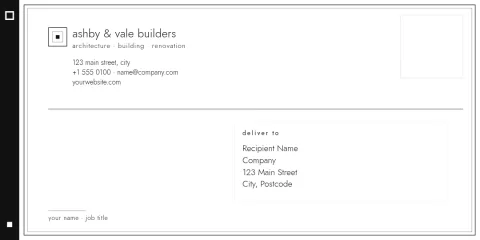
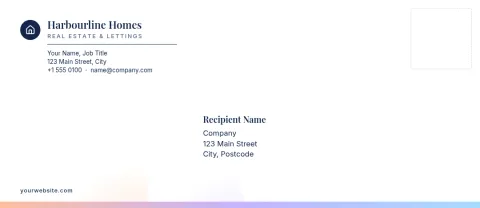
Choose an envelope addressing template, replace the sample names and addresses with your own, and set the fonts and colours to match your brand. Each design is built for the DL or #10 envelope size. Edit in your browser, then download a PDF or image.
Start with the right envelope size
The templates come in two sizes: DL, a long narrow envelope common for letters and invoices outside the US, and #10, the standard business envelope in the US. Pick the size that matches the envelopes you have, so the address block lands where you expect it to.
Make the address easy to read
A good envelope is read in seconds. Keep the recipient's name and address large and dark on a plain background, and put your return address small in a corner. Every template here follows that order, so you can change colours and fonts without making the address harder to read.
Keep your brand on every envelope
Add your logo, set your brand colours and fonts, and save them in a brand kit so each new envelope looks like the last one. This helps invoices, quotes, thank-you notes and invitations arrive looking like they came from the same business.
Download and use
When the design is ready, download it as a PDF, PNG, JPG, WebP or SVG. Downloading a template does not use AI credits. Check your printer's settings and test on plain paper first, so you know the address sits in the right place.
Frequently asked questions
Can I change the names and addresses?
Yes. Every text block is editable. Click it, type the recipient and return address you need, and adjust the font, size and colour. Duplicate the design for each recipient if you are addressing a batch by hand.
Which envelope sizes are available?
These templates are set up for the DL and #10 envelope sizes. Choose DL for long narrow letter envelopes and #10 for the standard US business envelope. Check your actual envelope against the size before you print.
What file types can I download?
You can download PNG, JPG, WebP, PDF (standard or vector) or SVG. For printing at home or at a print shop, PDF is usually the safest choice. Downloading a template does not use AI credits.
Can I add my logo and brand colours?
Yes. Upload your logo, change any colour, and save your colours, fonts and logo in a brand kit so you can reuse them on later envelopes and other designs.
Do I need design skills?
No. Each template already has a layout with the address in a sensible place. You mainly replace the text and, if you want, change the colours or add a logo.
Make it yours in minutes
Open any template in Nimply Design, add your brand in one click, and send it straight into a post for approval and scheduling.