

Blank envelope template designs you can edit online
Pick a blank envelope template, add your logo, colours and return address, and download it when it looks right. Every design below comes in a standard envelope size and opens in the Nimply Design editor in your browser. Free plan included.
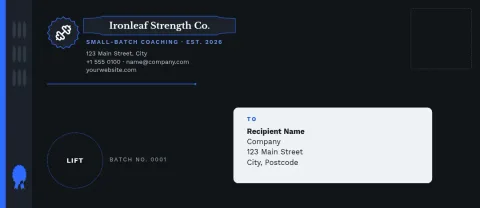
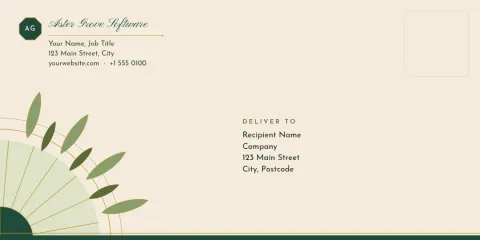
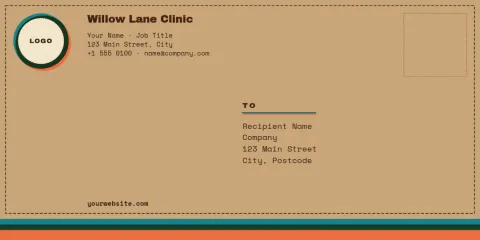
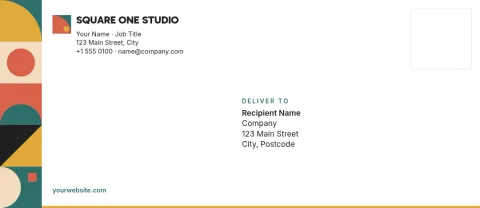
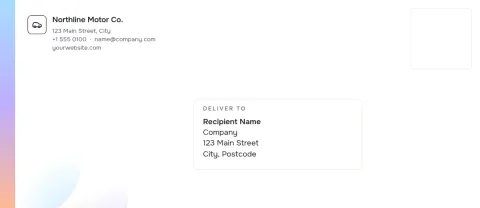
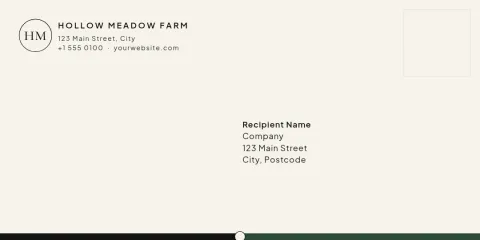
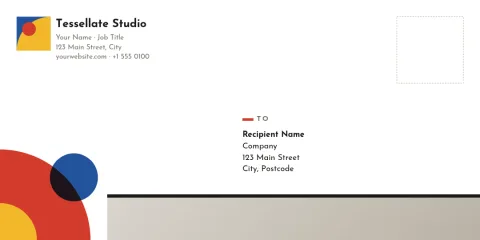
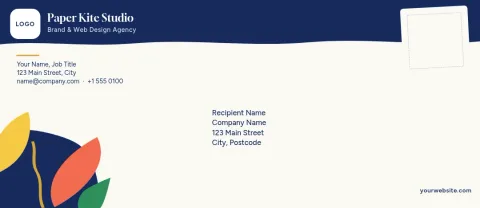
What a blank envelope template gives you
A blank envelope template is a ready-sized layout with space for a return address, a recipient block and a little branding. You skip the setup and spend your time on the parts that matter: your name, your colours and the look people see before they open the mail. Nothing is locked, so you can move or remove any element.
Choose between DL and #10
DL is the common size for folded letters and invoices in many countries. The #10 is the standard business envelope in North America. Each template here is set up in one of these two sizes, so pick the one that matches the paper and the post you use, then adjust the layout to suit.
Make it match your brand
Edit text, fonts, colours, photos and layout directly in the editor. If you have a brand kit, it keeps your colours, fonts and logo ready so every envelope looks like the rest of your stationery. Pair it with letterheads and business cards for a consistent set.
Download in the format you need
Download your envelope as PNG, JPG, WebP, PDF (standard or vector) or SVG. Downloading a template does not use AI credits. Check the finished file at actual size before you send it to whoever prints it for you.
Frequently asked questions
Is the blank envelope template free to use?
Nimply Design is part of every Nimply plan, including Free. You can open a template, edit it and download it. Downloading a template does not use AI credits. AI photo tools such as the background remover do use credits.
Which envelope sizes are available?
The templates on this page use DL and #10 envelope sizes. DL suits folded letters in many countries, and #10 is the usual business envelope in North America.
Can I add my logo and return address?
Yes. You can edit text, fonts, colours, photos and layout. Upload your logo, type your return address, and move things wherever you want. A brand kit can keep your colours, fonts and logo ready for reuse.
What file formats can I download?
You can download PNG, JPG, WebP, PDF (standard or vector) or SVG. Choose the file type that suits how you plan to use the design.
Does Nimply print or ship the envelopes?
No. Nimply is where you design and download the file. You would take the file to a printer or print it yourself.
Make it yours in minutes
Open any template in Nimply Design, add your brand in one click, and send it straight into a post for approval and scheduling.